 ENEnglish
 LTLietuviškai
 DEDeutsch
 FRFrançais
 RUРусский
 ESEspañol
 PLPolski
 ITItaliano
 UKУкраїнська
 CSČeština
 PTPortuguês
 JA日本語
JA日本語 LVLatviešu valoda
 ETEesti
 HUMagyar
 IDBahasa Indonesia
 TRTürkçe
 HIहिन्दी
 ELΕλληνικά
 ARالعربية
 THไทย
THไทย VITiếng Việt
 RORomână
 MSBahasa Melayu
 BNবাংলা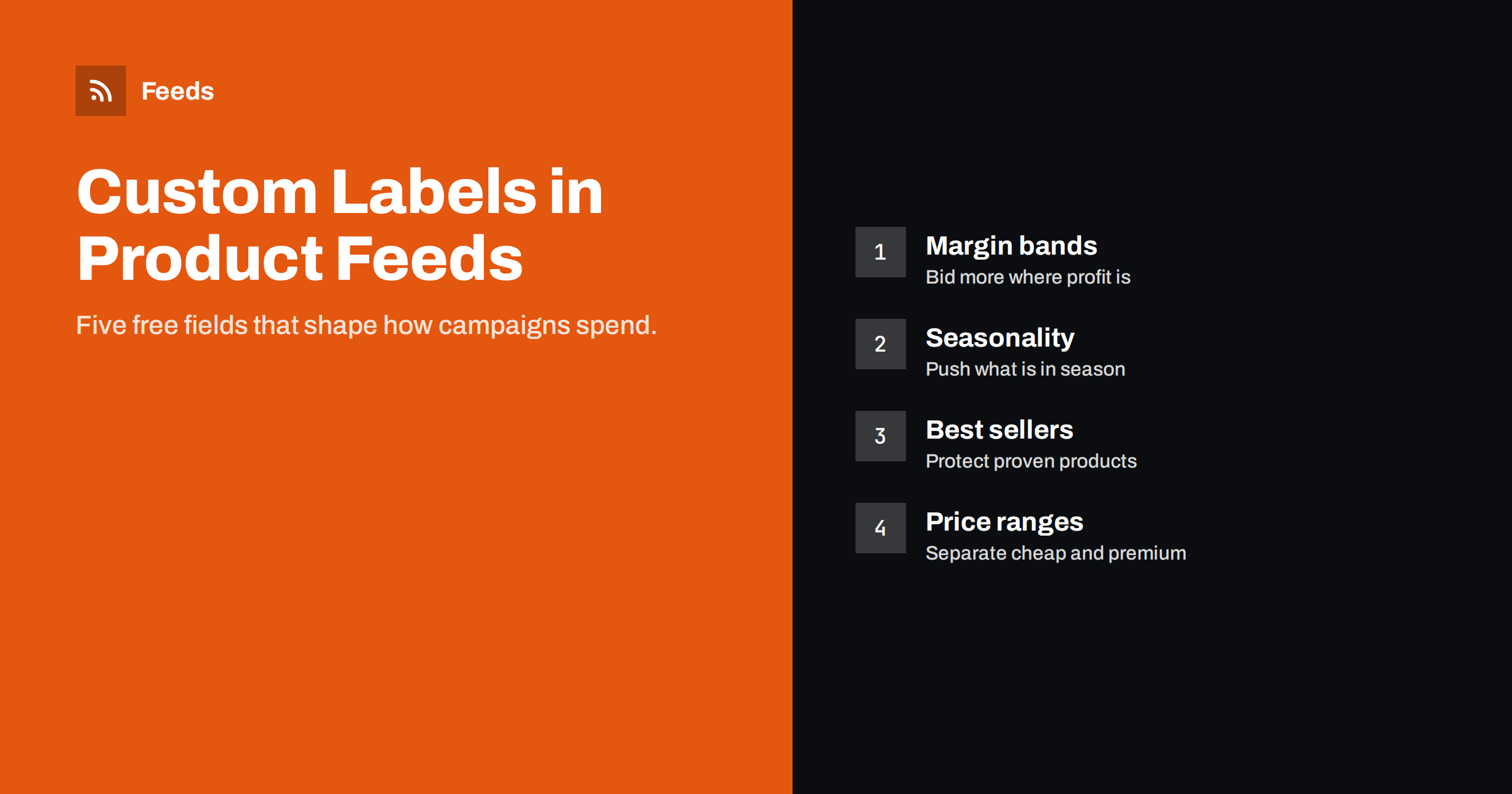
Short answer: Custom labels are five optional feed attributes, custom_label_0 to custom_label_4, that let you tag products with your own values, such as margin band, season, best seller status, price range or clearance. Shoppers never see them. In Google Shopping and Performance Max campaigns, and in Meta product sets, you can split products by these labels and give each group its own budget, bids or targets. Assign labels with rules based on product data, so they stay accurate as the catalog changes.
What custom labels are for
A product feed describes products the way shoppers and platforms need to see them: title, price, category, identifiers. It does not describe how your business sees them. Two products with the same price and category can be very different for you: one has a 60% margin and is always in stock, the other has a 10% margin and a two-week lead time. Without extra information, an advertising platform treats them the same.
Custom labels close that gap. They are free text fields, each up to 100 characters, where you put the business information that should influence how products are advertised. Google Ads can subdivide Shopping campaigns and Performance Max listing groups by these labels, and Meta can use them in product set filters. Because each product can carry five labels, you can combine several dimensions, for example margin in label 0, season in label 1 and best seller status in label 2.
Labels are invisible to shoppers and have no effect on approval or matching. Their only job is to give you control. That makes them one of the highest-leverage attributes for anyone managing campaigns, and one of the most underused.
Labels also make reporting more meaningful. A report that says “category X spent this much” is useful; a report that says “high-margin best sellers returned this much and low-margin long-tail items returned that much” is a basis for decisions. Many store owners discover through such reports that a large share of their ad spend goes to products that barely contribute to profit.
The most useful label ideas
- Margin band: high, medium, low. Lets you spend more where each sale is more profitable.
- Price range: under 25, 25 to 100, over 100. Cheap and expensive products behave differently in conversion rate and order value.
- Best sellers: top, steady, long tail. Protects budget for proven products and gives new ones a separate testing space.
- Seasonality: summer, winter, all-year, holiday. Lets you push seasonal items at the right time and pause them afterwards.
- Clearance: yes or no. Separates stock you want to move quickly, even at lower return.
- New arrivals: products added in the last few weeks, so they are not buried under established items.
- Stock depth: plenty, limited. Avoids pushing items that will sell out before the ad spend pays off.
- Brand ownership: own brand versus resold brands, which often have very different margins.
You do not need all of them. Pick the two or three dimensions that most change how you would spend money, and start there.
Assigning labels with rules, not by hand
Labels assigned by hand decay quickly. The product that was a best seller in spring is average by autumn; the clearance item sells out; new products never get a label. The solution is to assign labels with rules that derive the value from data:
- Price range from the price field, with fixed thresholds.
- Margin band from cost and price, if cost is available in your data, or from a category-level assumption if it is not.
- Season from product tags or categories that already exist in the store.
- Best sellers from sales data exported periodically, joined by product ID.
- New arrivals from the product creation date.
Rules can live in your feed tool, in a supplemental feed maintained by a script, or in the store itself as product fields. What matters is that nobody has to remember to update them.
If you have no cost data at all, a simple approximation still helps. Many stores know which categories or brands carry better margins without knowing each product’s exact cost. A rule that maps categories to margin bands is imperfect, but it is far better than treating every product the same, and it can be refined later when better data becomes available.
When sales data drives a label, choose a sensible window. A best seller label based on the last seven days jumps around with every small spike; one based on the last 60 or 90 days is steadier and better suited to campaign structure.
Using labels in Google campaigns
In standard Shopping campaigns, you subdivide the product group tree by custom label and set bids for each group. In Performance Max, you use listing groups to include or exclude products by label, or create separate asset groups or campaigns for different labels with their own budgets and return targets.
A common structure for a small store is three campaigns: one for best sellers with a higher budget, one for the rest of the catalog with a moderate target, and one for clearance with a lower return target. Another common structure splits by margin band, so that high-margin products can win auctions that low-margin products could not afford.
Keep the structure simple. Every extra split divides your data, and campaigns with very little data make poorer automated decisions. Two or three groups with meaningful differences usually outperform ten groups with thin data.
Using labels in Meta product sets
Meta catalogs accept the same custom label fields. Product sets can filter on them, so the same labels you use for Google can define sets for catalog ads: best sellers for prospecting, new arrivals for retargeting existing customers, clearance for promotional periods. Using the same labels on both platforms keeps your reporting language consistent and means one set of rules serves both.
Meta also lets you use labels to separate products for different creative treatments. A new-arrivals set might use a template that highlights novelty, while a clearance set emphasizes the discount. Because the sets update automatically from the feed, the creative strategy keeps working as products move between groups.
A label plan you can copy
| Label | Meaning | Example values | Assigned by |
|---|---|---|---|
| custom_label_0 | Margin band | margin-high, margin-mid, margin-low | Category or cost rule |
| custom_label_1 | Price range | price-0-25, price-25-100, price-100-plus | Price thresholds |
| custom_label_2 | Performance | bestseller, steady, new | Sales data and creation date |
| custom_label_3 | Season | summer, winter, all-year | Store tags |
| custom_label_4 | Promotion | clearance, none | Sale or clearance tag |
Document your plan in a short note that everyone working on campaigns can find. Labels are only useful if their meaning is shared.
Mistakes to avoid
- Reusing a label for a new meaning without cleaning up campaigns built on the old meaning.
- Inconsistent values such as “Bestseller”, “best seller” and “bestseller” in the same label. Filters treat them as different.
- Too many unique values, such as putting the product name in a label. Labels are for grouping.
- Labels that change daily, which constantly move products between campaigns and disrupt learning.
- Leaving products unlabeled. Decide what an empty label means, and make sure every campaign structure has a place for those products.
Reviewing labels over time
Review your label plan every quarter. Check how many products fall into each value, whether the thresholds still make sense, and whether campaigns split by labels actually perform differently. If two groups perform the same, merge them. If one group contains most of the catalog, split it further. Changes should be deliberate and infrequent, because every change resets some of the history campaigns rely on.
Seasonal labels deserve a calendar reminder. A “summer” label is only useful if someone shifts budget when summer starts and ends.
Finally, remember that labels are a means, not a goal. A structure with five carefully maintained labels that nobody uses in campaigns adds work without benefit. Only keep labels that someone actually uses to make a decision.
How Feeds helps
Feeds creates product feeds in Google’s XML format from WooCommerce, Shopify or a CSV link, with rules to skip out-of-stock products, rewrite titles and adjust prices. For labels that depend on data outside the store, such as sales rankings, a supplemental feed in Merchant Center matched by product ID works alongside the main Feeds file. See the pricing page for plans.
Related reading
- google_product_category vs product_type: What to Use
- Meta Catalog Ads: What Your Product Feed Must Get Right
- Sale Prices in Product Feeds: sale_price and Effective Dates
The bottom line
Custom labels turn your business knowledge into something campaigns can act on. Choose two or three dimensions that change how you would spend, such as margin, performance or season, assign them with rules rather than by hand, keep values consistent, and use the same labels across Google and Meta. Review the plan quarterly, not daily.
KKK
How many custom labels can a product have?
Five: custom_label_0 to custom_label_4. Each holds one value of up to 100 characters.
Do custom labels affect where products appear?
No. Shoppers never see them and they do not affect matching. They only help you organize campaigns and product sets.
Can I use custom labels in Performance Max?
Yes. Listing groups in Performance Max can include or exclude products by custom label, and you can build separate campaigns or asset groups per label.
Does Meta support custom labels?
Yes. Meta catalogs accept custom_label_0 to custom_label_4, and product sets can filter on them.
How often should I change custom labels?
As rarely as possible. Update them by rule when data changes, but avoid redefining their meaning often, since campaigns depend on stable groups.


