 ENEnglish
 LTLietuviškai
 DEDeutsch
 FRFrançais
 RUРусский
 ESEspañol
 PLPolski
 ITItaliano
 UKУкраїнська
 CSČeština
 PTPortuguês
 JA日本語
JA日本語 LVLatviešu valoda
 ETEesti
 HUMagyar
 IDBahasa Indonesia
 TRTürkçe
 HIहिन्दी
 ELΕλληνικά
 ARالعربية
 THไทย
THไทย VITiếng Việt
 RORomână
 MSBahasa Melayu
 BNবাংলা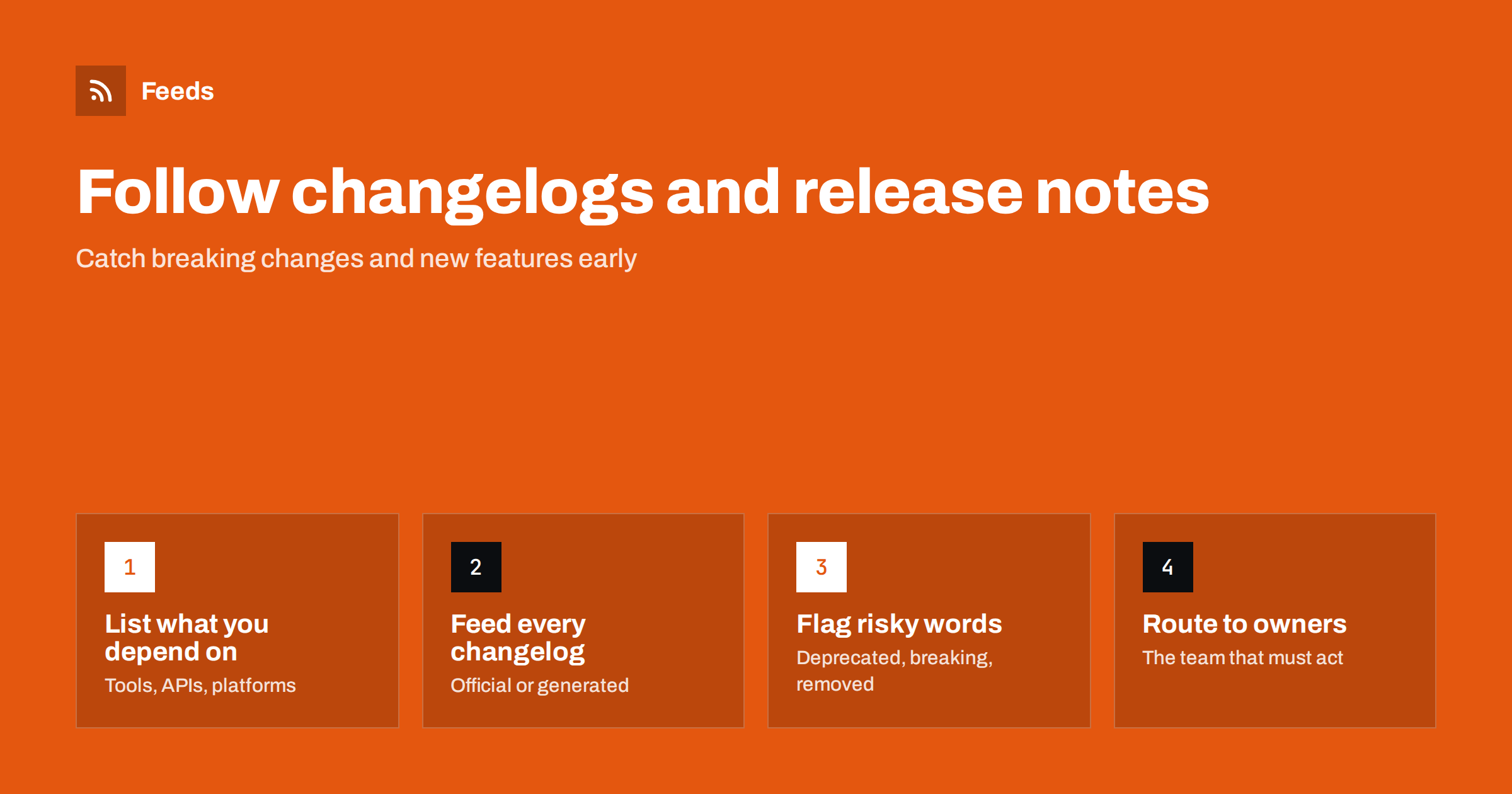
Short answer: List the software, services and APIs your business depends on, plus the competitors you watch, and find each one’s changelog or release notes page. Use the official feed where it exists, which is common on developer platforms, and generate feeds from changelog pages that have none. Merge them by team, flag items containing words like “deprecated”, “breaking” or “end of life”, and route those to the people who must act before the change takes effect.
Modern businesses run on dozens of third-party tools: website platforms, plugins, payment services, analytics, email services, cloud hosting and APIs. Each of them changes regularly, and those changes are announced in changelogs and release notes that few people read until something breaks. Following them with feeds turns that surprise into advance notice. The same technique gives product teams a clear view of what competitors actually ship.
Why changelogs deserve attention
Changelogs are unglamorous, but they carry some of the most actionable information on the web.
- Breaking changes: an API version is retired, a setting is removed, an integration stops working in its old form.
- Deprecations with deadlines: features marked for removal on a specific date, often months ahead.
- Security fixes: updates that should be applied promptly.
- New features: capabilities you are paying for but not using, or that replace a workaround you built.
- Pricing and plan changes: sometimes announced first in release notes or product updates.
- Competitor progress: what they build, how fast, and which gaps they are closing.
Teams that read changelogs systematically rarely get caught by an API shutdown or a plugin update that changes behavior overnight.
The problem is volume and scattering. Each vendor publishes in its own place and format, some weekly and some several times a day, and nobody has time to visit twenty changelog pages. Feeds solve the scattering by bringing every entry to one place, and filters solve the volume by lifting out the few entries that need a decision.
Step 1: Inventory what you depend on
Start with a list. Walk through your website, your internal systems and your integrations, and note every external product whose changes could affect you. For each, record the product, the owner inside your company and where its release notes live.
| Category | Examples of what to include | Where changes are announced |
|---|---|---|
| Website platform | CMS core, theme, key plugins | Release notes, plugin changelogs, developer blog |
| Commerce and payments | Store platform, payment provider, shipping integrations | Developer changelog, API version notes |
| Marketing tools | Email service, analytics, advertising platforms | Product updates page, API changelog |
| Infrastructure | Hosting, CDN, DNS, databases | Release notes, deprecation notices, status and incident pages |
| Internal software | CRM, helpdesk, accounting | “What’s new” pages, admin announcements |
| Competitors | Their products | Public changelog, product updates, blog |
Step 2: Find or create a feed for each changelog
Developer-focused products often publish changelog feeds, because developers expect them. Look for an RSS or Atom icon on the changelog page, a feed link in the page source, or a “subscribe” option. Code hosting platforms also expose release feeds for open source projects; for example, projects on GitHub publish Atom feeds of their releases.
Many business tools, however, publish product updates on a plain web page, sometimes built with a changelog widget or a help center article list. For these, use a page-to-feed tool on the changelog’s list page and check the preview: each item should be one release or update entry with a meaningful title and a link. If entries have no individual links and are all on one long page, the feed may be less precise, and a page change monitor on that page can be a useful complement.
Step 3: Flag the items that need action
Most changelog entries are routine improvements. The ones that need action usually contain recognizable words. Create a filtered feed, or a separate “action” feed, that keeps items containing terms like these:
- deprecated, deprecation, sunset, end of life, retire, removal
- breaking, breaking change, migration, action required
- security, vulnerability, patch
- API version, new version, upgrade required
- pricing, plan, limit
Keep the unfiltered feed as well, for the owner’s periodic review. The filtered feed is a safety net that surfaces the urgent items quickly; the full feed is where you discover useful new features.
Step 4: Route by owner
A changelog feed read by nobody in particular is not much better than none. Match feeds to the people who own each system.
- Merge changelogs by owning team: the web team gets CMS and plugin updates, the commerce team gets payment and store updates, the operations team gets infrastructure notes.
- Send the “action” feed to a shared channel or ticket queue where items can be assigned.
- For each flagged item, record a decision: no impact, schedule work, or urgent. Note any deadline in the team’s calendar.
- Review the full feeds weekly or fortnightly for new features worth adopting.
Do not forget status and incident pages
Changelogs tell you about planned changes; status pages tell you about unplanned ones. Many service providers run a public status page listing incidents and scheduled maintenance, and these pages frequently offer RSS or Atom feeds. Adding them to the same routing gives your team a single place for both kinds of vendor news. Keep incident feeds separate from changelog feeds, though, because incidents need attention within minutes while most changelog items can wait for the weekly review.
Common mistakes
- Following only the main product. Plugins, extensions and SDKs change more often than the platform they run on, and they cause more surprises.
- One feed for everyone. Developers, marketers and finance care about different entries. Split by owner.
- Filtering too strictly. Vendors word things differently: “retiring”, “sunsetting”, “no longer supported”. Include several variants.
- Reading without recording. If a deprecation deadline is not written into a calendar or ticket, it will be forgotten.
- Keeping feeds for removed tools. When you stop using a product, remove its feed so the stream stays relevant.
Following competitors’ changelogs
For product teams, competitors’ changelogs are the most honest source of competitive information: they show what is actually shipped, not what is planned or marketed. Merge the changelogs of your main competitors into one feed and review it weekly.
- Look for patterns over time: a competitor shipping many integrations, or focusing on a new customer segment.
- Note when they close gaps you rely on as differentiators.
- Watch the pace: steady weekly releases suggest a different organization from quarterly big launches.
- Share short summaries with sales so they are not surprised in conversations with prospects.
A worked example
A small online retailer runs a store platform with twelve plugins, a payment provider, an email marketing service, an analytics tool and a shipping integration. The developer who maintains the store builds a list of all seventeen changelogs. Nine have feeds; the other eight are product update pages or plugin changelog pages without feeds, so he generates feeds for them.
He merges everything into one “store dependencies” feed that he reads every Friday, and creates a second feed from the same sources filtered for “deprecated”, “breaking”, “security” and “action required”, delivered to his phone’s reader. Three months later, that filtered feed surfaces a payment provider notice that an old API version will be retired in six months. The migration is planned calmly instead of discovered when checkout fails.
How Feeds helps
Feeds creates RSS from changelog and product update pages that have no feed of their own, and uses the existing feed when one is available. It finds the list of entries on the page and shows a preview before creating the feed, so you can confirm each item is a release entry. You can merge several changelogs into one feed and keep only items with your words, such as “deprecated” or “breaking”, with duplicates removed automatically. Feeds refresh on their own, and paid plans alert you if a feed stops finding items after a vendor redesigns its changelog. Plans and limits are on the pricing page.
Related reading
- How to Track Competitor Blogs and News with RSS Feeds
- How to Set Up Keyword Alerts Using RSS Feed Filters
- Page Change Monitoring vs RSS Feeds: Which Do You Need?
The bottom line
Changelogs tell you, in advance, most of the changes that will affect your systems, and they show what competitors actually ship. Inventory your dependencies, get a feed for each changelog, filter for words that signal required action, and route items to the people who own each system. A few minutes a week replaces the scramble that follows an unexpected breaking change.
KKK
How can I get notified about new software releases?
Subscribe to the product’s changelog or release notes feed if it offers one. If not, create a feed from the changelog page with a page-to-feed tool and read it in a feed reader.
Do GitHub projects have release feeds?
Yes, GitHub publishes Atom feeds for repository releases and tags, which any feed reader can follow. They are a convenient way to track open source dependencies.
How do I avoid missing breaking changes?
Create a filtered feed that keeps changelog items containing words like deprecated, breaking, end of life and action required, and send it to someone who records a decision for each item.
What if a changelog is one long page without separate entries?
A generated feed may be less precise in that case. Combine it with a page change monitor on the changelog page, or check whether the vendor offers email notifications or a developer blog with a feed.
Should product teams follow competitors’ changelogs?
Yes. Changelogs show what competitors actually ship and how fast, which is more reliable than marketing announcements. A weekly review of a merged competitor changelog feed is usually enough.


