 ENEnglish
 LTLietuviškai
 DEDeutsch
 FRFrançais
 RUРусский
 ESEspañol
 PLPolski
 ITItaliano
 UKУкраїнська
 CSČeština
 PTPortuguês
 JA日本語
JA日本語 LVLatviešu valoda
 ETEesti
 HUMagyar
 IDBahasa Indonesia
 TRTürkçe
 HIहिन्दी
 ELΕλληνικά
 ARالعربية
 THไทย
THไทย VITiếng Việt
 RORomână
 MSBahasa Melayu
 BNবাংলা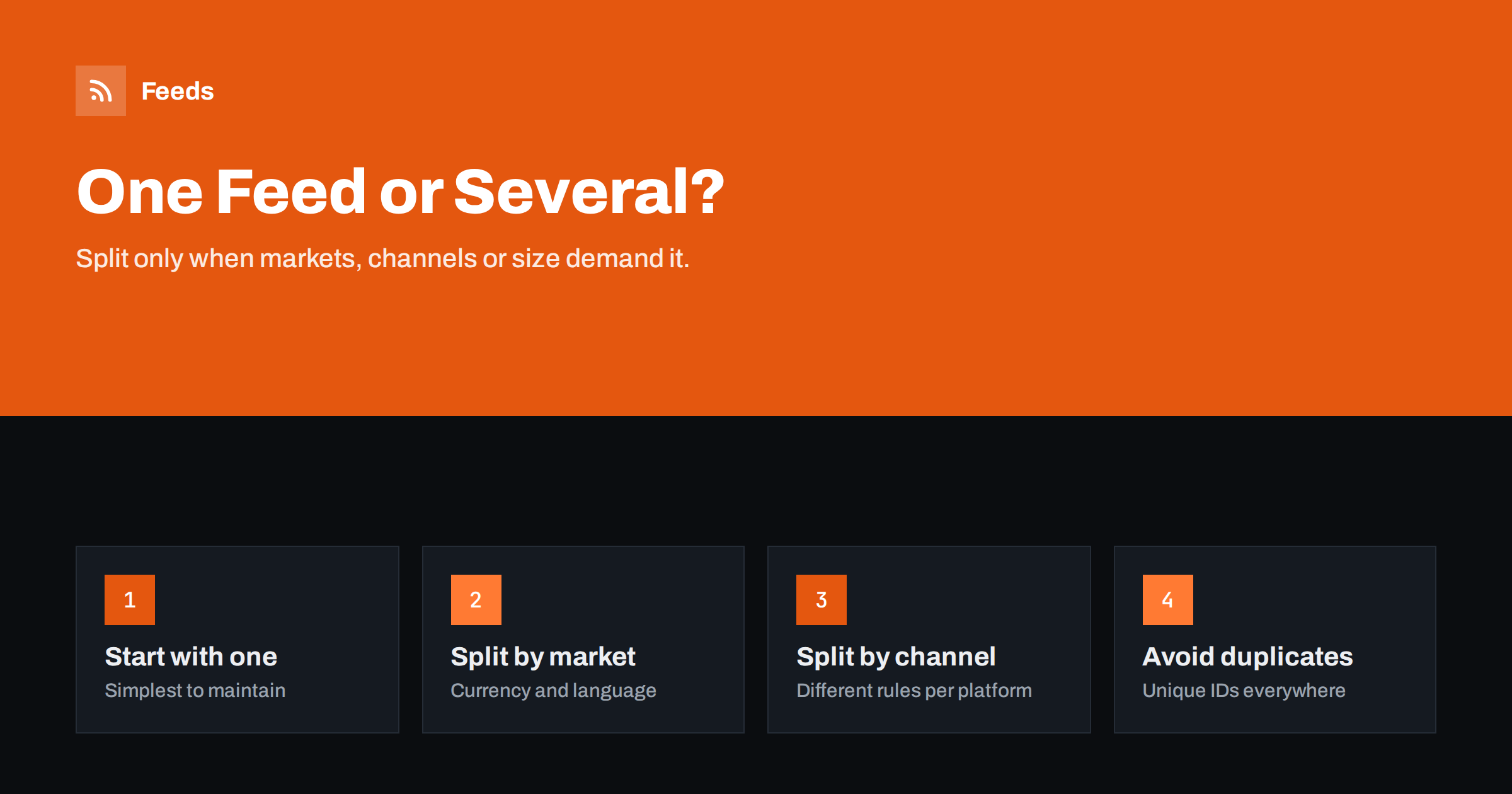
Short answer: Start with one product feed per store and split only when there is a clear reason: different countries with different currencies, languages or prices; different channels that need different titles, exclusions or formats; a catalog so large that one file is slow or hits size limits; or parts of the catalog owned by different teams or systems. When you split, keep product IDs unique and stable across feeds and document which feed serves which destination.
Why one feed is the default
Every additional feed is another file to generate, another data source to monitor and another place where things can go wrong. With one feed, there is one set of rules, one refresh schedule and one place to look when a product is missing. For most small and mid-sized stores selling in one market, one feed that serves both Google and Meta is enough.
A single feed also makes consistency easier. When titles, prices and stock come from one file, every channel shows the same offer. Multiple feeds built separately tend to drift apart over time, especially when different people maintain them.
That does not mean splitting is wrong. It means splitting should solve a specific problem, not be the starting point.
A useful test is to list the concrete problem each additional feed would solve. If you cannot name one, the extra feed is likely to add work without adding value.
Reason 1: countries, currencies and languages
The most common reason to split is international selling. Each target country needs prices in the currency shown to local shoppers, text in the landing page’s language and links to the right market version of the site. If those differ between countries, one feed cannot serve them all.
- Same language, same currency and same prices across countries: one feed can target several countries.
- Different currency or price per country: one feed per currency or country.
- Different language: one feed per language, or localized supplementary feeds in platforms that support them.
Keep product IDs the same across these feeds when they describe the same products. Platforms distinguish them by country and language settings, and consistent IDs keep reporting and product sets aligned.
Multi-country stores should also check shipping and tax settings per market before adding feeds. A new country feed without matching shipping settings will produce disapprovals, however accurate the product data is.
When markets share most products but each has a few exclusive items, one feed per market is still usually cleaner than one shared feed with complicated country exclusions. The exclusive items simply appear only in their market’s feed.
Reason 2: different channels need different data
Google and Meta read the same format, but you may want different data for each:
- shorter titles for social placements and search-oriented titles for Shopping;
- products allowed on one platform but restricted on the other;
- different custom labels for different campaign structures;
- marketplaces or comparison sites that require their own formats or categories.
If the differences are small, rules within one feed tool can often produce channel variants from the same source data. If a channel needs a completely different format, a separate feed is the clean solution. In both cases, generate every variant from the same store data, so prices and stock agree across channels.
Channel variants should stay close to the source. A Meta variant that differs only in titles is easy to maintain; a Meta feed that someone edits by hand in a spreadsheet quickly becomes a second product database with its own prices and errors.
Reason 3: catalog size and performance
Very large catalogs can produce feed files that take long to generate, download and process. Large files are more likely to time out or fail partway, and a single problem can block the whole catalog. Splitting by category or brand can help:
- each file is smaller and faster to generate;
- a problem in one category does not stop the rest;
- different parts can refresh on different schedules, such as fast-moving categories more often.
Before splitting for size, try compression and removing unnecessary content such as HTML in descriptions. Often that is enough. Check each platform’s current file size limits in its documentation.
Category-based splits also make it easier to set different refresh schedules. Fashion or electronics with fast-moving stock can refresh often, while slow-moving furniture or spare parts refresh less frequently, reducing load without leaving fast categories stale.
Reason 4: ownership and data sources
Sometimes different parts of the catalog come from different systems or teams: a main store and a clearance outlet, own products and a dropshipping range, or products from separate warehouses. Separate feeds can mirror that ownership, so each team maintains its own data and problems are easier to trace.
The risk is overlap. If the same product appears in two feeds with the same ID, platforms may treat them as conflicting data. If it appears with different IDs, you get duplicates competing with each other. Decide which feed owns each product and exclude it from the others.
A clear owner per feed also makes accountability simple. When the outlet feed has errors, the outlet team fixes them; the main store team is not distracted.
Decision table
| Situation | Recommendation |
|---|---|
| One country, one language, Google and Meta | One feed for both |
| Several countries, same currency and language | One feed targeting several countries |
| Several currencies or languages | One feed per market, same IDs |
| Different titles or exclusions per channel | Channel variants from one source |
| Very large catalog, slow or failing fetches | Split by category, after trying compression |
| Separate teams or systems own parts of the catalog | Separate feeds with no overlapping products |
Splitting without losing history
Moving from one feed to several is a structural change, and it deserves the same care as a platform migration. The main risk is changing product IDs or creating a period in which products exist in two sources at once. A careful sequence avoids both:
- Build the new feeds and compare their combined item list with the current single feed. Every product should appear exactly once per destination.
- Keep the same product IDs in the new feeds, so history in Merchant Center and matching with Meta pixel events are preserved.
- Add the new data sources, fetch them, and check that items were processed as expected.
- Remove the old data source only after the new ones are active, ideally in a quiet period rather than before a promotion.
- Watch diagnostics and item counts daily for the first week.
The same sequence works in reverse when merging feeds. Merging is often the better choice after a few years, when markets have been consolidated or channel differences have disappeared, and several feeds remain only out of habit.
Whichever direction you go, tell whoever manages campaigns beforehand. Product sets, listing groups and reports may reference data sources or feed labels, and they need to be checked after the change.
Managing several feeds without chaos
- Name feeds and data sources consistently, for example by market and channel: “DE – Google – main”.
- Keep a register listing each feed’s URL, destination, countries, refresh schedule and owner.
- Ensure unique IDs for different products across all feeds, and identical IDs for the same product across markets.
- Monitor each feed separately; a problem in a small market is easy to miss in totals.
- Review the setup yearly and merge feeds that no longer need to be separate.
The register is the part most teams skip and later regret. When a product is missing in one country, knowing immediately which feed should contain it saves a lot of searching.
Finally, remember that more feeds mean more monitoring. If your team barely has time to check one feed weekly, adding five more will mean none of them are checked properly. Match the number of feeds to the attention you can give them.
How Feeds helps
Feeds lets you create several product feeds from WooCommerce, Shopify or CSV sources, each with its own URL and rules, for example one per store or market. Every feed is a Google product XML file that Merchant Center and Meta can fetch, refreshed automatically, with rules to skip out-of-stock products, rewrite titles and adjust prices. The number of feeds per plan is listed on the pricing page.
Related reading
- Multi-Country Product Feeds: Currency, Language and Prices
- Supplemental Feeds in Merchant Center: When and How to Use
- Product Feed URL: Hosting, Access and Keeping It Reliable
The bottom line
One feed is the right default: simpler, more consistent and easier to monitor. Split when markets differ in currency, language or price, when channels need genuinely different data, when the catalog is too large for one reliable file, or when different teams own different products. Keep IDs unique and consistent, and keep a register of what each feed does.
KKK
Can one feed serve both Google and Meta?
Yes. Meta reads Google’s product XML format, so one feed often serves both, unless you need different titles or exclusions.
Do I need a separate feed for each country?
Only when currency, language or prices differ. Countries with the same language, currency and prices can share a feed.
Should product IDs differ between country feeds?
No. The same product should keep the same ID across markets. Different products must always have different IDs.
When is a catalog too large for one feed?
When generation or fetches become slow or unreliable, or files approach platform size limits. Try compression first, then split by category.
What happens if a product appears in two feeds?
With the same ID, the data may conflict; with different IDs, it becomes a duplicate. Assign each product to one feed per destination.


