ENEnglish
 LTLietuviškai
 DEDeutsch
 FRFrançais
 RUРусский
 ESEspañol
 PLPolski
 ITItaliano
 UKУкраїнська
 CSČeština
 PTPortuguês
 JA日本語
 LVLatviešu valoda
 ETEesti
 HUMagyar
 IDBahasa Indonesia
 TRTürkçe
 HIहिन्दी
 ELΕλληνικά
 ARالعربية
 THไทย
 VITiếng Việt
 RORomână
 MSBahasa Melayu
 BNবাংলা
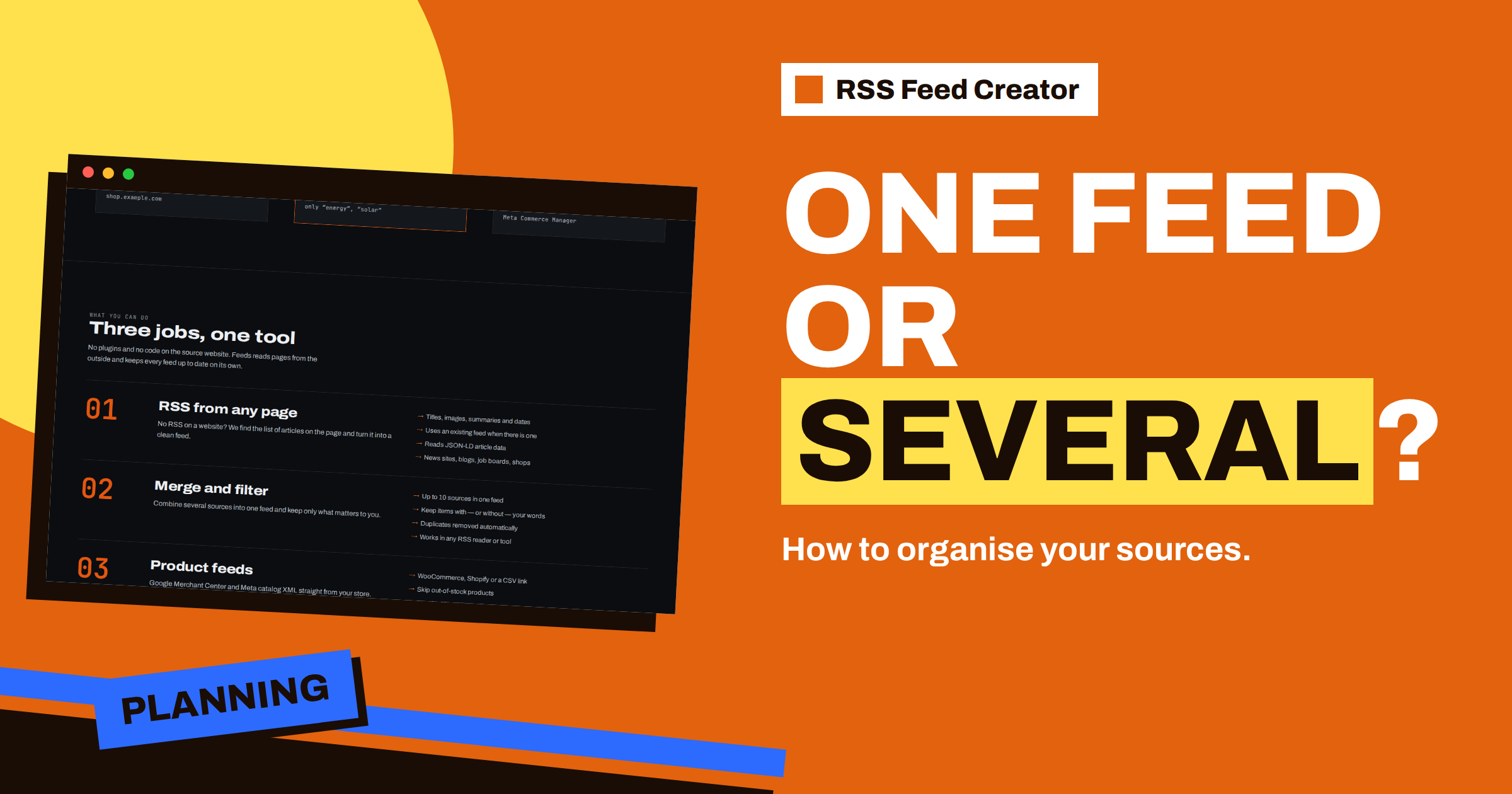
Short answer: Choose one merged feed when the sources share one subject and one audience, and several topic feeds when subjects, readers or destinations differ. Two facts from RSS Feed Creator guide the choice. A feed holds only the newest 20 items on the free plan or 100 on paid plans, so a very busy merged feed shows a shorter stretch of time than several smaller ones. And keyword filters belong to a feed, so topic feeds can each have their own. This guide gives a short test and three layouts to copy.
The two basic layouts
One big feed. All sources, up to 10, are merged into a single feed. You read one stream, with the newest items first and duplicates removed. It is simple, and good for people who want everything in one place.
Several topic feeds. Each subject has its own feed with its own sources and filters. You read several streams, each cleaner than a merged one, and you can send each to a different place. It takes more setup, and it uses more of your feed allowance.
Neither layout is better in general. The right one depends on four things: how busy your sources are, who reads the result, where it goes and how many feeds your plan allows.
Reason 1: the item limit is a time window
The limit of 20 items per feed on the free plan and 100 on paid plans is applied after sorting, so the feed always holds the newest items. That makes the limit a window into the past: the more items your sources publish, the shorter the window.
| Layout (example numbers) | Items per day | Window with a limit of 100 |
|---|---|---|
| One feed, 10 busy sources at about 8 items a day each | About 80 | A little over one day |
| Two feeds, 5 sources each | About 40 per feed | About two and a half days |
| Five feeds, 2 sources each | About 16 per feed | More than six days |
The numbers are examples, so replace them with your own. The point is practical: if you read your feed once a day, one big busy feed risks losing items you have not read yet. If you read it weekly, you want more feeds or fewer busy sources. How the order and the limit interact is explained in why items appear in that order in RSS Feed Creator.
Reason 2: filters belong to a feed
The keyword boxes, “Only items containing” and “Skip items containing”, apply to the whole feed. In one merged feed, a word you choose for one source applies to all. If one source needs the word “solar” and another needs “wind”, a single “Only items containing” box with both words lets both through for every source, which may be fine, or may not.
Topic feeds avoid that. Each has its own words, tuned to its subject. A feed for supplier news can skip “event”, and a feed for industry news can keep “regulation” without the two interfering. The effect of filters on the title and short text is explained in short texts in your feed: where item summaries come from.
Reason 3: destinations differ
Think about where each feed goes. A feed that feeds a social profile should contain only content that suits that profile. A team channel may want one stream of everything relevant. A client may need a feed of their own. When destinations differ, give each its own feed, because a tool can usually be connected to one feed address and cannot split a merged stream by topic.
The same holds for PostRSS: a source is a feed address, and the profiles you choose receive its items. If a blog’s feed and a partner’s feed should go to different profiles, they need to be two feeds. The connection is described in use your feed in automation tools: any tool that takes RSS.
Reason 4: your plan decides how many feeds you have
The plans limit both the number of feeds and the number of sources in a feed:
- Free: up to 3 feeds in an account, one source each, with keyword filters.
- PostRSS add-on, €5 per month: 10 feeds from pages, merging of up to 10 sources, up to 100 items per feed.
- Store, €19 per month: 3 product feeds, for one store.
- Business, €39 per month: 10 feeds and several stores.
On the free plan, there is no choice to make about merging: each feed has one source, so you simply have up to three topic feeds. On the add-on, you can combine up to 10 sources per feed and have up to 10 feeds, which is up to 100 sources in total. The pricing page shows the details, and the €5 PostRSS add-on: what changes from the free plan explains what you gain.
A quick test to decide
- Same subject? If the sources cover one subject, a merged feed fits. If not, separate feeds.
- Same reader? If one person or team reads all of it, merge. If different people need different parts, separate.
- Same destination? If everything goes to one tool, merge. If to several, separate.
- Busy sources? If the total is over about 50 items a day, split, so that the limit’s window does not shrink.
- Different filters? If you need different words for different sources, split.
Count the “separate” answers. Zero or one answers favour a merged feed; two or more favour topic feeds.
Three layouts to copy
The researcher. One merged feed per research topic, with 5 to 8 sources and a filter of the topic’s terms. Subjects stay separate, and each feed is short enough to read in one sitting. The method is in follow many sources in one feed: RSS Feed Creator for researchers.
The agency. One feed per client, with the sources and words that client needs, all in one account list. A client gets a feed address, and the agency keeps control of the settings. See run client feeds from one RSS Feed Creator account.
The small business. Three feeds: one for supplier news, one for industry news and one for the shop’s own blog going to social media. Small, clear, and nothing overlaps.
A worked example: a marketing team
A marketing team follows 14 sources: five competitors’ blogs, six industry sites and three regulators. At first, the team merges the first ten into one feed and leaves the rest out. After a week, two problems show up. The feed is so busy that items fall off the end of the 100-item window before anyone reads them, and the regulators’ notices, which matter most, are mixed with competitor posts.
The team splits the sources into three feeds: “Competitors” with five sources, “Industry” with six and “Regulators” with three. Each feed has its own words. “Competitors” skips “job” and “event”; “Industry” keeps a list of topic words; “Regulators” has no filter at all, because every item matters. The busiest feed now covers days instead of hours, the regulators’ feed is short enough to read in a minute, and each feed goes to a different channel, so the right people see the right items.
The setup used three of the ten feeds of the add-on and 14 of the possible 100 sources. It took less than an hour, and the team no longer loses items. The same approach works for any group of sources that has grown past one subject.
A merged feed has a few known weak spots, and knowing them helps you choose. Items without a date go to the end of the sorted list, so a source that gives no dates can vanish under the limit. The first copy of an item wins when two sources list the same address, so the order of your sources matters. And a very busy source can crowd out a quiet one, because the feed holds only the newest items overall; a quiet source that matters should therefore be in a feed of its own, as the regulators were in the example.
These are not defects, but properties of any merged stream with a limit. The details are in how RSS Feed Creator removes duplicates in merged feeds. If a quiet but important source keeps disappearing from a merged feed, that is your signal to separate it.
How to organise names and notes
Whichever layout you choose, name the feeds clearly. “Supplier news”, “Industry: regulation” and “Own blog to social” tell you at a glance what each one does, and the names appear in your account list. Keep a short note of the sources and words of each feed, and review them monthly with the checks from a tour of the RSS Feed Creator management page. You can always split a feed later: create a new feed for the sources you want to separate, and remove them from the old one.
Related reading
- Merge Sources in RSS Feed Creator: Up to 10 in One Feed
- Three Free Feeds: What to Create First in RSS Feed Creator
- Monitoring Hundreds of Sources with RSS Without Chaos
The bottom line
One big feed is simple, and several topic feeds are tidy. Because a feed shows only its newest 20 or 100 items, filters belong to a feed and destinations differ, the best layout follows subject, reader and volume. Start with the quick test, keep names clear and split a feed when it grows too busy.
KKK
How many items does a feed hold?
Up to 20 on the free plan and up to 100 on paid plans, always the newest.
How many sources can one feed merge?
Up to 10 on the paid plans. The free plan has one source per feed.
Can different sources in one feed have different filters?
No. The keyword boxes apply to the whole feed, so use separate feeds for different filters.
Can I split a feed later?
Yes. Create a new feed for the sources you want to separate and remove them from the old one.