 ENEnglish
 LTLietuviškai
 DEDeutsch
 FRFrançais
 RUРусский
 ESEspañol
 PLPolski
 ITItaliano
 UKУкраїнська
 CSČeština
 PTPortuguês
 JA日本語
JA日本語 LVLatviešu valoda
 ETEesti
 HUMagyar
 IDBahasa Indonesia
 TRTürkçe
 HIहिन्दी
 ELΕλληνικά
 ARالعربية
 THไทย
THไทย VITiếng Việt
 RORomână
 MSBahasa Melayu
 BNবাংলা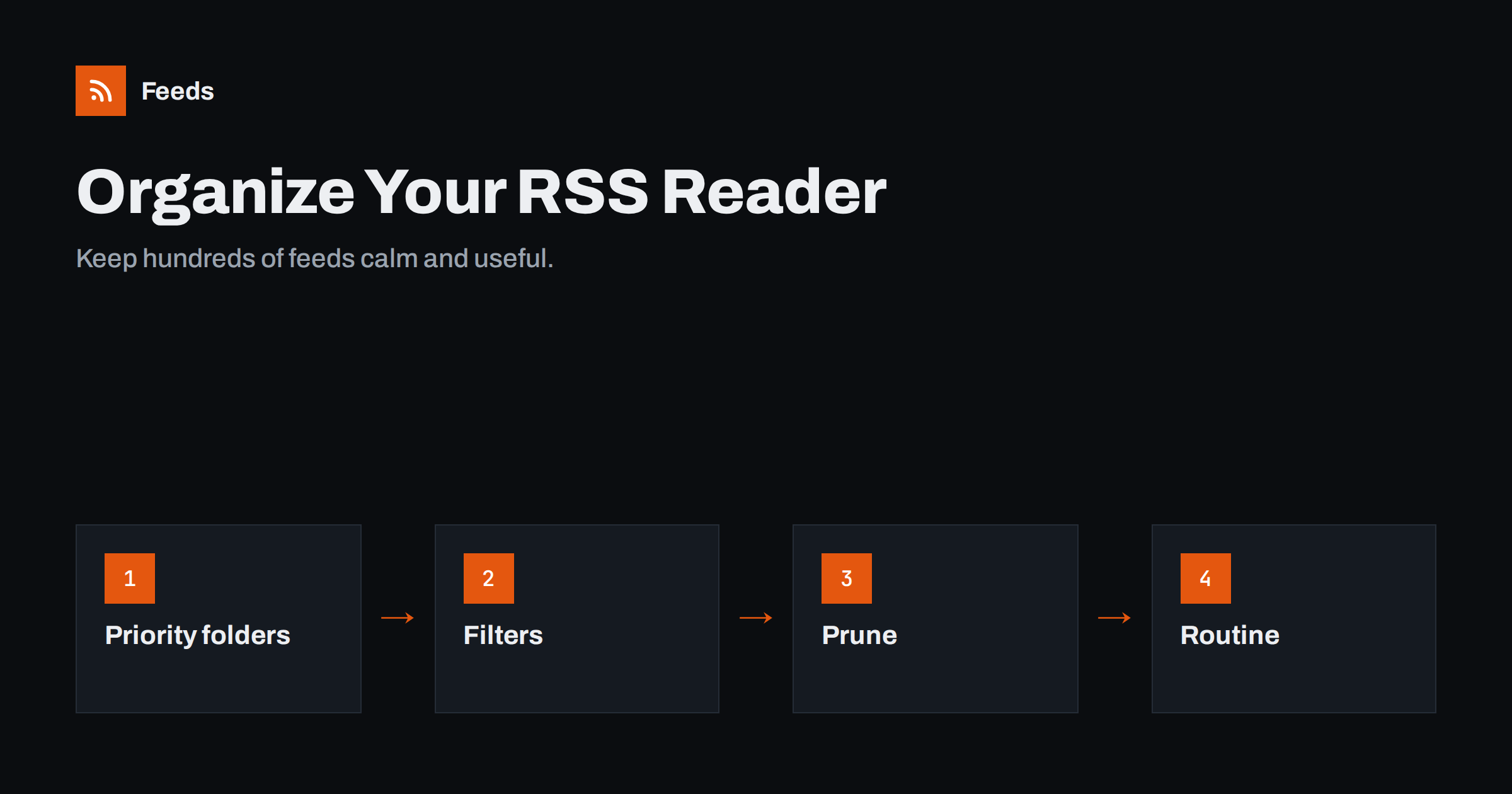
Short answer: Organise your RSS reader by how urgently you need each source, not by topic alone: a small “must read” folder, a larger “skim” folder and a “someday” folder you are allowed to ignore. Add mute filters for recurring noise, combine or filter chatty sources, unsubscribe from feeds you keep marking as read, and read in short, regular sessions. The goal is a reader you open with interest, not dread.
Almost everyone who adopts an RSS reader goes through the same cycle. At first it is wonderful: every source you care about in one calm, chronological list. Then the list grows. A few busy news sites add a hundred items a day, the unread count climbs past a thousand, and the reader becomes another inbox to feel guilty about. The fix is not a better app; it is a better structure and a few habits. This guide describes a system that works whether you follow thirty feeds or three hundred.
Why readers become overwhelming
Overload usually has a small number of causes, and each has its own fix:
- A few very busy sources drown out many quiet ones. News sites and large publications can publish dozens of items a day, while the blog you value most posts once a month.
- Everything is treated equally. One long list or topic-only folders mix urgent and optional reading.
- Unread counts create pressure. A number that keeps growing feels like a debt.
- Nobody prunes. Subscriptions accumulate over years; interests change, but feeds stay.
- Duplicates. The same story arrives from several outlets or through several category feeds of one site.
Be selective about what you add
The easiest item to manage is the one that never arrives. Before subscribing to a new source, ask a few questions:
- What will I use it for? “Staying informed” is vague; “knowing when a competitor changes pricing” is specific and tells you which tier it belongs in.
- How often does it publish? Check the feed or the site’s archive. A source that publishes forty items a day needs a filter or a narrower feed from the start.
- Is it original or an aggregator? Aggregators repeat stories you already get elsewhere. One good aggregator is often enough.
- Is there a better feed? A category feed, an author feed or a search feed may deliver exactly the part you want.
Put new sources in a “Trial” folder for a month. At the end of the month, promote them to a tier or unsubscribe. This simple habit stops the slow growth that turns a useful reader into a chore, and it forces a decision while you still remember why you subscribed.
Organise by priority first, topic second
Topic folders are intuitive, but they do not tell you what to read first. A priority layer on top works much better. A simple three-tier structure:
Tier 1: Must read
Ten to twenty sources that you genuinely want to see every item from: key clients, your own industry’s best writers, your competitors’ announcements, low-volume but high-value blogs. Keep this folder small enough to clear in a few minutes.
Tier 2: Skim
Sources you scan by headline: news sites, trade publications, aggregators. You read one item in ten. Use a compact list view and do not feel obliged to open anything.
Tier 3: Someday
Interesting but optional: long essays, hobbies, sources you are testing. Give yourself permission to mark this whole folder as read whenever it gets large.
Inside each tier you can still use topic subfolders or tags if your reader supports them. The key is that you always start with Tier 1, and that the tiers set different expectations.
Tame the busiest sources
Look at which feeds produce the most items. Most readers show counts per feed, or you can check the last week. For each heavy source, decide:
- Is there a narrower feed? Many sites offer category or tag feeds. Subscribe to “Technology” instead of the whole newspaper.
- Can you filter it? Keep only items that mention the topics you care about, or mute items containing words you never want.
- Should it move tiers? A busy source rarely belongs in “Must read”.
- Do you need it at all? If you mostly learn about its stories elsewhere, unsubscribe.
Use filters and rules
Most capable readers support some form of filtering. Useful rules include:
| Rule | Example | Effect |
|---|---|---|
| Mute by keyword | “sponsored”, “deal of the day”, “horoscope” | Removes recurring noise |
| Highlight by keyword | Your brand, clients, competitors | Important items stand out |
| Auto-mark as read after N days | Tier 3 items older than 7 days | Unread counts stay honest |
| Move or tag | Items mentioning “pricing” to a Research folder | Creates topic views across sources |
| Hide duplicates | Same link or very similar titles | One story, one item |
If your reader has weak filtering, you can filter before the reader: subscribe to a filtered version of the feed instead of the raw one. That approach has the advantage that the filtered feed works identically in every app and device.
Prune your subscriptions every few months
A quarterly review keeps the list healthy. Go through your feeds and ask three questions of each:
- Did I read anything from this source in the last three months?
- Would I notice if it disappeared?
- Is it still publishing, and does its feed still work?
Most readers can sort feeds by activity or show when you last opened an item from each source, which makes this review quick. Some also flag feeds that have not updated for months; those are either dead or so quiet that they belong in a lower tier.
Unsubscribe from feeds that fail the first two questions. Remove dead feeds, or replace them if the site simply moved its feed. Export an OPML backup before and after pruning, so you can restore anything you regret removing.
Build a short reading routine
Readers work best with a rhythm rather than constant checking. A routine many people find sustainable:
- Two short sessions a day, for example ten minutes in the morning and ten in the afternoon.
- Tier 1 first, fully.
- Tier 2 by headline, opening only what matters, then “mark all as read”.
- Save long reads to a read-later list or starred items instead of reading them on the spot.
- Tier 3 on weekends, or never, without guilt.
If you use the reader for work, block the sessions in your calendar like any other task. Reading industry news for ten focused minutes is more valuable than dipping into the reader every time you feel restless, and it keeps the habit from spreading across the whole day.
Turn off unread badges and notifications if your app allows it. The whole point of RSS is that the items wait for you; nothing is lost by reading later.
Make the reader work for a team
Teams have extra needs. A shared folder structure agreed by everyone, a clear owner for each client’s or topic’s sources, and a simple way to pass items on, such as sending to a chat channel or a shared board, prevent both gaps and duplicated effort. Exporting the team’s sources as OPML makes onboarding new colleagues quick, and a quarterly pruning session keeps the shared list relevant.
For agencies that follow sources on behalf of several clients, one folder per client with the same internal structure, for example “Client news”, “Competitors” and “Industry”, makes it easy for anyone on the team to cover for a colleague. Where the reader supports it, share folders rather than copying feeds between accounts, so a change made once applies to everyone.
Reduce noise at the source
Sometimes the best filter sits before the reader. Our tool, Feeds, can merge several sources into one feed, remove duplicates and keep only items with, or without, your chosen words. A noisy newspaper feed becomes a short feed of stories about your industry; five competitor blogs become one feed. It can also create feeds from pages that have no RSS. The resulting links work in any reader. See the plans for the number of sources you can merge.
Related reading
- How to Choose an RSS Reader: Features That Actually Matter
- OPML Files Explained: Move Your RSS Subscriptions Anywhere
- How to Set Up Keyword Alerts Using RSS Feed Filters
The bottom line
An overwhelming reader is a structure problem, not a volume problem. Sort sources into must-read, skim and someday tiers, tame the busiest feeds with narrower feeds and filters, prune every few months, and read in short, regular sessions. Your reader then becomes what it was meant to be: the calmest place to follow the web.
KKK
How many RSS feeds is too many?
There is no fixed number. The limit is how many items you can handle, not how many sources. A few busy news feeds can overwhelm you faster than a hundred quiet blogs, so manage volume per feed rather than counting subscriptions.
Should I organise feeds by topic or by priority?
Use priority as the top level and topic inside it. Priority tells you what to read first; topic helps you find things. Topic-only folders mix urgent and optional items and make overload more likely.
Is it OK to mark everything as read?
Yes. RSS readers are not inboxes, and nothing bad happens if you skip items. Marking a low-priority folder as read regularly is a healthy habit, not a failure.
How do I stop seeing the same story from several sources?
Use your reader’s duplicate detection if it has one, reduce overlapping news sources, or subscribe to a merged feed that removes duplicates before the items reach your reader.
How often should I review my subscriptions?
Every three months works well for most people. Remove sources you have not read, replace broken feeds, and export an OPML backup before and after the review.


