ENEnglish
 LTLietuviškai
 DEDeutsch
 FRFrançais
 RUРусский
 ESEspañol
 PLPolski
 ITItaliano
 UKУкраїнська
 CSČeština
 PTPortuguês
 JA日本語
 LVLatviešu valoda
 ETEesti
 HUMagyar
 IDBahasa Indonesia
 TRTürkçe
 HIहिन्दी
 ELΕλληνικά
 ARالعربية
 THไทย
 VITiếng Việt
 RORomână
 MSBahasa Melayu
 BNবাংলা
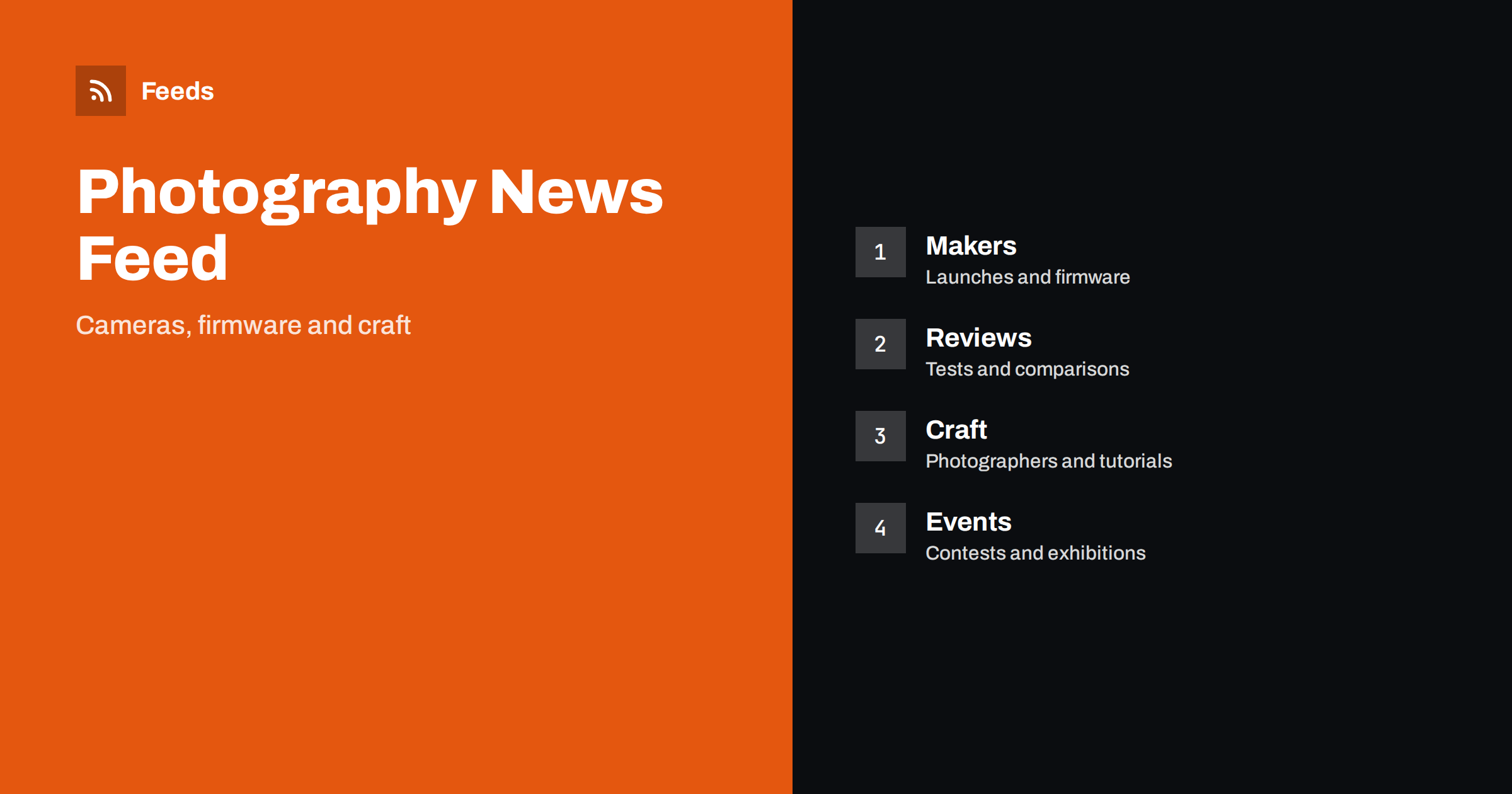
Short answer: Photography news comes from camera and lens makers, software vendors, review sites, working photographers, galleries, competitions and photo communities. RSS lets you collect the sources you trust in one reader, filter them by brand, genre or topic and read them in the order they appear. Use maker pages for specifications and firmware, independent reviews for real-world results and photographers’ blogs for craft, and keep the list short enough to enjoy.
Why photography news is hard to follow
Photography is a mix of technology, craft and culture. A new camera body, a firmware update, a lens test, a tutorial on light, a gallery show and a competition deadline all count as photography news, yet they sit on different sites, many of them built for visual browsing rather than reading. Social platforms show what is popular, and rumours about unreleased cameras spread faster than facts.
Enthusiasts, professionals, students and shop owners all need different slices. A wedding photographer wants lighting and workflow tips, a landscape photographer wants gear for weather and travel, and a retailer wants launches and prices. If you are new to the idea, what is an RSS feed explains the basics in plain words.
Start with makers and their release pages
Camera and lens makers publish product announcements, specifications, firmware updates and service notices on their own pages. Software vendors for editing, tethering and asset management publish release notes. These are the primary sources for what a product does, and the right place to confirm a feature before you buy or write about it.
Firmware and software updates often fix problems or add features, so following them is useful even if you are not shopping. Follow software changelogs and release notes with RSS explains how to collect them. Keep notices about recalls and safety in a separate folder, and see tracking product recalls and safety notices with RSS for ways to do it.
Add independent reviews and tests
Reviews show how gear behaves in practice: autofocus in poor light, battery life, handling, rolling shutter, video heat limits and image quality under different conditions. Choose a few review sites and channels that explain their methods, show sample images and disclose when they received products from makers.
Read reviews with care. Test conditions differ, opinions vary and some sites earn money from links. Compare two sources before a purchase, and look for sample images you can inspect yourself. A balanced list contains the maker’s page, at least one independent review and the opinion of a photographer who works in your genre. Choose an RSS reader: features that actually matter helps you pick a reader that shows images well.
Learn from photographers and teachers
Many of the best learning resources are blogs, newsletters and video channels by working photographers. They explain light, composition, post-processing, business and ethics, and they often show their process. Add a handful of voices that fit your genre, and replace them when your interest changes.
Video channels are part of the picture. Most video platforms offer a feed for each channel, and getting an RSS feed for any YouTube channel or playlist shows how to find it. Keep tutorials in a separate folder from news, and set aside a weekly time to watch or read a few of them instead of scrolling every day.
Photo communities and forums are part of the scene too. Discussion boards, subreddits and community sites are where people compare gear, share critiques and ask for advice, and many of them offer feeds for new threads or for a single topic. They are useful for real-world experience, but they also hold rumours and strong opinions. Use them to find questions to investigate, then check the answer with a maker page or an independent test. Monitor forums and community sites with RSS feeds explains how to follow a forum without reading all of it.
Contests, exhibitions and calls
Competitions, open calls, grants, festivals and exhibitions are announced on many different sites, and deadlines pass quickly. Follow the pages of the organisations you care about, for example photography festivals, museums, agencies and associations. A feed lets you see a new call as soon as it appears and plan your submission.
Always read the original rules before you enter. Terms about rights, fees and usage vary, and some contests ask for broad licences. Competitions and giveaways: follow them with RSS safely offers advice on checking an offer, and never miss a call for speakers or papers again shows how to follow calls for work. Keep your own deadlines in a calendar.
Business photographers should also follow the market: prices, licensing trends, client expectations and tools that change how work is delivered. Associations, agencies and trade publications publish surveys and guidance, and a few well-chosen sources are enough. If you sell prints or digital files, keep an eye on the pages of the services you use, because changes in fees, formats or policies can affect your income. A short monthly review of these sources, with a note of what to change in your own offer, turns news into action.
Rights, ethics and industry changes
Photography has rules that matter: copyright, licensing, model and property releases, privacy and rules for drones and public spaces. These topics change, and associations and authorities publish guidance and consultations. Follow the pages of professional associations and the relevant authorities, and read the original text when a rule affects your work.
The same applies to changes in platforms and marketplaces, such as stock agencies, social networks and print services, which update their terms and payouts from time to time. Track terms of service and policy changes with RSS explains how to watch those pages. Ask a qualified adviser when a change affects your contracts.
Find feeds, even when a site has none
Many photography sites offer RSS, but some hide it behind a menu or have no feed at all. Look for a feed icon, check the page source for an autodiscovery link or try the usual feed paths. Find the RSS feed of any website: 7 reliable methods lists the options in order.
When a site has no feed, a page-to-feed tool can read its list of articles and build a feed from it, as described in how to create an RSS feed for a website without RSS. Check the preview to make sure it shows real items with titles, dates and links, and that images appear if the site uses them.
Filters and a routine that fits real life
Keyword filters keep the list focused. Include the brands, mounts and genres you care about and exclude topics you do not need, such as systems you will never buy. Test filters on ten recent items and review them each month. Set up keyword alerts using RSS feed filters explains the method, and reduce noise in RSS alerts without missing anything helps when the list grows.
Photography news is easy to over-consume, especially gear news, which can lead to buying you do not need. Read the list a couple of times a week, mark the rest as read and spend the saved time taking pictures. A routine like RSS triage: a fast daily routine for reading less keeps the habit light.
Think about archives and learning. Good tutorials stay valuable for years, and an RSS reader can help you build a personal library: star the posts you want to revisit, tag them by topic and review them when you start a new project. Many readers let you search the items you saved, which makes your list a small reference collection. Do not rely on a site to keep old posts online, and save the ones you need, as long as you respect the licence of the author.
How RSS Feed Creator helps
RSS Feed Creator turns the news, release or blog pages of makers, review sites, photographers and organisers into clean RSS feeds, even when the site has no feed of its own. It reads titles, images, summaries and dates, uses an existing feed when there is one, and shows a preview of the items before the feed is created. You can merge several sources into one feed (up to 10 with the PostRSS add-on), keep only the items that contain your keywords and have duplicates removed automatically, which suits a reading list for one genre or brand. Feeds refresh every 3 hours on the free plan and every 30 minutes on paid plans, and the PostRSS add-on sends an alert when a page changes and a feed stops finding items. The free plan allows up to 20 items per feed, and the details are on the pricing page.
Related reading
- How to Get an RSS Feed for Any YouTube Channel or Playlist
- Competitions and Giveaways: Follow Them with RSS Safely
- RSS for Designers: Follow Inspiration and Creative Trends
The bottom line
RSS gives photographers a calm place to follow the field. Start with maker release pages, add a few independent reviews and teachers, follow contests and calls with care and filter by the brands and genres you really use. Read the original rules before you enter anything, compare reviews before you buy and leave time to take pictures.
KKK
Which sources should I follow first?
Begin with the release pages of the makers you use, one or two review sites you trust and a few photographers in your genre.
Can I follow video channels in the same reader?
Yes. Most video platforms offer a feed for each channel or playlist. Keep tutorials in a separate folder from news.
What if a site has no RSS feed?
A page-to-feed tool can read its list of articles and build a feed. Check the preview to confirm it shows real items with dates.
How do I avoid constant gear news?
Use keyword filters for the systems you actually use and read the list only a couple of times a week.
Are contest announcements safe to follow?
A feed shows new calls, but always read the original rules on rights, fees and licences before you enter.