 ENEnglish
 LTLietuviškai
 DEDeutsch
 FRFrançais
 RUРусский
 ESEspañol
 PLPolski
 ITItaliano
 UKУкраїнська
 CSČeština
 PTPortuguês
 JA日本語
JA日本語 LVLatviešu valoda
 ETEesti
 HUMagyar
 IDBahasa Indonesia
 TRTürkçe
 HIहिन्दी
 ELΕλληνικά
 ARالعربية
 THไทย
THไทย VITiếng Việt
 RORomână
 MSBahasa Melayu
 BNবাংলা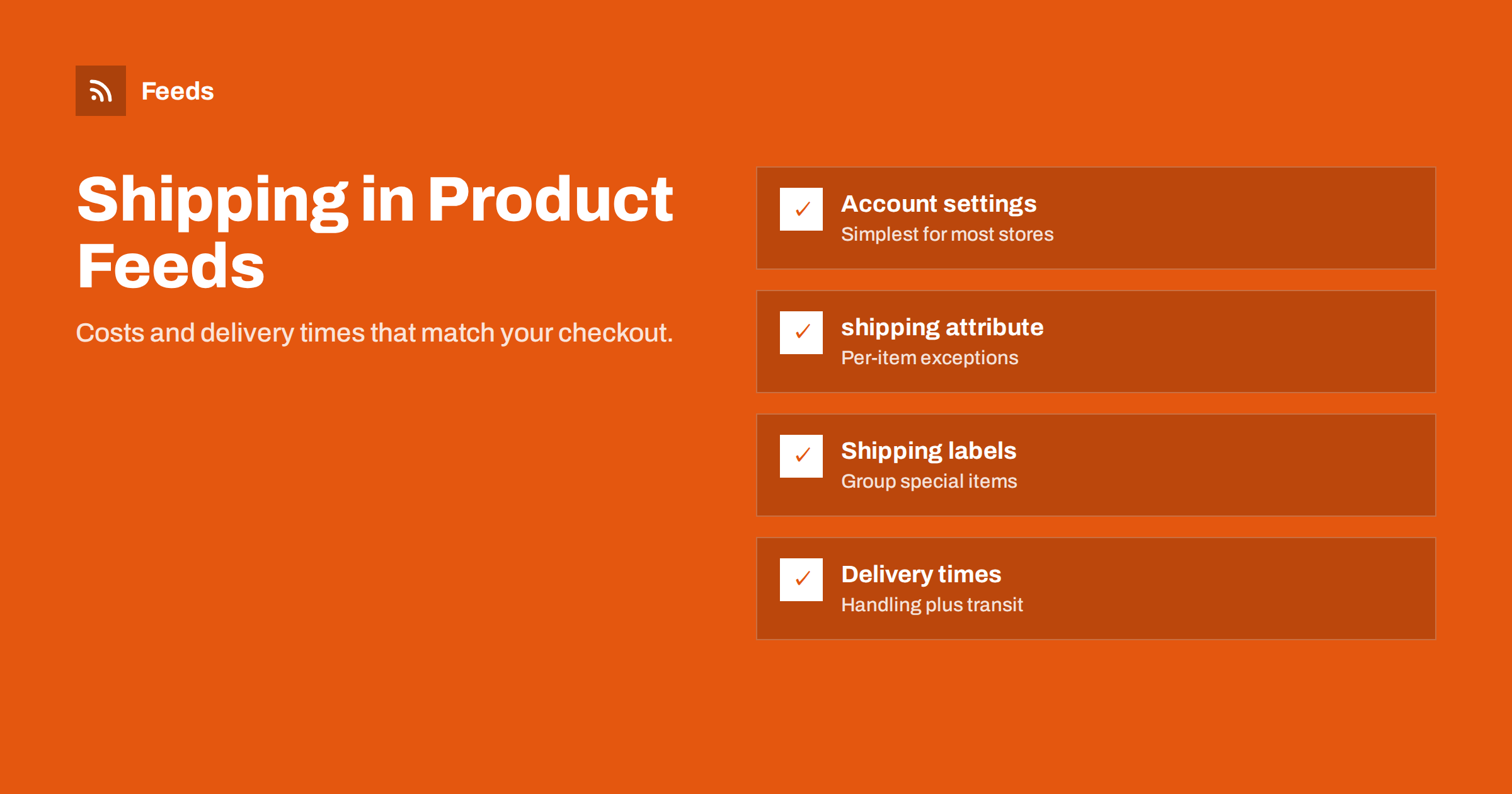
Short answer: Google needs shipping costs and delivery times for every country you target. Most stores should set them up once as shipping services in Merchant Center account settings, with rates by order value, weight or a flat fee, and use feed attributes only for exceptions: shipping_label to group special items such as bulky goods, shipping_weight when rates depend on weight, and the shipping attribute to override cost for individual products. Whatever you configure must match what shoppers pay at checkout.
Why shipping information matters
Shipping cost is part of the price a shopper pays, and delivery time is part of the decision to buy. Google shows shipping costs and estimated delivery in many listings, and it can add annotations such as free delivery or fast delivery when your settings support them. Shoppers compare these alongside the product price, especially for low-priced items where shipping can double the total.
Shipping is also a compliance requirement. For most target countries, Merchant Center requires shipping information, and missing or inaccurate shipping can lead to disapprovals or account-level issues. Google compares your settings with what it sees on your website and at checkout, so inconsistencies eventually surface.
The good news is that for most stores shipping is configured once and rarely changes. Getting it right at the start avoids a steady trickle of problems later.
Option 1: shipping services in account settings
Account-level shipping is the approach Google recommends for most merchants. You create one or more shipping services per country, each with delivery times and rates. Rates can be:
- Flat: the same cost for every order, or free shipping.
- Based on order value: for example free above a threshold, a fixed fee below it.
- Based on weight: using shipping_weight from the feed.
- Carrier-calculated: in supported countries, rates calculated from carrier tables using weight and dimensions.
- Tables: combinations of these, such as weight bands by destination region.
Account settings keep shipping logic in one place. When your carrier raises prices or you change the free shipping threshold, you update one setting rather than thousands of feed rows. That is why they are the default choice.
Set delivery times as two parts: handling time (how long until the order ships) and transit time (how long the carrier takes). Include cutoff times and business days, so Google can estimate delivery dates realistically.
If you sell to several countries, create a separate service for each destination, even when the rates look similar. Delivery times almost always differ by destination, and separate services make it easy to adjust one country without touching the others. Name the services clearly, for example “Germany standard” and “Germany express”, so the next person understands them without opening each one.
Option 2: the shipping attribute in the feed
The shipping attribute lets you specify cost, and optionally country, region and service, for individual items. It overrides account settings for those items. It is useful when a product’s shipping cost cannot be expressed by your account rules, such as a single oversized item with a fixed freight charge.
Using the shipping attribute for every product is possible but rarely wise. It duplicates logic that already exists at checkout, and every change in shipping prices requires regenerating the feed with new values. It is also easy to get out of sync with the website. Reserve it for true exceptions.
A typical legitimate case is a furniture store where most items ship by parcel at standard rates, but a handful of large pieces require a two-person freight delivery with a fixed charge. Those few items can carry a shipping attribute with their freight cost, while everything else follows the account rules. Another case is a marketplace-style store where some products ship directly from different suppliers with their own charges.
Shipping labels, weights and dimensions
Between account-wide rules and per-item overrides sits a practical middle ground: shipping_label. You assign a label to a group of products in the feed, such as “bulky”, “fragile” or “freight”, and then create account-level shipping services that apply only to items with that label. This keeps the logic in the account while handling product groups differently.
- shipping_label: groups products for label-specific shipping rules.
- shipping_weight: required if your rates depend on weight.
- shipping_length, shipping_width, shipping_height: needed for carrier-calculated rates that consider dimensions.
- transit_time_label and handling time attributes: for products that ship slower or faster than the rest.
Weights and dimensions usually already exist in the store, because checkout needs them. Map them into the feed rather than entering them twice.
Check units carefully. Weights must include a unit, such as kg or lb, and dimensions a unit such as cm or in. A weight of “2” without a unit, or grams entered where kilograms are expected, silently produces wrong shipping estimates for every affected product.
Choosing the right setup
| Store situation | Recommended setup |
|---|---|
| Flat rate or free shipping above a threshold | Account settings only |
| Rates by weight | Account settings with shipping_weight in the feed |
| Most items standard, some bulky | Account settings plus shipping_label for bulky items |
| A few items with unique freight costs | Account settings plus shipping attribute on those items |
| Carrier-calculated rates at checkout | Carrier-calculated services with weight and dimensions |
Start with the simplest setup that matches your checkout. Add labels and overrides only when a real product group needs them.
Keeping shipping consistent with checkout
Google checks shipping against your website and can place test orders or read the checkout flow to see what shoppers are charged. Mismatches happen when:
- The free shipping threshold changes on the site but not in Merchant Center.
- Checkout adds surcharges, such as for remote regions, that settings do not reflect.
- Delivery times on product pages promise faster shipping than the settings, or the reverse.
- A new country is added to the feed without its own shipping service.
Make shipping changes part of the same process as website changes. Whoever updates the checkout also updates Merchant Center, on the same day.
Seasonal changes are a frequent source of trouble. Many stores extend handling times during peak season or pause express shipping around holidays. If the website announces such changes, Merchant Center should reflect them for the same period. Setting a calendar reminder to review shipping settings before and after peak season is a small habit that prevents a lot of warnings.
Free shipping and fast delivery annotations
Listings that show free delivery or fast delivery often stand out. Google shows such annotations when your settings qualify, for example free shipping on the item or delivery within a short window. You cannot request annotations directly; they follow from accurate settings. If you offer free shipping above a threshold, make sure it is configured as such, so items above the threshold can be shown with free delivery.
Delivery speed depends on realistic handling times. If you usually ship the same day before a cutoff, say so in the settings. Overstating speed leads to poor reviews; understating it wastes an advantage.
Minimum order values deserve attention too. If your store charges a surcharge or refuses orders below a certain amount, that must be reflected in the settings. Otherwise a low-priced product can appear with a total cost that no shopper can actually achieve at checkout, which is exactly the kind of inconsistency reviewers look for.
Returns belong next to shipping
Return policies are configured in Merchant Center as well, with return windows, costs and methods. They can also be shown to shoppers, and free returns can appear as an annotation. Like shipping, return settings must match the policy on your website. Configure both at the same time, and review them together whenever you change terms or carriers.
Meta catalogs handle shipping differently: shipping information is mainly relevant for shops and checkout features where available, and much of it is configured in Commerce Manager rather than in the feed. If you run both platforms, keep one written description of your shipping terms and use it as the reference for both.
How Feeds helps
Feeds generates the product data part of the setup: a Google product XML feed built from WooCommerce, Shopify or a CSV link, with id, title, link, image, price, availability and brand, refreshed automatically. Shipping services and return policies are then configured once in Merchant Center, where they apply to every item in the feed. See the pricing page for plans.
Related reading
- How to Set Up a Google Merchant Center Product Feed
- Multi-Country Product Feeds: Currency, Language and Prices
- Product Feed Checklist: 25 Checks Before You Submit
The bottom line
Configure shipping in Merchant Center account settings for each country, with delivery times split into handling and transit. Use shipping_weight when rates depend on weight, shipping_label for groups like bulky items, and the shipping attribute only for true exceptions. Keep settings in step with your checkout, and configure returns at the same time.
KKK
Is shipping information required in Google Merchant Center?
For most target countries, yes. You can provide it in account settings or through feed attributes, and it must match your checkout.
Should I put shipping costs in my product feed?
Usually not for every item. Account settings are easier to maintain. Use feed attributes for weights, labels and exceptional items.
What is shipping_label used for?
It groups products, such as bulky or fragile items, so you can apply specific account-level shipping rules to them.
How do I get the free delivery annotation?
Configure free shipping accurately in your settings. Google shows annotations when your settings qualify; they cannot be requested directly.
What happens if shipping in Merchant Center differs from checkout?
Google may flag the mismatch and disapprove items or raise account issues. Keep both in sync whenever you change shipping terms.


