ENEnglish
 LTLietuviškai
 DEDeutsch
 FRFrançais
 RUРусский
 ESEspañol
 PLPolski
 ITItaliano
 UKУкраїнська
 CSČeština
 PTPortuguês
 JA日本語
JA日本語 LVLatviešu valoda
 ETEesti
 HUMagyar
 IDBahasa Indonesia
 TRTürkçe
 HIहिन्दी
 ELΕλληνικά
 ARالعربية
 THไทย
THไทย VITiếng Việt
 RORomână
 MSBahasa Melayu
 BNবাংলা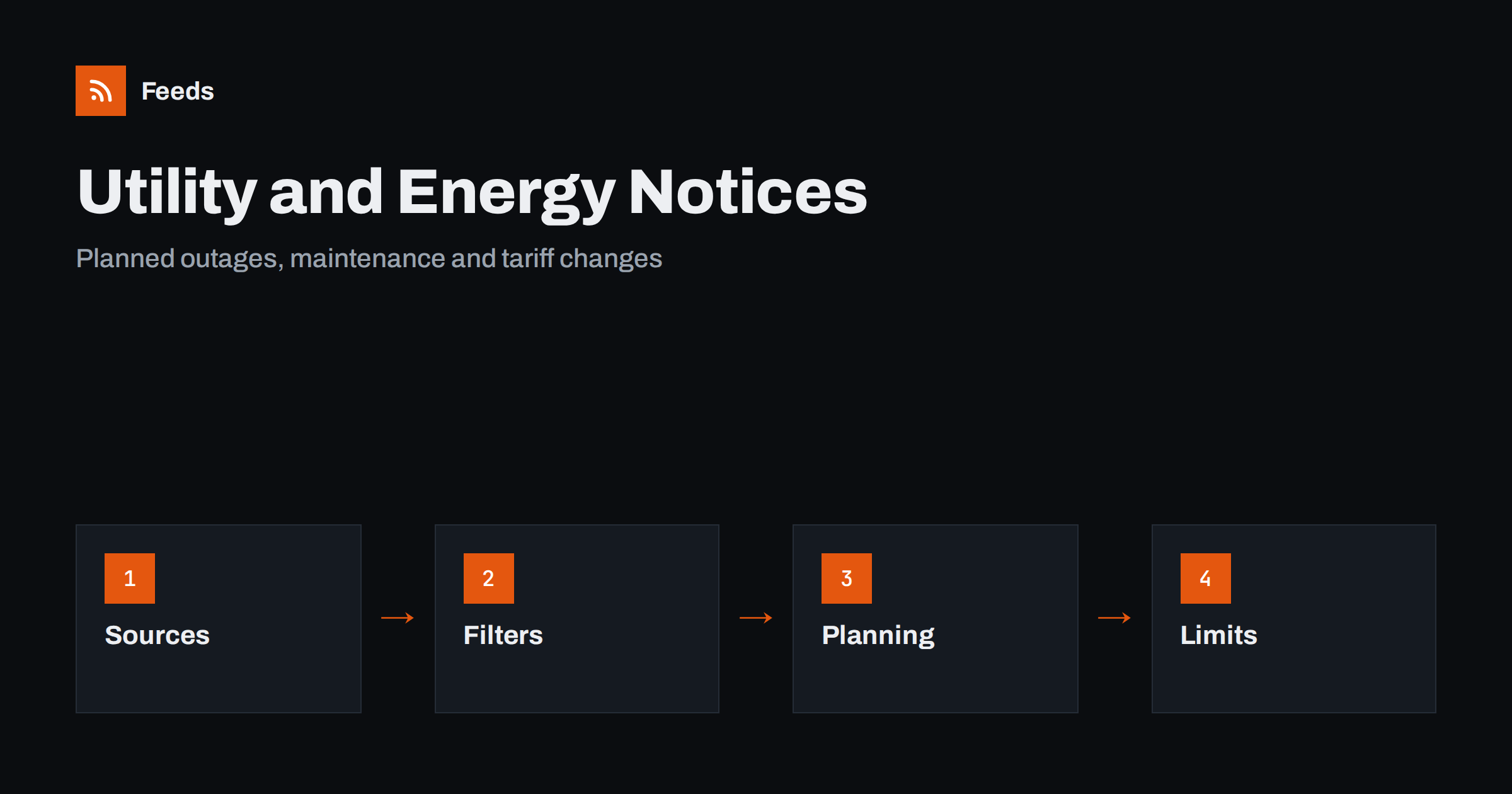
Short answer: Water, power, gas and broadband providers publish planned outages, maintenance and tariff changes on notice pages, and regulators publish rules and price decisions. Most of these pages have no alert system, or only a clumsy one. RSS lets you collect them in one list, filter them by your area or service and see them early enough to plan. It is a convenience for planned events. It is not a replacement for emergency warnings, which should come from official channels designed for urgent situations.
Why planned notices still catch people out
A planned water shutdown, a power cut for maintenance, a gas network inspection or a broadband upgrade is usually announced days or weeks ahead. The announcement may be a notice on a provider’s website, a letter that arrives late, or a message to a customer number that has changed. People discover the notice when the tap runs dry or the router goes dark.
For a household, this is an inconvenience. For a business, a property manager, a care home, a restaurant or a small factory, it can mean lost revenue, spoiled stock or safety issues. The information was available, but it was spread across several pages, none of which anyone watched. A feed brings the pages to you. For property management in particular, see also content automation for property managers.
Which sources to follow
List the organisations that supply or regulate the services you depend on, and find the page on each website where planned works and notices are listed. Choose pages for your own region or network area, not the general national page.
- Electricity and gas network operators: planned interruptions, maintenance works and local notices.
- Water companies: planned shutdowns, pressure changes, boil notices and works on pipes.
- Broadband and telecom providers: maintenance windows and service notices for your area.
- Heating and district energy providers: seasonal start and stop dates and planned works.
- Energy regulators and consumer bodies: price decisions, rule changes and consultations, as covered in tracking regulator updates with RSS.
- Local authorities: works that affect the street, see RSS feeds for municipal and public body websites.
Not all of these publish feeds, but many list notices in a regular pattern that a page-to-feed tool can follow; the principle is explained in how a page becomes a feed.
Filter for your own street and service
A national or regional list contains hundreds of notices that do not concern you. Narrow it with keywords: your town, district, postcode area or street name, and the service you care about. A feed that keeps only items containing “Oak Street” or your postcode prefix is far more useful than the entire list. Take care with names that are common to many places; add a second word, such as the district, to avoid false matches. The method is covered in RSS keyword alerts.
If you depend on several providers, merge their feeds into one “utilities” feed so that every notice for your premises arrives in the same place; see how to merge RSS feeds. Keep a short list of the keywords and update it when you move or open a new site.
Plan the work around planned events
A notice is only useful if it leads to action. Decide in advance what you will do when one arrives. For a household, that may mean storing water, charging devices, changing the time of laundry or cooking. For a business, it may mean moving a delivery, rescheduling a shift, switching off equipment safely, planning for refrigerated stock or arranging a backup power source. A short checklist for each type of outage saves time when the notice appears.
Send the filtered feed somewhere you will see it: a phone notification, a chat channel for the team or a shared mailbox. The routes are described in RSS push notifications on your phone and sending a feed to a Telegram channel. If you are responsible for others, such as tenants or employees, agree who passes the notice on and how.
If you rent out or manage property, tell tenants where to find the same information. A short note with the provider’s notice page and the emergency numbers, placed near the meter cupboard or in the welcome pack, costs nothing and prevents panicked calls. Keep the note up to date when providers change their pages or contact details.
What feeds cannot do
It is important to be clear about the limits. A feed from a notice page shows what the page shows, after it is published and after the next refresh. It is slower than a dedicated emergency system, and it depends on the provider keeping its page up to date. Unplanned outages, storms, floods and safety incidents are announced through emergency alerts, the provider’s own outage tools, official social channels and local radio, and these should be your first source in an emergency.
For serious hazards, use the official warning services for your country, and read the advice in weather and hazard alerts with RSS. For your own sites, install smoke, gas and carbon monoxide detectors and follow the guidance of the authorities. Do not rely on a feed for anything where a delay could harm people. If a service is critical, for example for medical equipment, register with the provider’s priority service where one exists and ask about their notification arrangements.
For a business with more than one site, keep a simple table in your own notes: site, provider, service, account reference, notice page and the person who is told. When a notice arrives, you can see at once which premises are affected and who should act.
Tariffs, rules and contract notices
Not every notice concerns an interruption. Providers also announce tariff changes, new standing charges, end dates for fixed rates, metering changes and updates to terms. Regulators publish price caps, reviews and consultations. These items are slow-moving but important for budgets, and they are exactly the kind of thing that a feed can collect while you do other work.
When an item matches your provider or product, open the original page and read it, then note the date it takes effect and any action you must take. If you manage costs for a business, add the date to a calendar and check the contract for notice periods. The habit of following terms changes is described in tracking policy and terms updates with RSS. Always confirm figures on the provider’s own pages, since summaries on other sites may be out of date.
Keep the feed tidy
Like any alert, this one works only if it stays quiet most of the time. Review the keywords after a month: if you are receiving items that do not concern you, tighten them; if a notice you needed did not arrive, check whether the provider’s page layout has changed or the page has moved. Providers redesign their sites, and a feed that quietly stops producing items is a risk. Advice on noisy alerts is in how to reduce RSS alert noise, and the refresh trade-offs are in RSS feed refresh intervals.
Keep a note of when each source was last confirmed as working. A quarterly check takes a few minutes and means that you can trust the silence of the feed.
How RSS Feed Creator helps
RSS Feed Creator turns the notice page of a utility, regulator or local authority into a clean RSS feed, even when the site has no feed of its own. It reads titles, images, summaries and dates, uses an existing feed when there is one, and shows a preview of the items before the feed is created. You can merge several sources into one feed (up to 10 on paid plans), keep only the items that contain your keywords and have duplicates removed automatically, which suits one filtered list of notices for your area. Feeds refresh every 3 hours on the free plan and every 30 minutes on paid plans, and paid plans send an alert when a page changes and a feed stops finding items. The free plan allows up to 20 items per feed, and the details are on the pricing page.
Related reading
- How to Monitor SaaS Status Pages and Outages with RSS
- Road Works and Traffic Disruption Alerts with RSS
- Planning Applications and Permits: Follow Them with RSS
The bottom line
RSS is a good way to hear about planned outages, maintenance and tariff changes before they affect you. Follow the notice pages of the providers and regulators you depend on, filter for your own area, decide in advance what to do when a notice arrives and keep the feed tidy. For emergencies, always rely on official warning systems.
KKK
Can RSS warn me about a power or water outage?
It can warn you about planned work published on a provider’s notice page. For unplanned outages and emergencies, use the provider’s outage tools and official warning services, which are faster.
How do I filter notices for my own street?
Add keywords such as your town, district, postcode area or street name, plus the service you care about. Use a second word to avoid matches with places that share a name.
What if my provider has no feed?
Create one from the notices page with a page-to-feed tool, check the preview, and review it from time to time in case the provider redesigns the page.
Should a business rely on feeds for critical services?
No. Use feeds as an extra, and register with the provider’s priority service and emergency channels where available. Never rely on a feed where a delay could endanger people.
Are tariff changes worth following with RSS?
Yes. Feeds collect price and rule announcements from providers and regulators while you work. Always confirm the figures and the start date on the original page.