ENEnglish
 LTLietuviškai
 DEDeutsch
 FRFrançais
 RUРусский
 ESEspañol
 PLPolski
 ITItaliano
 UKУкраїнська
 CSČeština
 PTPortuguês
 JA日本語
JA日本語 LVLatviešu valoda
 ETEesti
 HUMagyar
 IDBahasa Indonesia
 TRTürkçe
 HIहिन्दी
 ELΕλληνικά
 ARالعربية
 THไทย
THไทย VITiếng Việt
 RORomână
 MSBahasa Melayu
 BNবাংলা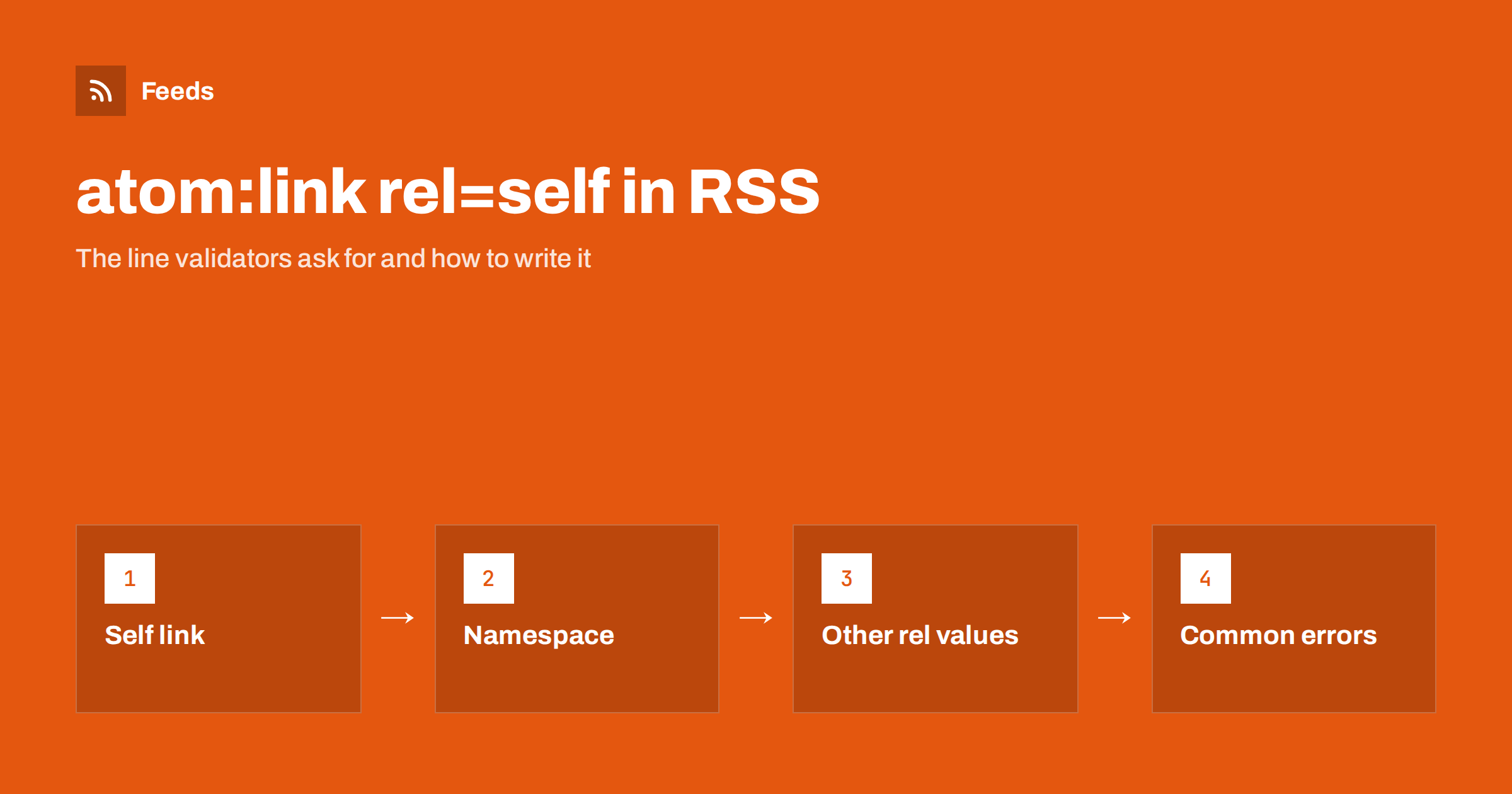
Short answer: An RSS 2.0 feed has no standard element for its own address, so validators recommend borrowing one from Atom: <atom:link href="https://example.com/feed/" rel="self" type="application/rss+xml"/> placed inside the channel. It tells readers and aggregators the canonical address of the feed, which helps them recognise duplicates and follow moves. To use it you declare the Atom namespace on the root element, and you make sure the address in the link is exactly the address people subscribe to.
The problem the self link solves
An RSS file is just a document. When a reader downloads it, nothing inside says “this is the feed called https://example.com/feed/”. The reader knows only the address it used to fetch it, and that address may be one of several that lead to the same content: with and without www, with HTTP or HTTPS, with a tracking parameter, through a redirect or through a proxy.
For a single reader that is not a problem. For an aggregator that stores millions of feeds, it is. Without a stated canonical address it may store the same feed three times, count three different subscribers and fetch the file three times a day. RSS 2.0 offers the link element, but that holds the address of the website, not the feed. Atom, in contrast, has a clean way to say “this is me”: a link with the relation self. Borrowing it into RSS is the accepted solution.
What the element looks like
The full line, placed in the channel before the first item, is:
<atom:link href="https://example.com/feed/" rel="self" type="application/rss+xml" />It has three parts that matter. The href is the absolute address of the feed itself. The rel="self" says that the link refers to the document containing it. The type gives the media type of the feed, which is application/rss+xml for an RSS feed. The element is empty, so it closes with a slash and carries no text.
The position is the channel, alongside title, link and description. It is not an item element and should not be repeated in each item. Where each element of a feed belongs is laid out in the anatomy of an RSS 2.0 feed.
Declaring the Atom namespace
The atom: prefix is not part of RSS, so it must be declared. On the root element, add xmlns:atom="http://www.w3.org/2005/Atom", so that the opening tag looks like <rss version="2.0" xmlns:atom="http://www.w3.org/2005/Atom">. Without the declaration the XML is not well formed, and a strict parser may reject the entire feed rather than ignore one line.
The prefix is only a label. What counts is the address of the namespace, so a feed may use a different prefix if it points to the same address. Most tools use atom, and it is the sensible choice for anyone who will read the file later. How namespaces work, with other examples such as Dublin Core and content, is covered in RSS namespaces explained.
Why validators recommend it
Validators check a feed against the specification and against widely accepted practice. The self link is not required by the RSS 2.0 specification, so a missing one is a recommendation, not an error. Still, many validators flag it, because it is cheap to add and helps the whole ecosystem. The RSS Advisory Board’s best-practice guidance includes it, and most feed generators for popular platforms add it automatically.
If a validator warns about a missing or incorrect self link, treat it as a quality issue and fix it, but do not panic. A feed without the element still works in every reader. A feed with a wrong value, however, can cause confusion, which is why the correctness of the address matters more than the presence of the line. The usual warnings and how to read them are explained in how to validate an RSS feed.
What readers and aggregators do with it
Behaviour varies, and it is worth being honest about that. Some aggregators use the self link to decide whether two subscriptions refer to the same feed, and to move subscribers to the new address when a feed has changed its location. Others ignore it completely and rely on the address they fetched. A few use it to build the “subscribe” link they show to their own users, so a wrong value can send new subscribers to the wrong place.
Because you cannot know which category a given reader falls into, the safe approach is to make the value correct and leave it at that. A correct self link never hurts, and it removes one more source of duplicate subscriptions, wrong subscriber counts and puzzling reports in analytics. If you track readership, the numbers are easier to interpret when each feed has a single stable identity, as discussed in how to measure RSS feed subscribers and readership.
Other rel values you may meet
The self link is the best known, but the same element carries other relations that matter to feeds:
rel="hub"points to a WebSub hub, which pushes updates to subscribers instantly instead of waiting for them to poll. The mechanism is explained in WebSub explained.rel="next","previous","first"and"last"are used in paged and archived feeds, so that a reader can walk back through older items. The ideas are covered in RSS feed paging and archives.rel="alternate"points to another representation of the content, such as the web page. In Atom itself this is the default when no relation is given.
Several atom:link elements can sit in the same channel, each with its own relation. They do not conflict, but each one must have a valid address.
Common mistakes
Most problems come from the address in the href:
- Not the real address. The self link says
http://while the feed is served over HTTPS, or points to the version withwwwwhile the site redirects to the one without. Use the address people actually subscribe to, after redirects. - Copied from staging. A template tested on a staging site and moved to production with the old address still inside. Aggregators then treat the feed as belonging to the test site. This is one of the ways drafts and test feeds leak, described in staging sites and RSS.
- Query strings and tracking. The link contains a session or tracking parameter that changes. It should be stable and identical on every request.
- Wrong place. The element sits inside an item or outside the channel. It belongs in the channel.
- Wrong type. A feed served as RSS carries the type of an Atom feed or no type at all. Use
application/rss+xmlfor RSS. - Missing namespace. The most common cause of a feed that stops parsing after someone adds the line by hand.
Adding it in practice
In WordPress, the default feeds already include the self link, so you only need to check it when you build a custom template. In a hand-written or generated template, add the line once in the channel and build the address from the site’s configuration rather than typing it, so that a change of domain or a switch to HTTPS updates it automatically. If you change the feed address itself, update the self link at the same time and set up a redirect from the old address, as described in moving or redesigning a website without breaking your RSS feed.
After the change, view the source of the feed in a browser, find the line, check that the address opens the same feed and run the file through a validator one more time. The check takes a minute and prevents the most common duplicates.
How RSS Feed Creator helps
RSS Feed Creator turns the article list of a web page into a standard RSS feed with titles, images, summaries and dates, and it uses the site’s existing feed when the page already has one. It reads pages from the outside, so you do not need access to the source website, and you see a preview of the items before the feed is created. You can merge several sources into one feed (up to 10 on paid plans), keep only the items that contain your keywords and have duplicates removed automatically. Feeds refresh every 3 hours on the free plan and every 30 minutes on paid plans, and the free plan allows up to 20 items per feed. The details are on the pricing page.
Related reading
- RSS Feed Best Practices for Publishers: A 24-Point Checklist
- RSS Autodiscovery: Help Readers and Apps Find Your Feed
- RSS vs Atom: Which Feed Format Should Your Site Publish?
The bottom line
The self link is one line that tells the world where a feed lives. Put atom:link with rel="self" and the correct media type in the channel, declare the Atom namespace on the root element, use the real, final address and validate afterwards. A missing line is a recommendation to fix; a wrong address is the thing that causes real duplicates.
FAQ
Is atom:link rel=”self” required in an RSS 2.0 feed?
No. The RSS 2.0 specification does not require it, and feeds work without it. Validators recommend it because it states the canonical address of the feed and helps aggregators avoid duplicates.
Where does the self link go in an RSS feed?
Inside the channel element, next to title, link and description. It should appear once, and it should not be placed in each item.
What should the type attribute be?
For an RSS feed, application/rss+xml. For an Atom feed, the type is application/atom+xml. The value describes the format of the document the link points to.
Do I need to declare a namespace for atom:link?
Yes. Add xmlns:atom=”http://www.w3.org/2005/Atom” to the root element. Without it the feed is not well formed XML and some parsers will reject the whole file.
Which address should I put in the href?
The final address that readers subscribe to, after redirects, with the correct protocol and host and without changing parameters. If you change the feed address, update the link and redirect the old address.