ENEnglish
 LTLietuviškai
 DEDeutsch
 FRFrançais
 RUРусский
 ESEspañol
 PLPolski
 ITItaliano
 UKУкраїнська
 CSČeština
 PTPortuguês
 JA日本語
JA日本語 LVLatviešu valoda
 ETEesti
 HUMagyar
 IDBahasa Indonesia
 TRTürkçe
 HIहिन्दी
 ELΕλληνικά
 ARالعربية
 THไทย
THไทย VITiếng Việt
 RORomână
 MSBahasa Melayu
 BNবাংলা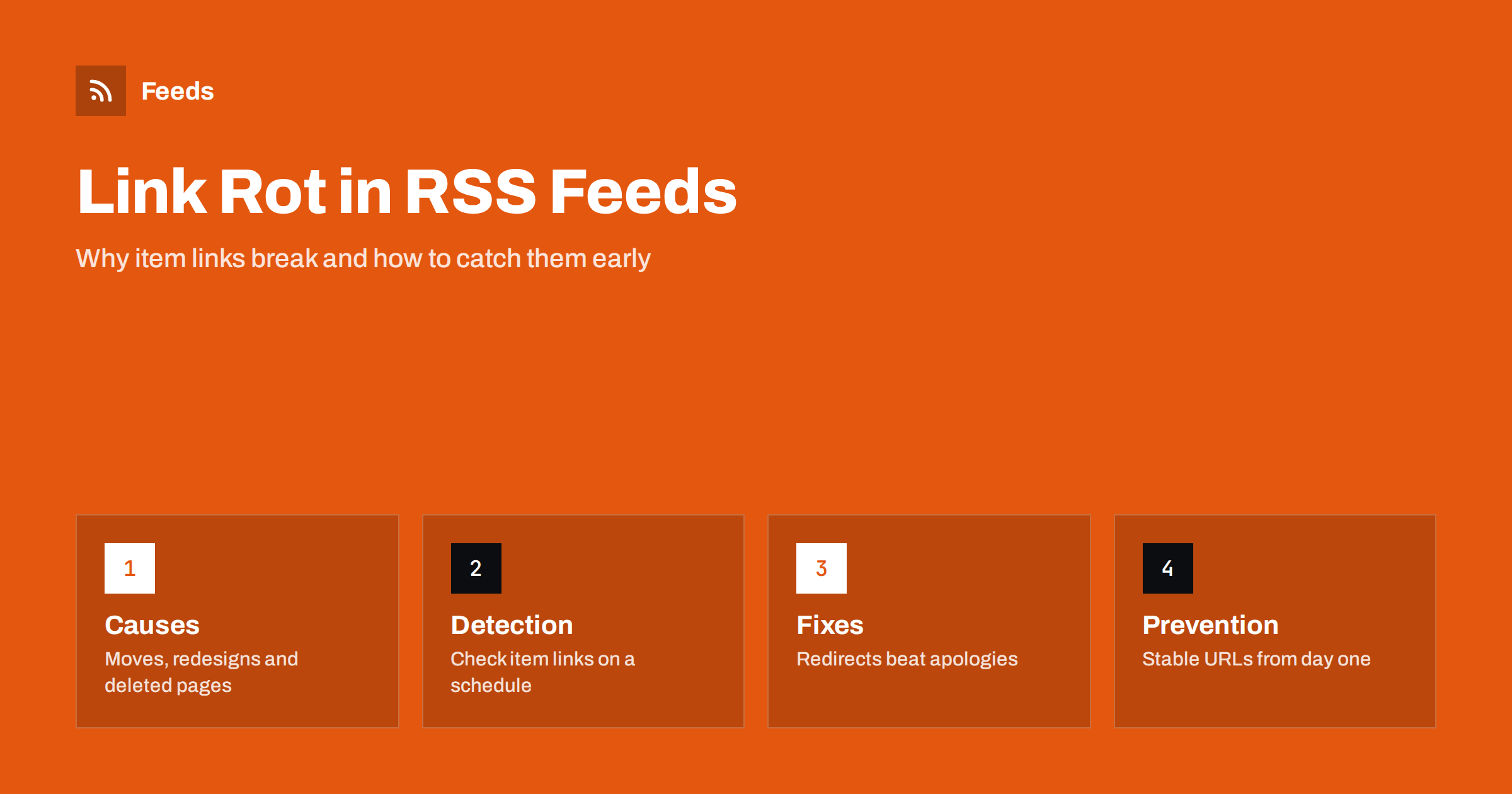
Short answer: Link rot is what happens when the address inside a feed item stops working: the page has moved, been deleted, been renamed or put behind a login. It affects both sides of RSS. Publishers lose readers who click an old item and find an error, and people who follow feeds end up with archives full of dead links. The fix is the same in both cases: check item links and images on a schedule, repair what you control with permanent redirects and keep addresses stable from the start, so that a link published today still works in five years.
What link rot looks like in a feed
A feed is a list of addresses with titles. Every item holds at least one link, usually to the article, and often others: an image, an enclosure, a comment page. When one of them stops working, the feed itself still validates, readers still show the title and nobody notices until someone clicks. That is what makes link rot hard to catch. The feed is technically healthy while its content decays.
You will see it in several forms. A page that returns a “not found” error. A page that redirects to the home page without explanation, which looks like it works but delivers nothing. An image that returns an error, leaving a blank space in readers that show pictures. A link that now asks for a login. Or a page that still exists but is about something else, because the address was reused. Each is a broken promise to the reader.
Why links break
The causes are mostly ordinary, which is why they are so common.
- Redesigns and migrations. New platform, new address structure, and the old addresses are not redirected. This is the biggest single cause, and the planning steps are in RSS feeds in a site migration or redesign.
- Renaming. A title or category changes and the address changes with it.
- Deleted content. An article is removed because it is out of date or legally sensitive, and the address returns an error.
- Protocol and domain changes. A move from http to https, or from one domain to another, without redirects.
- Expired media. Images and audio hosted on a temporary link, a trial account or a service that deletes files after a time.
- Staging and test content. Items published with temporary addresses that later vanish, as discussed in staging sites that leak into RSS feeds.
Why it matters more than it seems
For a reader, a dead link is a small annoyance. For a publisher, it is a loss of trust and traffic that adds up. Search engines treat many broken addresses as a sign of poor maintenance. Social posts that were scheduled from the feed point to dead pages. Newsletters built from old items send readers to errors. And any automation that reposts old items, such as an evergreen resharing schedule, will repeat the mistake automatically.
For someone who follows feeds, the cost is quieter. An archive of items is only valuable if you can open them. If you save items to a notes tool or a research database, a few years later a large share of the links may lead nowhere. If the content matters, saving a copy, not just a link, is the safer habit; the options are covered in archiving RSS feed content.
How to find broken links in your own feed
The principle is simple: take the addresses from the feed and request each one. In practice, a few steps make it reliable.
- Extract the links. From the feed take the item link, the image address and any enclosure address. A short script in any language can parse the feed; see parsing an RSS feed in Python, JavaScript and PHP.
- Request each address. Use a head request first, and fall back to a normal request if the server refuses it. Pause between requests, so that you do not look like an attack on your own site.
- Record the status. Success (200), permanent redirect (301), temporary redirect (302), not found (404), gone (410), forbidden (403) and server errors (5xx) each mean something different.
- Follow redirects, but count them. A chain of several redirects is slow and fragile. A redirect to the home page is almost as bad as an error.
- Repeat on a schedule. Weekly is enough for most sites, daily for news that matters. Keep the results so that you can see when a link failed.
Be careful with false alarms. A site that blocks automated requests may return an error to your checker and a normal page to people; the reasons are in why a feed returns 403 or 429. Check a failing address in a browser before you decide it is broken.
Checking the feeds you follow
If you read other people’s feeds, you cannot repair their links, but you can decide how much to trust them. A source that regularly publishes dead links, duplicated items or addresses that redirect to the home page is a weak source. Watch for items that look new but were published months ago and have no working page; they often indicate a changed feed, the symptoms of which are in duplicate items and GUID problems.
Also check whether a feed has quietly stopped. A source whose old links work but which has published nothing for months is another kind of decay; see what to do when an RSS feed stops updating. For a long list of sources, a monthly review that removes the dead and the stagnant keeps the reader useful, and monitoring hundreds of sources with RSS describes how to do it at scale.
How to repair what is broken
For addresses you control, the preferred fix is a permanent redirect from the old address to the new one, using status 301. It keeps the reader moving, passes the value of existing links on to the new page and tells search engines that the move is deliberate. Redirect to the closest equivalent page, not to the home page. If an article has genuinely been removed, return a clear “gone” or “not found” page with a link to related content, not a silent redirect.
If you have changed the address of the feed itself, the steps are different: keep the old feed address alive and redirect it, so that existing subscribers keep receiving your content. This is covered in serving a feed with the right headers and caching. After any change, check that the redirects work for the feed and for the items inside it, and that the item identifiers (the GUIDs) do not change, otherwise readers will treat every item as new.
For images and media, move the files to a stable location and update the references. Where the old address cannot be kept, restore the file at the old address or redirect it. It is better to host media on your own domain, or on a service you control, than on a temporary link that expires.
Stop it from happening again
Prevention is cheaper than repair. A few habits make links last.
- Use stable addresses. Avoid putting dates, categories or editor names into addresses if they may change. Short, descriptive addresses age better.
- Redirect on every move. Make redirects part of the checklist for any rename, restructure or platform change.
- Keep addresses after deletion. If you must remove a page, return a helpful message instead of an error, and consider redirecting to the closest replacement.
- Test before you launch. A site that is about to go live should have its old addresses mapped to new ones, and the feed should be checked on the same day.
- Monitor continuously. A scheduled check on your own feed, as described in monitoring your own RSS feed, finds problems before readers do.
Finally, keep your tools honest. Monitoring tools report what they can see, and some produce too many alerts; the common traps are listed in website monitoring mistakes.
How RSS Feed Creator helps
If you follow pages that have no feed of their own, RSS Feed Creator turns the list of items on a web page into a clean RSS feed, uses an existing feed when there is one, and shows a preview of the items, with their links and images, before the feed is created, so you can see at once whether the addresses lead where you expect. You can merge several sources into one feed (up to 10 on paid plans), keep only the items that contain your keywords and have duplicates removed automatically. Feeds refresh every 3 hours on the free plan and every 30 minutes on paid plans, and paid plans send an alert when a page changes and a feed stops finding items, which is often the first sign that a site has moved. The free plan allows up to 20 items per feed, and the details are on the pricing page.
Related reading
- How to Validate an RSS Feed and Fix the Most Common Errors
- Automated Posts Missing Images: How to Fix It
- RSS Feed Best Practices: A Checklist for Publishers
The bottom line
Link rot is slow, silent and preventable. Check item links and images on a schedule, repair moves with permanent redirects, keep media on stable addresses and plan every redesign with redirects in mind. For the feeds you follow, drop sources that keep breaking, and save copies of anything you cannot afford to lose.
FAQ
What is link rot in an RSS feed?
It is when the addresses inside feed items, such as the article link or an image, stop working because pages move, are deleted or change their address. The feed stays valid, but readers who click get errors.
How often should I check the links in my feed?
Weekly is enough for most sites. Check daily if the feed carries time-sensitive news, and always check immediately after a migration, redesign or domain change.
Is a redirect to the home page a good fix?
No. It hides the problem and frustrates readers. Redirect to the closest equivalent page, and if there is no replacement, return a clear not found or gone page with links to related content.
Will changing an item address create duplicates in readers?
It can, if the GUID changes with it. Keep the identifier of an item stable when you move its page, and use a permanent redirect for the old address.
Can I fix broken links in feeds I follow but do not own?
No, but you can stop relying on them. Drop sources that regularly publish dead links, and save a copy of any item you need to keep, instead of only the link.