 ENEnglish
 LTLietuviškai
 DEDeutsch
 FRFrançais
 RUРусский
 ESEspañol
 PLPolski
 ITItaliano
 UKУкраїнська
 CSČeština
 PTPortuguês
 JA日本語
JA日本語 LVLatviešu valoda
 ETEesti
 HUMagyar
 IDBahasa Indonesia
 TRTürkçe
 HIहिन्दी
 ELΕλληνικά
 ARالعربية
 THไทย
THไทย VITiếng Việt
 RORomână
 MSBahasa Melayu
 BNবাংলা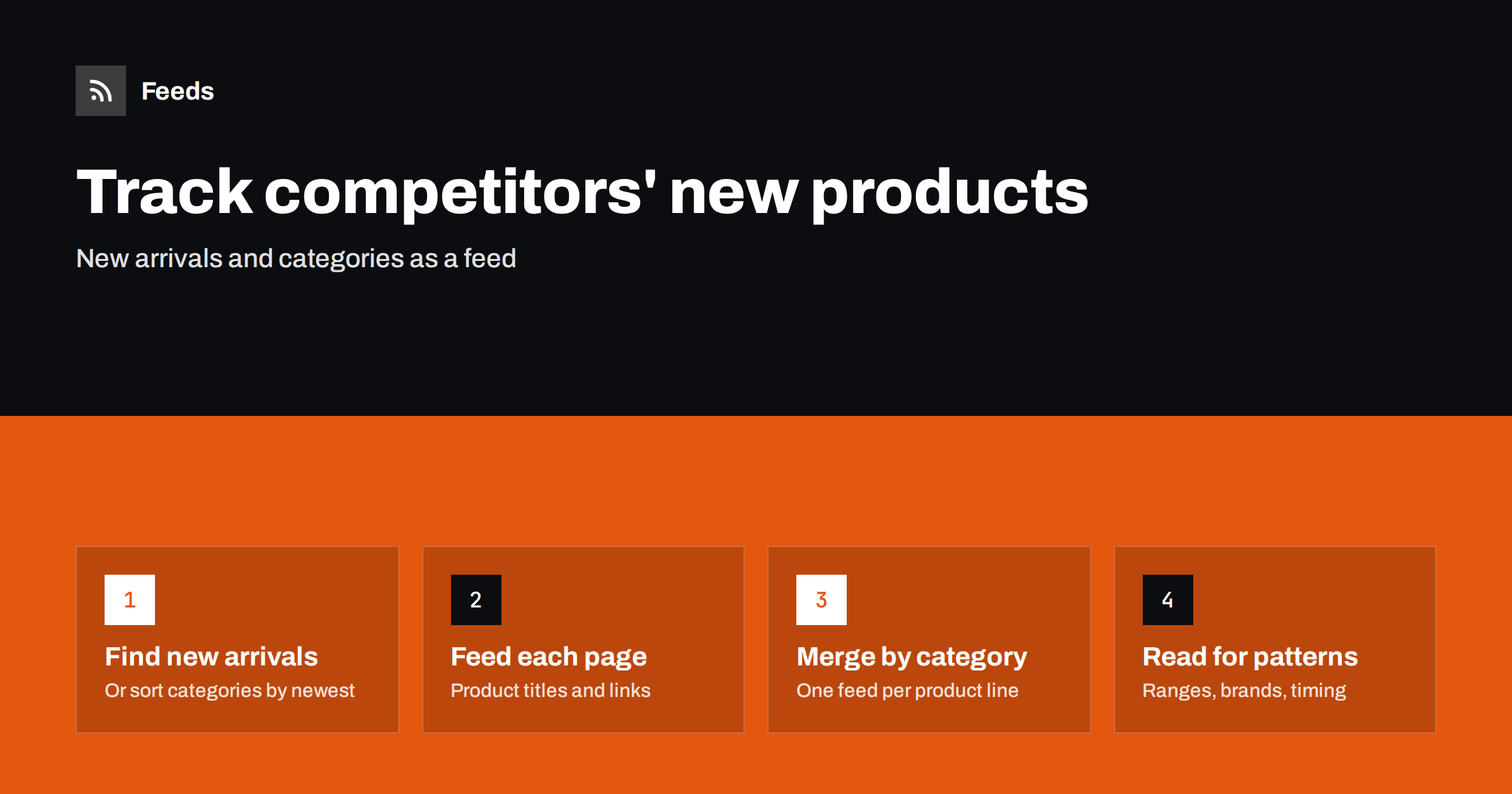
Short answer: Find each competitor’s “new arrivals” or “new in” page, or a category page sorted by newest, and create a feed from it so every newly listed product becomes a feed item with its title and link. Merge competitors by product category, filter where ranges are broad, and review the feed weekly for patterns: new brands, new product lines, seasonal timing and gaps in your own range. Use it for awareness and planning, not for copying.
Online retailers watch competitors’ prices closely, but new products often tell you more. A competitor adding a new brand, expanding into a new category or launching seasonal ranges earlier than you are signals where the market is moving. Checking competitor shops by hand is slow and irregular, and it tends to happen only when someone has spare time, which in retail is rarely. Because most shops have a page that lists their newest products, those pages can be followed as feeds, just like a blog.
This works for retailers of every size. A small specialist shop can follow five direct competitors in its niche; a larger retailer can follow the relevant categories of a dozen stores, plus the new-product pages of key brands. In both cases the effort after setup is a short weekly review, and the result is a far more consistent picture than occasional browsing ever gives.
What new-product monitoring reveals
| Signal | What it may mean |
|---|---|
| New brand appears | A new supplier relationship; possibly an exclusive or a trend worth checking |
| New category or product line | Expansion into a segment you also serve or have considered |
| Seasonal range timing | When competitors start selling seasonal products, relative to you |
| Volume of new listings | How actively a competitor is expanding its range |
| Private label products | A move toward higher-margin own brands |
None of these signals is conclusive on its own. Patterns over weeks are what matter. A single new product might be a test or a one-off deal; ten new products from the same brand over a month is a decision.
Step 1: Find the right pages on competitor stores
Most online stores have at least one of these:
- A “new arrivals”, “new in” or “just landed” page listing the latest products across the store.
- Category pages with a “newest” sort option. If the sort appears in the address, for example as a parameter, that sorted address is a good feed source.
- Brand pages for brands you both sell, sorted by newest.
- A blog or news section announcing new collections, which may already have a feed.
Check that the page lists products in the HTML (view the page source and search for a product name). Some stores load product grids with scripts; in that case, try a different page, such as a category page, or a search results page sorted by newest.
Step 2: Create feeds and check the preview
Create a feed from each page with a page-to-feed tool. In the preview, each item should be one product, with the product name as the title and a link to the product page, ideally with the product image. Watch for filters and banners being picked up as items; a more specific category page usually gives a cleaner result. After a few days, check that only genuinely new products were added, not the same products reshuffled by the store’s sorting.
Some stores publish structured data for products on their pages. Where a list page includes it, feed items may be cleaner. Where it does not, the product name and link are still enough for monitoring.
Stores built on common platforms
Many online shops run on well-known e-commerce platforms, and some of those platforms expose feeds or predictable collection pages. For example, some platforms offer a feed for a collection or category, and many shops built on them use similar page structures. Check whether a competitor’s collection page has an advertised feed in its source before creating one.
Step 3: Merge by category and filter
Organize feeds around your own product lines. If you sell outdoor clothing and camping equipment, create one feed per line and add the relevant pages from each competitor. This makes it easy to see, for a given category, everything competitors added this week.
For stores with very broad ranges, filter the feed with category words, brand names or product types you care about. For specialist competitors, read everything.
Consider adding the new-product pages of the brands you stock as well. Many brands list their latest products on their own websites before retailers receive them, which tells you what is coming and helps you plan orders. Merged with competitor feeds, this gives a fuller picture of what will appear in your market over the coming weeks.
Step 4: Review for patterns
Review the merged feeds weekly, and look beyond individual products:
- Brands: are competitors adding brands you do not carry? Are several adding the same one?
- Categories: is a competitor building out a category quickly?
- Timing: when do seasonal ranges appear on competitor sites compared with yours?
- Gaps: which products are competitors adding that customers ask you for?
Keep short notes with dates. Over a season, they become a clear picture of each competitor’s range strategy and a useful input to buying decisions.
Share the notes with whoever makes buying and merchandising decisions, alongside your own data: which products sell, which customers ask for, which suppliers have offered new lines. Competitor activity is most useful as one input among several, not as a signal to follow automatically.
A worked example
A small online shop selling specialty coffee equipment follows four competitors. Two have “new arrivals” pages; the other two have none, but their grinders and brewers categories can be sorted by newest, and the sort appears in the address. The owner creates six feeds and merges them into two: one for machines and grinders, one for accessories. She reads both each Monday with a coffee.
Over two months she notices that three of the four competitors have added products from the same new grinder brand, and that one competitor has started listing a range of accessories under its own label. She contacts the grinder brand’s distributor, confirms that customers have been asking about it, and adds a small selection to her own range before the busy season. The accessory trend she notes but does not act on yet, since her own sales data shows little demand. Neither decision required hours of browsing; both came from a few minutes a week with two feeds.
Using the information responsibly
Monitoring what competitors publicly list is ordinary market research. Keep it that way: use the insight to make your own decisions, do not copy product descriptions or images, and keep refresh rates modest so you are not placing load on competitors’ stores. Respect their terms of use and do not attempt to access anything that is not public. The purpose is to understand the market well enough to make better decisions for your own customers, which is exactly what good buyers have always done by visiting shops and trade fairs.
Common mistakes
- Using pages sorted by popularity. New products do not appear at the top. Sort by newest.
- Reacting to single products. One listing is not a strategy. Look for patterns.
- Too many unfiltered stores. Large general retailers add hundreds of products a week. Filter or follow specific categories.
- Ignoring your own range data. Competitor insight is most useful next to your own sales and customer requests.
- Silent feeds after redesigns. Stores redesign often. Check that feeds still find products.
How Feeds helps
Feeds creates RSS from any public page, including competitors’ new arrivals and sorted category pages, by finding the list of items on the page and showing a preview before anything is created. It uses an existing feed when a page has one. You can merge several competitors into one feed per category and keep items with your words, with duplicates removed automatically. Feeds refresh on their own, and paid plans alert you if a feed stops finding items. For your own store’s product feeds for shopping platforms, Feeds has separate product feed features. See the pricing page.
Related reading
- How to Track Competitor Blogs and News with RSS Feeds
- How to Follow Just One Section or Category of a Website
- How to Merge Multiple RSS Feeds into One Clean Feed
The bottom line
Competitors’ new products are listed publicly, usually on a new arrivals or sorted category page. Turn those pages into feeds, merge them by your own product lines, filter broad stores, and review weekly for patterns in brands, categories and timing. Used responsibly, it is a low-effort way to keep your range decisions informed.
FAQ
How can I see when a competitor adds new products?
Create a feed from the competitor’s new arrivals page or a category page sorted by newest. Each newly listed product then appears as a feed item.
What if the store loads products with JavaScript?
Try another page, such as a category or search results page sorted by newest, and check the page source for product names. Some pages work even when others on the same store do not.
Can I track competitor prices this way?
Feeds show new product listings, not price changes on existing products. For prices, you would need a dedicated price monitoring approach.
Is monitoring competitor stores allowed?
Viewing publicly listed products is normal market research. Respect the store’s terms, keep refresh rates modest and do not copy descriptions or images.
How often should I review competitor product feeds?
Weekly is enough for most retailers, with closer attention before and during key seasons.


