 ENEnglish
 LTLietuviškai
 DEDeutsch
 FRFrançais
 RUРусский
 ESEspañol
 PLPolski
 ITItaliano
 UKУкраїнська
 CSČeština
 PTPortuguês
 JA日本語
JA日本語 LVLatviešu valoda
 ETEesti
 HUMagyar
 IDBahasa Indonesia
 TRTürkçe
 HIहिन्दी
 ELΕλληνικά
 ARالعربية
 THไทย
THไทย VITiếng Việt
 RORomână
 MSBahasa Melayu
 BNবাংলা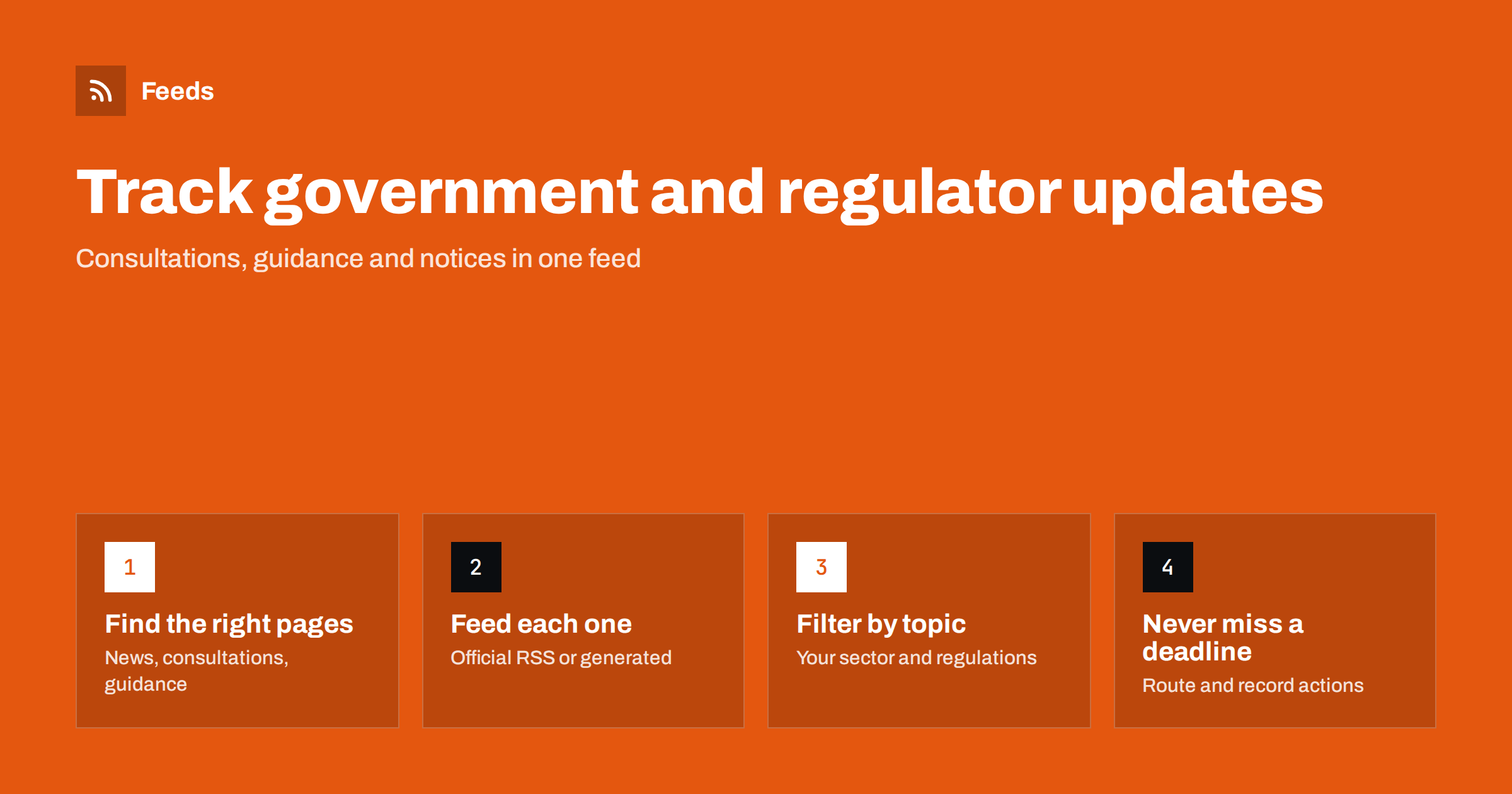
Short answer: Identify the specific pages where each regulator or public body publishes news, consultations, guidance and enforcement notices. Use their official RSS feeds where they exist, which is more common than people think, and create feeds from the remaining list pages with a page-to-feed tool. Merge the feeds by theme, filter for your sector and the regulations that affect you, and route items with deadlines, such as consultations, to someone who records and acts on them.
Regulatory change rarely arrives with a fanfare. A consultation appears on a public body’s website, a guidance document is updated, a new register or notice is published. Businesses that hear about these things late lose the chance to respond to consultations, prepare for new rules or advise clients in time. Many of the pages involved have no email alerts and no obvious feed, which is exactly why a feed-based approach helps.
Who needs to follow official sources
- Regulated businesses in finance, energy, healthcare, food, transport, telecoms and many other sectors.
- Compliance, legal and risk teams who must know about new rules and guidance before they take effect.
- Consultants, accountants and law firms who advise clients and want to be first with relevant updates.
- Trade associations that respond to consultations on behalf of members.
- Journalists and researchers covering policy.
- Companies bidding for public contracts, who follow procurement notices.
Step 1: Map the pages that matter
Public bodies usually publish different kinds of updates in different places. Visit each relevant organization’s website and note the list pages for each type of content.
| Content type | Why it matters | Typical page |
|---|---|---|
| News and press releases | Announcements, enforcement actions, policy statements | Newsroom or media centre |
| Consultations | Chance to influence rules; have response deadlines | Consultations or “have your say” page |
| Guidance and publications | How rules are interpreted in practice | Publications or guidance library |
| Rules and legislation updates | Changes that take legal effect | Rulebook, legislation or “what’s new” page |
| Registers and notices | Licences, warnings, sanctions, decisions | Register or notices page |
| Speeches and statements | Signals of future priorities | Speeches page |
Do not forget bodies that sit around the main regulator: ministries, standards organizations, ombudsmen, data protection authorities and, where relevant, international or regional bodies whose decisions filter down to national rules.
Write the list down with one line per page: organization, content type, address, and whether an official feed exists. This small inventory becomes the backbone of your monitoring and makes it easy to hand over to a colleague.
Step 2: Look for official feeds first
Government and regulator websites are often built on large content platforms that generate feeds, even if links are hidden in a footer or a “stay informed” page. Look for:
- A page titled “RSS feeds”, “subscribe” or “email alerts”, which often lists feeds per topic.
- Feed links in the page source (search for
application/rss+xmloratom). - Search result pages with a feed option, which let you follow a filtered set of publications.
Official feeds are the best option when they exist, since they reflect the publisher’s own data. Check that they actually update, though; some public websites keep old feed links that stopped working after a migration. Look at the date of the newest item and compare it with the page.
Step 3: Create feeds for pages without RSS
Where a list page has no feed, generate one. Public-sector list pages are usually well suited to this: they are text-heavy, list items in date order and change slowly in design.
- Choose the most specific list page, for example “consultations” rather than the home page.
- If the page supports filters by topic or sector and the filter appears in the address, use the filtered address as the source.
- Check the preview. Titles should be document or announcement titles, and links should lead to each item’s page or document.
- Note whether items have dates. Many publication lists show them; if not, a feed tool typically dates items by when it first saw them.
Some items link directly to PDF documents rather than web pages. That is fine for monitoring; the feed tells you a new document exists and gives you the link.
Step 4: Merge by theme and filter by relevance
A large regulator can publish a lot, most of it irrelevant to any one business. Two techniques keep feeds manageable.
- Merge by theme. Combine the consultations pages of several bodies into one “consultations” feed; combine guidance pages into a “guidance” feed. Themes map naturally to who handles them.
- Filter by your scope. Keep items that mention your sector, product types, the regulations you are subject to, or common terms like “consultation”, “guidance” and “deadline”. Exclude obviously irrelevant sectors if the source mixes many.
For regulatory sources, lean toward loose filters. Missing a relevant consultation is usually worse than reading a few extra headlines. Official titles can be dry and formal, so include the formal names and abbreviations of the rules you follow, not only everyday terms.
Step 5: Route items and track actions
Regulatory items often carry obligations or deadlines. A feed that nobody acts on is not a compliance process.
- Send consultations and rule changes to the compliance or legal owner, with a place to record the decision: respond, monitor or ignore.
- Send guidance updates to the teams whose work they affect.
- Send news and enforcement actions to leadership in a weekly digest, since they indicate regulatory priorities.
- Keep a register with the date seen, the item, the deadline if any, the owner and the action taken. This record is valuable in audits and when explaining how you stay informed.
Common mistakes
- Following only the newsroom. Press releases cover the headline moments, but consultations and guidance, where most practical change happens, often live elsewhere.
- Trusting an old feed link. After a website migration, a feed can keep returning the last items forever. Always compare the newest feed item with the page.
- Filters built from everyday language. Official titles use formal names, reference numbers and abbreviations. Include them.
- No record of decisions. Seeing a consultation is not the same as deciding what to do about it. Write the decision down.
- Ignoring upstream bodies. Rules often start at regional or international level long before national regulators publish them. Following the source gives you months of notice.
- One person, no backup. If the only reader of the feeds is on holiday during a short consultation window, the opportunity is lost. Name a deputy.
A worked example
An accounting firm serving small businesses wants to stay ahead of tax and reporting changes. It maps the tax authority’s news, guidance and consultations pages, the business registry’s announcements page and the ministry of finance’s press releases. The tax authority offers official feeds for news and guidance; the consultations page and the registry do not, so the firm generates feeds for them.
It builds two merged feeds. “Rules and consultations” combines consultations, guidance and the ministry’s press releases, filtered loosely for “VAT”, “payroll”, “reporting”, “deadline” and the names of two reforms. One partner reviews it daily and logs anything relevant. “General news” combines everything else and is reviewed weekly. When a consultation on reporting thresholds appears, the firm sees it on the first day, prepares a short client note and responds to the consultation, work that would have been impossible if it had heard about it from a newsletter weeks later.
How Feeds helps
Feeds turns public-sector list pages into RSS without any change on the source site, which matters because you cannot ask a ministry to add a feed. It uses an official feed when a page has one; otherwise it finds the list of items on the page and shows a preview before anything is created. You can merge several bodies’ pages into one feed and keep only items with your words, with duplicates removed automatically. Feeds refresh on their own, and paid plans alert you if a feed stops finding items, which is useful because public websites are periodically migrated to new platforms. See pricing for limits.
Related reading
- How to Set Up Keyword Alerts Using RSS Feed Filters
- How to Merge Multiple RSS Feeds into One Clean Feed
- Page Change Monitoring vs RSS Feeds: Which Do You Need?
The bottom line
Following regulators and public bodies is mostly a matter of finding the right list pages, getting a feed for each, filtering loosely for your scope and making sure someone acts on what arrives. Official feeds exist more often than people expect; page-to-feed tools cover the rest. Pair feeds with a change monitor for the few guidance documents that are edited in place, and keep a register of what you saw and did.
FAQ
Do government websites have RSS feeds?
Many do, often per topic or content type, but the links can be hard to find. Look for a subscribe or RSS page, check the page source for feed links, and verify that the feed still updates.
How can I follow a regulator’s consultations page that has no feed?
Create a feed from the consultations list page with a page-to-feed tool. Each new consultation then appears as a feed item with its title and link.
How do I avoid missing important regulatory updates?
Follow the specific list pages for consultations, guidance and rules, use loose filters rather than strict ones, and assign an owner who reviews items and records decisions. Check periodically that each feed is still finding items.
Can a feed tell me when a guidance document is edited?
Usually not, since feeds announce new items rather than edits. For key documents that are updated in place, use a page change monitor alongside your feeds.
Is it acceptable to automate reading public-sector websites?
Public information is published to be read, and reading list pages at a modest rate is ordinary behavior. Keep refresh intervals reasonable and follow the site’s terms.


