 ENEnglish
 LTLietuviškai
 DEDeutsch
 FRFrançais
 RUРусский
 ESEspañol
 PLPolski
 ITItaliano
 UKУкраїнська
 CSČeština
 PTPortuguês
 JA日本語
JA日本語 LVLatviešu valoda
 ETEesti
 HUMagyar
 IDBahasa Indonesia
 TRTürkçe
 HIहिन्दी
 ELΕλληνικά
 ARالعربية
 THไทย
THไทย VITiếng Việt
 RORomână
 MSBahasa Melayu
 BNবাংলা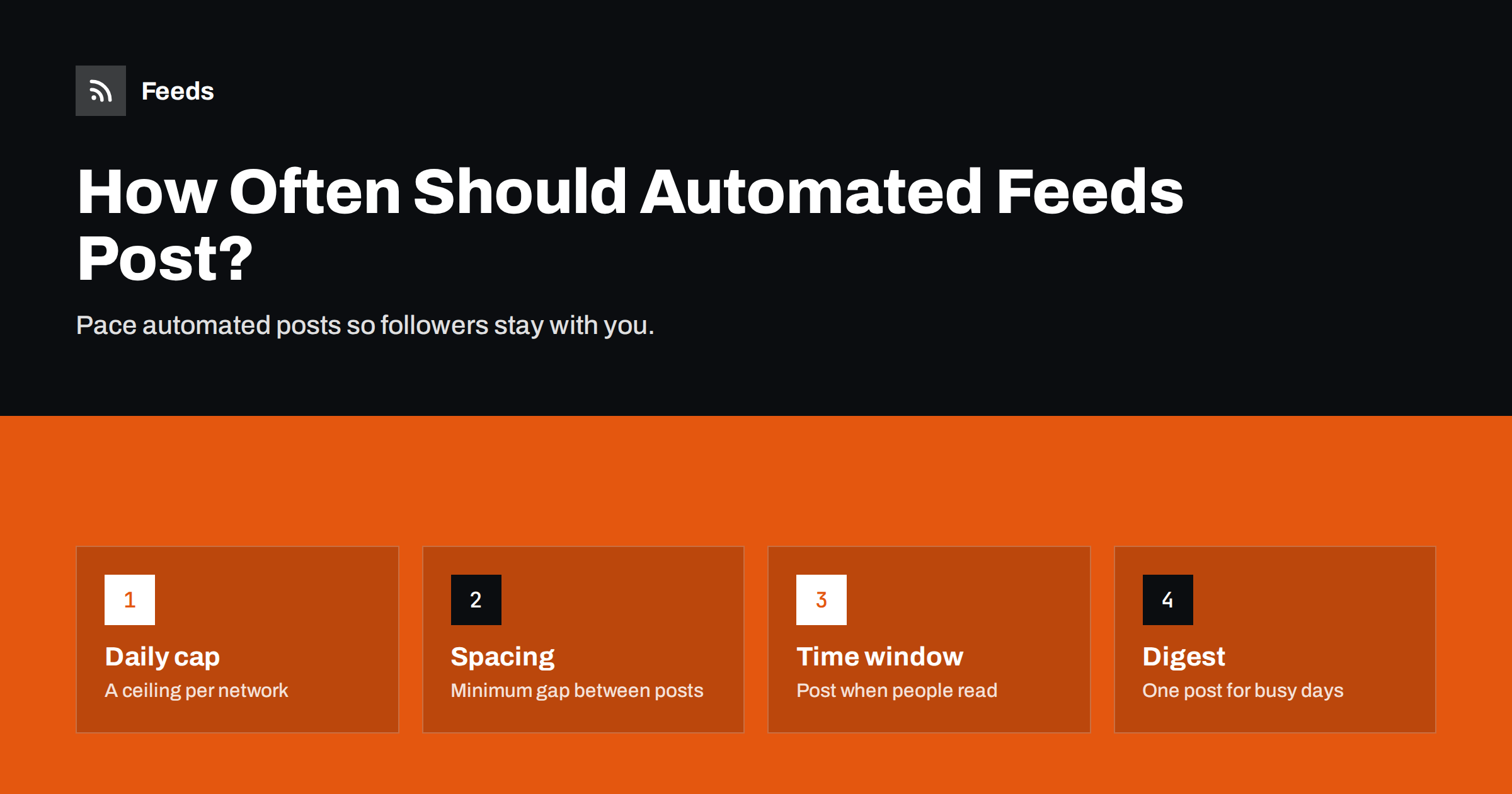
Short answer: There is no single correct number, but automated feeds should post at a pace your followers would accept from a person: typically one to a few posts a day on LinkedIn and Facebook, more on X and Telegram if the content is newsy, with a minimum gap between posts and a time window that matches your audience’s day. Control pacing with three settings, a daily cap, spacing between posts and posting hours, and switch to a digest when a feed produces more items than your cap.
Why frequency matters more with automation
When people post by hand, frequency regulates itself. Nobody has time to post twenty times a day. Automation removes that natural brake. A feed that publishes in bursts, such as a news site, a shop importing products or a job board after a big update, can push dozens of posts to your accounts within an hour.
Too many posts hurt in several ways. Followers see a wall of your content and mute or unfollow. Engagement per post falls, which on algorithmic networks can reduce how widely later posts are shown. Some platforms may limit accounts that post in rapid bursts. And the posts compete with each other, so even good items get less attention.
Too few posts hurt as well: an account that is quiet for weeks looks abandoned. The goal is a steady, predictable rhythm, which automation is actually very good at, once it is configured to pace itself.
Starting points by network
These are practical starting points, not rules. Platform norms change, and your audience’s reaction matters more than any general guideline.
| Network | Typical tolerance | Starting point for automated posts |
|---|---|---|
| LinkedIn company page | Low; professional audience | Up to 1–2 posts per day, weekdays |
| Facebook page | Moderate | 1–3 posts per day |
| X | High; fast-moving timeline | Several per day, spaced out |
| Telegram channel | Depends on channel purpose; every post is delivered | News channels: several per day; others: 1–2 |
| Low for feed posts; visual quality matters | Usually better handled manually or selectively | |
| Team chat channels | Low if notifications are on | Daily digest for busy feeds |
If you are unsure, start at the low end and increase only if engagement stays steady.
The three settings that control pacing
Daily cap
A maximum number of posts per network per day. When the feed produces more items than the cap, the extra items either wait for the next day, are skipped, or are grouped into a digest, depending on the tool. A cap is the single most effective protection against floods.
Minimum spacing
A minimum gap between posts, such as 60 or 90 minutes. Even within the daily cap, three posts in three minutes look like spam. Spacing spreads them through the day, where each gets its own moment.
Posting window
The hours during which posts may go out, in your audience’s time zone. Items published at night wait until morning. For B2B audiences, weekday business hours are a sensible window; for consumer content, evenings and weekends may work better.
Not every tool offers all three. If yours offers none, that alone is a good reason to look at another tool or put a scheduling step in between.
Different content types, different rhythms
Frequency also depends on what you post, not only where. The same audience may welcome five news items a day but find five product posts pushy.
- In-depth articles and guides deserve their own moment. One per day at most on each network, ideally with room around them so they are not buried by lighter posts.
- News items are time-sensitive and short-lived. Higher frequency is acceptable, but spacing still matters, and older items lose value quickly, so it is often better to skip a backlog than to post yesterday’s news today.
- Product posts work best in moderation and mixed with non-promotional content. A common rule of thumb in social media marketing is that promotional posts should be a minority of what an account shares.
- Job openings are relevant only to a subset of followers. A weekly roundup often performs better than individual posts, except for key roles.
- Events need two or three touchpoints: an announcement, a reminder and perhaps a last call. Automating the first is easy; the reminders usually need scheduling rather than a feed trigger.
If a single feed mixes these types, split it by category before posting, and give each type its own cap and template. That small step usually does more for engagement than any change in overall frequency.
When to switch to a digest
If a feed regularly produces more items than your cap, you have two choices: drop items or combine them. A digest post, such as “Today’s five new job openings” with a link to a listing page, or a daily roundup of news with short bullet points, keeps everything available without flooding the timeline.
Digests work especially well for:
- Job boards and marketplaces with many similar items.
- News aggregation channels following many sources.
- Shops adding many new products at once.
- Internal team channels where people want an overview, not interruptions.
Reducing volume at the source
Pacing settings manage volume; filters reduce it. Often the better fix is to post fewer, more relevant items.
- Use category feeds instead of the main feed, so only the right kind of content reaches each network.
- Apply keyword filters that include your core topics and exclude recurring noise.
- Merge overlapping sources with duplicate removal, so one story is not posted three times from three sites.
- Send different content to different networks. Not every item needs to go everywhere.
Feeds helps with this upstream work. It creates RSS feeds from pages that have none, merges several sources into one feed, keeps or drops items by keyword and removes duplicates automatically. A filtered, merged feed produces fewer but better items, which makes a sensible daily cap much easier to respect. The pricing page shows the limits of each plan.
Reading the signals from your audience
Your followers tell you whether the pace is right, if you look.
- Engagement per post falling while the number of posts rises suggests saturation.
- Unfollows or channel leaves after busy days are a direct signal.
- Muted channel members in Telegram or chat tools, and falling view counts per post.
- Comments like “too many posts” are rare but worth taking seriously, because for each person who says it, many more simply leave.
Change one setting at a time and give it a few weeks before judging. Daily variation is large; trends matter.
Special cases
Launch days and big updates
When you import a large batch of content, for example when moving to a new website or adding a new product category, pause automations first. Otherwise the import may look like dozens of new items. Restart with “only new items from now on”.
Breaking news
If your channel exists to deliver timely news, subscribers may accept more posts on busy days. Even then, spacing of a few minutes and silent notifications for minor items keep the channel usable.
Evergreen content
Reposting older articles can fill quiet days, but should be clearly deliberate and limited, not a side effect of feeds republishing old items with new dates.
A simple pacing policy you can copy
- Each network has a daily cap: LinkedIn 2, Facebook 3, X 6, Telegram 5.
- Minimum 90 minutes between posts on the same network.
- Posting window 8:00–20:00 in the main audience’s time zone; LinkedIn weekdays only.
- Items above the cap roll to the next day; if the backlog exceeds one day, the oldest are grouped into a digest.
- Quarterly review of engagement per post and follower changes; adjust one setting at a time.
Write your version down next to the list of workflows, so that everyone who touches the automations knows the rules.
Related reading
- How to Automate Social Media Posts from an RSS Feed
- 12 Content Automation Mistakes and How to Avoid Them
- How to Auto-Post New Blog Articles to LinkedIn
- How to Auto-Post an RSS Feed to a Telegram Channel
The bottom line
Automation makes it easy to post too much. Set a daily cap, a minimum gap and a posting window for each network, filter and merge feeds so fewer, better items arrive, and use digests when volume is high. Start conservatively, watch engagement and follower changes, and adjust slowly. The right frequency is the one your followers would happily accept from a person.
FAQ
Is there an ideal number of posts per day?
No universal number exists. It depends on the network, your audience and the value of each post. Starting with one or two per day on professional networks and increasing only if engagement holds is a safe approach.
Will posting too often hurt my reach?
It can. If engagement per post drops because followers are saturated, algorithmic networks may show your later posts to fewer people, and some followers will mute or unfollow.
What should happen to items above the daily cap?
Depending on the tool, they can wait until the next day, be skipped, or be combined into a digest post. For high-volume feeds, a digest is usually the most follower-friendly option.
Should automated posts go out at night?
Usually not. Use a posting window in your audience’s time zone so items published at night are held until morning.
How do I reduce the number of items instead of just pacing them?
Filter the feed by category or keywords, merge overlapping sources with duplicate removal, and send each network only the content that suits it.
Do all networks need the same posting rules?
No. Each network has different norms and audiences, so give each one its own cap, spacing and posting window. Professional networks usually need fewer posts than fast-moving timelines or news channels.


