 ENEnglish
 LTLietuviškai
 DEDeutsch
 FRFrançais
 RUРусский
 ESEspañol
 PLPolski
 ITItaliano
 UKУкраїнська
 CSČeština
 PTPortuguês
 JA日本語
JA日本語 LVLatviešu valoda
 ETEesti
 HUMagyar
 IDBahasa Indonesia
 TRTürkçe
 HIहिन्दी
 ELΕλληνικά
 ARالعربية
 THไทย
THไทย VITiếng Việt
 RORomână
 MSBahasa Melayu
 BNবাংলা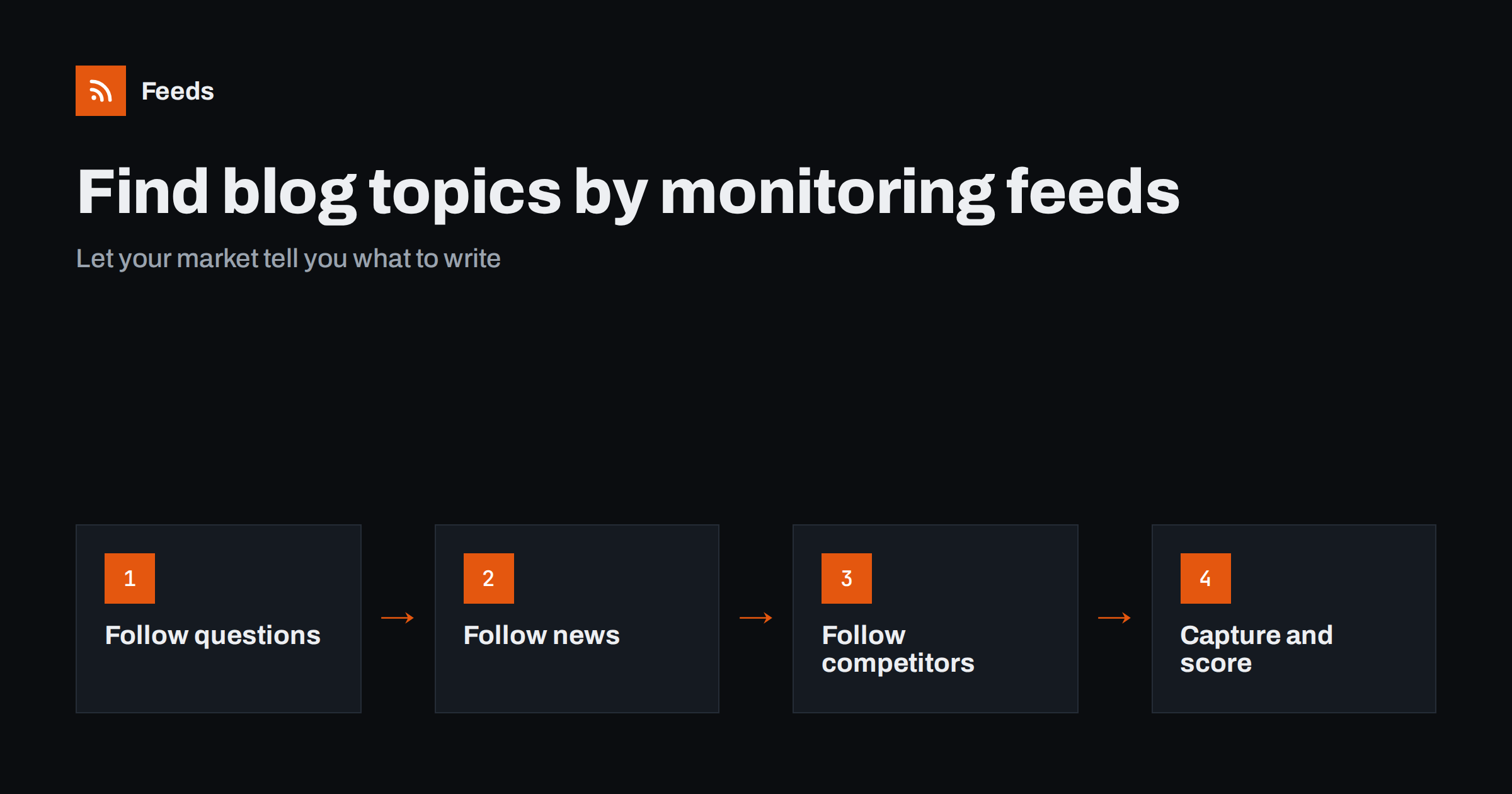
Short answer: Build one “ideas” feed from three kinds of sources: communities where your audience asks questions, news sources that report changes in your industry, and competitors’ blogs and changelogs. Merge them, filter lightly for your topics, and scan the feed a few times a week, saving promising items to an idea backlog with a note on the angle you would take. Topics that come from real questions and real changes tend to be more useful, and more timely, than ideas brainstormed in a meeting.
Most content teams do not suffer from a lack of ideas so much as a lack of good ones. Brainstorming sessions produce topics that feel important internally but that nobody searches for, and keyword tools produce topics everyone else is already writing about. Monitoring what your market reads and asks in real time sits between the two: it shows you what people care about now, in their own words, and what has just changed. Feeds make that monitoring cheap enough to do every week.
There is a second benefit. Content built from real questions and real changes is easier to write well, because the reader’s problem is already defined. You know who is asking, what they have tried and where they are stuck, which makes it much easier to write something genuinely helpful rather than generic.
Three kinds of sources for ideas
| Source type | Examples | What it gives you |
|---|---|---|
| Questions | Forums, Q&A tags, community boards, product review discussions | Problems in your audience’s words; how-to and troubleshooting topics |
| Changes | Trade press sections, regulators, standards bodies, platform changelogs | Timely explainers: what changed and what it means for readers |
| Competitors | Competitors’ blogs, newsrooms, changelogs, resource hubs | Gaps they leave, angles they miss, topics worth doing better |
Each source type produces a different kind of article. Questions lead to practical guides, changes lead to explainers and news analysis, and competitor content helps you position your own pieces.
Step 1: Collect question sources
Questions are the most valuable source of evergreen topics, because each one is a real person’s problem. Find where your audience asks: the forums of platforms your product works with, Q&A sites with tags for your field, industry groups with public boards, and comment sections of popular sites in your niche.
Many forums and Q&A sites provide feeds for categories or tags; for the rest, create feeds from their “new threads” pages. Keep these question feeds together, because you read them differently from news: you are looking for recurring problems, not headlines.
Your own support inbox and sales calls are question sources too, even if they are not feeds. Ask support and sales colleagues to add recurring questions to the same idea backlog. Combining internal questions with public ones shows which problems are widespread and which are specific to your customers.
Step 2: Collect change sources
Changes create demand for explanation. A new regulation, a platform update, a price change by a major supplier or a new industry standard all make readers search for “what does this mean for me?” Being early with a clear, accurate explainer is one of the most reliable ways to earn attention.
Follow the relevant sections of trade publications, the news and guidance pages of regulators, and the changelogs of platforms your audience uses. Many of these have no feeds, so generate feeds from their list pages where needed. Consultation pages deserve special attention: a regulation under consultation today is next year’s rule, and an early, well-researched article about it can stay relevant for a long time.
Step 3: Collect competitor sources
Competitors’ content shows what your audience is already being offered. Follow their blogs, resource hubs and changelogs. You are not looking for topics to copy; you are looking for:
- Topics they cover thinly, where a deeper, more practical article would be better.
- Questions from your community sources that no competitor answers.
- Product changes that create a need for comparison or migration guides.
- Angles specific to your expertise or your customers that others cannot write, such as lessons from real projects or data you are allowed to share.
Step 4: Merge, filter lightly and scan
Merge all sources into one ideas feed, or into three feeds by source type if volume is high. Filter only the broad sources, such as general trade news, for words related to your topics. Keep question and competitor sources mostly unfiltered, since unexpected items are often the most interesting.
Scan the feed two or three times a week. Most items take a second to dismiss. For the few that spark an idea, capture them immediately. Resist the urge to write a full outline on the spot; a title and one line on the angle are enough at this stage, and they keep scanning fast.
What to look for while scanning
Scanning for ideas is a different skill from scanning for news. You are not asking “is this important?” but “would our readers search for help with this?” A few signals are worth training your eye on:
- Repeated confusion. The same question asked in slightly different ways across several threads.
- Unanswered or badly answered questions. Threads where replies are vague, contradictory or outdated.
- “Versus” questions. People comparing two tools, methods or standards, which make natural comparison articles.
- Deadlines and thresholds. Changes with dates attached, which make timely checklists.
- Surprising numbers or claims in news items that your expertise can put into context honestly.
When one item shows several of these signals, it usually deserves an article.
Step 5: Capture ideas in a backlog
An idea is only useful if it survives until someone writes it. Keep a simple backlog, a spreadsheet or board, with a few fields:
- The working title, phrased as the reader would search for it.
- The source item and its link.
- The angle: what you would say that others do not.
- Type: guide, explainer, comparison, checklist, troubleshooting.
- Urgency: time-sensitive or evergreen.
- A rough score for audience fit and business relevance.
Time-sensitive explainers should be written within days; evergreen guides can wait for the regular content plan. Reviewing the backlog monthly also reveals patterns: when the same question appears five times from different sources, it deserves a thorough article.
Common mistakes
- Chasing every news item. Not every change matters to your readers. Ask whether your audience will actually be affected.
- Copying competitors. A slightly different version of an existing article adds little. Look for gaps and better angles instead.
- Only following news. News gives timely ideas but few evergreen ones. Question sources balance that.
- Losing ideas. An item marked as read in a feed reader is gone from view. Capture ideas in the backlog straight away.
- Too many sources. An ideas feed with hundreds of items a day is unreadable. Start small and add sources that prove useful.
A worked example
A company selling accounting software to small businesses builds an ideas feed from a small-business forum’s accounting category, a Q&A tag for the country’s tax rules, the tax authority’s news and guidance pages, two trade publications’ small-business sections and three competitors’ blogs. The forum and the tax authority’s guidance page have no feeds, so the team generates them from the list pages.
In one month, the content lead captures twenty ideas. A change to invoice rules announced on the tax authority’s guidance page becomes a timely explainer published within a week. Several forum threads asking how to record the same type of expense become one thorough guide. A competitor’s thin article on year-end closing becomes a much more detailed checklist. All three topics came directly from the market rather than from a brainstorm.
How Feeds helps
Feeds lets you turn forums, guidance pages, trade press sections and competitor resource hubs into RSS feeds even when they have none, using existing feeds where available and showing a preview before anything is created. You can merge sources into one ideas feed and keep items with or without your words, with duplicates removed automatically. Feeds refresh on their own and work in any reader or tool. Plans are on the pricing page.
Related reading
- How to Monitor Forums and Community Sites with RSS Feeds
- How to Track Competitor Blogs and News with RSS Feeds
- How to Automate Content Curation Without Losing Quality
The bottom line
Good content ideas come from what your market asks and what has just changed. Follow question sources, change sources and competitors as feeds, merge them into an ideas feed, scan it a few times a week and capture promising items in a backlog with a clear angle. You will write fewer articles nobody needs and more that answer real questions at the right time.
FAQ
How can I find blog topics my audience actually wants?
Follow the forums and Q&A sites where your audience asks questions, and look for problems that recur. Each recurring question is a candidate for a practical guide.
Should I write about industry news?
Write about changes that genuinely affect your readers, and explain what they mean in practice. Being early with a clear explainer is valuable; covering every headline is not.
Is it acceptable to get ideas from competitors’ blogs?
Yes, as long as you look for gaps and better angles rather than copying. Competitors’ content shows what readers are already offered and where you can do better.
How often should I review an ideas feed?
Two or three times a week is usually enough. Time-sensitive items need quick action, while evergreen ideas can go into a backlog for later.
What if a forum or guidance page has no RSS feed?
Create a feed from its list page with a page-to-feed tool. New threads or documents then appear in your ideas feed automatically.


