ENEnglish
 LTLietuviškai
 DEDeutsch
 FRFrançais
 RUРусский
 ESEspañol
 PLPolski
 ITItaliano
 UKУкраїнська
 CSČeština
 PTPortuguês
 JA日本語
JA日本語 LVLatviešu valoda
 ETEesti
 HUMagyar
 IDBahasa Indonesia
 TRTürkçe
 HIहिन्दी
 ELΕλληνικά
 ARالعربية
 THไทย
THไทย VITiếng Việt
 RORomână
 MSBahasa Melayu
 BNবাংলা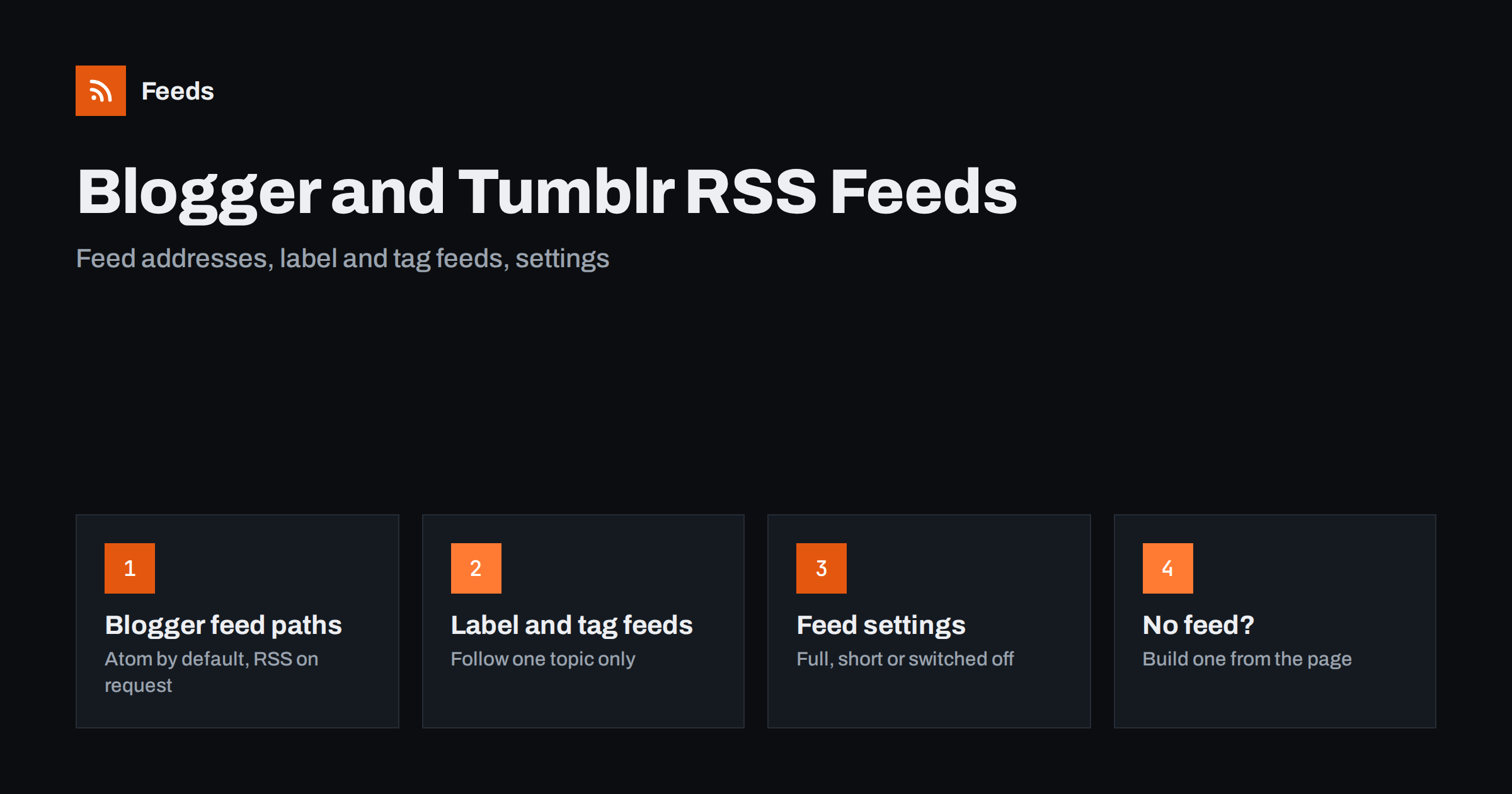
Short answer: Every Blogger blog publishes a feed at /feeds/posts/default (Atom) and the same address with ?alt=rss for RSS 2.0, plus label feeds at /feeds/posts/default/-/Label. Tumblr blogs publish RSS at /rss on the blog’s own subdomain, and tag feeds at /tagged/tag-name/rss. Whether the feed shows full posts, short summaries or nothing at all depends on the blog owner’s settings.
Why these two platforms still matter for RSS
Blogger and Tumblr are among the oldest blogging platforms still running, and both were built when RSS was the normal way to follow a site. Thousands of hobby blogs, small company blogs, community newsletters, fan sites and archives still live on them. Many of these blogs are updated irregularly, which is exactly the kind of source a feed is good for: you do not have to check the site, the new post simply appears in your reader or workflow.
Both platforms create feeds automatically. The owner does not install anything, and readers do not need an account. The only difficulty is that the addresses are not always shown on the page, and each platform has its own patterns. Once you know them, you can follow almost any Blogger or Tumblr blog in a few seconds.
The same knowledge helps if you run one of these blogs yourself. Your feed is what RSS readers, newsletter tools and social posting services read, so it is worth knowing where it is, what it contains and which settings change it.
Where Blogger keeps its feeds
Blogger uses one consistent structure for every blog, whether it runs on a blogspot.com address or a custom domain. The main posts feed is at:
https://example.blogspot.com/feeds/posts/defaultfor the Atom version, which is the default format;https://example.blogspot.com/feeds/posts/default?alt=rssfor RSS 2.0;https://example.blogspot.com/feeds/posts/summaryfor a version with short summaries instead of full post content.
Most Blogger blogs also respond at the shorter /atom.xml and /rss.xml addresses, which redirect to the full feed paths. If a blog uses a custom domain, replace the blogspot address with that domain and keep the same path.
Atom and RSS carry the same posts, so for most uses the format does not matter. Modern readers and automation tools handle both. If a particular tool only accepts RSS 2.0, add ?alt=rss. The practical differences between the formats are covered in RSS vs Atom: which feed format should your site publish.
Blogger feeds return a limited number of recent posts by default. That is normal for any feed: a feed is a list of what is new, not a full archive. For a reader or an automation that only needs new posts, the default is enough.
Label feeds and comment feeds on Blogger
Blogger uses labels instead of categories and tags, and every label has its own feed. This is useful when a blog covers several topics and you only care about one of them. The pattern is:
/feeds/posts/default/-/Recipesfor all posts with the label “Recipes”;/feeds/posts/default/-/Recipes?alt=rssfor the same feed in RSS 2.0.
Label names are case-sensitive and spaces are encoded, so “Product News” becomes Product%20News. The easiest way to get the exact spelling is to click the label on the blog and copy it from the address bar.
Comments have feeds too. /feeds/comments/default lists the newest comments across the whole blog, and each post has its own comment feed under its post ID. Comment feeds are handy for blog owners who want to be told about new comments, and for communities where the discussion matters as much as the posts. Whether a site should offer comment feeds at all is discussed in comment feeds: should your website offer RSS for comments.
Blogger settings that decide what the feed shows
If you own a Blogger blog, the feed settings are in the blog’s Settings under the site feed section. Three of them are worth checking:
- Allow blog feed. This controls how much of each post goes into the feed. Typical options are the full post, the text up to the “jump break”, a short summary, or no feed at all. If readers complain that your feed is empty, this is the first thing to look at.
- Post feed redirect URL. This sends feed requests to another address, for example a feed service. It is useful when you move, but if the target address stops working, every subscriber loses your posts, so keep it up to date or leave it empty.
- Post feed footer. Text or HTML added to the end of each item in the feed, such as a link back to the blog or a short copyright line.
Choosing between full posts and summaries is a trade-off between reader convenience and visits to your site. Both are reasonable choices, and the arguments are explained in full text or summary: choosing what your RSS feed shows. If you plan to post your feed automatically to social networks, make sure the feed includes an image and a short description, because that is what most posting tools use.
Where Tumblr keeps its feeds
Tumblr publishes one RSS 2.0 feed per blog. The address is the blog’s subdomain followed by /rss:
https://example.tumblr.com/rssfor all public posts on the blog;https://example.tumblr.com/tagged/photography/rssfor posts with one tag.
Tumblr also shows blogs at addresses like tumblr.com/example. Those are viewer pages inside Tumblr, not the blog itself. To find the feed, use the example.tumblr.com form, or the blog’s custom domain if it has one, and add /rss.
Tag feeds are the most useful part of Tumblr RSS. Many Tumblr blogs mix original posts, reblogs and personal notes, and a tag feed lets you follow only the subject you care about. Tags with spaces usually appear in the address with hyphens or encoded spaces; again, the simplest way is to open the tag page on the blog and add /rss to the end of that address.
Tumblr posts come in different types, such as text, photo, quote, link and video. In the feed they all become ordinary items, usually with the content as HTML in the description. Photo posts tend to work well in readers; very short posts without a title may show only the start of the text as the item title.
Common problems and how to solve them
| Problem | Likely cause | What to do |
|---|---|---|
| Blogger feed is empty | “Allow blog feed” set to none | Owner changes the setting; readers cannot fix it |
| Blogger feed shows only a few lines | Feed set to short or until jump break | Use the post link for the full text |
| Label feed returns nothing | Wrong label spelling or case | Copy the label from the label page address |
| Tumblr feed asks for login | Blog is private, hidden or restricted | Only the owner can make it public |
| Feed address redirects elsewhere | Blogger feed redirect setting | Follow the redirect target, or ask the owner |
If a feed loads in the browser but a reader or tool rejects it, run it through a validator. Old blogs sometimes contain broken characters or invalid HTML in old posts, and these errors can stop a strict parser. The usual checks are listed in how to validate an RSS feed and fix the most common errors.
What to do with Blogger and Tumblr feeds
Once you have the feed address, you can use it anywhere RSS works:
- Follow it in an RSS reader. Paste the address, or just the blog address, since most readers find the feed through autodiscovery. If you are new to readers, start with how to subscribe to RSS feeds.
- Post new entries automatically. Blog owners often send each new post to social networks or a newsletter. The feed is the trigger, so no manual copying is needed. See how to automate social media posts from an RSS feed.
- Monitor several blogs at once. Researchers, fan communities and brand teams follow dozens of small blogs. Label and tag feeds keep the volume manageable.
- Combine your own blogs. If you run a Blogger blog and a Tumblr blog for the same project, merging their feeds gives one list of everything you publish.
When the feed is missing or not enough
Sometimes the feed is switched off, limited to summaries you cannot use, or you want something the platform does not offer, such as one feed that combines a Blogger label with posts from three other sites, or a feed that keeps only posts containing certain words.
This is where a page-to-feed tool helps. RSS Feed Creator reads a public page from the outside and turns its list of posts into a clean RSS feed, with titles, images, summaries and dates. When the page already has a feed, it uses that feed. On a page without one, it also follows the site’s further pages and its sitemap to collect older posts, up to your plan’s item limit. Paid plans can merge up to 10 sources into one feed, and you can keep only items with, or without, your keywords, and you see a preview before anything is created. Plans and limits are on the pricing page.
For a blog that still publishes its own feed, use that feed first. It is the most direct source, and it comes from the owner.
Related reading
- WordPress RSS feed URLs: every feed your site already has
- RSS feeds on Substack, Ghost, Medium and other platforms
- Wix, Squarespace and Webflow RSS feeds: where to find them
- How to follow just one section or category of a website
The bottom line
Blogger and Tumblr both create feeds automatically, and the addresses follow simple patterns. On Blogger, use /feeds/posts/default, add ?alt=rss for RSS and /-/Label for one label. On Tumblr, add /rss to the blog’s subdomain or to a tag page. If a feed is empty or short, the owner’s settings are the reason, and only the owner can change them. When a feed is missing or does not give you what you need, build one from the public page instead.
FAQ
Does every Blogger blog have an RSS feed?
Every Blogger blog has a feed address, but the owner can switch the feed off or limit it to short summaries. If the address returns no posts, the owner has most likely set the feed to none in the blog settings.
What is the RSS feed URL of a Tumblr blog?
Add /rss to the blog’s own address, for example example.tumblr.com/rss. For a single tag, open the tag page and add /rss to that address, such as example.tumblr.com/tagged/photography/rss.
Is the Blogger feed RSS or Atom?
The default Blogger feed is Atom. Adding ?alt=rss to the same address returns RSS 2.0 with the same posts. Most readers and tools accept both formats.
Can I follow only one label of a Blogger blog?
Yes. Use /feeds/posts/default/-/LabelName, keeping the exact spelling and capitalisation of the label. Copying the label from the label page address avoids mistakes with spaces and special characters.
Why does a Tumblr feed not load?
The blog may be private, password protected or restricted, or you may be using a tumblr.com/name viewer address instead of the blog’s own subdomain. Try name.tumblr.com/rss, and if it still asks for a login, the feed is not public.