ENEnglish
 LTLietuviškai
 DEDeutsch
 FRFrançais
 RUРусский
 ESEspañol
 PLPolski
 ITItaliano
 UKУкраїнська
 CSČeština
 PTPortuguês
 JA日本語
JA日本語 LVLatviešu valoda
 ETEesti
 HUMagyar
 IDBahasa Indonesia
 TRTürkçe
 HIहिन्दी
 ELΕλληνικά
 ARالعربية
 THไทย
THไทย VITiếng Việt
 RORomână
 MSBahasa Melayu
 BNবাংলা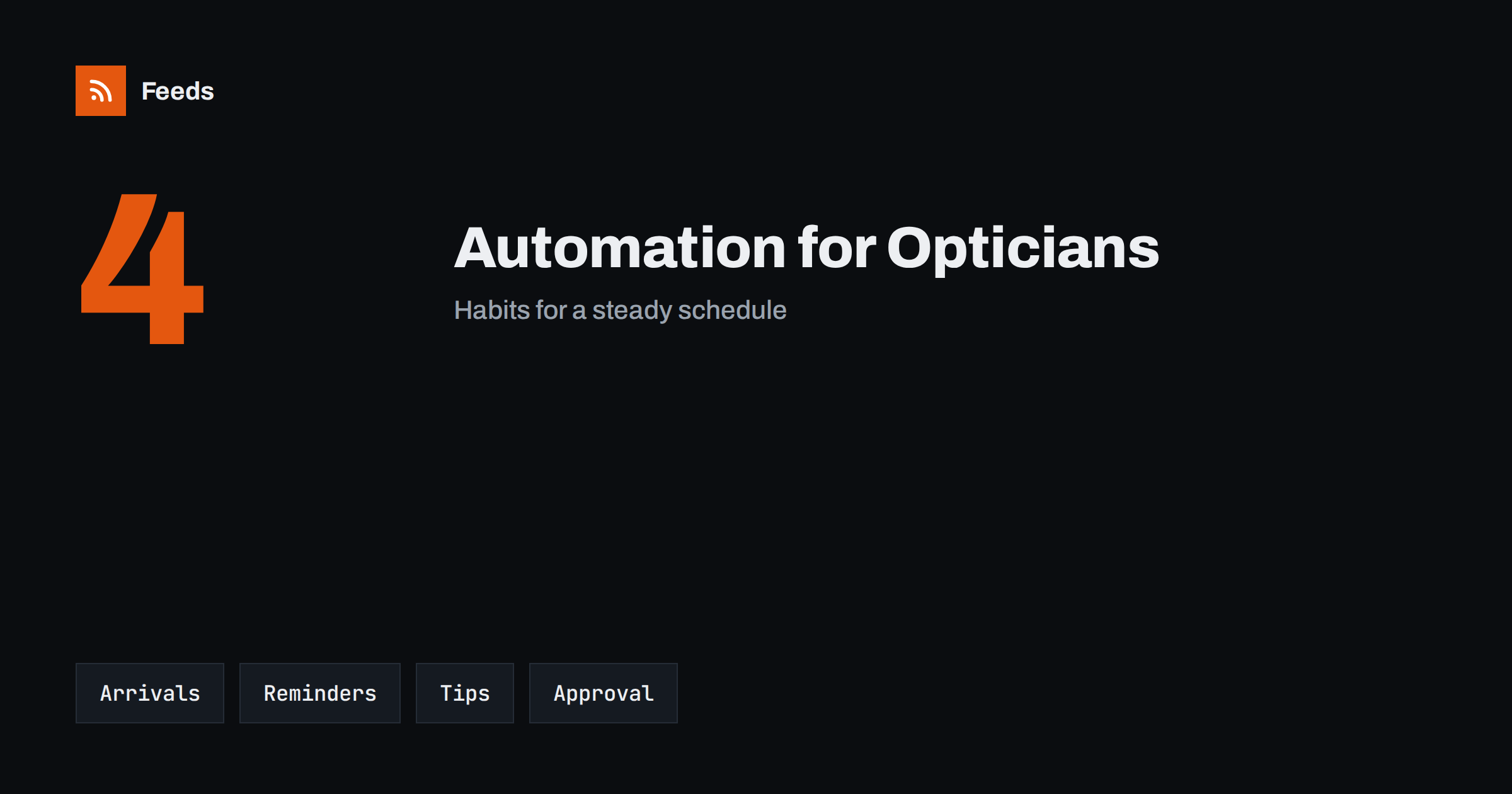
Short answer: Opticians and hearing care clinics have a natural content rhythm: new frames and brands, reminders for regular check-ups, opening hours around holidays, care tips and local news. Content automation turns a few reliable sources, such as your product list, your calendar and your own articles, into scheduled posts and updates. Keep a person in charge of anything about health, prices and availability, and never publish patient information or personal results.
What an optician or hearing clinic needs to publish
Most practices are small, and the same few people see patients, order stock and answer the phone. Marketing falls to the bottom of the list, so the website shows old opening hours and the social profiles go quiet for months. At the same time, patients look for practical answers: whether you accept walk-ins, how to book an eye test or a hearing check, what to bring and how long a visit takes.
Useful content includes new frame collections, contact lens and care information, booking details, opening hours, team introductions and short explanations of common services. The overview in content automation for local businesses describes the general approach, and this article adapts it to optical and hearing practices.
Start with a small, fixed set of content types
Choose four or five types of post and give each a rhythm. For example: a new arrival every week, a plain-language tip every second week, a monthly reminder about check-ups, a notice for holiday hours and a short post about a team member or a local event. A fixed set removes the daily question of what to post, and it is easy to prepare in batches.
Write the posts in the words your patients use. Avoid jargon, and explain a service in one or two sentences with a link to the page that has the details. Scheduling the posts ahead of time is covered in building a content calendar from feeds and automation, and it works well for a team with little spare time.
Turn new frames and products into posts
If your online catalog or your supplier lists new frames, sunglasses, cases and accessories, those additions can feed your posts. A feed of new arrivals gives the title, a picture and a link, and an automation can turn each new item into a draft post with a short, consistent template. The approach is shown in sharing new shop products on social media automatically and publishing a new arrivals RSS feed.
Do not post every item without a look. Use an approval step, and check that the frame is in stock, that the price is right and that the picture is yours or licensed. Product pages also benefit from the same care that online shops give their catalog, as described in product feeds for eyewear and sunglasses stores.
Reminders, hours and booking information
The most useful automated posts are simple and repeat through the year: a reminder to book a regular check, a note about extended hours before the school term, a notice about holiday closures. Keep the facts short, and put the same information on the website, in your listings and in the posts. Update all of them together, because a mismatch between a post and the booking page costs more than a missing post.
An automation can repeat a reminder, but a person should confirm dates and hours before each season starts. If you keep your Google profile current, see posting to Google Business Profile from RSS for what is possible and what is not. Link every reminder to a booking page or a phone number that works.
Write careful health-related content
Eye and hearing health is a sensitive topic, and posts must stay on the safe side. Explain what a service is and why people use it, but do not diagnose, promise results or suggest that a post replaces a visit. Avoid before-and-after claims, and use wording approved by your professional body or your own practitioners. When in doubt, point readers to an appointment.
Evergreen tips, such as taking breaks from screens, cleaning glasses safely or protecting hearing at concerts, can be reshared on a schedule if they are reviewed once a year. A careful approach to repeating content is described in resharing evergreen content automatically without spamming. Mark each tip with the date of its last review, so that outdated advice does not stay online.
Patient privacy and consent
Never publish names, photos, test results or stories about patients without clear written permission, and remember that permission can be withdrawn. Do not let an automation pull information from patient systems, booking tools or messages into public posts. Keep the automation connected only to the sources you chose on purpose, such as your product list and your own articles.
Review who has access to the accounts used for posting, use strong passwords and remove access when someone leaves. Securing content automation: accounts, tokens and access lists practical steps. Settings such as banned words and a delay before posting are covered in brand safety for automated posting.
Photos, captions and local presence
People choose a practice they can picture visiting, so use real photos of the shop, the frames wall and the team, with permission. Keep a small folder of approved pictures named so that anyone can find them. Write captions with the product or topic, one useful fact, the opening hours or booking link and one call to action. A template saves time, but it should still sound like a friendly local practice.
Local news, school events and community fairs can give you posts that show you are part of the neighbourhood. A feed of your town’s event pages can show what is coming, as explained in local news monitoring with RSS, and you can post a short note when it fits. Keep a human check so that nothing is posted about an event that has been cancelled.
Plan for the quiet months as well as the busy ones. Back-to-school weeks, the start of summer and the weeks before winter holidays bring more visits, and a series of posts prepared ahead keeps your answers consistent when the phone is ringing. In slower periods, schedule a few evergreen posts and one local story, and avoid long silences, which make a practice look closed even when it is open.
Accessibility deserves a mention, because many of your followers have eyesight or hearing needs. Add short descriptions to images, write captions in plain language, avoid text embedded in pictures and add captions to any video you publish. These habits help everyone, and they show the practice takes the needs of its patients seriously.
Measure and adjust
Once a month, look at what worked: which posts led to bookings, which questions patients asked and which pictures got attention. Add UTM tags to links so that visits from posts are visible in your analytics, as explained in tracking traffic from automated posts. Ask new patients how they found you, and note the answers in a simple list.
Write down your rules so that anyone on the team can run the system: which sources feed the posts, who approves them, what happens when a frame is out of stock and who updates the holiday hours. Documenting your content automations explains how to keep such notes short and useful, and a one-page checklist is usually enough for a small practice.
How RSS Feed Creator helps
RSS Feed Creator turns the public news, events or product pages of suppliers, local organizations and professional bodies into clean RSS feeds, even when those sites have no feed of their own. It reads titles, images, summaries and dates, uses an existing feed when there is one, and shows a preview of the items before the feed is created. You can merge several sources into one feed (up to 10 with the PostRSS add-on), keep only the items that contain your keywords and have duplicates removed automatically, which suits a feed of supplier news and local events. Feeds refresh every 3 hours on the free plan and every 30 minutes on paid plans, and the PostRSS add-on sends an alert when a page changes and a feed stops finding items. The free plan allows up to 20 items per feed, and the details are on the pricing page.
Related reading
- Content Automation for Dental and Medical Clinics
- Product Feeds for Eyewear and Sunglasses Stores: A Guide
- Content Automation for Local Businesses: A Simple Plan
The bottom line
Opticians and hearing clinics can automate the routine parts of publishing: new arrivals, reminders, opening hours and reviewed tips. Keep a person in charge of health wording, prices and stock, protect patient privacy and review the results every month. Automation should leave more time for the patients in front of you.
FAQ
What should a practice automate first?
Start with recurring reminders and holiday hours, because they repeat every year and are easy to prepare ahead. Add new arrival posts and reviewed tips after that.
Can I post tips about eye or hearing health automatically?
Yes, if each tip is reviewed by a qualified person and dated. Keep the wording general, avoid promises and point readers to an appointment for personal questions.
Should every new frame be posted automatically?
No. Use an approval step to check stock, price and the picture, and post only items you can supply.
Can I show patients or their stories?
Only with clear written permission, and be ready to remove a post if the person asks. Never publish results or personal details.
How do I keep posts from sounding robotic?
Use short templates with your own wording and photos, review drafts in a queue and mix arrivals, tips, reminders and local news.