ENEnglish
 LTLietuviškai
 DEDeutsch
 FRFrançais
 RUРусский
 ESEspañol
 PLPolski
 ITItaliano
 UKУкраїнська
 CSČeština
 PTPortuguês
 JA日本語
JA日本語 LVLatviešu valoda
 ETEesti
 HUMagyar
 IDBahasa Indonesia
 TRTürkçe
 HIहिन्दी
 ELΕλληνικά
 ARالعربية
 THไทย
THไทย VITiếng Việt
 RORomână
 MSBahasa Melayu
 BNবাংলা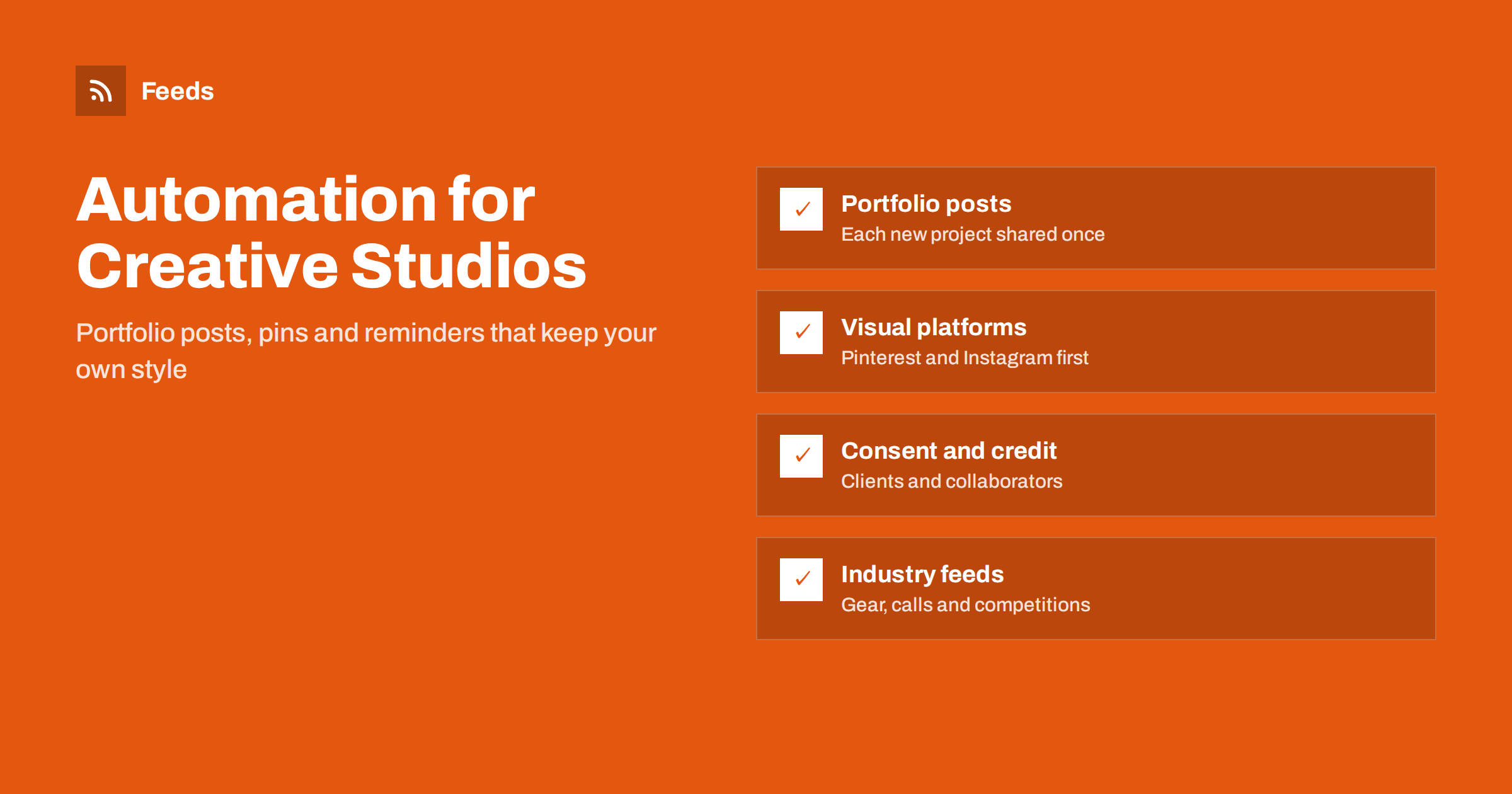
Short answer: A photographer or creative studio can automate content by publishing every finished project on its own website first and letting the site’s feed carry each new entry to Pinterest, social profiles and a newsletter. Add seasonal and booking reminders from a calendar, follow industry sources for gear news and calls for entries, ask for client consent before sharing, and review the queue weekly so the output still looks like your work.
Creative businesses have the opposite problem to many others. They produce plenty of material, but sharing it is a slow, fiddly task. Choosing the images, resizing them, writing a caption and posting to three places can take longer than the shoot itself, so it gets done in bursts or not at all. Meanwhile prospective clients judge you by what they can find: a portfolio that has not changed in a year suggests that no new work is coming in.
The answer is to remove the repeated steps, not the taste. You still choose which projects to show and how to describe them. The system does the posting. The principles are in what content automation is, and this article applies them to photographers, designers, videographers and small studios.
Start with your own website as the source
The most useful habit is to publish every finished project on your own site before anywhere else. A short entry with a title, a few images, the location or type of work and two or three sentences of context is enough. Your site then becomes the single source of truth, and its feed becomes the trigger for everything that follows. Most website platforms provide a feed of new posts automatically, and the way sites announce it is explained in RSS autodiscovery and link tags. Portfolio builders differ, so check which feed yours provides, and test it by opening the address in a reader before you rely on it.
If your portfolio is built from a gallery page that has no feed, you can create a feed from that page with a page-to-feed tool. The steps are in creating an RSS feed for a website without RSS. Either way, the goal is the same: add a project once and let it flow out to the places where people look.
Pinterest and Instagram: where images travel
Visual platforms are the natural home for creative work, and Pinterest in particular behaves like a search engine for images. A pin can bring visitors for months or years after it is posted, which suits portfolios, wedding galleries, interior projects and design work. New entries from your feed can become pins automatically, each pointing back to the project page. The method is described in how to auto-pin new blog posts to Pinterest from RSS.
Instagram is stricter about how posts are created, so check what is possible before you plan around it. The options and limits are in can you automate Instagram posts from an RSS feed. Whatever you choose, remember that each platform wants a different image shape. A portrait image works well on Pinterest, a square or portrait image on Instagram, and a wide image suits a link preview. If your posts lose their pictures, the causes are in why automated social posts lose images and how to fix it.
Consent, credit and copyright
For creative businesses, sharing work is not just a marketing choice. Photos of people, homes and events involve other people’s rights, and many clients are happy to be featured but expect to be asked. Put the question into your process, ideally in the contract or the booking form, so that permission is recorded before the shoot. Where a client has not agreed, keep the work out of the queue.
- Clients: record what they have agreed to, such as web use, social media, or neither.
- Collaborators: credit planners, stylists, models and venues if you agreed to do so, and tag them where it is helpful.
- Copyright: state your own copyright clearly on the site, and be careful with any content that is not yours.
- Minors: be especially careful with images of children, and follow the rules and the wishes of parents.
Be careful with the images and text you take from other sources as well. Curation is useful, but a link with a short comment is very different from reposting someone else’s picture. The balance is covered in how to automate content curation without losing quality.
Seasonal offers, bookings and events
Many creative businesses depend on seasons: wedding enquiries in the winter months, portraits before the holidays, school photos in the autumn, mini-sessions in spring. A simple calendar of dates lets you announce offers ahead of time and remind people before booking closes. Write the announcement once and schedule the reminders, rather than posting them by hand.
If you run workshops, exhibitions or open studio days, a calendar with a feed can promote them automatically, as described in how to promote upcoming events automatically from a calendar. Link every reminder to the page where people can book, and take the offer down when it ends, so nobody follows a link to something that is gone.
Follow your industry without scrolling
Creative fields move fast, and keeping up by hand takes hours. Feeds from the sources you trust can deliver the news to one place: new equipment and software releases, changes to platform formats, trends in your style of work, and calls for entries to competitions and exhibitions. A filter by keyword keeps out the noise.
- Gear and software: new product announcements, firmware updates and release notes. See how to track new releases with RSS.
- Calls and competitions: open calls for entries, awards and residencies. The method for calls is in how to never miss a call for speakers or papers again.
- Funding: grants and funds for creative projects, as in tracking grant and funding announcements.
A short list of ten good sources beats a hundred noisy ones, and the advice in monitoring hundreds of sources with RSS without chaos applies if the list grows. Keep this stream private at first. Read it in your own reader or a team channel, and share only the items that you would put your name to.
Templates and captions in your own voice
The risk of automation in a creative business is that everything starts to look the same. Counter that with templates that use your own voice. For a project post, one line from you can sit in front of the title, such as “New from the studio:”. For a pin, a short description of the style, the place and the mood helps people find it. Write two or three alternative lead-ins and rotate them. The method is in writing post templates for automated social media feeds.
Check how a post looks on each platform before you switch on automation. Look at the crop of the image, the length of the caption and the link preview. A first test with a private account saves embarrassment later.
A weekly rhythm that fits a busy studio
Creative work comes in waves, with weeks of shooting followed by weeks of editing. A queue evens that out. After a shoot, add several projects at once, schedule them over the coming weeks and let the system release them at a steady pace. The right posting speed is discussed in how often automated feeds should post to social media.
Spend fifteen minutes each week on the queue. Check that the images look right, that nothing is scheduled for a date that clashes with a personal event or an announcement, and that every post that needs consent has it.
How RSS Feed Creator helps
RSS Feed Creator turns web pages that have no feed, such as a gallery page, a news section or a competition list, into clean RSS feeds with titles, images, summaries and dates, and shows a preview before anything is created. You can keep only the items that contain the words you choose, so a stream about equipment shows only the cameras or software you use. It reads public pages from the outside, so it needs no access to the source site. Plans and limits are on the pricing page.
Related reading
- Building a content automation stack for a small business
- Content automation checklist: 30 checks before you go live
- Content automation for museums, galleries and cultural venues
The bottom line
For a photographer or studio, automation should handle repetition and leave the taste to you. Publish each project on your own site, let the feed carry it to Pinterest, social profiles and email, ask for consent before sharing, schedule seasonal offers and follow industry sources in a private stream. Use templates in your own voice and review the queue weekly, and the portfolio will look alive all year round.
FAQ
Can I automate Instagram posts from my portfolio feed?
It depends on the account type and the tools allowed by the platform. Check the current options first, and consider Pinterest, which works well with feed-based posting.
Do I need client permission to share photos?
You should ask. Record what each client agrees to, ideally in the contract, and keep any work without permission out of the posting queue.
How many posts per week suit a small studio?
Two to four posts a week is realistic. Consistency matters more than volume, so choose a pace you can keep during busy shooting seasons.
Will automation make my work look generic?
Not if you choose the projects, write your own lead-ins and review the queue. Automation removes the repeated steps, not the creative decisions.
How do I follow competitions and calls for entries?
Create or find feeds from the organisers’ news pages, filter them by keywords such as your field and read them in a private reader or channel.