ENEnglish
 LTLietuviškai
 DEDeutsch
 FRFrançais
 RUРусский
 ESEspañol
 PLPolski
 ITItaliano
 UKУкраїнська
 CSČeština
 PTPortuguês
 JA日本語
JA日本語 LVLatviešu valoda
 ETEesti
 HUMagyar
 IDBahasa Indonesia
 TRTürkçe
 HIहिन्दी
 ELΕλληνικά
 ARالعربية
 THไทย
THไทย VITiếng Việt
 RORomână
 MSBahasa Melayu
 BNবাংলা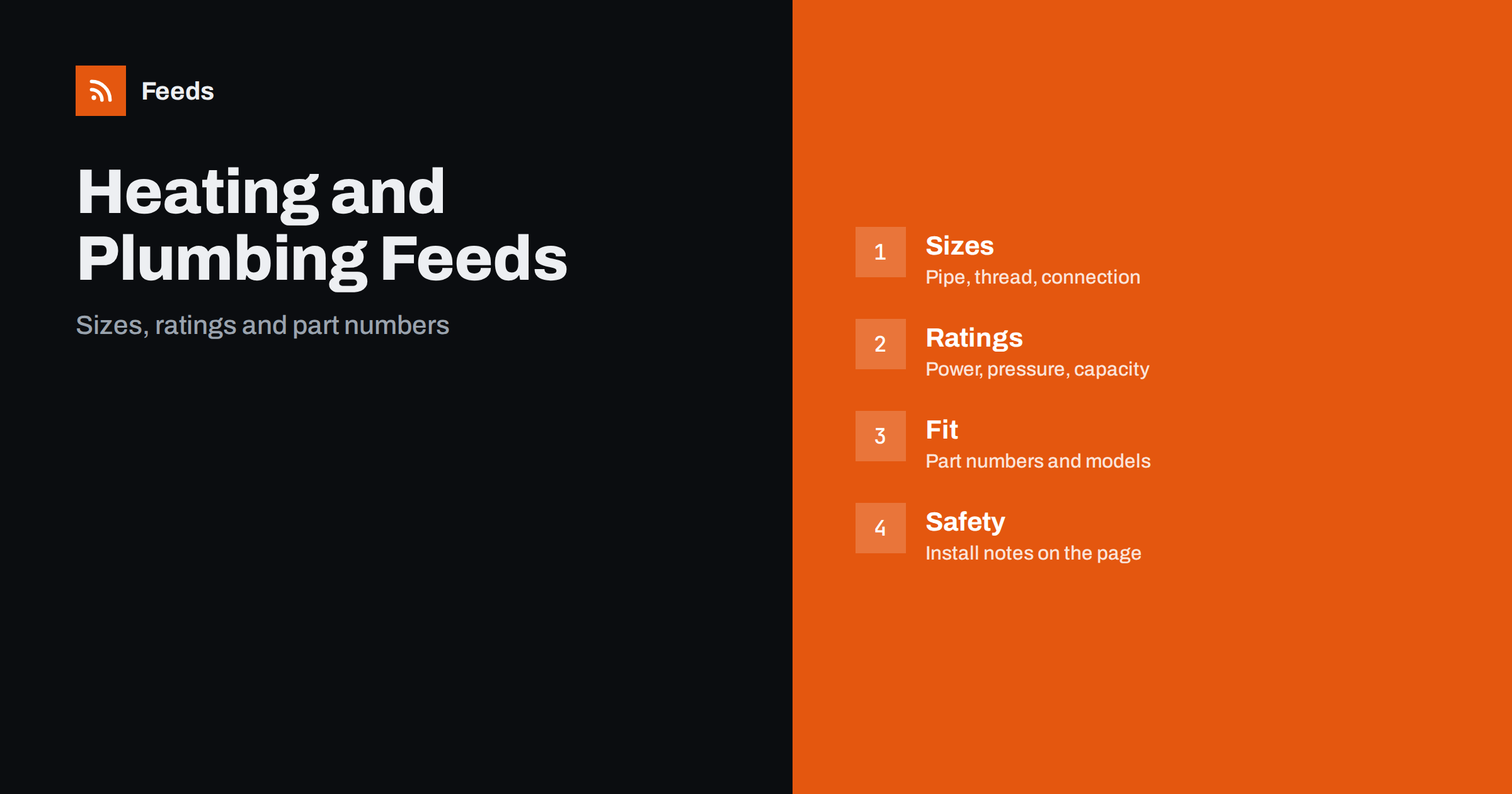
Short answer: Heating, plumbing and HVAC suppliers sell thousands of products where size, connection type, rating and compatibility decide whether an item works. A good product feed gives every item a title that leads with brand, product type and the key size or rating, uses the manufacturer’s part number, keeps variants and pack sizes clear, avoids installation advice that belongs on the page and sends shoppers to a landing page that shows exactly the same product. Fix these basics before adding rules or extra labels.
Why this category needs careful feeds
A single plumbing fitting can exist in a dozen sizes, thread types and materials, and the difference is often one number on the box. Boilers, heat pumps, radiators and air conditioners have capacities, efficiency classes and connection types, and spare parts depend on exact models. Buyers include tradespeople who know precisely what they need and homeowners who need help choosing.
Search behaviour reflects this: shoppers use part numbers, sizes and standards. A feed that hides these details loses clicks or attracts returns. The foundations are covered in what a product feed is, and this category simply needs every number to be right.
Titles that state type, size and rating
Start the title with brand and product type, then add the key size or rating, such as pipe diameter, thread, power in kW, flow rate or capacity in litres. “Brand Compression Elbow 15 mm, Brass” or “Brand Panel Radiator 600 x 1000 mm, Type 22” tells the buyer what it is. “Premium Plumbing Solution” does not. Put the words people type at the beginning, because the start of the title carries the most weight.
Use the same order across the catalog and avoid adding every compatible model to the title. For packs, say the quantity, for example “Pack of 10”. More formulas and examples are in product feed title optimization.
Sizes, threads and connections
Connection details are the heart of this category. List the nominal size, the thread standard, the material and the type of connection, such as compression, push-fit, solder or press. Use the notation that your market and the maker use, and keep it identical in the feed and on the page. Mixing “15 mm”, “1/2 inch” and “DN15” without explanation confuses shoppers and platforms alike.
Where the same product comes in several sizes, use one parent product with variants only if the items are the same product apart from size, with a shared group ID and its own identifier, price and availability for each size. The setup is explained in how item_group_id works. For products that are really different in use, make separate products.
Ratings, capacities and efficiency
For heating and cooling equipment, shoppers compare output, efficiency class, fuel type, voltage and dimensions. Take these values from the manufacturer’s data sheet, use the same units everywhere and avoid rounding that makes a product look better. Energy labels and efficiency classes are regulated in many markets, so show them as the maker provides them and keep them identical on the page.
Richer fields help, and product_highlight and product_detail show how to present facts such as power, pressure rating and warranty. The approach for labelled products is also described in home appliance product feeds: energy labels and specs.
Part numbers and compatibility
Manufacturer part numbers (MPN) are the most important identifier for many items, and many fittings and parts have no GTIN. Send the brand and MPN exactly as printed, and send a GTIN when the product has one. Never invent a code to fill the field. A wrong identifier is worse than an empty one, because platforms compare it with their own catalog.
For spare parts, say which boiler, pump or appliance models a part fits, and keep one product per distinct part. If a part fits many models, give a short sentence on the page and avoid listing dozens of models in the title. Product feeds for spare parts and compatible accessories explains how to organize this, and GTIN, MPN and brand covers the identifier rules.
Large databases need discipline. Many suppliers import thousands of items from manufacturer files, and errors in those files travel straight into the feed. Check a sample of each new import for missing sizes, wrong units and duplicate part numbers before it goes live, and fix them at the source instead of patching each product. A short list of rules, such as always write millimetres, always use the printed part number and always keep the thread type in its own field, prevents most problems.
Safety, regulations and installation
Gas, electricity and pressurised water are regulated, and installation often requires a qualified professional. Do not give installation instructions or compliance claims in titles or descriptions. State what the product is and what the maker says about standards and approvals, and put a clear line on the page that installation must follow the maker’s instructions and local rules. Do not claim certifications that you cannot show.
Some products are restricted to trade customers or certain regions, and some cannot be shipped everywhere. Make sure the delivery settings and the page say so, as explained in shipping in product feeds. Descriptions are covered in writing product descriptions for shopping feeds.
Bundles, kits and pack sizes
Many items are sold as kits, such as a shower set, a heating control pack or a pipe repair kit. Give each kit its own product with its own identifier, price and image, and list what is inside. Pack sizes matter too: ten screws and one hundred screws are different products with different prices. The rules for this are in bundles and multipacks in product feeds, and unit prices are covered in unit pricing in product feeds.
Prices change often for metal-based products, and supplier lists can update daily. Keep the feed in step with your price list, and send the sale price with its dates when you run promotions, as described in sale prices in product feeds.
Seasonality is real in this category, even though it looks steady. Heating products sell before and during the cold months, cooling products before summer and bathroom products around renovation seasons. Check stock and prices several weeks before each peak, and prepare fast-moving items such as radiators, pumps and common fittings. Preparing your product feed for Black Friday and peak season has a checklist that fits any busy period.
Images, landing pages and stock
Use clean photos of the real product on a plain background, with extra pictures that show dimensions or connection details. Avoid text overlays and promotional badges. Each variant should have an image that represents it, though many shops use one image for sizes of the same item; if so, state the size on the page. The requirements are summarized in product feed image requirements.
The landing page must open the same variant with the same price and availability, as covered in what feed links must lead to. Stock moves fast in trade supplies, so mark preorders correctly and keep out-of-stock items out of ads, as discussed in out-of-stock products in your feed. Weekly, review disapproved items and compare the feed with the shop for a few popular products.
After launch, spend a few minutes each week on the products that are disapproved or limited, check new arrivals for missing part numbers and compare the feed with the shop for a few popular items. Product feed health metrics lists what to watch. A catalog with tens of thousands of small items needs rules and checks more than manual editing, and a clear log of what you changed helps the next person who works on it.
How RSS Feed Creator helps
RSS Feed Creator builds Google Merchant Center and Meta catalog XML straight from your store. WooCommerce and Shopify are read automatically, and any other store can use a CSV link. You can skip out-of-stock products, rewrite titles with rules so that brand, type and key size appear in the same order every time, and adjust prices. Before you submit anything, check the preview and the Merchant Center diagnostics to confirm that sizes, part numbers and stock arrive as you expect. The free plan includes product feeds with up to 50 products, and the Store plan covers one store with 3 product feeds and up to 2,000 products. The details are on the pricing page.
Related reading
- Product Feeds for Tiles, Flooring and Bathroom Stores
- Product Feeds for Garden, DIY and Hardware Stores
- Product Feeds for Spare Parts and Compatible Accessories
The bottom line
Clean feeds for heating, plumbing and HVAC suppliers come from precise titles, exact sizes and connections, correct ratings, honest part numbers, careful safety wording and a landing page that matches the ad. Check the preview before you submit, fix what the diagnostics report and keep prices and stock current. Accurate details reduce returns more than any clever title.
FAQ
Should every pipe size be a separate product?
Use one parent product with variants when the items are the same apart from size. Give each size its own identifier, price and availability, and a shared group ID.
What if a part has no GTIN?
Send the brand and the manufacturer part number exactly as printed. Never invent a code, and send a GTIN whenever the product has one.
Can I include installation instructions in the feed?
No. Keep the feed factual and put the maker’s instructions and a note about qualified installation on the product page.
How do I show which models a part fits?
Name the main models in the details and on the page, and keep one product per distinct part. Do not list dozens of models in the title.
How should I handle trade-only products?
State the restriction on the page and in the delivery settings, and keep products that cannot be sold to consumers out of consumer ad feeds.