ENEnglish
 LTLietuviškai
 DEDeutsch
 FRFrançais
 RUРусский
 ESEspañol
 PLPolski
 ITItaliano
 UKУкраїнська
 CSČeština
 PTPortuguês
 JA日本語
 LVLatviešu valoda
 ETEesti
 HUMagyar
 IDBahasa Indonesia
 TRTürkçe
 HIहिन्दी
 ELΕλληνικά
 ARالعربية
 THไทย
 VITiếng Việt
 RORomână
 MSBahasa Melayu
 BNবাংলা
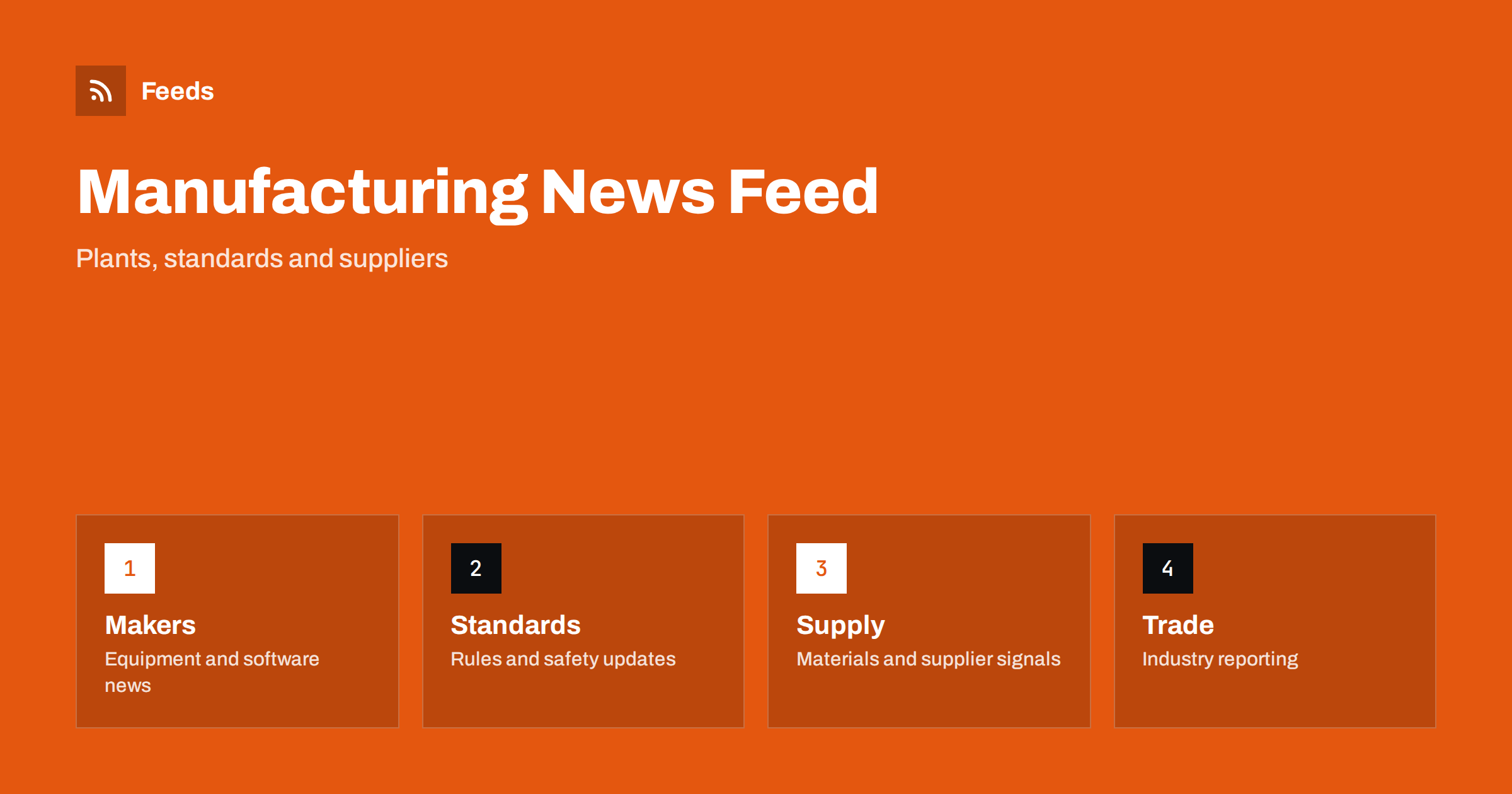
Short answer: Manufacturing news comes from equipment makers, software vendors, standards bodies, regulators, industry associations, suppliers and a large trade press. RSS lets you collect the sources that matter to your plant or product in one reader, filter them by sector, material or technology and read them in the order they appear. Use official and company sources for facts, trade press for context and check the original before you act on a rule, a price or a product claim.
Why manufacturing news is hard to follow
Manufacturing covers hundreds of sectors, from food processing and metalworking to electronics, plastics, chemicals and machinery. News about automation, robotics, sensors, data platforms, energy costs, safety rules and skills shortages arrives from vendors, associations, authorities and magazines, and most of it is written for a different sector than yours. A general search returns the loudest story, not the one that matters for your line.
Industry 4.0 adds a further layer. Connected machines, predictive maintenance, digital twins and new software promise a lot, and many announcements are marketing. A calm, ordered feed of sources you have chosen helps you separate real changes from noise. If you are new to the idea, what is an RSS feed explains the basics in plain words.
Start with your sector, not the whole industry
Write down what you make, which materials and machines you use and which markets you sell to. Then pick sources that match: the trade body for your sector, the standards organisations that publish the norms you work with, the authority that regulates your products and the three or four suppliers whose equipment you depend on. A list of ten to fifteen sources is enough to begin.
Associations and standards bodies deserve a place in every list, because they publish guidance, consultations and new editions that members need to know about. Following industry associations and standards bodies with RSS shows how to add them. Avoid starting with general technology news, which brings volume without relevance.
Follow suppliers and equipment makers
Machine builders, tool makers, software vendors and material suppliers publish product launches, firmware and software releases, safety notices and recalls. These items often matter more to a plant than general news: a safety bulletin for a machine you operate, an end-of-life notice for a controller or a new version of the software that runs a line.
Follow the release notes and notice pages of the products you use. Follow software changelogs and release notes with RSS explains the method, and it works for industrial software as well. For safety-related notices, track product recalls and safety notices with RSS shows how to keep them in a folder that you check every day.
Rules, safety and compliance
Manufacturers face rules on safety, environment, chemicals, product labelling, packaging and trade. New rules arrive with consultation periods and phase-in dates, and the details matter. Follow the official pages of the authorities that regulate you, read the original text and note the date from which a requirement applies. Do not rely on a third-party summary for anything that affects compliance.
A feed gives you early warning, and the official text gives you the facts. Tracking government and regulator updates with RSS explains how to set up the sources, and monitoring security advisories for your website stack shows the same idea for the software side of connected plants. Ask a qualified adviser when a rule may change your obligations.
Supply chain and materials signals
A plant depends on inputs: metals, plastics, components, energy and transport. Price movements, shortages and logistic problems show up in news before they show up in invoices. Follow the sources that report on the materials you use, and the notices of key suppliers about lead times and changes.
The supply chain is wider than any single feed. Commodity prices and supply chain news: follow them with RSS goes deeper, and monitoring suppliers and partners for early risk signals shows how to watch the companies you rely on. Keep these items in a separate folder so that they do not drown in product launches.
Technology, skills and the people side
Automation, robotics and data tools are changing plants, but adoption depends on people. Training providers, universities and associations publish news about skills, apprenticeships and funding, and these items help with hiring and development. A folder for skills and jobs keeps them apart from machine news and makes them easy to check once a week.
Grants and funding are another useful stream, because many regions support investment in automation and energy savings. Track grant and funding announcements with RSS shows how to follow them. Check deadlines and eligibility on the original page and keep a note of dates, since funding calls close quickly.
Trade fairs and events are part of the news cycle in manufacturing. Exhibitions, conferences and webinars are where many products and standards are presented, and organisers publish programmes, exhibitor lists and registration deadlines on their sites. Follow the event pages that matter to you and mark the dates, since early registration often saves money. Turn event calendars into RSS feeds you can follow shows how to bring them into the same reader as the rest of your list.
Case studies and white papers from vendors can be useful, but treat them as marketing. A claim about savings or output depends on a plant, a process and a baseline that may not match yours. Read them for ideas, look for independent confirmation and ask suppliers for references before you plan an investment.
Find feeds, even when a site has none
Many manufacturers and associations offer an RSS link in their news section, but many hide it or do not publish one. Look for a feed icon, check the page source for an autodiscovery link or try the usual feed paths. Find the RSS feed of any website: 7 reliable methods lists the options in order.
If a site has no feed, a page-to-feed tool can read the list of articles or notices and build a feed from it, as described in how to create an RSS feed for a website without RSS. Always check the preview. It should show real items with titles, dates and links, and not menu entries, banners or cookie notices.
Filters and a routine that stays short
Keyword filters keep the list narrow. Include your materials, machine types, standards numbers and sector words, and exclude topics that bring noise. Review both lists every month, and test them on ten recent items before you rely on them. Set up keyword alerts using RSS feed filters explains the method, and reduce noise in RSS alerts without missing anything helps when the list grows.
Check the notices folder daily and general news two or three times a week. When you open an item, ask whether it affects a line, a product or a contract, and what you need to do and by when. Share useful items with colleagues in a weekly note, and keep one shared source list for the team, as suggested in shared RSS reading lists for teams. A routine like RSS triage keeps the habit short.
Think about how the list will be used. A plant manager may want only safety and supply items, an engineer may follow standards and equipment releases and a purchasing lead may follow supplier and material news. Build separate folders or lists for each role and share them, so that everyone sees what matters for their work without having to scroll through the rest. When people change roles or leave, the list stays with the team and the knowledge does not walk out of the door.
How RSS Feed Creator helps
RSS Feed Creator turns the news, notice or release pages of equipment makers, associations, standards bodies and authorities into clean RSS feeds, even when the site has no feed of its own. It reads titles, images, summaries and dates, uses an existing feed when there is one, and shows a preview of the items before the feed is created. You can merge several sources into one feed (up to 10 with the PostRSS add-on), keep only the items that contain your keywords and have duplicates removed automatically, which suits a reading list for one sector or topic. Feeds refresh every 3 hours on the free plan and every 30 minutes on paid plans, and the PostRSS add-on sends an alert when a page changes and a feed stops finding items. The free plan allows up to 20 items per feed, and the details are on the pricing page.
Related reading
- How to Follow Industry Associations and Standards Bodies with RSS
- How to Track Product Recalls and Safety Notices with RSS
- Commodity Prices and Supply Chain News: Follow Them with RSS
The bottom line
RSS gives manufacturing teams a calm, ordered view of a noisy field. Start with your own sector, add suppliers, standards bodies and regulators, keep safety notices and supply signals in separate folders and filter by materials, machines and topics. Open the original source before you act on an item, and review the list every month.
FAQ
Which sources should I follow first?
Begin with your sector association, the standards bodies and authorities that apply to your products and the key suppliers whose equipment you use.
Do I need to follow Industry 4.0 news in general?
Not at first. Follow the vendors and associations tied to your own machines and processes, and add broader technology sources later if you need them.
What if a supplier site has no RSS feed?
A page-to-feed tool can read its news or notice page and build a feed. Check the preview to confirm that it shows real items with dates.
Can I rely on a feed for compliance?
Use it as an early signal, then read the original text for scope and dates. Ask a qualified adviser when a rule affects your obligations.
How do I avoid information overload?
Keep the list short, use keyword filters and keep safety and supply notices in separate folders from general news.