 ENEnglish
 LTLietuviškai
 DEDeutsch
 FRFrançais
 RUРусский
 ESEspañol
 PLPolski
 ITItaliano
 UKУкраїнська
 CSČeština
 PTPortuguês
 JA日本語
JA日本語 LVLatviešu valoda
 ETEesti
 HUMagyar
 IDBahasa Indonesia
 TRTürkçe
 HIहिन्दी
 ELΕλληνικά
 ARالعربية
 THไทย
THไทย VITiếng Việt
 RORomână
 MSBahasa Melayu
 BNবাংলা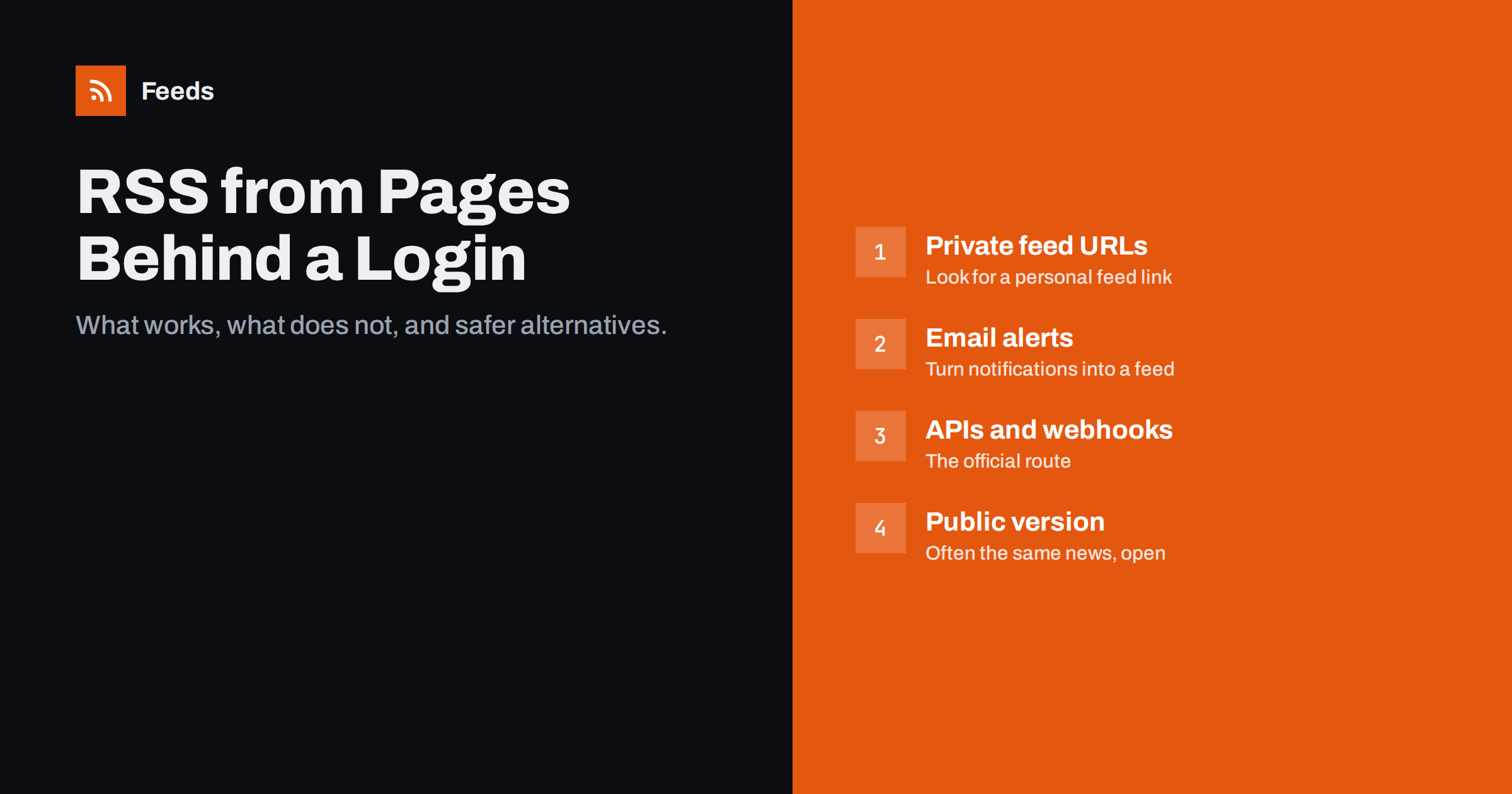
Short answer: usually not with an ordinary RSS or page-to-feed tool, because those read pages the way an anonymous visitor does and cannot see anything that requires signing in. The reliable options are a private feed URL offered by the service itself, email notifications converted into a feed, the service’s API or webhooks, or a public page that carries the same information. Handing your password to a third-party scraper is possible in theory but brings security, legal and reliability problems that are rarely worth it.
Why logged-in pages are different
When you open a page in your browser after signing in, the browser sends a session cookie or token with every request. The website uses it to decide what you are allowed to see: your orders, your project board, a members-only forum, a supplier portal with your prices, a paid newsletter archive. An RSS reader or a feed-creation service does not have your session, so it gets whatever an anonymous visitor gets, usually a sign-in form or a redirect to one.
This is by design, and it protects you. Content behind a login is often personal, commercial or licensed. The site owner expects only authenticated users to see it, and many terms of service explicitly forbid automated access to member areas. That shapes which solutions are sensible.
It also explains a common confusion. People sometimes paste a URL they see in their own browser into a feed tool and are surprised that the preview shows a login page or nothing at all. The URL is correct; the tool simply cannot see what you see.
Option 1: look for a private feed URL
Many services that require a login still offer RSS, but through a personal, secret URL. The address contains a long token that identifies you, so a reader can fetch your private content without a password. You typically find it in account settings, notification settings or next to an RSS icon inside the logged-in area. Examples of where such links often exist:
- project management and issue trackers (activity or notification feeds);
- code hosting platforms (private activity feeds);
- membership sites and paid newsletters (private feeds for subscribers);
- podcast hosts (members-only episode feeds);
- calendars (private iCal links, which work in a similar way).
Private podcast feeds are a well-known example of this pattern, explained in how members-only RSS actually works. Treat such URLs like passwords: do not share them in public channels, and regenerate the token if one leaks. If you connect a private feed to a team tool, remember that everyone with access to that tool can read the content.
Option 2: turn email notifications into a feed
Almost every service that has a login also sends email notifications: new messages, new tenders in your saved search, new documents uploaded, new posts in a members’ forum. Those emails are the service’s official way of telling you about changes, and they can be routed into your RSS workflow.
- Use an email-to-RSS service or a reader that offers a unique email address, and send the notifications there.
- Or keep the emails in your mail client and use rules to sort them into a folder you treat like a feed.
- Configure notifications to be as specific as possible in the service itself, so you only receive what you want to follow.
The same technique is used to read newsletters in a feed reader, described in how to read email newsletters in an RSS reader. It is often the fastest route for portals that will never offer RSS.
Option 3: use the API or webhooks
Business platforms such as CRMs, e-commerce back offices, help desks and project tools usually provide an API. With an API key or OAuth connection you can ask for new records, and with webhooks the service tells you when something happens. Automation platforms can then turn those events into chat messages, emails or even a feed.
This is the most robust option for business data, because it is supported, documented and does not break when the page design changes. It also respects the permission model: an API key can be limited to read-only access and revoked at any time. The trade-offs between pushing and polling are covered in webhooks vs RSS polling.
The downside is effort. Someone has to set up the connection, store the key securely and maintain it when the API changes. For a single alert it may be too much; for a process the business depends on, it is usually the right choice.
Option 4: find the public version of the same information
Before building anything, ask whether the information you want is really only behind the login. Often it is not:
- A supplier portal may require a login for prices, but new products are also announced on the public website or a news page.
- A procurement platform may need an account for documents, while notices are listed publicly.
- A membership organisation may publish public summaries of member news.
- A software vendor’s customer portal may duplicate its public changelog and status page.
If a public page carries the headline and link, a feed from that page is enough to alert you. You then sign in only when an item is relevant. For public pages without RSS, see creating an RSS feed for a website without RSS.
What about giving a scraper your password?
Some tools and scripts can log in with your credentials, keep a session and read member pages. It can work, but consider the costs carefully:
| Concern | What can go wrong |
|---|---|
| Security | Your password or session is stored by a third party; a breach exposes your account |
| Terms of service | Automated access to member areas is often forbidden and can lead to account suspension |
| Two-factor authentication | Logins with codes or security keys cannot be automated safely |
| Reliability | Sessions expire, login forms change, and bot protection blocks automated sign-ins |
| Data protection | Member areas may contain other people’s personal data you should not copy elsewhere |
If you still need it, run it yourself on infrastructure you control, use a dedicated account with the least possible permissions, and ask the site owner for permission. For the broader legal picture of feeds from other people’s websites, read whether it is legal to create RSS feeds from other websites.
Paywalls, soft walls and cookie banners
Not every restriction is a real login. It helps to know which kind you are facing:
- Hard paywalls hide article text from anonymous visitors. Headlines and links on section pages are usually still public, so a feed of new headlines often works; reading the article needs your subscription.
- Metered or soft paywalls show a few articles for free. Section pages are normally public, so headline feeds work well.
- Cookie and consent banners sit on top of public content. They rarely stop a page-to-feed tool from reading the list underneath.
- Region or age gates may show a question before the content. Results vary, so check the preview.
In all these cases the goal of a feed should be to alert you to new items and link back to the original, not to copy content you have not paid for.
A quick decision guide
- Does the service offer RSS inside your account? Use the private feed URL.
- Does it send email notifications? Route them into a feed or a dedicated folder.
- Is it a business system with an API? Use the API or webhooks through an automation tool.
- Is the same news on a public page? Create a feed from the public page.
- None of the above? Ask the provider for an alert feature, and check the page by hand until they add one.
How Feeds fits in
Feeds deliberately reads public pages from the outside, like a visitor, and does not sign in to websites or store passwords. That makes it the right tool for the public side of the problem: news pages, announcement lists, public notices, careers pages and headline lists of paywalled publications. It finds the items on the page, uses an existing feed if the site has one, and lets you merge several public sources and filter them by keywords into one feed. Paid plans alert you if a feed stops finding items. Try it with a public page that mirrors the information you need.
Related reading
- RSS vs Web Scraping: Which Should You Use to Track Sites?
- How to Monitor Websites for New Content Automatically
- Page Change Monitoring vs RSS Feeds: Which Do You Need?
The bottom line
Ordinary feed tools cannot see pages behind a login, and that is intentional. Use a private feed URL if the service offers one, turn email notifications into a feed, connect to the API for business systems, or follow a public page that carries the same news. Avoid handing passwords to third parties, and treat any private feed link as a secret.
FAQ
Why does my feed tool show a login page instead of the content?
Feed tools read pages as an anonymous visitor without your session cookie. The website therefore shows them the sign-in page, not the content you see in your own browser.
Is a private RSS URL with a token safe?
It is reasonably safe if you treat it like a password. Anyone with the URL can read the feed, so do not post it publicly and regenerate the token if it leaks.
Can I get notifications from a portal that has no RSS?
Usually yes, through the portal’s email alerts. Configure them narrowly and route the emails into a feed reader or a dedicated mail folder.
Can I create a feed from a paywalled news site?
Headlines and links on public section pages can often be turned into a feed that alerts you to new articles. Reading the full articles still requires your subscription.
Should I give a third-party service my password to monitor member pages?
It is rarely a good idea. It creates security and terms-of-service risks and breaks easily with two-factor authentication. Prefer private feeds, email alerts, APIs or public alternatives.


