ENEnglish
 LTLietuviškai
 DEDeutsch
 FRFrançais
 RUРусский
 ESEspañol
 PLPolski
 ITItaliano
 UKУкраїнська
 CSČeština
 PTPortuguês
 JA日本語
JA日本語 LVLatviešu valoda
 ETEesti
 HUMagyar
 IDBahasa Indonesia
 TRTürkçe
 HIहिन्दी
 ELΕλληνικά
 ARالعربية
 THไทย
THไทย VITiếng Việt
 RORomână
 MSBahasa Melayu
 BNবাংলা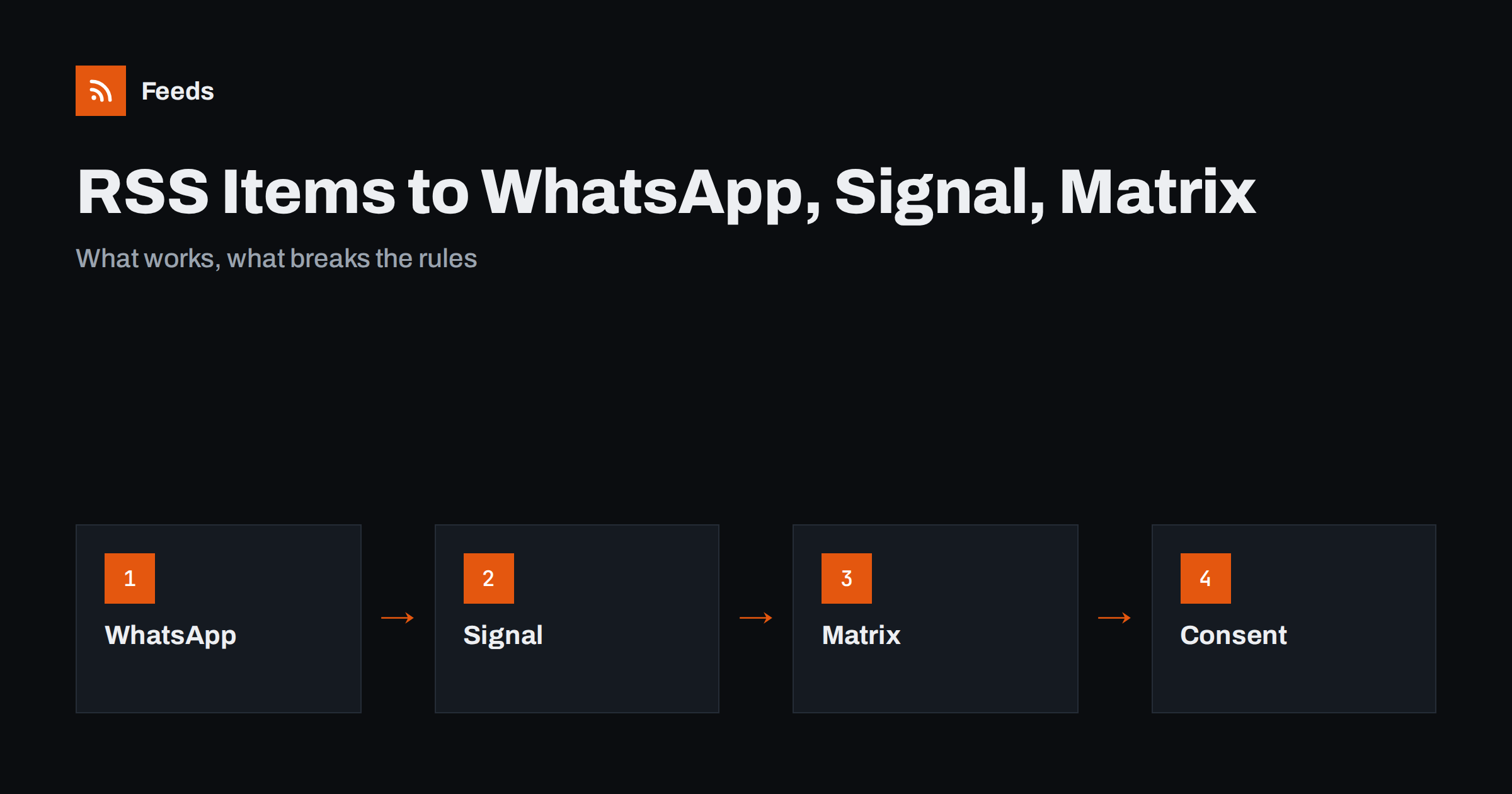
Short answer: It depends on the app. Matrix is open and has bots and bridges that can post feed items to rooms. WhatsApp offers official routes mainly through its business platform and channels, and these have rules about consent and approved messages. Signal has no official bot interface, so automatic posting relies on unofficial tools that can be fragile. Before you build anything, check the current terms of the app, and prefer chat tools that support feeds or webhooks officially.
The question behind the question
People who ask this usually have a feed and an audience that lives in a messaging app. A local club has a group chat, a shop owner has customers on WhatsApp, a community has a Matrix room, and a privacy-minded team prefers Signal. They want each new feed item to appear in the chat without anyone copying and pasting. That is a reasonable wish, but chat apps are not all built to receive automated posts, and the rules differ a lot.
The right way to approach it is to ask two questions: does the app offer an official way for software to post messages, and do the people who receive the messages expect them? If the answer to either is no, think again. For the basics of feeds, see what an RSS feed is.
Matrix: the most open option
Matrix is an open protocol for chat, and bots are a normal part of it. Open-source bots and bridges exist that read RSS and Atom feeds and post new items into a room, and you can run them yourself or use a provider that offers them. Matrix rooms can be public or private, and the bot can post with a title, a short summary and a link, in a format that looks like any other message.
If you choose this route, keep these points in mind:
- Decide who is allowed to add feeds to a room, so that members do not flood it.
- Set a sensible check interval and limit how many items are posted at once, especially the first time a new feed is added.
- Use a dedicated bot account, not a personal one, and protect its access token.
- Test with a private room first.
Because the tools and settings change between projects, read the documentation of the bot you pick, and check that it is still maintained.
WhatsApp: consent and official routes
WhatsApp is the app where the gap between what people want and what is allowed is widest. A personal WhatsApp account is not meant to be run by a script. Using unofficial tools to automate a personal or business number can violate the terms of service and may lead to the number being blocked. That is a poor trade for a feed update.
The official routes are different in kind:
- The business platform lets a registered business send messages to people through an official interface. It involves an approved business account, message templates for messages the business starts, and rules about contacting people who have agreed to it. Costs and conditions are set by WhatsApp and change over time, so check the current documentation.
- Channels are a one-way broadcast feature where an organisation posts updates and followers read them. Check whether the channel feature currently offers any official way to post from software, and if not, expect to post by hand or to use a business-platform workflow instead.
- Manual sharing is always available: a person copies the link from the feed into the group. For a low-volume feed, a weekly digest sent by a person is often better than automation.
Whatever you choose, only message people who have agreed to receive your messages, make it easy to stop and keep the content useful. Unwanted messages damage trust quickly in a personal chat app.
Signal: privacy first, bots second
Signal is designed around privacy and has no official bot interface. Community tools exist that let a program send messages from a registered number, but they are unofficial, can break when the app changes and require that you run and maintain the software yourself. They also tie the automation to a phone number, which is a risk if the number is used for other things.
If your audience prefers Signal, think about whether a feed is really the right channel. A weekly message written by a person, or an e-mail digest with a link to a feed, may be more reliable than a fragile script. If you do use an unofficial tool, treat it as an experiment, use a separate number and tell the group how the messages are produced.
Tools that bridge feeds and chat
Whether you use Matrix or another app, the missing piece between a feed and a chat is usually an automation tool. It checks the feed on a schedule, finds new items, formats a message and sends it through the chat service’s own interface, often a webhook. General-purpose automation services, as in Zapier, Make, IFTTT and n8n compared for RSS, and self-hosted workflow tools, as in building an RSS automation workflow, handle this for apps with a supported connection. How feeds and instant notifications differ is explained in webhooks vs RSS polling.
Think about failure as well. If the bot stops, nobody tells the group, and members assume that no news means no news. Add a simple check, such as a weekly look at the last posted item, so that you notice when the stream has gone quiet. Feeds themselves can also stall, and what to do when RSS automation stops posting lists the usual causes.
Always make the message short. A title, one line and a link work in every chat app. A post template keeps the format consistent.
Safer alternatives with official support
If the goal is simply to reach people with news from a feed, the best channel is the one the app maker supports for automation.
If your audience is flexible, other apps accept automated posts officially, and the setup is easier and less risky:
- Telegram channels and groups can receive posts from bots; see sending RSS to a Telegram channel.
- Discord supports incoming webhooks; see sending RSS items to Discord.
- Slack and Microsoft Teams suit work teams; see RSS to a Slack channel and RSS to Microsoft Teams.
- ईमेल reaches almost everyone. A digest built from the feed, as in turning an RSS feed into an e-mail newsletter, can be sent once a day or week.
- Push notifications from a reader app can alert you personally, as described in RSS push notifications on your phone.
Pick the channel your audience really uses and that accepts automation officially, and fall back to a weekly human-written message where it does not.
Consent, privacy and good manners
Messaging is personal. A person who joins a group about local news did not agree to forty posts a day. Follow a few rules wherever you send:
- Ask first. Add people only with their agreement, and explain what the messages contain and how often they arrive.
- Limit the volume. One to three items a day is plenty for most groups. A digest often works better than a live stream.
- Do not collect more than you need. A feed bot does not need phone numbers or personal details.
- Respect the app’s terms. If the only way to automate is unofficial, think twice.
- Protect the keys. Tokens and passwords for bots belong in a safe place, as described in how to secure the accounts behind content automation.
For a wider view of how often to post, see how often to post automatically.
How RSS Feed Creator helps
RSS Feed Creator creates the feed that any chat bot or automation tool needs. It turns the article list of a page into a standard RSS feed with titles, images, summaries and dates, and it uses an existing feed when the page has one. You see a preview of the items before the feed is created. You can merge several sources into one feed (up to 10 on paid plans), keep only the items with your keywords and have duplicates removed automatically, so that the chat room only receives items that matter. The free plan allows up to 20 items per feed, and the details are on the pricing page.
Related reading
- How to automate posting from an RSS feed to social media
- How to send RSS feed items to Google Chat
- How to reduce RSS alert noise
The bottom line
Matrix welcomes feed bots, WhatsApp allows official routes with rules and consent, and Signal has no official bot interface. Choose the channel that supports automation officially, keep messages short, ask permission before adding people and fall back to a digest or a person where automation is not allowed.
FAQ
Can I post RSS items to a WhatsApp group automatically?
There is no simple official way to script a personal WhatsApp group, and unofficial tools can break the terms of service. Business accounts can use the official business platform, which has its own rules and costs, so check the current documentation.
Is there an RSS bot for Matrix?
Yes, open-source bots and bridges exist that read feeds and post new items into rooms. Read the documentation of the one you choose and make sure it is still maintained.
Does Signal support bots?
Not officially. Community tools exist, but they are unofficial, depend on a registered phone number and can break when the app changes.
What is the easiest chat app for RSS automation?
Apps with official webhooks or bot interfaces, such as Telegram, Discord, Slack and Microsoft Teams, are the easiest and most reliable to automate.
How often should a feed post into a chat group?
One to three items a day is enough for most groups, and a daily or weekly digest is often better than posting every item as it arrives.