 ENEnglish
 LTLietuviškai
 DEDeutsch
 FRFrançais
 RUРусский
 ESEspañol
 PLPolski
 ITItaliano
 UKУкраїнська
 CSČeština
 PTPortuguês
 JA日本語
JA日本語 LVLatviešu valoda
 ETEesti
 HUMagyar
 IDBahasa Indonesia
 TRTürkçe
 HIहिन्दी
 ELΕλληνικά
 ARالعربية
 THไทย
THไทย VITiếng Việt
 RORomână
 MSBahasa Melayu
 BNবাংলা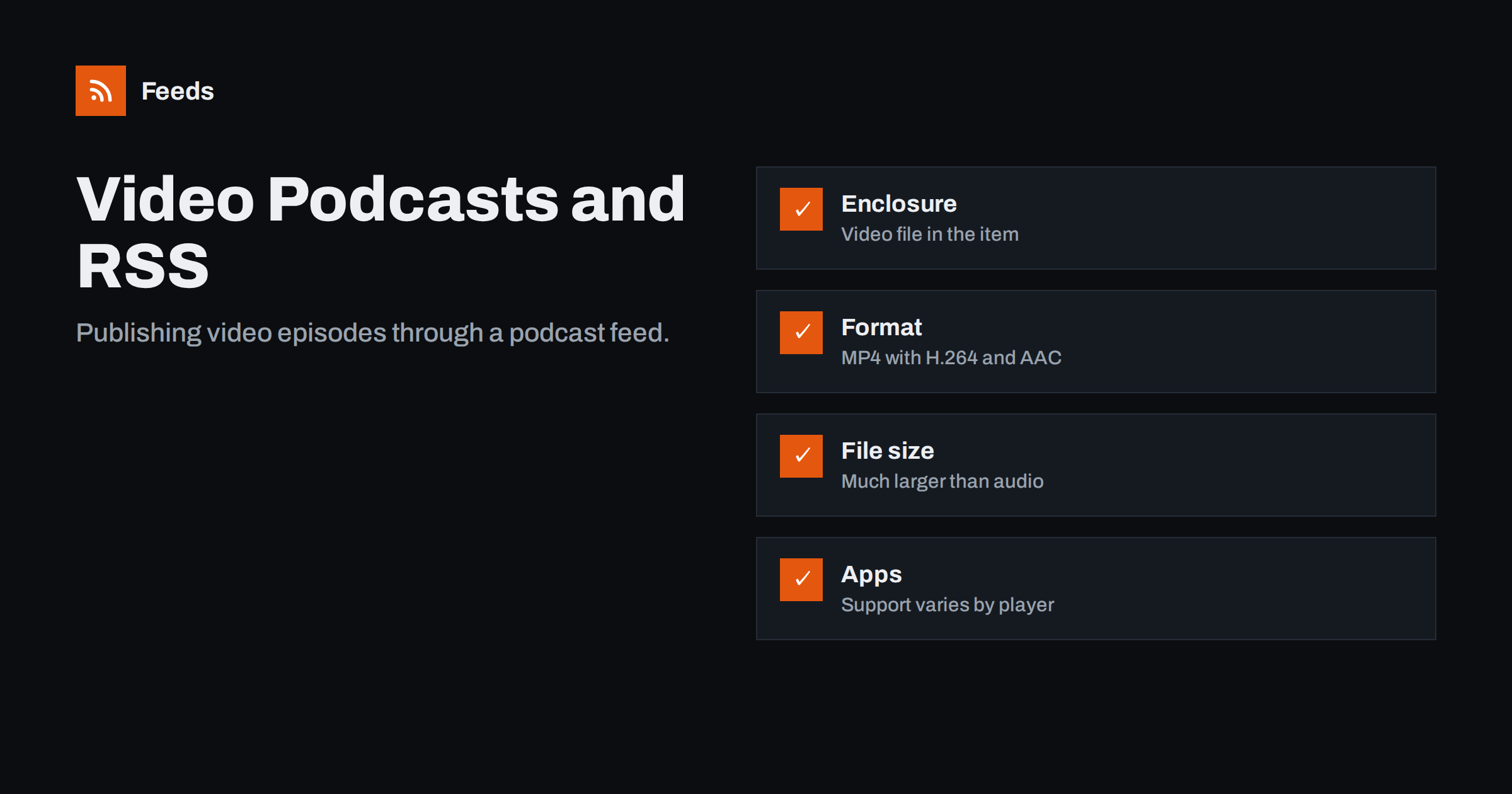
Short answer: A video podcast is an RSS podcast feed whose episodes carry video files, usually MP4 with H.264 video and AAC audio, in the enclosure element with a type such as video/mp4. Apple Podcasts and many other apps play video episodes from RSS, while some platforms require their own upload for video. Keep one format per feed where possible, watch file sizes and bandwidth, and consider publishing a separate audio feed for listeners who do not want video.
Video has become an important part of podcasting. Many shows now record video of their conversations, and some audiences prefer to watch. While large video platforms have their own upload systems, the open podcast ecosystem still runs on RSS, and RSS handles video perfectly well. The same feed that delivers audio episodes can deliver video ones. There are, however, practical differences in file formats, sizes, app support and audience expectations that are worth understanding before you switch.
Is video right for your show?
Before changing your workflow, consider whether video helps your particular audience. Video tends to add value when:
- Something visual happens: demonstrations, screen sharing, products, cooking, design critiques or physical activities.
- Faces matter: interviews and conversations where expressions and body language add to the experience.
- You also want clips for social media, which are much easier to make from video recordings.
It adds less when most people listen while driving, exercising or doing chores, which is how a large share of podcast listening happens. In that case, an audio-first feed with optional video elsewhere may serve listeners better. Video also increases production work: lighting, cameras, editing and larger exports. Many shows start by recording video for clips while keeping the podcast feed audio-only, and add a video feed later if viewers ask for it.
How video fits into a podcast feed
Technically, very little changes. A video episode is an item with:
- A title, description, publication date and permanent guid, exactly as for audio.
- An
enclosurewhoseurlpoints to the video file, whoselengthis the file size in bytes and whosetypeis the video MIME type. - The usual iTunes tags, such as duration, episode number and episode type.
In other words, a podcast feed does not have a “video mode”. Each item simply points to whatever file it carries, and the app decides what to do with it based on the MIME type. That flexibility is why the same RSS standard has served audio and video shows for many years. Podcast apps that support video recognise the video type and show a video player instead of an audio player. Apps that do not support video may play only the sound, show an error or skip the episode.
Recommended formats
| Aspect | Common recommendation | Why |
|---|---|---|
| Container | MP4 (.mp4) or M4V (.m4v) | Widest support in podcast apps |
| Video codec | H.264 | Plays on almost every device |
| Audio codec | AAC | Standard companion to H.264 |
| MIME type | video/mp4 or video/x-m4v | Must match the file |
| Resolution | 720p or 1080p | Balance of quality and size |
Newer codecs compress better, but support in podcast apps is less universal. Unless you know your audience’s apps support them, H.264 remains the safe choice. Always check the current requirements of the directories you submit to, as they evolve.
File size and bandwidth
Video files are many times larger than audio. An hour of 1080p video can easily be a gigabyte or more, compared with tens of megabytes for audio. Consequences:
- Hosting costs rise, because bandwidth is usually the main cost of delivering media.
- Automatic downloads by apps can fill listeners’ phones and use mobile data, which some listeners dislike.
- Byte-range support is essential for streaming and seeking.
- Upload and processing time grow for you as a publisher.
For listeners, large files matter too. Many podcast apps let people choose whether to download automatically, stream only on Wi-Fi or keep only the latest episodes, but not everyone changes the defaults. A show that suddenly switches its only feed from audio to video can fill phones unexpectedly, which is one more reason to consider separate feeds. Check whether your podcast host supports video, how it charges for storage and bandwidth, and whether it offers adaptive streaming. Some hosts support video enclosures; others focus on audio only.
App and directory support
Support for video in RSS podcast feeds varies:
- Apple Podcasts has long supported video podcasts delivered by RSS.
- Many independent podcast apps play video episodes, some with full-screen playback, some audio-only.
- Some large platforms handle video through their own upload tools or partnerships rather than by reading video enclosures from RSS.
- Feed readers may show a download link or an embedded player for the enclosure.
Platform policies on video change more often than the RSS standard itself, so what is true today may differ in a year. Keep a short note of which platforms carry your video episodes and how they receive them, whether through RSS or a separate upload, so you can react when something changes. Because support differs, test your feed in the apps your audience uses before relying on video, and read each platform’s current documentation.
One feed or two?
A common question is whether to publish video and audio in the same feed. Options:
- Video only. Simple, but listeners who only want audio, for example in the car, download large files they cannot use well.
- Audio only in RSS, video elsewhere. Common for shows that publish video on a video platform and keep the podcast feed lightweight.
- Two separate feeds. An audio feed and a video feed of the same show, each with its own listing. Listeners choose. Each feed needs its own guids, because they are different files.
Two feeds is often the best compromise for shows with a real video audience. Name them clearly, for example “Show Name” and “Show Name (Video)”, and cross-link them in descriptions.
The Podcasting 2.0 namespace also includes a podcast:alternateEnclosure tag, which lets one item offer several versions, such as audio and video, for apps that support it. Support is growing but not universal, so treat it as an enhancement rather than the only way to deliver video.
Show notes and artwork for video
Video episodes still need good text, arguably more than audio ones, because titles and descriptions are the only part of an episode that search features in apps and directories can read. Many viewers also read notes before deciding whether to watch, and a clear summary respects their time. Include timestamps for key moments, links mentioned in the episode, and guest information. Artwork remains square for the show listing, even though the video itself is widescreen; per-episode artwork can use a still from the video if your apps show it.
Measuring video episodes
Statistics for video episodes delivered by RSS work much like audio downloads: your host counts requests for the files, filtering bots and duplicates. They do not tell you how much of an episode was watched, and they are not directly comparable with view counts on video platforms, which use their own definitions. If you publish on several channels, report each with its own metric rather than adding them together. Watch for one specific effect: apps that download video automatically can inflate download counts compared with people who actually watch, much as automatic audio downloads do.
Checking a video podcast feed
- Validate the feed with a podcast validator.
- Confirm each enclosure’s type matches the file and its length is the actual size in bytes.
- Open a video URL directly and seek to the middle to test byte-range support.
- Play an episode in two or three apps, including one on a phone over mobile data.
- Check that episode durations and order are correct.
If you publish both audio and video, combining their feeds with your blog or other channels into one stream for a website or partner can be useful. Our tool, Feeds, merges public feeds into one RSS link, removes duplicates and filters by keywords; it does not host or convert media. See the plans.
Related reading
- Podcast RSS Feeds Explained: How Episodes Reach Every App
- Podcast RSS Tags Explained: iTunes and Podcasting 2.0
- Self-Hosted Podcast Feed vs a Podcast Host: Which to Choose?
The bottom line
Video podcasts use ordinary podcast RSS feeds with video enclosures, usually MP4 with H.264 and AAC. The feed barely changes; what changes is file size, bandwidth, and uneven support across apps and platforms. Choose widely supported formats, check your host’s video support and costs, consider separate audio and video feeds, and test in the apps your audience uses.
FAQ
Can a podcast RSS feed contain video?
Yes. Put the video file in the enclosure element with the correct MIME type, such as video/mp4. Apps that support video show a video player; others may play only audio or skip it.
What video format should I use for a video podcast?
MP4 with H.264 video and AAC audio is the most widely supported combination. Newer codecs compress better but are not supported by every podcast app.
Should audio and video be in the same feed?
Often it is better to publish two feeds, one audio and one video, so listeners choose what they download. The Podcasting 2.0 alternateEnclosure tag can offer both in one item where apps support it.
Why is my video episode not playing in some apps?
The app may not support video from RSS, the codec may be unsupported, or the server may not allow byte-range requests. Test the file directly and check the app’s documentation.
Are video podcasts more expensive to host?
Usually yes. Video files are much larger than audio, so storage and especially bandwidth costs rise. Check how your host charges for video before switching.


