ENEnglish
 LTLietuviškai
 DEDeutsch
 FRFrançais
 RUРусский
 ESEspañol
 PLPolski
 ITItaliano
 UKУкраїнська
 CSČeština
 PTPortuguês
 JA日本語
 LVLatviešu valoda
 ETEesti
 HUMagyar
 IDBahasa Indonesia
 TRTürkçe
 HIहिन्दी
 ELΕλληνικά
 ARالعربية
 THไทย
 VITiếng Việt
 RORomână
 MSBahasa Melayu
 BNবাংলা
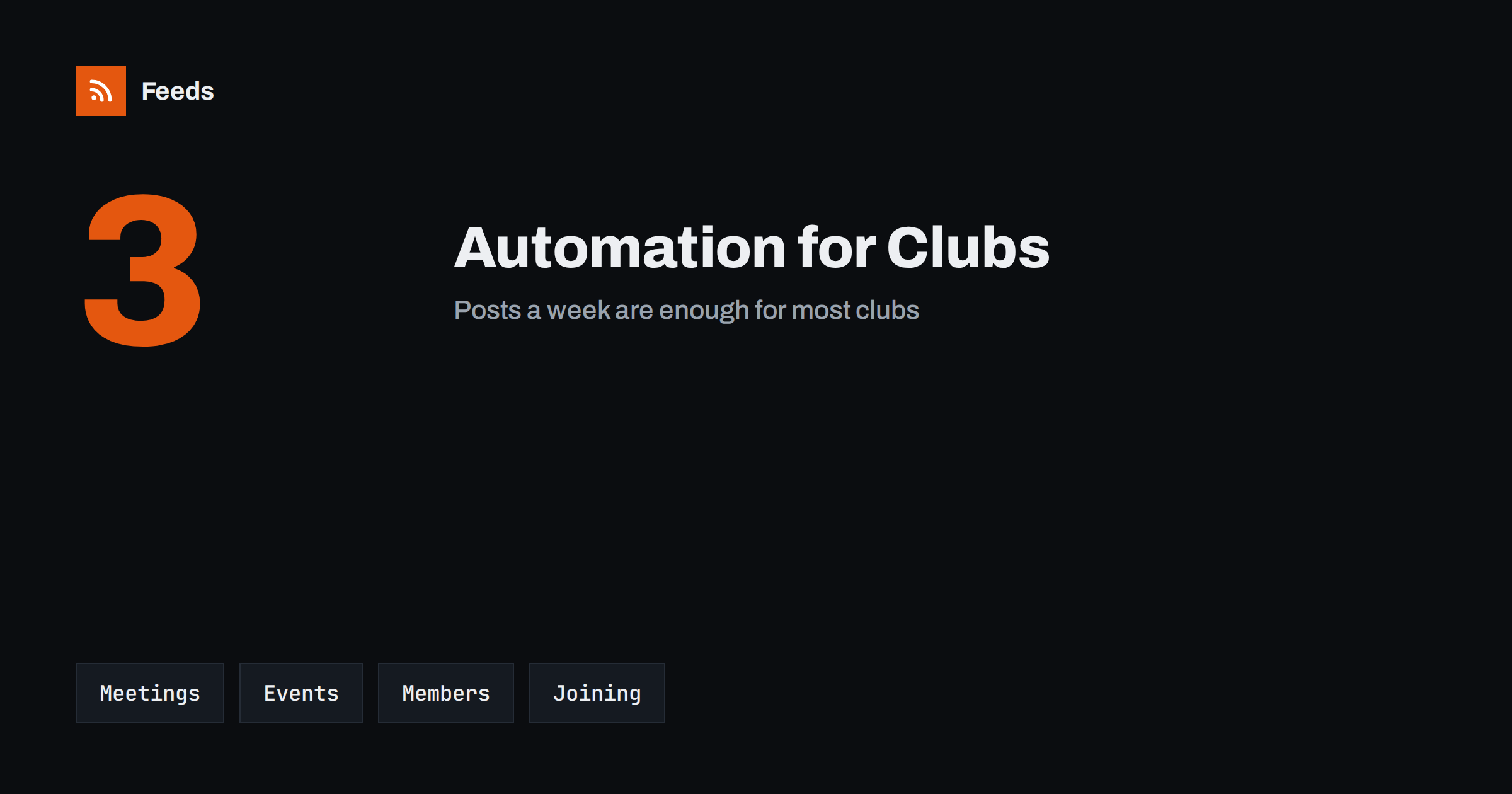
Short answer: Hobby clubs and local societies publish the same few things again and again: when and where the next meeting is, what is coming up, news from members and how to join. Most of this can be prepared in advance and scheduled by one volunteer, and news from related clubs and local pages can be collected with RSS. Keep changes, cancellations and anything personal in human hands, and respect the privacy of members.
What a club needs to publish
A club depends on people who show up. Members need to know when the next meeting is and what will happen, new people need to find the club and see that it is active, and partners such as councils, shops and other clubs need a contact. A clear, steady stream of information is the difference between a club that grows and one that quietly fades.
The problem is that most clubs run on volunteers with little time. One person posts when they remember, and when that person is busy, everything stops. A simple system that prepares the regular posts in advance helps. If you are new to the idea, what is content automation explains the basics in plain words.
A simple rhythm works best. Many clubs use three kinds of post: a reminder a few days before the meeting, a short report with two photos afterwards and a monthly list of what is coming. Write the templates once, keep the place and the time in a single line and change only the topic. Members then know where to look, and a volunteer can prepare a month of posts in one evening.
Meeting reminders and regular dates
The most valuable post is the reminder. A short message a week before and another a day before, with the date, the time, the place and the topic, keeps attendance up. Prepare a template with blanks for the details and schedule the posts for the whole season when the calendar is agreed.
Keep the standing information in one place, such as a page on your website, and link to it from every post: the usual meeting day, the address, the access, the fee and the contact person. Use the same wording each time. A calendar approach is described in build a content calendar from feeds and automation, and it suits any group with a regular year.
Events, shows and trips
Clubs often run bigger events: shows, competitions, workshops, trips, open days and anniversaries. Each has a lifecycle: an announcement, a call for entries or sign-ups, a reminder, a report with photos and a thank-you. Prepare the structure once and reuse it for every event, so that only the details change.
Calendars from councils, other clubs and federations are a good source of dates and ideas. Many have pages that can be turned into a feed, and how to promote an event calendar automatically explains how to share items from a calendar. If your club hosts an event for the public, call for speakers alerts with RSS can help you to find guests and topics.
Ask for permission before you share a photo or a name, especially when children or older members appear. A short consent line on the membership form saves many awkward messages, and a list of people who prefer not to appear should be kept by whoever runs the page. Credit the author of a project or photo whenever you can, because it makes people proud and encourages others to send material.
Member stories, photos and projects
Members are the best content. A short profile of a member, a photo of a finished project, a result from a competition or a story of how someone joined shows what the club is like better than any description. Ask for permission before you publish names and photos, especially for young members, and agree a simple rule on what is shared.
Collect material during the year in a shared folder, with a caption and the name of the person who agreed to its use. Then schedule one story a week. This keeps the feed alive even in months with no events, and it spreads the recognition among members. Evergreen items can be repeated, as described in how to reshare evergreen content automatically without spamming.
Make the first step easy. A visitor should see when the next open meeting is, where to find the entrance, what to bring and whom to ask, all on one page that every post links to. Check this page every season, because a wrong time or an old contact is the most common reason why interested people never arrive.
Calls for new members
Many clubs need new people but forget to ask regularly. A short post every few weeks with a clear next step, such as “come to our open evening on the first Tuesday” or “ask for a free trial session”, is more effective than a long text once a year. Make the steps simple: where, when, what to bring, whom to ask and what it costs.
Seasonal peaks help: the start of autumn, the new year and the weeks after a local fair are good moments to invite people. Mention that beginners are welcome only if it is true, and make sure that someone is ready to welcome them. A page for newcomers with answers to common questions saves time for everyone.
Think also about money and safety. Anything that mentions fees, refunds, insurance or a change of venue should be checked by a committee member before it goes out, and a post that was scheduled weeks ago should be reviewed when plans change. A weekly look at the queue by a second person is a simple safeguard that takes five minutes.
Content you should not automate
Some posts need a person at the right moment. A cancelled meeting, a change of venue, bad weather on the day of a trip, a safety issue, a message about a member who has died or an apology after a mistake should always be written by hand. Automated reminders can be wrong at exactly those moments, so keep a simple way to pause the queue and tell one person that they are in charge of it.
It also helps to keep an approval step, as described in full auto vs approval queue. A second pair of eyes catches wrong dates and misspelled names before they are public.
Keep access to the club accounts with two committee members, using a proper group or role account, and not on one person’s phone. When a volunteer leaves, change the access the same week.
Privacy, safety and accounts
Clubs handle personal information: names, phone numbers, photos and sometimes ages. Share only what is needed, use first names or initials where possible, do not post private contact details and remove content when a member asks. Children and young people need special care and written permission from their guardians.
Protect the accounts, too. Use strong passwords, give access to more than one person so that the club does not depend on a single volunteer, and remove access when someone leaves. Secure content automation accounts lists practical steps, and they apply to a small club as much as to a company.
Handover, tone and records
Volunteers change, so write down how the system works. A one-page note with the schedule, the templates, the folder of photos, the logins held by the committee and the rules for approval means that a new volunteer can take over in an afternoon. Keep the note with the club’s other records.
Use a warm, simple tone, the way members talk to each other, and avoid insider jokes that outsiders cannot understand. Review the numbers twice a year: which posts brought people to meetings and which brought questions. A few reusable templates help, as explained in post templates for automated social feeds.
How RSS Feed Creator helps
RSS Feed Creator turns the news, notice or calendar pages of councils, federations, partner clubs and local venues into clean RSS feeds, even when the site has no feed of its own. It reads titles, images, summaries and dates, uses an existing feed when there is one, and shows a preview of the items before the feed is created. You can merge several sources into one feed (up to 10 sources), keep only the items that contain your keywords and have duplicates removed automatically, which suits a feed of events and local news worth sharing. Feeds refresh every 3 hours on the free plan and every 30 minutes on paid plans. The free plan allows up to 20 items per feed, and the details are on the pricing page.
Related reading
- Content Automation for Youth Sports Clubs and Associations
- How to Promote Upcoming Events Automatically from a Calendar
- Content Automation for Nonprofits and Community Groups
The bottom line
Hobby clubs and local societies can automate the steady parts of communication: meeting reminders, event announcements, member stories and calls for new people. Keep changes and personal messages in human hands, protect member privacy, share access among several people and write a short handover note. Good automation keeps the club visible without burning out its volunteers.
GYIK
Which posts are safe to schedule in advance?
Meeting reminders, event announcements, member stories with permission and calls for new members, as long as dates and names are checked before release.
What should never be automated?
Cancellations, changes of venue, safety messages and personal news. Write these by hand and publish them at once.
How often should a club post?
One or two posts a week is enough for most clubs: a reminder, a story or an event update.
Do I need permission to share photos?
Yes. Ask members first, and ask guardians for permission before you share pictures of children.
How do I keep things going when a volunteer leaves?
Write a short handover note, share account access among several committee members and keep templates and photos in a shared folder.