ENEnglish
 LTLietuviškai
 DEDeutsch
 FRFrançais
 RUРусский
 ESEspañol
 PLPolski
 ITItaliano
 UKУкраїнська
 CSČeština
 PTPortuguês
 JA日本語
 LVLatviešu valoda
 ETEesti
 HUMagyar
 IDBahasa Indonesia
 TRTürkçe
 HIहिन्दी
 ELΕλληνικά
 ARالعربية
 THไทย
 VITiếng Việt
 RORomână
 MSBahasa Melayu
 BNবাংলা
Short answer: Radio and TV stations publish a steady flow of schedules, show notes, clips, guest announcements and local news, and much of it can be prepared in advance. Automation takes care of the repeating parts, such as programme reminders and episode posts, while editors keep control of breaking news, corrections and anything that depends on the moment. Keep an approval step and an easy way to pause the queue.
What a station needs to publish
A broadcaster has two audiences: people who are listening or watching now, and people who find the content later through search or social media. Both need a steady stream of pointers: what is on today, who is the guest, where to find the clip, how to take part in a competition and where to read the full story. Doing this by hand for every show is a large task, and small stations often have a few people to run everything.
Automation does not replace editors. It handles the routine, so that the team has time for the live content. If the idea is new, what is content automation explains the basics in plain words.
Schedules and programme reminders
The programme schedule is the most predictable content. A reminder before each show, with the title, the time and a short line about the guest or topic, can be prepared a week in advance. Keep a template and fill in the variable parts, and publish at a fixed time before the show so that the audience learns the routine.
Do not forget schedule changes. A sport event that overruns, a special programme or a technical fault changes the day, and an old reminder that goes out at the wrong time makes the station look careless. Keep the queue short, check it each morning and use a pause switch, as described in pause automated posting: a crisis plan.
Archive material is an underused source. Old interviews, documentaries and music sessions can be posted again on anniversaries or when a person is in the news, and they cost almost nothing to prepare. Keep a simple list of the best archive items with the date and the rights status, and let the schedule pick one each week.
Episodes, show notes and clips
Every programme produces material that can be used again: a full episode, a short clip, a quote, a photo and a list of links mentioned. Plan a few posts per episode: one on the day, one a few days later with a clip and one as an evergreen reminder later in the month. How to reshare evergreen content automatically without spamming shows how to space them.
Podcasts and on-demand pages have their own feeds, and posting new episodes from a feed is a classic automation. Promote podcast episodes automatically describes the steps. Check that the title, image and link are correct, because an episode with a missing picture looks unfinished.
Rights matter for clips and music. Use only material that you have the right to share on each platform, and cut music from clips when the licence does not cover social media. A short checklist for the editor who approves the clips avoids problems later.
Local news and public service notices
Many stations are trusted for local information: traffic, weather, closures, events and public notices. A feed of official pages, such as the council, the transport authority and the emergency services, brings these notices to the newsroom in one place, and editors decide what to share. RSS feeds from municipal and public bodies and road works and traffic disruption alerts with RSS show the idea.
Automation can suggest, but a person must decide. A notice that is wrong, old or misread by a script becomes a story that you must correct. Keep an approval step between the feed and the audience, and read the original notice before publishing.
Think about the platforms your audience uses. Younger listeners may find your clips on short video apps, while older viewers may prefer a page on your website or a message in a group. Do not publish the same text everywhere. Adapt the length and the picture to each place, and keep the link to the full programme in every version. A small set of templates for each platform keeps this manageable.
Guests, competitions and events
Guest announcements and competitions bring people back. Prepare a short post with the guest’s name, the time of the interview and a link to the page, and ask the guest to share it. For competitions, publish the rules in full on your site, and link to them from every post. Keep a list of past winners and the dates, so that automated posts do not repeat the same prize in the same week.
Events that you present or support can be promoted from a calendar. Promote an event calendar automatically shows how to turn calendar items into posts. For public events, check dates, tickets and places before each release.
Local stations also depend on partnerships. Sponsors, schools, clubs and charities often ask to be mentioned, and a clear policy helps you decide what to share. Keep a list of the partners, the agreed number of mentions and the dates, and let the automation remind the team when a mention is due. A sponsor message that is missing or published twice is a common source of complaints, and a simple list prevents both.
Corrections, breaking news and sensitive topics
Some content must never be automated. Breaking news, emergency information, a death, a court case, a correction or an apology should always come from a person who reads and approves the text. A scheduled post about a light-hearted topic can look insensitive if a serious event happens at the same time, so check the queue whenever there is major news.
Write a short plan for this situation: who pauses the queue, who checks scheduled posts and how long the pause lasts. Brand safety for automated posting and full auto vs approval queue help you set the rules.
Keep a record of rights and permissions too. For each guest, note whether they agreed to the use of their picture and clip, and for each piece of music note where it may be used. A short table that the editor can check before approval takes a minute and avoids takedown requests. When the station grows, this record becomes the base of a proper content library that new team members can use from the first day.
Measure what works
Look at the numbers once a month. Which programmes bring listeners to the live stream, which clips are watched to the end, which posts get comments from real people and which times work best? Use a short tag at the end of each link, as described in UTM tags for automated posts, so that you can see where visits come from. Remove what does not work and repeat what does.
Keep the tone of your station. A morning show and a classical music hour speak differently, and each should sound like itself. A few templates for each programme keep the style stable, and post templates for automated social feeds explains how to build them.
Plan the weekend and holiday periods in advance. Staff are fewer, and the queue should be reviewed by the person on duty. Prepare a set of neutral posts that can run when the team is away, such as best-of clips and programme reminders, and remove anything that depends on a date or a live event. A short note in the schedule that says who checks the queue on each day closes the gap.
How RSS Feed Creator helps
RSS Feed Creator turns the news, notice and calendar pages of councils, transport authorities, venues and partner organizations into clean RSS feeds, even when the site has no feed of its own. It reads titles, images, summaries and dates, uses an existing feed when there is one, and shows a preview of the items before the feed is created. You can merge several sources into one feed (up to 10 sources), keep only the items that contain your keywords and have duplicates removed automatically, which suits a feed of local notices and events worth sharing. Feeds refresh every 3 hours on the free plan and every 30 minutes on paid plans. The free plan allows up to 20 items per feed, and the details are on the pricing page.
Related reading
- Content Automation for News Publishers: A Workflow Guide
- How to Promote New Podcast Episodes Automatically
- Full Auto vs Approval Queue: Choosing a Content Workflow
The bottom line
Radio and TV stations can automate the steady parts of communication: programme reminders, episode posts, clips, guest announcements and event promotion. Keep breaking news, corrections and sensitive topics in the hands of editors, put an approval step in front of the queue and keep a pause switch ready. Good automation leaves more time for the live programme.
GYIK
Which posts are safe to schedule in advance?
Programme reminders, episode and clip posts, guest announcements and event promotion, as long as times and names are checked before release.
What should never be automated?
Breaking news, emergency information, corrections, apologies and anything about a sensitive event. Editors should write and approve these.
How many posts a day are enough?
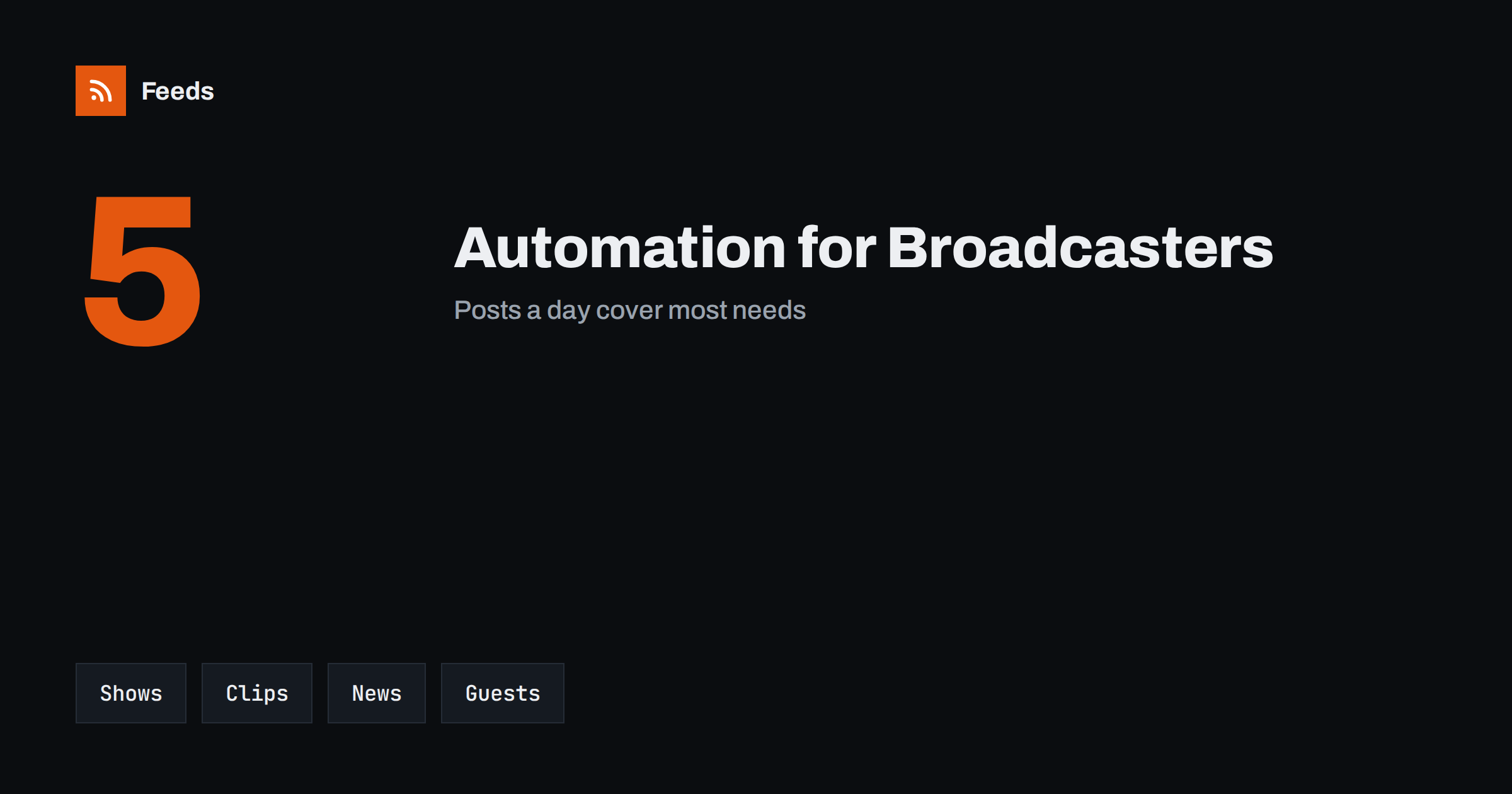
Around five posts a day cover most needs for a station with several programmes: reminders, clips and local notices. Smaller stations can post less.
Can I post new podcast episodes automatically?
Yes, from the episode feed. Check the title, image and link of each post, and use an approval step for the first weeks.
How do I find local notices to share?
Follow the news pages of the council, transport authority and emergency services. A feed brings new notices to you instead of you checking each site.