ENEnglish
 LTLietuviškai
 DEDeutsch
 FRFrançais
 RUРусский
 ESEspañol
 PLPolski
 ITItaliano
 UKУкраїнська
 CSČeština
 PTPortuguês
 JA日本語
 LVLatviešu valoda
 ETEesti
 HUMagyar
 IDBahasa Indonesia
 TRTürkçe
 HIहिन्दी
 ELΕλληνικά
 ARالعربية
 THไทย
 VITiếng Việt
 RORomână
 MSBahasa Melayu
 BNবাংলা
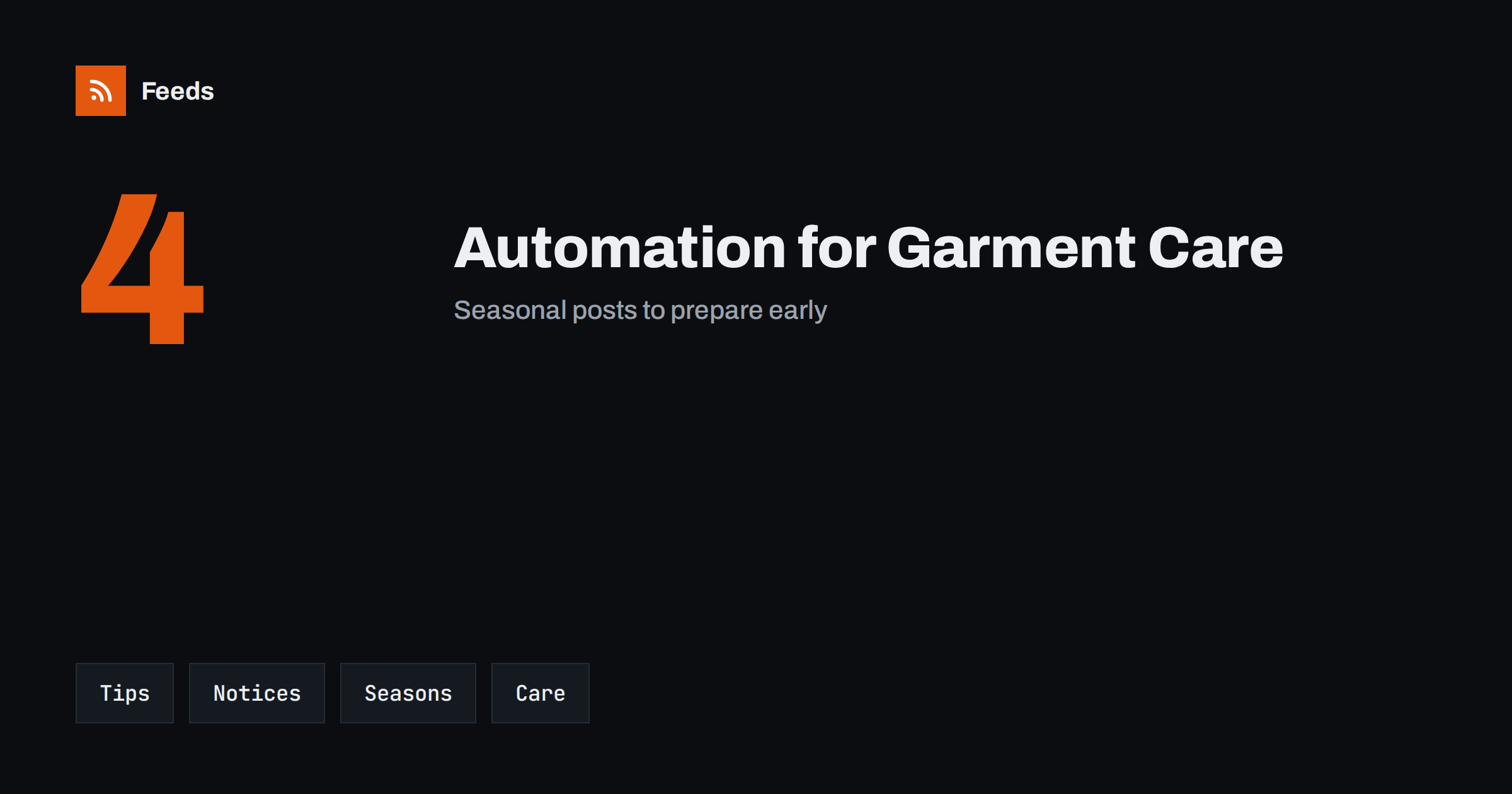
Short answer: Tailors, dry cleaners and laundries are local businesses with a clear yearly rhythm: winter coats, wedding season, school uniforms and holiday rushes. Content automation helps by turning a few reliable sources, such as your service list, your opening hours, your seasonal calendar and your own care tips, into scheduled posts. Keep every claim about turnaround, prices and stain removal accurate, review each post before it goes out and write urgent notices by hand.
What a garment care business needs to publish
Customers want to know what you do, how long it takes, how much it costs and whether they can trust you with something valuable. Many small shops have a simple website, a listing on a map and a social account that has not been updated for months, because the day is full of counter work and machines. Regular, useful content keeps the business visible without extra hours.
Useful content includes service descriptions, care tips, seasonal reminders, notices about hours and turnaround times, before-and-after examples shared with permission, news about new services and hiring posts. The overview in content automation for local businesses describes the general approach, and this article adapts it to tailors, dry cleaners and laundries.
Plan around the garment year
Demand follows seasons. Winter coats and knitwear come in at the start of the cold months, suits and dresses before weddings and graduations, school uniforms and curtains before the new school year and holiday outfits before the festive season. Plan a short series of posts for each period and prepare them well ahead. A reminder to clean coats before storage, a note on how early to book alterations for a wedding and a seasonal offer are easy to prepare once and reuse each year after a review.
Scheduling ahead is covered in building a content calendar from feeds and automation. A simple calendar also shows you quiet weeks in which you can run a promotion, and busy weeks in which posts should focus on lead times instead of offers.
Care tips that are useful and honest
Tips are the backbone of this kind of content. Good topics include reading care labels, treating stains quickly, storing wool and suits, choosing hangers, washing delicate items, preparing clothes for storage and knowing when a garment needs professional care. Write them from your own experience and keep them general, because results depend on fabric, dye and age.
Avoid promises such as “removes any stain” or “makes clothes like new”. Say what you will try and what you cannot guarantee, and explain your policy for items that are damaged or lose colour. Evergreen tips can be reshared on a schedule if each one is reviewed once a year and dated, as described in resharing evergreen content automatically without spamming.
Content you should not automate
Do not publish photos that show customers’ names on tags, garments that identify a person or items left for repair without permission. Do not let an automation pull information from your order system or customer records into public posts. Be careful with before-and-after photos: use your own examples or items shared with written permission, and avoid pictures that make a customer’s belongings recognisable.
Keep the accounts used for posting secure, use strong passwords and remove access when someone leaves. Securing content automation: accounts, tokens and access lists practical steps that fit a small shop.
Service notices, pickup and turnaround
The most valuable information is practical: opening hours, pickup and delivery options, how long a typical job takes, what to do about urgent requests and what happens to items that are not collected. Put the same information on the website, in listings and in posts, and update all of them together. An automation can repeat a reminder, but a person should confirm the details before each season.
Do not use automated posts for urgent matters, such as a machine breakdown, a delay that affects customers or a temporary closure. Write those messages by hand, publish them where customers look first and pause scheduled promotions while the problem lasts, as described in when to pause automated posting: a crisis and holiday plan.
Alterations and tailoring have their own rhythm. Customers need to know how early to book, how many fittings to expect and what preparation helps, such as bringing the right shoes or shirt to a fitting. A short series of posts on how a fitting works and how long alterations take answers questions that you otherwise answer one by one, and it can be reused before every wedding season.
Offers, loyalty and local presence
Seasonal offers, such as a discount on coats in autumn or a bundle for wedding parties, are easy to schedule. State the dates, the terms and any exclusions clearly, and remove the post when the offer ends. A post that stays online after an offer has ended creates disputes and bad reviews.
Local presence matters as well. Partnerships with theatres, schools, sports clubs and wedding venues give you news to share, and a feed of local event pages can help you find them, as explained in local news monitoring with RSS and turning event calendars into RSS feeds. Always check that an event has not been cancelled before a post goes out.
Hiring and measuring results
Skilled tailors and machine operators are hard to find, and hiring posts are a major use of social channels. Prepare a template for each vacancy, with the role, location, requirements and a link to apply, as in sharing job openings automatically on social media. Once a month, look at which posts led to enquiries, which tips customers liked and which questions they asked, and adjust the plan.
Add UTM tags to links so that visits from posts are visible in your analytics, as explained in tracking traffic from automated posts. Ask new customers how they found you and keep a simple list of the answers. A few lines each month are enough to show what works.
Write down your rules so that anyone on the team can run the system: which sources feed the posts, who approves them, what is never posted and who updates the hours before holidays. Documenting your content automations explains how to keep such notes short, and a one-page checklist is usually enough for a small shop. Review the list twice a year, remove accounts nobody uses and check that every approver still works with you. A system that is written down survives holidays and staff changes.
Think about what customers actually ask. Many questions repeat: how long does it take, do you collect from the door, can you remove this mark, can you take in this jacket, do you work with leather or wedding dresses. Collect the ten most common questions over a month, write short answers in plain language and turn them into a series of posts and a page on your website. The same material can be reused in replies, which saves time at the counter.
Keep the tone friendly and calm. People bring items that matter to them, and they want to feel that the shop takes care. Photos of your workshop, your machines and your team, shared with their agreement, show the human side of the business and make an automated schedule feel personal.
Finally, plan for the weeks when you cannot post. Holidays, equipment servicing and staff illness happen, and a schedule that keeps running during a closure causes confusion. Keep a short list of what to pause, who decides and how to restart, and check the queue before every long break. A calm, predictable account is worth more than a busy one, and customers notice when information on your channels matches what they find at the door.
How RSS Feed Creator helps
RSS Feed Creator turns the public news, events or notice pages of local organizations, venues, councils and trade bodies into clean RSS feeds, even when those sites have no feed of their own. It reads titles, images, summaries and dates, uses an existing feed when there is one, and shows a preview of the items before the feed is created. You can merge several sources into one feed (up to 10 with the PostRSS add-on), keep only the items that contain your keywords and have duplicates removed automatically, which suits a feed of local events and trade news. Feeds refresh every 3 hours on the free plan and every 30 minutes on paid plans, and the PostRSS add-on sends an alert when a page changes and a feed stops finding items. The free plan allows up to 20 items per feed, and the details are on the pricing page.
Related reading
- Content Automation for Local Businesses: A Simple Plan
- Content Automation for Fashion Boutiques and Brands
- Content Automation for Wedding Planners and Venues
The bottom line
Tailors, dry cleaners and laundries can automate the routine parts of publishing: reviewed care tips, seasonal reminders, service notices and hiring posts. Keep an approval step for every claim, never show customer items without permission and write urgent messages by hand. Automation should save time at the counter without costing the trust that the business depends on.
GYIK
What should a garment care business automate first?
Start with reviewed care tips and holiday-hour notices, because they repeat every year and are easy to prepare ahead. Add seasonal offers and hiring posts after that.
Can I show before and after photos?
Only with the owner’s permission, and avoid any detail that identifies a customer. Your own examples are the safest choice.
Should offers be scheduled automatically?
Yes, if the dates and terms are clear and a person checks the post. Remove or replace it when the offer ends.
Can automation handle breakdown or delay notices?
No. Write urgent customer messages by hand, publish them where customers look first and pause scheduled promotions while the problem lasts.
How do I avoid promises I cannot keep?
Describe what you will try, not what you guarantee, and state your policy for damaged or colour-changed items in plain words.