 ENEnglish
 LTLietuviškai
 DEDeutsch
 FRFrançais
 RUРусский
 ESEspañol
 PLPolski
 ITItaliano
 UKУкраїнська
 CSČeština
 PTPortuguês
 JA日本語
JA日本語 LVLatviešu valoda
 ETEesti
 HUMagyar
 IDBahasa Indonesia
 TRTürkçe
 HIहिन्दी
 ELΕλληνικά
 ARالعربية
 THไทย
THไทย VITiếng Việt
 RORomână
 MSBahasa Melayu
 BNবাংলা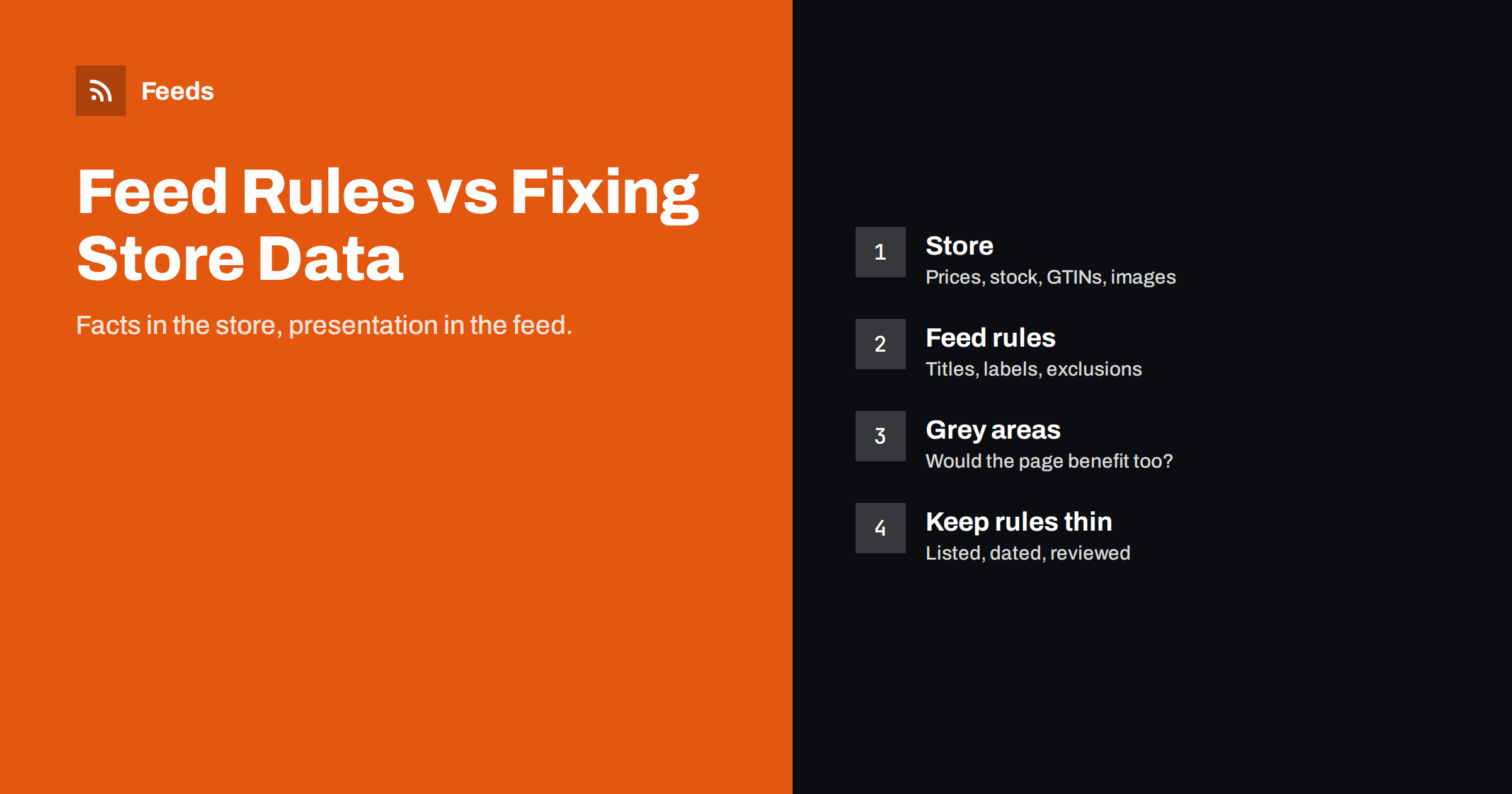
Short answer: Fix data in your store when the change is simply correct information that every channel and every shopper should see: prices, stock, identifiers, images and factual errors. Use feed rules for changes that only matter to a particular channel: title formats for Shopping, custom labels, category mapping, exclusions and formatting fixes. Anything a feed rule changes that shoppers also see on the product page, especially price and availability, must still match the page, or the channel will flag it.
Why the question matters
Every product feed sits between two worlds. On one side is your store, with its own product data, written for your website. On the other side are channels such as Google Merchant Center and Meta catalogs, with their own requirements. When the two do not fit, you have a choice: change the product data at the source, or transform it on the way out with feed rules.
Both approaches have a place, but mixing them without a plan creates problems that are hard to see. Product information ends up spread across the store, a feed tool and sometimes a supplemental feed in Merchant Center. Nobody knows which version is the truth, fixes are made in the wrong place and quietly overwritten, and six months later a title rule written for a sale is still changing product names.
The principle: one source of truth, thin rules on top
The most maintainable setups follow a simple principle. The store is the source of truth for facts about the product. Feed rules are a thin layer that adapts those facts to each channel’s format, without inventing new facts.
In practice this means asking one question for every change: “Is this true for the product everywhere, or is it only about how this channel wants the data?” If it is a fact, fix it in the store. If it is a presentation choice for a channel, a feed rule is appropriate.
Two examples make the difference clear. A running shoe listed in the store as “Nimbus 5” has no brand or gender in its name. For Shopping, a rule can build the title “Example Brand Nimbus 5 Men’s Running Shoe, Blue” from the brand, gender and colour fields. That is presentation, so a rule is right. But if the store lists the shoe in the wrong colour, a rule that overwrites the colour in the feed would hide an error that shoppers still see on the page. That is a fact, so the store must be fixed.
Signs that a setup has drifted away from this principle include rules that correct prices, rules that fill in missing identifiers product by product, and team members who edit the same product in two tools.
What belongs in the store
These should be correct in the store itself, not patched in the feed:
- Prices and sale prices. The price in the feed must match the product page. Changing it only in the feed is the fastest route to a price mismatch; see fixing price mismatch errors.
- Stock and availability. Shoppers see availability on your page. Feed and page must agree.
- Identifiers. GTINs, MPNs and brand are facts about the product. Store them properly, as explained in product identifiers in feeds.
- Images. If an image has a watermark or shows the wrong colour, replace it in the store.
- Factual errors. Wrong sizes, materials or specifications in descriptions should be corrected where customers read them.
- Variant structure. Sizes and colours set up correctly in the store produce correct variants in every feed.
Structured data on your product pages is generated from the same store data, so fixing facts at the source also keeps your pages and feed consistent; the relationship is covered in product structured data versus product feed.
What belongs in feed rules
These are channel-specific adaptations and fit naturally in feed rules:
- Title formats. Shopping titles benefit from a structure such as brand, product type and key attributes, which may read awkwardly as a page heading. Rules can build them from existing fields; see product feed title optimization.
- Custom labels. Labels for margin, season or bestseller status exist only for campaign management. They belong in the feed, as described in custom labels in product feeds.
- Category mapping. Mapping your shop categories to a channel’s taxonomy is a translation task, not a fact about the product.
- Exclusions. Leaving out out-of-stock items, low-margin products or restricted categories from a channel is a channel decision. The approach is in which products to exclude from your feed.
- Formatting clean-up. Stripping HTML from descriptions, trimming lengths, or normalising capitalisation for a channel’s rules.
- Currency and country details where your store data is correct but the channel expects a specific format.
The grey areas
Some changes could go either way. Think about who else benefits:
- Better descriptions. If a product description is thin, improving it in the store helps shoppers, search engines and every channel at once. A feed-only description helps one channel.
- Colour and material attributes. If they are missing, adding them as proper store attributes makes filters on your site better too.
- Channel-specific prices. Some businesses want different prices on different channels. That is only acceptable where the shopper sees the same price on the landing page, which usually requires store-side support. The trade-offs are discussed in price rules in product feeds.
- Product types. Your own category path usually comes from the store, but rules can clean it up.
As a rule of thumb, when a change would improve the product page as well, make it in the store. When it would make the page worse or would be meaningless there, make it in the feed.
Decision guide
| Change | Where | Reason |
|---|---|---|
| Correct a wrong price | Áruház | Page and feed must match |
| Add missing GTINs | Áruház | A fact used by every channel |
| Restructure titles for Shopping | Feed rule | Channel-specific presentation |
| Mark high-margin products | Feed rule (custom label) | Only used for campaigns |
| Skip out-of-stock items for ads | Feed rule | Channel decision |
| Replace a watermarked image | Áruház | Shoppers see it everywhere |
| Strip HTML from descriptions | Feed rule | Formatting for the channel |
| Improve thin descriptions | Store, ideally | Helps page, search and all channels |
A third layer: supplemental feeds and channel settings
Merchant Center adds another place to change data: supplemental feeds and rules inside the channel itself. They are useful for adding attributes your store cannot hold, or for quick fixes while a store change is in progress, as explained in supplemental feeds in Merchant Center.
The risk is the same as with any layer: logic that nobody remembers. Use channel-side rules sparingly, prefer one place for rules per channel, and write down what each rule does and why. Three layers of rules that modify the same title are a debugging nightmare.
Keeping rules under control
- List every rule with what it changes, for which channel, and why it exists.
- Fix upstream when you can. If a rule exists only to correct bad store data, fix the data and delete the rule.
- Give temporary rules an end date. Sale titles, seasonal exclusions and campaign labels should be removed when the campaign ends.
- Test on real products. After adding a rule, check ten products in the output, including edge cases such as very long titles and products with missing attributes.
- Review quarterly. Remove rules nobody can explain.
How Feeds handles rules
Feeds reads products directly from a WooCommerce or Shopify store, or from a CSV link, so the store stays the source of truth. On top of that it offers a small set of explicit rules: skip out-of-stock products, rewrite titles and adjust prices, with the currency detected automatically. You see a preview before the feed is created, which makes it easy to check the effect of each rule on real products. Rules and product limits per plan are listed on the pricing page.
Related reading
- Feed plugin, channel app or feed service: how to choose
- Product feed management for agencies: many clients, one process
- Product feed checklist: 25 checks before you submit
The bottom line
Keep facts in the store and presentation in the feed. Prices, stock, identifiers, images and factual corrections belong at the source, where every channel and every shopper benefits. Title formats, custom labels, category mapping, exclusions and formatting clean-up belong in feed rules. Keep rules few, documented and dated, fix bad data upstream instead of patching it forever, and never let a rule create a difference between the feed and the product page.
GYIK
Should I change product titles in my store or in the feed?
If the new title would also be better on your product page, change it in the store. If it follows a channel-specific structure, such as brand, type and attributes for Shopping, create it with a feed rule instead.
Can I change prices only in my product feed?
Only if the product page shows the same price to shoppers from that channel. A price that differs between feed and landing page leads to mismatch warnings or disapprovals.
What is a feed rule?
A feed rule is an instruction that transforms product data on its way from the store to a channel, for example building a title from several fields, adding a custom label or excluding out-of-stock items.
Are supplemental feeds better than feed rules?
They serve a similar purpose at a different layer. Supplemental feeds are useful for adding attributes your store cannot hold, but spreading rules across several layers makes them harder to maintain.
How many feed rules are too many?
There is no fixed number, but if nobody can explain what each rule does and why, there are too many. Fix bad data at the source and remove rules that only patch it.


