ENEnglish
 LTLietuviškai
 DEDeutsch
 FRFrançais
 RUРусский
 ESEspañol
 PLPolski
 ITItaliano
 UKУкраїнська
 CSČeština
 PTPortuguês
 JA日本語
 LVLatviešu valoda
 ETEesti
 HUMagyar
 IDBahasa Indonesia
 TRTürkçe
 HIहिन्दी
 ELΕλληνικά
 ARالعربية
 THไทย
 VITiếng Việt
 RORomână
 MSBahasa Melayu
 BNবাংলা
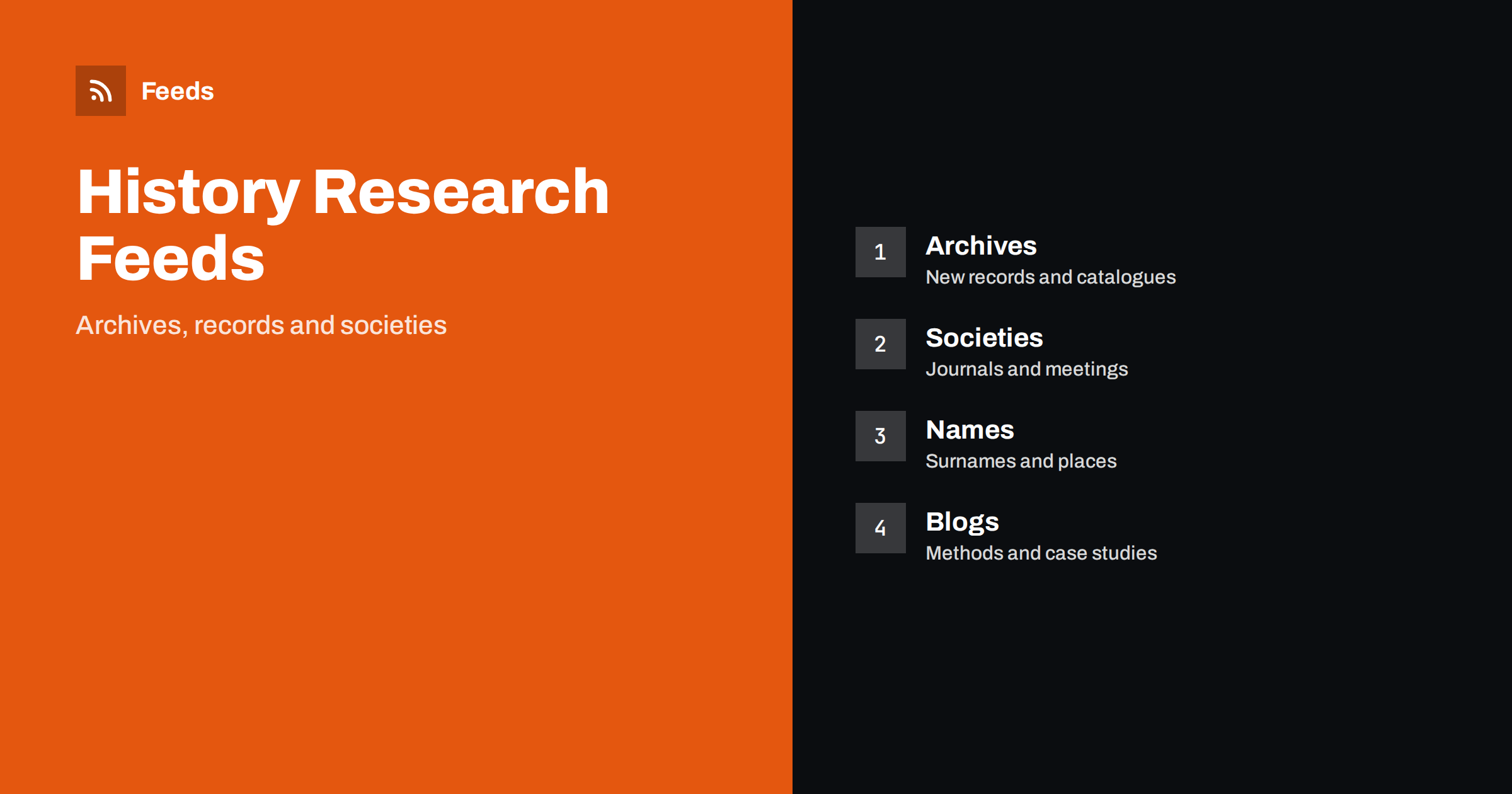
Short answer: Genealogy and local history research depends on sources that change slowly but unpredictably: archives add records, societies publish journals, libraries digitize collections and researchers write about their methods. RSS lets you follow them in one reader, filter by surname, place or record type and see new items in order. Follow a few archives and societies for facts, add blogs for methods, and always open the original record before you add a fact to your tree.
Why researchers need a feed reader
Family history is a long project. A name that gave no results last year may appear in a newly digitized register this month, and a society may publish an article about your village without announcing it widely. Searching again and again is tiring, and a site that you do not visit regularly can hold the answer for months before you notice.
A feed reader turns this into a quiet routine. New items from the sources you chose appear in order, and you read them when you have time. If the idea of a feed is new, what is an RSS feed explains it in plain words.
Archives, record offices and libraries
Start with the institutions that hold the records for the places and periods you study: national and regional archives, record offices, church and parish archives, libraries and museums. Many publish news about new catalogues, digitized collections, changed opening hours, reading room rules and online search tools. These notices are the most valuable, because they tell you when a new source becomes available.
Many archive sites have a news page without an RSS link, and how to create an RSS feed for a website without RSS shows how to turn it into a feed. Library RSS feeds describes how libraries can be followed in a similar way. Check the preview: it should show real news items with dates.
Societies, journals and local groups
Family history societies and local history groups publish journals, newsletters, talks and indexes created by volunteers. Their pages often announce new transcriptions, lectures and meetings long before the work reaches a large website. Add the societies for the regions and the surnames you research, and note their meeting dates in your calendar.
Volunteer-run sites change address or disappear, so save what matters. If a society page has an article about your family or village, record the title, the author, the date and the link, and keep a copy if the licence allows it. Archive RSS feed content shows how to keep items that may vanish.
Local newspapers and community pages are also worth a place. Anniversaries, old photographs and obituaries sometimes appear in regional sites, and a feed gives early notice. Local news monitoring with RSS describes the routine.
Learning also happens in groups. Many societies and archives offer webinars, workshops and help sessions, and a feed of their event pages tells you when they take place. Beginners gain a lot from a single session on reading old handwriting or using a catalogue, and experienced researchers meet others who work on the same families. Put the dates in your calendar when you read the announcement.
Blogs, methods and case studies
Many experienced researchers share their methods on blogs: how to read old handwriting, how to find a record in a particular country, how to solve a brick wall or how to use DNA results with documents. These posts teach more than a list of records does. Add a few that match your region and your skill level, and read them slowly.
Be critical. A blog may show a tree that was built from other trees, and unsourced trees spread errors. Prefer authors who cite their sources, explain how they reached a conclusion and admit where evidence is weak. Fact-checking with RSS: follow primary sources, not screenshots describes the same habit for news.
Filter by surname, place and record type
A feed for a large archive may include news that does not concern you. Use keyword filters to keep items that mention your surnames, parishes, counties or record types, such as census, parish registers, military records or maps, and to drop the rest. Think of two lists of words, one to include and one to exclude, and review them when your research moves.
Names are the difficult part. Surnames have many spellings, places change names and borders move, so add the variants that you know and test the filters on ten recent items. Set up keyword alerts using RSS feed filters explains the method, and reduce noise in RSS alerts without missing anything helps when the list grows.
Language matters too. Records of a foreign region are usually described in the local language, so add a few sources in the original language and let a translation tool help. Monitor foreign-language websites with RSS shows how.
Maps and place history are an underused source. Historic maps, street directories, school records and local newspapers explain the world in which your ancestors lived, and libraries and map collections publish news about new scans. Follow a few of these pages, and add them to a folder for place research, so that facts about names and dates are connected to the places where they happened.
Keep notes, sources and privacy
A fact without a source is only a guess. When a new record appears, note the archive, the reference, the date you read it and a link, and save an image if the licence allows. Keep a research log with what you searched and found, including searches that gave nothing, so that you do not repeat them. Some readers let you save items with notes, and a connection to a note-taking tool can help, as described in RSS feeds in Obsidian and note-taking apps.
Privacy needs care. Records of living people are protected in many places, and publishing the details of relatives who are alive, or of sensitive events, can cause harm. Share only what the people concerned would accept, and follow the rules of the sites that give you access. Respect the licence of each collection when you copy or share images.
Celebrate finds. When a new record answers an old question, write a short entry in your log about what the discovery means and what to search next. A good find often opens three new questions, and a note about them keeps your research moving. Share the story with relatives, who often have photographs or memories that complete the picture.
A routine for slow research
Do not check sites every day. Open the reader once or twice a week, read the archive and society folders first and the blogs later. When a new source is announced, search it at once for your main names, and note the result. A short routine such as RSS triage: a fast daily routine for reading less keeps the list light.
Once a season, review the sources. Remove feeds that stopped publishing, add the sites you keep opening by hand and adjust the filters to the families you now research. If you work with relatives, share one list of sources, as suggested in shared RSS reading lists for teams.
A last piece of advice: keep your list small enough to read. It is tempting to add every archive and society you find, but an unread reader soon becomes a burden. Start with ten sources, and add one only when you have a clear reason. The best list is the one that you still open after a year.
How RSS Feed Creator helps
RSS Feed Creator turns the news, catalogue and event pages of archives, libraries, societies and local groups into clean RSS feeds, even when the site has no feed of its own. It reads titles, images, summaries and dates, uses an existing feed when there is one, and shows a preview of the items before the feed is created. You can merge several sources into one feed (up to 10 sources), keep only the items that contain your keywords and have duplicates removed automatically, which suits a reading list for one family line, parish or region. Feeds refresh every 3 hours on the free plan and every 30 minutes on paid plans. The free plan allows up to 20 items per feed, and the details are on the pricing page.
Related reading
- RSS Feeds for Libraries: New Titles, Events and Alerts
- Local News Monitoring: Follow Your Town’s Sources with RSS
- How to Archive RSS Feed Content and Keep Your Own Copy
The bottom line
RSS suits the slow, patient work of genealogy and local history. Follow a few archives and societies for new records, add blogs for methods, filter by surname, place and record type, keep careful notes with sources and respect privacy. Open the original record before you add a fact, and review your list every season.
GYIK
Which sources should I follow first?
Begin with the archive or record office for your main place, one family history society and one or two blogs for your region.
What if an archive site has no RSS feed?
A page-to-feed tool can read its list of news and build a feed. Check the preview to make sure it shows real items with titles and dates.
How do I handle spelling variants of surnames?
Add the variants you know to the keyword filter, and test it on recent items. Review the list when you find a new spelling.
Can I rely on a tree published on a blog?
Treat it as a lead. Check the cited records yourself, and prefer authors who show their sources.
How often should I read the list?
Once or twice a week is enough for most researchers, and more often only when a new collection is announced.