 ENEnglish
 LTLietuviškai
 DEDeutsch
 FRFrançais
 RUРусский
 ESEspañol
 PLPolski
 ITItaliano
 UKУкраїнська
 CSČeština
 PTPortuguês
 JA日本語
JA日本語 LVLatviešu valoda
 ETEesti
 HUMagyar
 IDBahasa Indonesia
 TRTürkçe
 HIहिन्दी
 ELΕλληνικά
 ARالعربية
 THไทย
THไทย VITiếng Việt
 RORomână
 MSBahasa Melayu
 BNবাংলা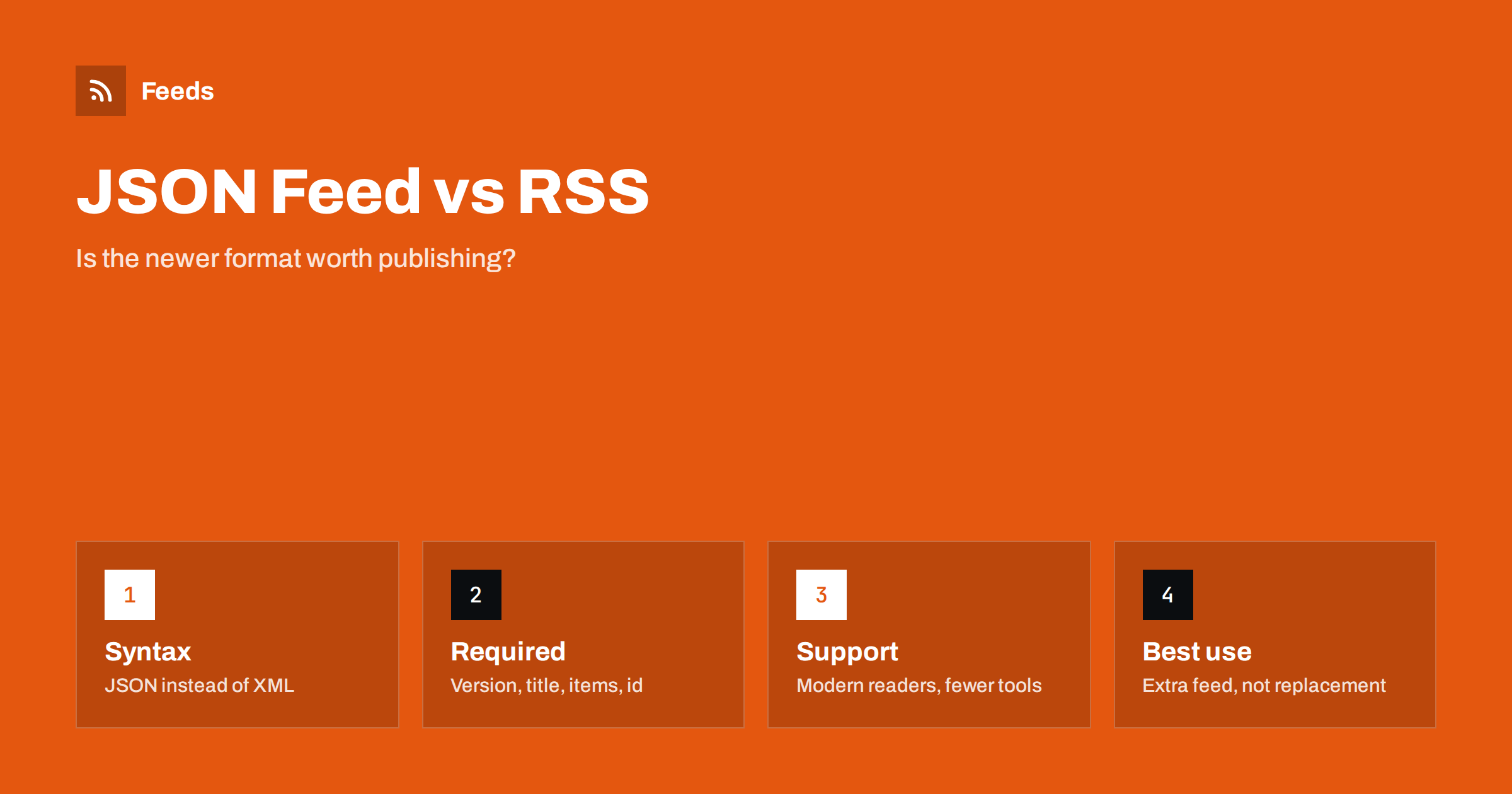
Short answer: JSON Feed is a feed format that uses JSON instead of XML. It is easier for developers to produce and parse, and it has clear rules for identifiers, dates and content, but it is supported by fewer tools than RSS and Atom. Publish it as an additional feed if your platform makes it easy or your audience is technical; do not replace RSS with it, because many readers, newsletter platforms, automation tools and all podcast directories still expect RSS or Atom.
JSON Feed was introduced in 2017 by Brent Simmons and Manton Reece, two developers well known in the feed reader world. The idea was simple: most web developers work with JSON every day, while XML feels old and fiddly, so why not describe feeds in JSON? Version 1.1 followed in 2020. Several years on, the format is stable and respected, but it has not replaced RSS. This article explains what JSON Feed is, how it compares with RSS, and when it makes sense to publish it.
What a JSON Feed looks like
A JSON Feed is a single JSON object. At the top level it has the version URL, the feed title, the home page URL, the feed’s own URL and an array of items. Each item typically has:
id: a unique, permanent identifier, required.url: the address of the item’s page.title: optional, because the format also supports microblog posts without titles.content_htmlorcontent_text: at least one is required.summary,imageandbanner_image: optional.date_publishedanddate_modified: RFC 3339 dates.authors,tagsandlanguage: optional.attachments: an array of files, used for podcasts and other media.
Anyone who has used a web API will recognise the structure immediately. There are no namespaces, no CDATA sections and no escaping of HTML inside XML, which removes a whole class of errors.
How it compares with RSS and Atom
| Aspect | RSS 2.0 | Atom | JSON Feed 1.1 |
|---|---|---|---|
| Syntax | XML | XML | JSON |
| Item identifier | guid, optional | id, required | id, required |
| Date format | RFC 822 | RFC 3339 | RFC 3339 |
| HTML content | Escaped or CDATA, type not declared | Declared type | Separate content_html and content_text fields |
| Titles required | Title or description | Yes | No |
| Attachments | One enclosure | Multiple links | Multiple attachments |
| Extensions | XML namespaces | XML namespaces | Custom keys starting with an underscore |
| Tool support | Universal | Very wide | Good in modern readers, patchy elsewhere |
In terms of rules, JSON Feed is closer to Atom than to RSS: identifiers are required and dates use one clear format. In terms of convenience, it is the easiest of the three to generate and read in code.
The advantages of JSON Feed
- Developer friendliness. Every programming language parses JSON natively. No XML library, no namespace handling.
- Fewer escaping mistakes. One of the most common RSS errors, an unescaped ampersand or broken CDATA section, simply cannot happen in the same way.
- Clear content fields.
content_htmlandcontent_textmake the content type explicit. - Title-less items. Short posts, status updates and microblogs fit naturally without inventing titles.
- Multiple attachments per item, with sizes, durations and MIME types.
- Easy to use in web apps. A front-end can fetch a JSON Feed and render it without conversion, provided the server allows cross-origin requests.
The limitations
- Tool support is thinner. Popular modern readers such as NetNewsWire, Feedbin, Inoreader and Feedly support JSON Feed, but many plugins, email platforms, automation services and custom scripts only understand RSS and Atom.
- Podcast directories do not use it. Apple Podcasts, Spotify and others require RSS 2.0 with the iTunes namespace.
- Partners may not expect it. When a partner asks for “your RSS”, sending a JSON Feed may simply not work in their system.
- Less validation tooling. Validators exist, but the ecosystem is smaller than for RSS and Atom.
Who should publish JSON Feed
JSON Feed is most useful in a few situations:
- Developer blogs and technical audiences, whose readers are likely to use modern readers and appreciate the format.
- Microblogs and short-form sites, where items often have no titles.
- Sites built with static site generators or custom code, where adding a JSON Feed template takes minutes.
- Web apps and widgets that consume your own content in JavaScript.
For typical business blogs, shops and news sites, JSON Feed adds little because readers and tools already work with RSS. There is no harm in offering it, but it should not be a priority.
How to publish JSON Feed alongside RSS
- Keep your RSS or Atom feed exactly as it is. It remains the main feed.
- Add a JSON Feed through a plugin or template. WordPress has plugins that add a JSON Feed at a separate URL; Hugo, Eleventy and Jekyll can generate one with a small template.
- Use the same identifiers in both feeds, so the same article is recognisable in either format.
- Advertise it with autodiscovery, using
type="application/feed+json", after your main RSS or Atom tag so that readers subscribing automatically still pick the main feed. - Serve it with the right content type,
application/feed+json, and UTF-8 encoding. - Validate it with a JSON Feed validator and test it in at least one reader that supports the format.
Consuming JSON Feed as a reader or developer
If you are on the receiving end, JSON Feed is pleasant to work with. A few practical tips:
- Check for the
versionfield to distinguish 1.0 from 1.1 feeds. Version 1.1 replaced the singleauthorobject with anauthorsarray. - Do not assume titles exist. Fall back to a snippet of
content_textor the summary. - Prefer
content_htmlwhen you render HTML, but sanitise it, exactly as you would with RSS content. - Use
id, not the URL, to decide whether an item is new.
If a tool you depend on only reads RSS, and a source only publishes JSON Feed, you need an RSS version of that source. Our tool, Feeds, gives you a single RSS link for a source: it uses the site’s existing feed when it can, or builds one from the page’s list of items, and you can merge several sources into the same feed. You see a preview before anything is created. Details are on the pricing page.
Converting between JSON Feed and RSS
Because the formats describe the same things, converting between them is usually straightforward, and many sites generate all their feeds from the same data. The mapping is mostly one to one:
- The feed
title,home_page_urlanddescriptionbecome the RSS channel’s title, link and description. - Each item’s
idbecomes the RSSguid, withisPermaLink="false"unless it is the item’s URL. date_publishedis reformatted from RFC 3339 to the RFC 822 style that RSS uses.content_htmlgoes intocontent:encoded, andsummaryor a shortened text version intodescription.- The first attachment can become the RSS
enclosure; additional attachments have no direct equivalent in plain RSS.
The tricky cases are items without titles, which RSS readers display awkwardly, and extension keys starting with an underscore, which have no RSS equivalent and are usually dropped. When you generate both formats yourself, produce them from the same source data rather than converting one into the other. That way each feed can use its own strengths, and a bug in a converter cannot corrupt the identifiers that readers rely on to recognise items.
Where JSON Feed is heading
JSON Feed has settled into a stable niche rather than a takeover. Its authors describe it as a complement to RSS and Atom, not a replacement, and the specification has changed only once since launch, which is a good sign for long-term stability. Support in readers is solid, and in the developer community it is often the format of choice for new projects. For mainstream publishing, RSS remains the common denominator that every tool understands. That is unlikely to change soon, simply because so much existing software, from podcast apps to email platforms, is built around it. The practical conclusion is to treat formats as outputs of the same content: keep your data clean, and publishing one more format becomes a small template rather than a project.
Related reading
- RSS vs Atom: Which Feed Format Should Your Site Publish?
- RSS Autodiscovery: Help Readers and Apps Find Your Feed
- How to Validate an RSS Feed and Fix the Most Common Errors
The bottom line
JSON Feed is a clean, developer-friendly feed format with sensible rules and good support in modern readers. It is not a replacement for RSS: podcast directories, many tools and most partners still expect RSS or Atom. Publish JSON Feed as an extra option if it is easy on your platform or your audience is technical, keep your RSS feed as the main one, and use the same identifiers in both.
GYIK
What is JSON Feed?
JSON Feed is a syndication format introduced in 2017 that describes a site’s items in JSON instead of XML. It has required identifiers, standard dates and separate HTML and text content fields.
Is JSON Feed better than RSS?
It is easier for developers to produce and parse, and its rules are clearer. RSS is far more widely supported by tools, directories and partners. For most sites, RSS should remain the main feed.
Do RSS readers support JSON Feed?
Many modern readers do, including several of the most popular ones. Support is weaker in older readers, email platforms, automation services and custom scripts, so check the tools your audience uses.
Can I use JSON Feed for a podcast?
JSON Feed supports attachments, so it can technically describe a podcast, but podcast directories require RSS 2.0 with the iTunes tags. Use RSS for podcasts.
How do I tell readers about my JSON Feed?
Add an autodiscovery link with type application/feed+json to your pages, after your main RSS or Atom link, and mention it wherever you list your feeds.


