 ENEnglish
 LTLietuviškai
 DEDeutsch
 FRFrançais
 RUРусский
 ESEspañol
 PLPolski
 ITItaliano
 UKУкраїнська
 CSČeština
 PTPortuguês
 JA日本語
JA日本語 LVLatviešu valoda
 ETEesti
 HUMagyar
 IDBahasa Indonesia
 TRTürkçe
 HIहिन्दी
 ELΕλληνικά
 ARالعربية
 THไทย
THไทย VITiếng Việt
 RORomână
 MSBahasa Melayu
 BNবাংলা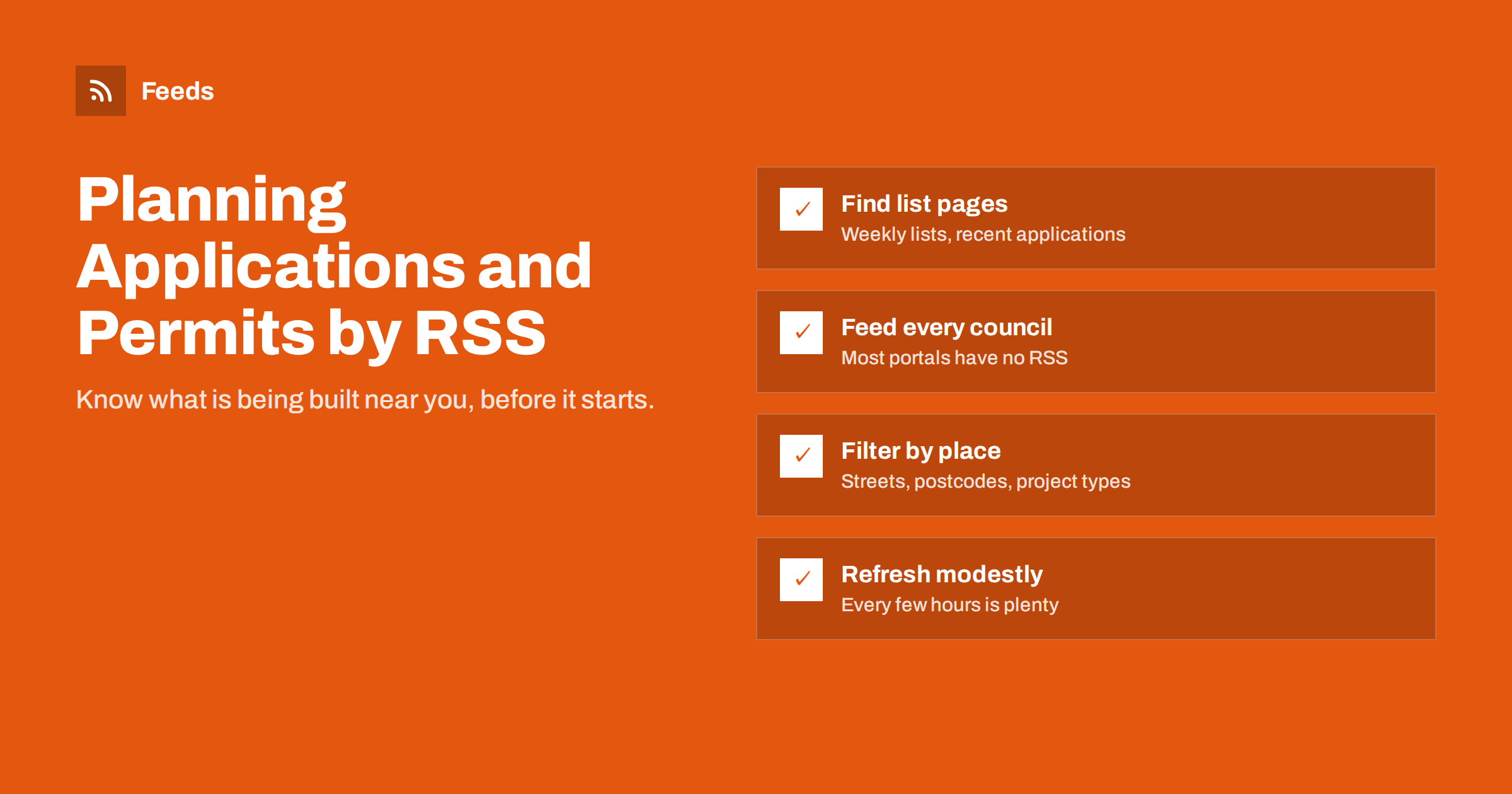
Short answer: Most councils and permit offices publish new planning applications and building permits on public list or search pages, but few offer RSS. Find the “recent applications” or “weekly list” page for each authority you care about, turn it into a feed with a page-to-feed tool, merge the feeds and filter them by street names, postcodes or keywords such as extension, demolition or change of use. Read the results in an RSS reader, a team channel or a daily digest.
Who needs planning and permit alerts
Planning applications and building permits are public records of what is about to be built, changed or demolished. They are useful to a surprising range of people:
- Residents and neighbours who want to know about proposals on their street early enough to comment.
- Builders, architects and trades looking for new projects, or for competitors’ activity in their area.
- Suppliers of windows, solar panels, kitchens, scaffolding and similar products, for whom a new permit is a sales lead.
- Estate agents and property investors tracking development that affects prices and supply; they often combine this with RSS alerts for new property listings.
- Local journalists and community groups following significant developments, which fits naturally with local news monitoring with RSS.
- Businesses near a site that need to plan for construction work, road closures or new competitors.
Timing matters in almost every case. Comment periods on applications are usually limited to a few weeks, and a supplier who hears about an approved extension months later has usually lost the job to someone who noticed it on the day it was published.
What they share is a need to check official pages regularly, which is exactly the kind of repetitive task feeds are good at.
Where planning data is published
The details differ between countries and even between neighbouring councils, but the data usually appears in a few predictable places:
- Online planning portals. Most local authorities run a searchable portal with application details, plans and decisions. Many offer a “weekly list” or “recently received” view.
- Building permit or building control registers. Separate from planning in many countries, listing approved permits and inspections.
- Public notices. Formal notices of applications, hearings and decisions, published on the authority’s website and sometimes in official gazettes.
- Committee agendas and minutes. Larger applications are decided at planning committee meetings, whose agendas are published in advance, often as PDF documents.
- Open data portals. Some cities publish permit data as datasets, updated daily or weekly.
Some portals offer email alerts for a saved search or an address. They are worth using where they exist, but they are usually limited to one authority each and deliver into an already crowded inbox. Feeds let you combine many authorities into one stream.
Step by step: build your planning alert feed
- List the authorities. Write down every council or permit office that covers the area you care about. Border areas often fall under two or three.
- Find the list page, not the search form. Look for a page that lists new applications in date order without you having to submit a form: “weekly list”, “recent applications”, “applications received” or “decisions issued”. If the only option is a search, run the search and check whether the results page has a stable address you can reuse.
- Check for an existing feed. A few portals offer RSS for their lists. Look for an RSS icon, or check the page source for a feed link.
- Create a feed from the page. Where there is no feed, use a page-to-feed tool and check the preview: each item should be one application, with its reference or address in the title and a link to the detail page.
- Merge and filter. Combine the authorities into one feed and apply filters, as described below. The guide on merging multiple RSS feeds into one covers the details.
- Choose delivery. An RSS reader works for personal monitoring; a team channel or a daily digest works better for sales teams.
- Verify after a week. Compare the feed against the portal’s list for a few days to confirm nothing was missed.
Filtering by place and project type
Unfiltered, a busy city portal can list hundreds of applications a week. Filters turn that into a handful of relevant items. The method is explained in keyword alerts using RSS feed filters; these are useful starting points for planning data:
| Goal | Keep items containing | Consider excluding |
|---|---|---|
| Watch your street or neighbourhood | Street names, postcodes, area names | Nothing: keep everything local |
| Leads for home improvement trades | extension, loft, conversion, dormer, garage, conservatory | tree works, advertisement consent |
| Energy and solar suppliers | solar, photovoltaic, heat pump, battery, insulation | telecom masts |
| Commercial development | change of use, retail, hotel, warehouse, offices, residential units | householder applications |
| Demolition and major works | demolition, redevelopment, erection of, storeys | minor amendments |
Planning descriptions use formal, sometimes old-fashioned language, such as “erection of a single-storey rear extension”. Read a few weeks of real entries from your authorities before you finalise the word list, and remember that each country and language has its own terms.
A tip for large areas: create one feed per authority first and look at each preview separately. Once you are sure each one works, merge them. Debugging a single merged feed with ten sources is much harder than checking ten small ones.
Committee agendas and decision documents
Large or controversial applications often surface first in planning committee agendas. These are usually published as documents on a meetings page, sometimes with a list of agenda items and sometimes as one large PDF. Two approaches work:
- Create a feed from the meetings or agenda list page, so you know when a new agenda is published, then open the document.
- Follow the documents list with the techniques in alerts when a website publishes new reports or PDFs, which also apply to decision notices.
Formal public notices and changes in planning rules at national level are a separate stream. Tracking government and regulator updates with RSS shows how to follow them without mixing them into your local alerts.
Technical hurdles and how to handle them
Planning portals are not always friendly to automated reading. Common issues and what to do:
- Search forms with no stable results URL. Some portals only show lists after a form is submitted. Look for alternative list pages, such as weekly lists or decision lists, which often have fixed addresses.
- Pages built with JavaScript. Lists loaded by scripts can be harder to read. See creating feeds from JavaScript-heavy websites for what usually works.
- Session timeouts and cookies. Some older systems add session identifiers to URLs. Use the cleanest version of the list address you can find.
- Rate limits. Public sector sites are often modestly resourced. A refresh every few hours is plenty for planning data, which rarely changes minute by minute.
Always use data from public pages responsibly: follow the site’s terms, do not overload it and respect personal information, since applications can include names and addresses of private individuals.
Turning alerts into action
What happens after an alert depends on your role:
- Residents should note the comment deadline shown on the application and read the plans early, while there is time to respond.
- Trades and suppliers should treat approved permits as leads, but approach applicants respectfully and in line with local rules on marketing to individuals.
- Agencies and consultants can add relevant applications to a weekly client report, together with public tender notices if public contracts matter too.
- Journalists can use alerts as tips, then verify details with the authority and the applicant.
How Feeds helps
Feeds turns public list pages, such as weekly planning lists, permit registers and meeting pages, into clean RSS feeds without any access to the source website. You paste the address, check which items were found and get a feed link that refreshes by itself. Several authorities can be merged into one feed, duplicates are removed automatically, and keyword filters keep only items with your street names, postcodes or project types. On paid plans you are alerted if a portal changes and a feed stops finding items. Plan details are on the pricing page.
Related reading
- Set up website monitoring with RSS in 30 minutes: a starter plan
- How to reduce noise in RSS alerts without missing anything
- How to create an RSS feed for a website without RSS
The bottom line
Planning applications and building permits are published, but rarely as feeds. Find the list pages of every authority that covers your area, turn them into feeds, merge them and filter by place and project type. Add committee agendas for large schemes, keep refresh intervals modest, handle personal data with care and act on alerts in a way that fits your role, whether that is commenting as a neighbour or following up a lead.
GYIK
Can I get planning application alerts by RSS?
Occasionally a planning portal offers RSS directly. More often it does not, but its weekly list or recent applications page can be turned into a feed with a page-to-feed tool and filtered by street or keyword.
How do I get alerts for planning applications on my street?
Create a feed from your council’s recent applications list and filter it by your street name and postcode. Include neighbouring streets if you want early warning of nearby developments.
Are building permit records public?
In many countries, planning applications and many permit decisions are public records, but the rules vary. Check your local authority’s website for what it publishes and on what terms.
How often should planning feeds refresh?
Every few hours is more than enough. Applications are usually published in daily or weekly batches, and comment periods last weeks, so there is no need to poll public sector sites aggressively.
Can businesses use planning data for sales leads?
Many trades and suppliers do, but approach applicants respectfully and follow local rules on direct marketing and personal data. Applications for commercial projects are generally a more appropriate lead source than private householders.


