 ENEnglish
 LTLietuviškai
 DEDeutsch
 FRFrançais
 RUРусский
 ESEspañol
 PLPolski
 ITItaliano
 UKУкраїнська
 CSČeština
 PTPortuguês
 JA日本語
JA日本語 LVLatviešu valoda
 ETEesti
 HUMagyar
 IDBahasa Indonesia
 TRTürkçe
 HIहिन्दी
 ELΕλληνικά
 ARالعربية
 THไทย
THไทย VITiếng Việt
 RORomână
 MSBahasa Melayu
 BNবাংলা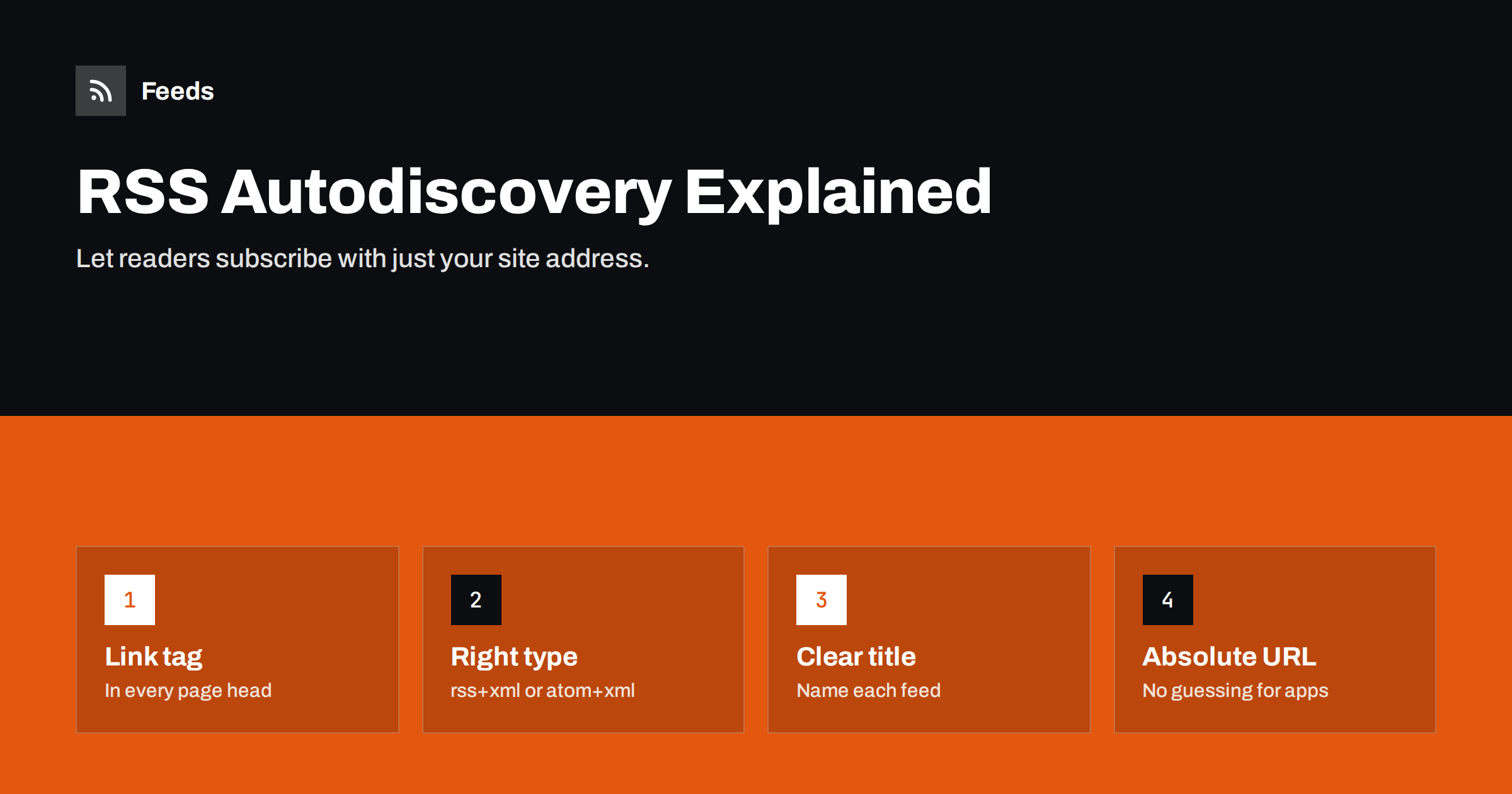
Short answer: RSS autodiscovery is a <link rel="alternate"> tag in the <head> of your web pages that points to your feed, for example <link rel="alternate" type="application/rss+xml" title="Blog" href="https://example.com/feed/">. Feed readers, browser extensions and automation tools look for it when someone pastes your site’s address, so people can subscribe without hunting for the feed URL. Add it to every page, use the correct type and a clear title, and point it to an absolute URL.
Most people who want to follow a site in a reader do not know its feed address. They paste the home page or an article URL into their app and hope for the best. Whether that works depends on a single line of HTML. If it is there, the reader finds your feed instantly. If it is missing or wrong, the reader either fails or guesses, and a guess may land on a comment feed, an old feed or nothing at all. Autodiscovery is one of the smallest, most effective improvements a publisher can make.
How autodiscovery works
When you give a feed reader a web page address instead of a feed address, it does roughly this:
- Downloads the HTML of the page.
- Looks in the
<head>forlinkelements withrel="alternate"and a feed type. - If it finds one, subscribes to that feed. If it finds several, it may show you a list using their titles.
- If it finds none, it may try common addresses like
/feedor/rss.xml, or give up.
The same mechanism is used by browser extensions that show a feed icon, by automation tools that accept a site address, and by crawlers that want to follow a site’s updates. The convention dates back to the early 2000s and is described in the RSS Advisory Board’s autodiscovery specification; the alternate link relation itself is part of HTML.
The correct syntax
A complete autodiscovery tag has four attributes:
| Attribute | Value | Purpose |
|---|---|---|
| rel | alternate | Says this is another representation of the page’s content |
| type | application/rss+xml, application/atom+xml or application/feed+json | Tells apps which feed format to expect |
| title | A human-readable name, such as “Company blog” | Shown when several feeds are offered |
| href | The full feed URL | Where the feed lives |
Put the tag inside <head>, not in the body. Some parsers stop reading once the body starts, and tags in the body are not guaranteed to be found.
Always use an absolute URL starting with https://. Relative URLs work in many readers, but not all, and absolute URLs remove any doubt, especially when a page is served through a CDN or a translation proxy.
Which feeds to advertise, and in what order
You can include several autodiscovery tags, and many sites do. The order matters: most readers pick the first one when they subscribe automatically. A sensible approach:
- First, your main content feed. The one most visitors want: all posts, or all news.
- On topic pages, that topic’s feed. A category or tag archive can advertise its own feed in addition to, or before, the main feed. Readers then offer “Blog: SEO” to someone subscribing from the SEO page.
- Comment feeds last, or not at all. Many readers accidentally subscribe to comments when that feed appears first. If comments are closed or rarely used, leave the comment feed out.
- One format per feed. If you publish both RSS and Atom for the same content, advertise only one, or people end up subscribed twice.
Titles that help people choose
The title attribute is what a reader shows when it lists several feeds. “RSS” or “Feed” tells people nothing. Better titles name the site and the content:
- “Acme Blog – all posts”
- “Acme Blog – Product updates”
- “Acme Podcast – episodes”
- “Acme Blog – comments”
Keep titles short and consistent with the names people see on your site. If your site is multilingual, include the language in the title or advertise only the feed for the current page’s language.
Autodiscovery in popular platforms
Most content management systems add autodiscovery tags automatically, but often with settings or quirks worth knowing:
- WordPress outputs tags for the main feed and the comment feed on every page, and for the current category, tag or author feed on archive pages, as long as the theme declares
add_theme_support( 'automatic-feed-links' ). Nearly all themes do. - Ghost adds a tag for its main RSS feed.
- Shopify themes typically include a tag for blog Atom feeds on blog pages; check your theme if it is heavily customised.
- Static site generators such as Hugo, Jekyll and Eleventy add the tag only if the template includes it. It is easy to generate the feed and forget the tag.
- Headless and single-page apps must render the tag in the initial HTML. Tags injected by JavaScript are invisible to most readers, which do not run scripts.
Common mistakes
- The tag points to a feed that no longer exists, often after a migration or a switch from one feed plugin to another.
- Wrong type, for example
text/xmlorapplication/xml. Some readers ignore tags without a feed-specific type. - The tag appears only on the home page. People often paste an article URL, so every page should carry it.
- The tag is added by JavaScript or a tag manager, so non-browser clients never see it.
- The feed URL redirects several times, from HTTP to HTTPS to a www version, which slows readers and occasionally breaks them. Point directly at the final URL.
- A comment feed listed first, leading readers to subscribe to comments instead of posts.
How to test your autodiscovery
Testing takes two minutes:
- View the page source of your home page and of one article, and search for
alternate. Check the type, title and absolute URL of each tag. - Open each advertised feed URL and confirm it returns a valid feed, not a 404 or a redirect chain.
- Paste an article URL into a feed reader and see which feed it offers. Try a second reader too, because behaviour differs.
- Test a category page if you advertise topic feeds, and confirm the right one is offered.
Beyond the tag, a visible link helps humans. A small RSS icon or “Subscribe via RSS” link in the footer, with the same URL, serves people who look for it and costs nothing.
Why autodiscovery matters beyond feed readers
It is tempting to think of autodiscovery as a courtesy for the few visitors who use RSS readers. In practice, many more systems rely on it:
- Newsletter platforms that offer RSS-to-email usually ask for a site address and look for the feed themselves.
- Social media scheduling and automation tools often accept a website URL and use autodiscovery to find the feed behind it.
- Aggregators and partner portals that import news from many sources use it to keep their source lists current.
- Browser extensions show a subscribe button only when a tag is present.
- Scripts, research tools and assistants that need to know “what is new on this site” look for the tag before they try anything heavier.
Each of these is a potential route for your content to reach people. When autodiscovery is missing, each tool either asks the user for a feed address they do not know or gives up. When it is present and correct, your site plugs into all of them with no extra effort on your side, and every future tool that follows the same convention will work too.
When a site you follow has no autodiscovery
You will meet many sites that have a feed but do not advertise it, and many that have no feed at all. Our tool, Feeds, handles both cases: paste the page address, and it looks for an existing feed first and uses it if there is one; if there is none, it finds the list of articles on the page and builds a clean RSS feed from it. You see a preview of the items before anything is created. Try it from the home page.
Related reading
- WordPress RSS Feed URLs: Every Feed Your Site Already Has
- How to Choose an RSS Reader: Features That Actually Matter
- How to Create an RSS Feed for a Website Without RSS
The bottom line
A single autodiscovery tag in the head of every page lets readers and tools find your feed from any address on your site. Use rel="alternate", the correct feed type, a descriptive title and an absolute URL, list your main feed first, and test with a real reader. It is a small detail that turns “I could not find your RSS” into a one-click subscription.
GYIK
What is RSS autodiscovery?
It is a link tag in a web page’s head that tells browsers, feed readers and tools where the site’s feed is. When someone pastes the page address into a reader, the reader uses this tag to find and subscribe to the feed.
Where should the autodiscovery tag go?
Inside the head element of every page, not only the home page. Many people paste an article address into their reader, so each page should point to the feed.
Can I advertise more than one feed?
Yes. Add one tag per feed with a clear title for each. Put the main content feed first, because many readers subscribe to the first feed they find.
Does autodiscovery work with JSON Feed?
Yes. Use the type application/feed+json. Readers that support JSON Feed will find it; others will use your RSS or Atom tag, so keep one of those too.
Why does my reader subscribe to the comment feed instead of posts?
The comment feed is probably advertised first on the page, or the posts feed tag is missing. Reorder the tags or remove the comment feed tag if comments are not important on your site.


