 ENEnglish
 LTLietuviškai
 DEDeutsch
 FRFrançais
 RUРусский
 ESEspañol
 PLPolski
 ITItaliano
 UKУкраїнська
 CSČeština
 PTPortuguês
 JA日本語
JA日本語 LVLatviešu valoda
 ETEesti
 HUMagyar
 IDBahasa Indonesia
 TRTürkçe
 HIहिन्दी
 ELΕλληνικά
 ARالعربية
 THไทย
THไทย VITiếng Việt
 RORomână
 MSBahasa Melayu
 BNবাংলা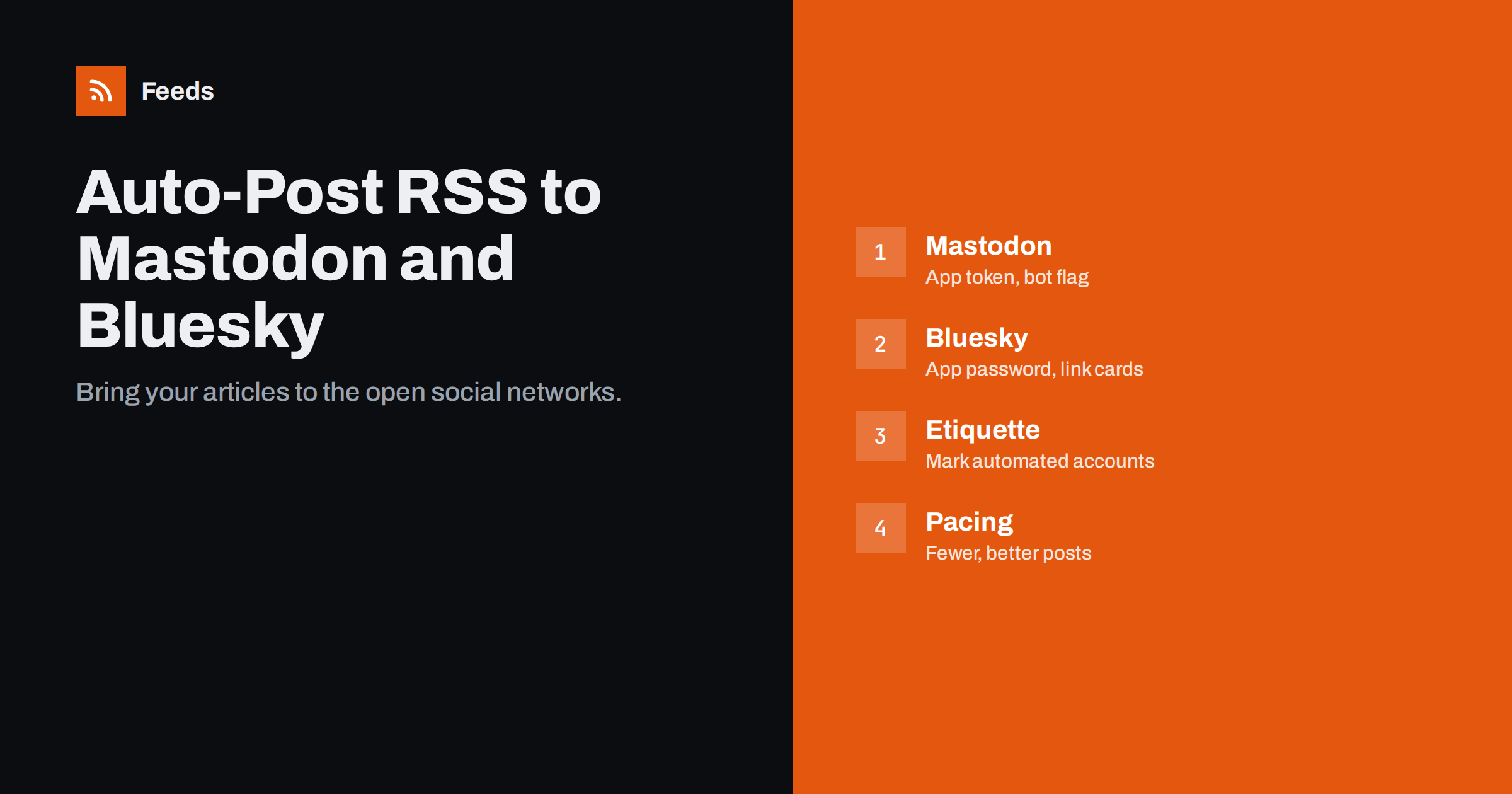
Short answer: Both Mastodon and Bluesky have open APIs that make RSS auto-posting straightforward. For Mastodon, create an application access token in your account’s development settings and use a tool or script that posts new feed items; mark the account as a bot if it is fully automated. For Bluesky, create an app password in settings and use a tool that supports Bluesky posting with link cards. Keep posts short, add context, respect each community’s norms and avoid flooding timelines.
Why these networks are worth adding
Mastodon, part of the wider fediverse, and Bluesky have grown into meaningful audiences for technology, science, journalism, open source, academia and many niche communities. Many people who left or reduced their use of other networks follow organisations and publications there instead.
For publishers, companies and creators, adding these networks is cheap when you already have a feed: the same articles that go to your other channels can appear there automatically. Both platforms are chronological by default for the accounts people follow, so followers generally see posts in order rather than filtered by an engagement algorithm, which suits a steady flow of articles.
There is also a practical argument about control. Both networks are built on open protocols, which means your account and your audience are less tied to a single company’s decisions than on closed platforms. For organisations that have been hurt by sudden changes in reach or API access elsewhere, that openness is part of the appeal.
The communities also tend to value open standards and transparency. Clear labelling of automated accounts and respectful posting habits matter more there than on some other networks.
Mastodon: setup
- Choose a server (instance) that fits your organisation and allows the kind of account you plan. Some servers have rules about bots or commercial accounts; read them first. Some organisations run their own server on their domain.
- Create the account and fill in the profile with a clear description and a link to your website. Mastodon lets you verify links to your website by adding a
rel="me"link on your site, which shows a verified checkmark next to the link. - Mark the account as automated in profile settings if it only posts feed items. The bot flag tells users the account is not a person.
- Create an access token under Preferences, Development, New application, with permission to write statuses. Keep the token secret.
- Connect a tool. Several RSS-to-Mastodon tools and services exist, and automation platforms and scripts can call Mastodon’s API with the token.
Bluesky: setup
- Create the account and consider using your own domain as your handle, which Bluesky supports through a DNS record or a file on your website. It verifies that the account belongs to your organisation.
- Create an app password under Settings, Privacy and security, App passwords. Use it for tools instead of your main password, so you can revoke it independently.
- Connect a tool that supports Bluesky posting. Social posting services, automation platforms and scripts using the AT Protocol can create posts.
- Check link cards. On Bluesky, the link preview card is created by the posting client, not automatically by the network. Choose a tool that generates the card with the page’s title, description and image, or your posts will show only a plain link.
Formatting posts for both networks
- Length: Mastodon’s default limit is 500 characters, though some servers allow more. Bluesky posts are limited to 300 characters. Write templates that fit the shorter limit or use per-network templates.
- Context first: a sentence on why the article matters, then the link. Bare links perform poorly on both.
- Hashtags: on Mastodon, hashtags are an important discovery tool because search has historically relied on them; use a few relevant ones, written in CamelCase for readability and screen readers. Bluesky supports hashtags as well, and custom feeds may use them.
- Images and alt text: if your tool attaches images instead of relying on link cards, add alt text. Mastodon communities in particular expect image descriptions for accessibility.
- Content warnings: Mastodon offers content warnings for sensitive topics. For news on distressing subjects, some communities expect them.
Etiquette for automated accounts
Both networks have strong community norms. Automated accounts that ignore them are more likely to be muted, blocked or reported.
- Be transparent: mark bots as bots, and say in the bio that posts are automated and who runs the account.
- Do not flood: space posts out, cap daily volume and use unlisted or quiet visibility on Mastodon for high-volume feeds if your server’s culture prefers it.
- Do not auto-reply or auto-follow: interaction should come from people. Automated follows and replies are widely seen as spam on both networks and can get an account suspended.
- Respond to people: if someone replies, a human should see it. Check notifications regularly, or clearly state in the bio that replies are not monitored and where to reach you instead.
- Respect server rules: on Mastodon, each server sets its own policies, and some restrict automated or commercial accounts.
Choosing a tool
| Option | Good for | Consider |
|---|---|---|
| Social posting service with both networks | Teams already posting to other networks | Check Bluesky link card support |
| Dedicated RSS-to-Mastodon or Bluesky tool | Simple one-feed setups | Project maintenance and reliability |
| Automation platform | Workflows that also do other things | Connector availability, task costs |
| Own script with the APIs | Developers wanting full control | Token security, state storage, upkeep |
One feed, many networks: keeping it manageable
Most organisations add Mastodon and Bluesky alongside existing channels such as LinkedIn, Facebook or X. The temptation is to send exactly the same text everywhere. That usually works poorly, because each network has its own length limits, hashtag habits and tone.
A more manageable approach:
- One source feed, filtered once, so every network receives the same set of items and you maintain a single list of rules.
- A template per network, adjusted for length and conventions. Mastodon templates can include a couple of CamelCase hashtags; Bluesky templates stay under 300 characters; LinkedIn templates may carry a slightly longer introduction.
- Staggered timing, so a follower who uses several networks does not see the same post everywhere in the same minute.
- One owner who checks all destinations periodically, since a broken connection on a smaller network is easy to miss.
If a network brings very little engagement after a few months, it is fine to stop posting there. Adding a destination should be a deliberate choice based on where your audience is, not a reflex to be present everywhere.
Also consider starting small on these networks. Posting only your most substantial articles, rather than every item, helps an account build a reputation for quality, which in open communities often matters more than frequency.
Measuring results
Both networks show basic engagement counts on each post: boosts or reposts, favourites or likes, and replies. For traffic, add UTM parameters such as utm_source=mastodon or utm_source=bluesky with utm_medium=social. Note that on Mastodon, link previews are fetched by each server that shows the post, which can create a burst of automated requests to your page when a post spreads; that is normal and not real visits, so rely on analytics that filter bots.
Feeds for curated accounts
Many useful accounts on these networks share curated news: updates from a city, a research field or an open source ecosystem. When sources lack RSS, Feeds creates feeds from the pages that list their articles, merges several sources, keeps only items with your keywords and removes duplicates, so the account posts each story once. Feeds refresh on their own. The resulting feed works with any Mastodon or Bluesky posting tool. See the pricing page for plans.
Related reading
- How to Follow Mastodon and Bluesky Accounts in an RSS Reader
- How to Automate Social Media Posts from an RSS Feed
- How to Post RSS Feed Items to X (Twitter) Automatically
- How Often Should Automated Feeds Post to Social Media?
The bottom line
Mastodon and Bluesky are easy to automate from an RSS feed thanks to open APIs: an access token for Mastodon, an app password for Bluesky and a tool that posts new items with proper link cards. Keep posts short and contextual, label automated accounts, follow community and server norms, and have a person watch replies. That brings your content to these audiences without making your account feel like a bot farm.
GYIK
Is it allowed to run an automated account on Mastodon?
Generally yes, but each server sets its own rules, and some restrict bots or commercial accounts. Mark the account as a bot in its profile and check your server’s rules first.
Why do my Bluesky posts show no link preview?
On Bluesky, the posting client creates the link card. If your tool does not generate it with title, description and image, the post shows only a plain link.
Should I use my main password in automation tools for Bluesky?
No. Create an app password in Bluesky’s settings and use it for tools, so you can revoke it without changing your main password.
How long can automated posts be?
Mastodon’s default limit is 500 characters, though some servers allow more, and Bluesky’s limit is 300 characters. Templates should fit the shorter limit if you post the same text to both.
Do hashtags matter on these networks?
On Mastodon, hashtags are an important way for people to discover posts, so a few relevant ones help. On Bluesky they are supported and can also be used by custom feeds.
Should I post the same text on Mastodon, Bluesky and other networks?
Use the same source feed but a separate template per network. Length limits, hashtag habits and tone differ, and staggered timing avoids followers seeing identical posts everywhere at once.


