 ENEnglish
 LTLietuviškai
 DEDeutsch
 FRFrançais
 RUРусский
 ESEspañol
 PLPolski
 ITItaliano
 UKУкраїнська
 CSČeština
 PTPortuguês
 JA日本語
JA日本語 LVLatviešu valoda
 ETEesti
 HUMagyar
 IDBahasa Indonesia
 TRTürkçe
 HIहिन्दी
 ELΕλληνικά
 ARالعربية
 THไทย
THไทย VITiếng Việt
 RORomână
 MSBahasa Melayu
 BNবাংলা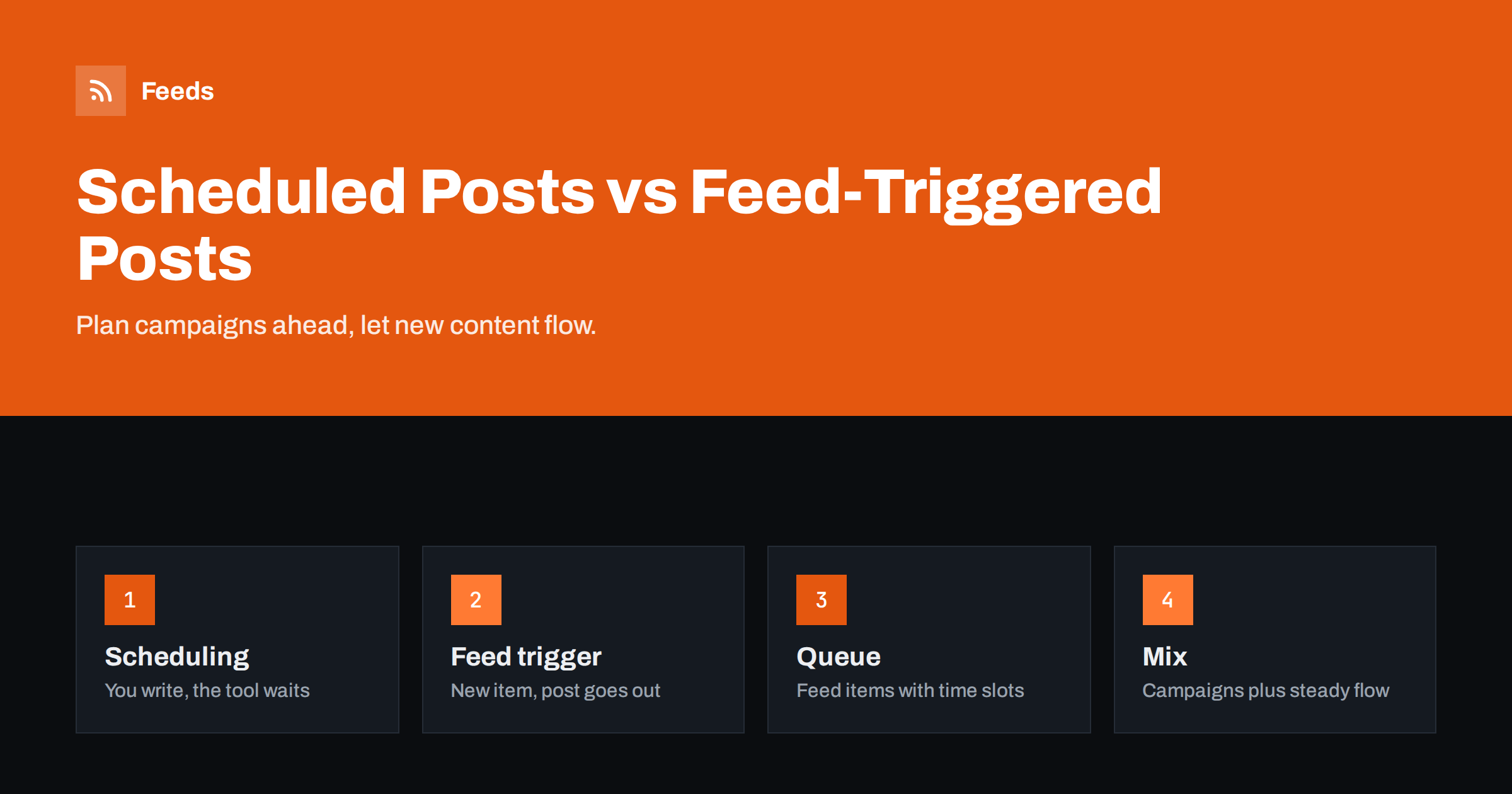
Short answer: Scheduled posting means you write a specific post in advance and the tool publishes it at a chosen time. Feed-triggered automation means a tool watches a feed and creates posts automatically whenever new items appear. Scheduling suits planned campaigns, launches and hand-crafted content; feed triggers suit a steady stream of new articles, products or news. Most businesses do best with both, often with feed items placed into a scheduling queue so they go out at good times.
Two kinds of “automatic” posting
People often say “we automate our social media” and mean very different things. Some mean they sit down on Monday and schedule the week’s posts in a tool. Others mean that every new blog article is posted automatically without anyone touching it. Both reduce daily effort, but they work differently and fail differently.
Scheduling automates timing. A person still decides what each post says, which image it uses and when it goes out. The tool simply publishes it at the chosen moment.
Feed-triggered automation automates both creation and timing. A person decides the rules once: which feed, which template, which filters. After that, posts are created from new feed items without further input.
There is also a third, simpler case: recurring posts, such as a weekly “open hours” reminder, which some tools can repeat on a schedule. These are a form of scheduling and should be reviewed occasionally, because repeated identical posts can look stale.
Understanding this difference helps you choose the right approach for each type of content and avoid expecting one method to do the other’s job.
How scheduling works
You write a post, attach media, pick a network and set a date and time. The tool stores it and publishes it when the time comes. Most social media management tools, and the networks’ own publishing tools, support this.
Strengths:
- Full control over every word, image and timing.
- Ideal for campaigns with a planned sequence: teaser, launch, reminder, last call.
- Lets you write in batches and keep a consistent presence during busy weeks or holidays.
- Easy to review and approve before anything goes live.
Weaknesses:
- Every post requires manual work, so volume is limited by time.
- New content is not shared unless someone schedules it, which is easy to forget.
- Scheduled posts can become awkward if circumstances change, for example during a crisis, unless someone pauses them.
How feed-triggered automation works
A tool checks a feed at intervals. When it finds new items, it builds posts from a template, usually with the title, a summary, the link and an image, and publishes them or places them in a queue.
Strengths:
- No effort per item: every new article, product or news item is shared.
- Consistency: nothing is forgotten.
- Scales to high volumes, such as shops, job boards and news sites.
Weaknesses:
- Posts are only as good as the feed and template; there is no individual crafting.
- Timing follows publication, which may not be the best time for your audience, unless combined with queues or posting windows.
- Needs filters and caps to avoid floods and irrelevant items.
Side by side
| Aspect | Scheduled posts | Feed-triggered automation |
|---|---|---|
| Who writes each post | A person | A template |
| Effort per post | Minutes | None after setup |
| Timing | Chosen precisely | Follows new content, optionally queued |
| Best for | Campaigns, launches, evergreen highlights | New articles, products, news, listings |
| Main risk | Forgotten content, outdated scheduled posts | Floods, poor formatting, irrelevant items |
Combining both: the queue pattern
Many tools let feed-triggered posts go into a posting queue instead of publishing immediately. The queue has fixed time slots, for example 9:00, 13:00 and 17:00 on weekdays. New feed items fill the next free slot. Manually scheduled posts can be placed at specific times or added to the same queue.
This combination offers the best of both:
- New content is always shared, without anyone remembering.
- Posts go out at times when your audience is active, not at 2 a.m. because that is when an article was published.
- Busy publishing days are spread over several slots instead of creating a burst.
- Hand-crafted campaign posts sit alongside automated ones in one calendar, so you can see the whole picture.
If your tool offers queues, set the slots per network according to your audience’s habits and adjust them after looking at engagement data for a few weeks.
Which content goes where
A simple way to decide is to ask whether the content already exists somewhere else in finished form. If it does, such as an article on your site or a product in your shop, a feed can share it. If the post itself is the content, such as a tip, an announcement or a question to your audience, write and schedule it.
- Feed-triggered: new blog articles, news items, new products, job listings, new videos, podcast episodes, event listings.
- Scheduled by hand: product launches, sales campaigns, announcements that need careful wording, event reminders, posts highlighting older evergreen content, holiday greetings and anything tied to a specific date.
- Neither: replies, conversations, reactions to current events and anything sensitive. These need a person in real time.
A sample week for a small business
Here is how a small company with a blog, an online shop and a LinkedIn page, a Facebook page and a Telegram channel might combine both methods in a typical week.
- Monday morning: the marketing lead spends thirty minutes scheduling the week’s hand-written posts: a product tip on Tuesday, a customer question answered on Thursday and a reminder about a webinar on Friday.
- Tuesday: a new blog article is published at 7 p.m. The feed automation picks it up and places it in the queue. It goes out on Wednesday at 9:00 on LinkedIn and at 12:00 on Facebook, both in the audience’s time zone.
- Wednesday: twelve new products are added to the shop. The product feed automation posts the first two to the Telegram channel in the next free slots and holds the rest; a single roundup post on Thursday links to the new arrivals page.
- Thursday: the scheduled customer-question post and the product roundup share the day, in different slots, so neither buries the other.
- Friday: the scheduled webinar reminder goes out in the morning. No new articles were published, so no automated posts appear, and the page is not flooded with filler.
Across the week, the team wrote four posts by hand and spent perhaps an hour on social media, while every new article and product was still announced at sensible times. That balance, a few crafted posts plus a reliable automated flow, is what most small teams can sustain for years.
The same pattern scales down to a sole trader and up to a larger team. What changes is the number of slots and the share of hand-written posts, not the principle.
Common pitfalls when mixing both
- Double posting: a person schedules a launch post for a new article while the feed automation also posts it. Agree that feed items are automatic and campaign posts link to different angles or to landing pages.
- Collisions: an automated post lands right before or after a carefully planned campaign post and dilutes it. Queues with fixed slots and a view of the full calendar help.
- Forgetting to pause: during a crisis or a sensitive news day, both scheduled and automated posts should be paused. Make sure one person can pause everything.
- Stale scheduled posts: posts scheduled weeks ahead may reference prices, dates or situations that changed. Review the schedule weekly.
Where Feeds fits
Feed-triggered automation needs good feeds. Feeds creates RSS feeds from pages that list articles, products or listings, uses a site’s own feed when available, merges several sources, keeps or drops items by keyword and removes duplicates automatically. Feeds refresh on their own, so your posting tool’s queue receives a clean stream of relevant new items. The pricing page has the details of each plan.
Related reading
- How to Automate Social Media Posts from an RSS Feed
- How Often Should Automated Feeds Post to Social Media?
- Full Auto vs Approval Queue: Choosing a Content Workflow
- What Is Content Automation? A Practical Guide for Small Teams
The bottom line
Scheduling automates timing for posts you write; feed triggers automate creation for content that keeps arriving. Use scheduling for campaigns and carefully worded posts, feed triggers for the steady flow of new content, and a queue with fixed slots to combine them so everything goes out at good times. Keep conversations and sensitive topics human, and make sure one person can pause both at once.
GYIK
Is scheduling the same as automation?
Scheduling automates only the timing of posts you create yourself. Feed-triggered automation creates the posts too, based on new items in a feed and a template.
Can I schedule feed-triggered posts?
Yes. Many tools put automated posts into a queue with fixed time slots, so they go out at good times instead of the moment content is published.
Which is better for a small business?
Usually both: feed automation for new blog posts or products, so nothing is forgotten, and a few scheduled posts for promotions, events and important announcements.
How do I avoid posting the same article twice?
Agree that new articles are shared automatically, and use scheduled posts for different angles, older content or campaign landing pages rather than repeating the same link.
What should never be automated or scheduled far ahead?
Replies, reactions to current events and sensitive announcements. These need a person who can judge the situation at the time of posting.
What is a posting queue?
A queue is a set of fixed time slots per network, such as 9:00 and 13:00 on weekdays. New posts, whether automated or manual, fill the next free slot, so publishing is spread out at times when your audience is active.


