 ENEnglish
 LTLietuviškai
 DEDeutsch
 FRFrançais
 RUРусский
 ESEspañol
 PLPolski
 ITItaliano
 UKУкраїнська
 CSČeština
 PTPortuguês
 JA日本語
JA日本語 LVLatviešu valoda
 ETEesti
 HUMagyar
 IDBahasa Indonesia
 TRTürkçe
 HIहिन्दी
 ELΕλληνικά
 ARالعربية
 THไทย
THไทย VITiếng Việt
 RORomână
 MSBahasa Melayu
 BNবাংলা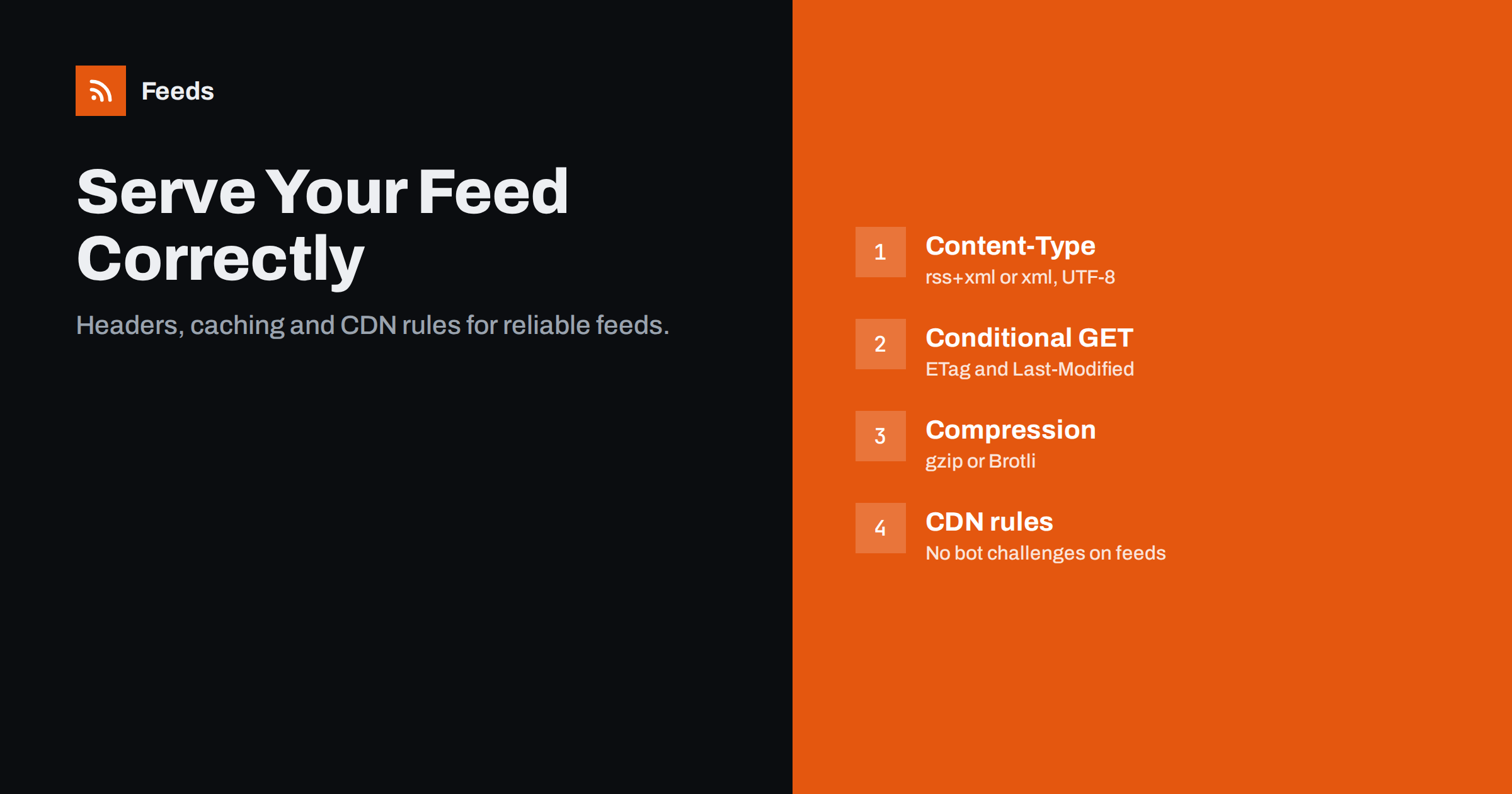
Short answer: Serve your feed with status 200, a feed or XML content type with UTF-8 charset, ETag and Last-Modified headers so readers can make cheap conditional requests, and gzip or Brotli compression. Cache it for a few minutes, not hours, and purge the cache when you publish. Make sure CDNs, firewalls and bot protection never show challenge pages or block feed readers, and keep the feed at one stable URL with at most one redirect.
Most advice about feeds focuses on the XML inside them. But many real-world feed failures happen one layer down, in how the server delivers the file. A perfectly valid feed can be invisible to readers because a security service shows them a JavaScript challenge, stale for hours because a CDN caches it too long, or expensive to serve because every reader downloads the whole file every few minutes. This guide covers the HTTP side of feeds: what to set, why, and how to check it.
Status codes and redirects
A feed should answer with 200 OK and the XML. Around that simple rule:
- Permanent moves use 301 or 308. Readers update the stored address after a permanent redirect. Temporary 302 and 307 redirects leave them polling the old URL forever.
- Avoid redirect chains. HTTP to HTTPS to www to a trailing slash is three hops; some readers give up or slow down. Point links and autodiscovery tags at the final URL.
- Deleted feeds should return 410 Gone if you never intend to bring them back, which tells well-behaved readers to stop polling. A 404 may be retried for a long time.
- Never return an HTML error page with status 200. Readers then try to parse HTML as a feed and report confusing errors.
HTTPS, certificates and stable addresses
Feeds should be served over HTTPS like the rest of your site, and the certificate must be valid for the exact hostname in the feed URL. Readers are less forgiving than browsers about certificate problems: an expired certificate or one that covers www.example.com but not example.com can stop every subscriber at once, and unlike a browser, a reader rarely shows a clear warning to the person who subscribed.
Keep the feed at one canonical address. If your site answers on several hostnames, redirect all of them to the canonical one, and use the canonical address in autodiscovery tags, the feed’s self link and anything you give to partners. When you move to a new domain, keep the old domain’s certificate and redirects active for a long time; readers that check rarely still need to find the redirect. Watch certificate renewals in particular, since automated renewal occasionally fails silently on secondary hostnames that only feed readers still use.
Content type and character encoding
The Content-Type header tells readers what they received. Good choices:
| Feed format | Preferred type | Also widely accepted |
|---|---|---|
| RSS 2.0 | application/rss+xml; charset=UTF-8 | application/xml, text/xml |
| Atom | application/atom+xml; charset=UTF-8 | application/xml, text/xml |
| JSON Feed | application/feed+json; charset=UTF-8 | application/json |
The charset in the header must match the encoding declared in the XML and the actual bytes. UTF-8 everywhere is the simple answer. Avoid serving feeds as text/html or application/octet-stream; some tools reject them, and browsers download them.
Conditional requests: ETag and Last-Modified
Feed readers poll repeatedly, and most of the time nothing has changed. Conditional requests make those polls almost free:
- Your server sends an
ETag(a fingerprint of the content) and aLast-Modifieddate with the feed. - On the next poll, the reader sends them back as
If-None-MatchandIf-Modified-Since. - If the feed has not changed, the server replies 304 Not Modified with no body.
The savings are substantial. A feed of 30 full-text items might be several hundred kilobytes; a 304 response is a few hundred bytes. Multiply that by every reader, directory and tool polling every few minutes, all day, and conditional requests become the single most effective performance measure for a busy feed. Well-behaved readers rely on this, and some poll well-behaved feeds more often because each check is cheap. WordPress sends these headers for its feeds by default, based on the latest post or comment modification time. Static hosts and CDNs usually generate them automatically for files. Check that a caching plugin or proxy does not strip them, and that the ETag does not change on every request, for example because the feed includes a timestamp of when it was generated.
Compression
XML compresses extremely well, often to a fifth of its size or less. Enable gzip or Brotli for feed content types on your server or CDN. Many servers compress text/html and application/json by default but forget application/rss+xml and application/atom+xml, so add them explicitly. Compression reduces bandwidth for you and speeds up readers on mobile connections, especially for full-text feeds.
Caching and CDNs
Caching protects your server, but a stale feed defeats its purpose. Balance them:
- Cache for minutes, not hours. A
Cache-Control: max-ageof a few minutes up to about fifteen is a reasonable range for most sites. - Purge on publish. Configure your caching plugin or CDN to clear the feed URLs when a post is published or updated.
- Include query variants. If your site serves category feeds or
?feed=rss2variants, make sure they are purged too. - Do not cache error responses for long, or a brief outage becomes a long one for readers.
Bot protection and firewalls
It is also the cause that site owners are least likely to notice, because they always open their own feed in a browser, where the check passes invisibly. This is the most common hidden cause of “my feed works in the browser but not in the reader”. Security services that show a “checking your browser” page, CAPTCHAs or JavaScript challenges block feed readers, podcast directories and automation tools, because they are not browsers. Some rules to follow:
- Exclude feed URLs from bot challenges, “under attack” modes and JavaScript-based checks.
- Do not block requests based on unusual user agents for feed paths; readers identify themselves in many ways.
- Rate limits should allow reasonable polling from services that fetch on behalf of many users.
- Geo-blocking can cut off readers whose servers are located in other countries.
After changing security settings, test the feed from outside your network, for example with an online HTTP header checker or a feed validator.
Notes for WordPress and managed hosting
On WordPress, feeds are generated by PHP on request, so how your host and plugins treat them matters:
- Page caching plugins often cache feeds separately. Check their settings for feed caching and purge rules, and make sure they keep the ETag and Last-Modified headers WordPress sends.
- Managed hosts may cache feeds at the server level for a fixed time. Ask support how long, and whether publishing purges it.
- Security plugins sometimes rate-limit or block unfamiliar user agents. Whitelist feed paths if you see readers failing.
- Maintenance mode plugins can return HTML pages to feed requests. Exclude feeds or accept that readers will see errors during maintenance.
- PHP errors or notices printed on screen before the XML break the feed; keep on-screen debug output switched off in production.
Static sites avoid most of these issues because the feed is a file, but their hosts still need correct content types for .xml files and compression enabled for them.
Checking your setup in five minutes
- Request the feed with a command-line HTTP tool or an online header checker and note the status, content type, charset, ETag, Last-Modified, Cache-Control and Content-Encoding headers.
- Repeat the request with the ETag in
If-None-Matchand confirm a 304 response. - Publish a test post and confirm the feed updates within your cache time.
- Run the feed URL through a validator, which fetches it from outside your network.
- Add the feed to a hosted reader and confirm it fetches without errors.
When a feed you rely on is served badly by someone else, for example hidden behind bot protection, you cannot change their server. Our tool, Feeds, reads public pages and feeds as a visitor would, identifies itself as FeedsBot, and gives you one clean, refreshed RSS link for any reader or tool. It cannot bypass logins or protections designed to block automated access. See the plans.
Related reading
- How to Validate an RSS Feed and Fix the Most Common Errors
- How Many Items Should Your RSS Feed Include? A Guide
- RSS Feed Stopped Updating? How to Find Out Why
The bottom line
A feed is only as good as the way it is served. Return 200 with the right content type and UTF-8, support conditional requests with ETag and Last-Modified, compress the XML, cache for minutes and purge on publish, and keep bot protection away from feed URLs. Test from outside your own network after every hosting or security change, and your feed will reach every reader reliably and cheaply.
GYIK
What content type should an RSS feed use?
application/rss+xml with charset UTF-8 is the most precise. application/xml and text/xml are also widely accepted. Avoid text/html and application/octet-stream.
Why does my feed work in the browser but fail in readers?
Often a security service or CDN shows readers a challenge page that browsers pass but readers cannot. Exclude feed URLs from bot challenges and test from outside your network.
How long should a feed be cached?
A few minutes, up to about fifteen, is a sensible range for most sites. Combine it with purging the feed cache when you publish so new posts appear quickly.
What are ETag and Last-Modified for?
They let readers ask whether the feed has changed. If not, the server replies 304 Not Modified with no content, which saves bandwidth and server work on every poll.
Should I compress my RSS feed?
Yes. Enable gzip or Brotli for feed content types. XML compresses very well, which makes fetches faster and cheaper for both you and your readers.


