 ENEnglish
 LTLietuviškai
 DEDeutsch
 FRFrançais
 RUРусский
 ESEspañol
 PLPolski
 ITItaliano
 UKУкраїнська
 CSČeština
 PTPortuguês
 JA日本語
JA日本語 LVLatviešu valoda
 ETEesti
 HUMagyar
 IDBahasa Indonesia
 TRTürkçe
 HIहिन्दी
 ELΕλληνικά
 ARالعربية
 THไทย
THไทย VITiếng Việt
 RORomână
 MSBahasa Melayu
 BNবাংলা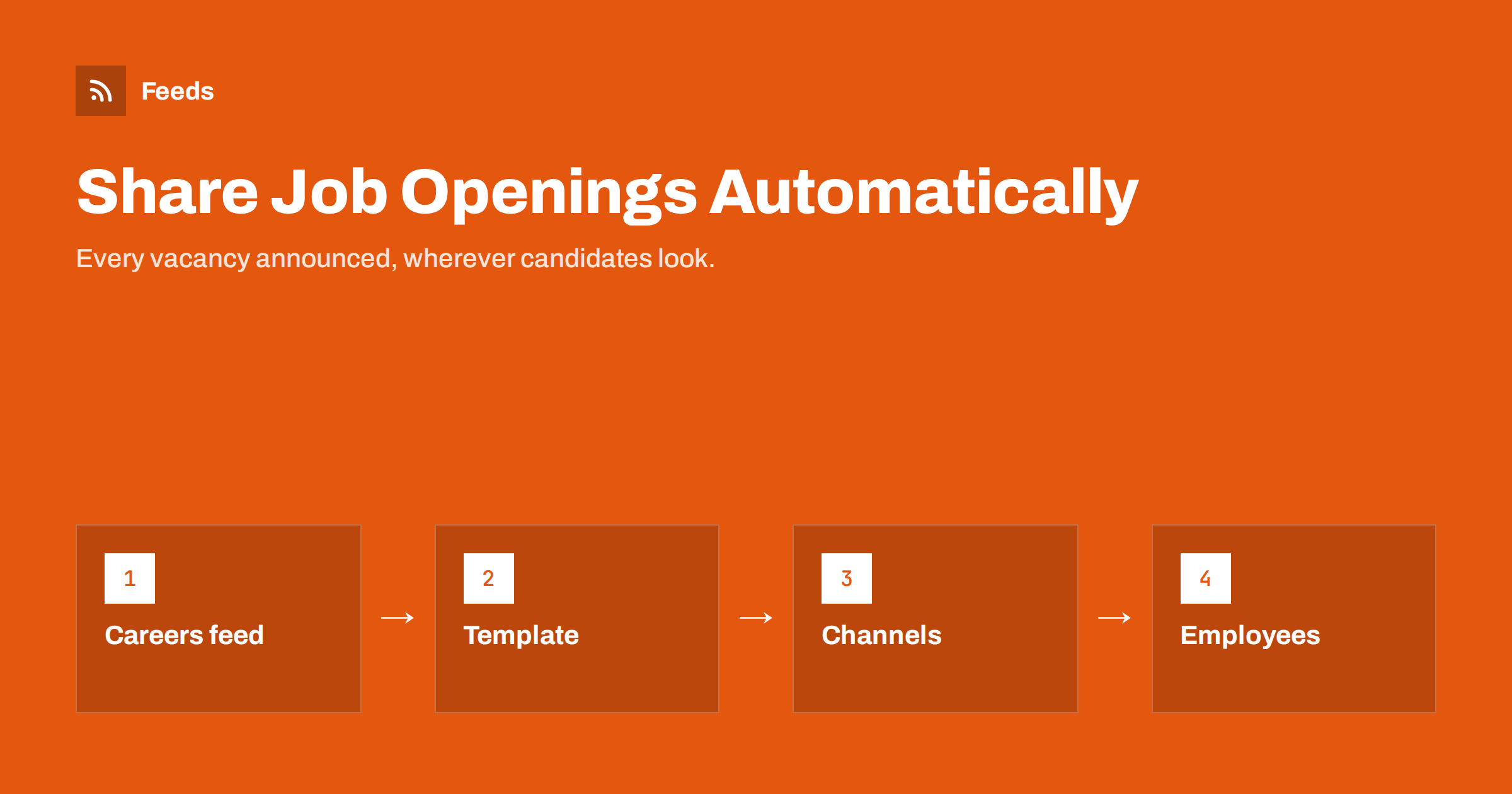
Short answer: To share job openings automatically, get an RSS feed of your careers page, either from your careers software, your CMS or a feed created from the page listing the openings, and connect it to a social posting tool for your company pages, plus a team channel so employees can refer candidates. Use a template with the job title, location or remote status and one attractive detail, link to the job page, pace posts when you publish many roles at once and ask colleagues to reshare manually rather than automating their personal accounts.
Why automate job announcements
For small and mid-sized companies, every opening needs to reach as many suitable candidates as possible, quickly and cheaply. Yet sharing jobs is often an afterthought: the role goes up on the careers page, and whether it appears on LinkedIn or Facebook depends on whether someone remembers.
Automation makes job distribution consistent. Every new opening is announced on the company’s social pages, in the internal channel where employees can refer friends, and anywhere else candidates look, within minutes of publication. It costs nothing per posting beyond the tools you may already use, and it complements paid job boards rather than replacing them.
Speed matters in hiring too. Good candidates are often in several processes at once, and a role that is announced everywhere on the day it opens gets earlier applications than one that trickles out over a week.
It also helps employer branding. A company page that regularly shows new roles signals growth and activity, which matters to candidates who research employers before applying.
Getting a feed of your openings
- Applicant tracking systems and careers page tools often provide job feeds, sometimes in RSS and often in XML formats for job boards. Check the documentation or settings of your system.
- CMS-based careers pages, for example jobs as a custom post type or category in WordPress, usually have their own feed.
- Careers pages without feeds can have one created from the page that lists the openings, as long as each opening has its own title and link.
Check that each item includes the job title, a link to the individual job page and ideally the location and a short description. Items that link only to the general careers page make it hard for candidates to find the right role.
If you use a job board feed format meant for aggregators, it may contain far more detail than a social post needs. That is fine; your posting template simply picks the fields it uses. What matters is that new roles appear in the feed promptly and filled roles disappear from it.
Writing job posts candidates click
A job post competes with everything else in a feed. The template decides whether people stop scrolling.
- Role and location first: “We’re hiring: Customer Support Specialist, Vilnius or remote”. Candidates filter by these two facts instantly.
- One attractive detail from the description: the team, the product, flexible hours, the salary range if you publish it.
- A clear call to action with the link: “Details and application:”.
- A consistent hashtag on networks where hashtags are used, such as a hiring hashtag plus your company name.
- An image: a branded “We’re hiring” graphic or team photo set as the job page’s Open Graph image makes posts recognisable.
Write the first sentence of each job description so it works as the post text, since many templates use it. That also helps on the careers page itself, where candidates skim.
Where to send job posts
| Destination | Why | Tip |
|---|---|---|
| LinkedIn company page | Professional audience, employees reshare | One post per role, spaced out |
| Facebook page | Local and hourly roles, community reach | Include location clearly |
| Telegram or other channels | Dedicated “jobs” channels in some markets | Separate channel from company news |
| Internal team channel | Employee referrals | Mention any referral programme |
| Partners and schools | Universities, associations, communities | Offer your feed so they can list roles |
Pacing when you hire many people
Growing companies sometimes open ten roles in one week. Ten job posts in an hour on the company page bury each other and irritate followers. Use a daily cap, such as one or two roles per day per network, or combine them into a weekly “We’re hiring” roundup that lists all open roles with a link to the careers page. For large hiring waves, a roundup plus a few individual posts for the most important roles usually works best.
Time zones and working hours matter as well. Post roles when your target candidates are likely to be scrolling, typically mornings and early evenings on weekdays for professional roles, and hold automated posts published overnight until then.
Also consider when roles close. Automated posts stay on the timeline after the position is filled. Make sure the job page shows clearly that the role is closed, or redirects to the careers overview, so late visitors are not frustrated.
Employees: reshare, do not automate
Employees’ networks are often the best source of candidates. It is tempting to automate posting to employees’ personal profiles too, but this usually backfires: automated posts on personal accounts feel impersonal, and many employees rightly dislike tools posting in their name.
There is also a trust issue. Candidates increasingly check who shared a role and why. A colleague writing “I have worked on this team for three years, and we need someone like you” carries real information; an identical automated post on twenty profiles carries none and can look like a campaign.
Instead, post the role automatically to an internal channel with a ready-to-copy suggestion text and the link, and invite colleagues to share it personally, ideally with a sentence about why they enjoy working there. That personal sentence is far more convincing to candidates than any template.
Measuring which channels bring applicants
Recruiting has a clear goal, applications from suitable candidates, which makes measurement straightforward if you set it up.
- Tag links per channel with UTM parameters such as
utm_source=linkedin&utm_medium=social&utm_campaign=jobs. Your analytics then show which channels bring visitors to job pages. - Pass the source into applications if your applicant tracking system supports it. Many systems record the referring source or let you add a “where did you hear about us” field.
- Compare quality, not only numbers. A channel that brings few applications but many interviews is more valuable than one that brings many unsuitable applicants.
- Review after each hiring round. Note which channels produced the people you hired, and adjust where you post next time.
Over several hiring rounds, patterns become clear. Some roles are filled through referrals, others through a local Facebook audience, others through LinkedIn. Automation lets you post everywhere at low cost; measurement tells you where to invest extra effort, such as paid promotion or personal outreach.
Keep candidate privacy in mind. Tracking should be about channels, not about following individual applicants across the web, and your privacy notice on the careers page should describe what you collect.
Fairness and accuracy
Job posts are subject to employment and anti-discrimination rules in many countries, so the job description on the careers page should already have been reviewed. Automation copies titles and descriptions exactly, which is an advantage: it does not add unreviewed wording. Avoid templates that add phrases implying age, gender or other protected characteristics, and keep the details in posts consistent with the job page.
How Feeds helps with careers pages
Many careers pages, especially on older websites or simple site builders, have no feed. Feeds creates an RSS feed from any page that lists items, including job boards and careers pages, with titles, links and dates. You check a preview of the openings it found before creating the feed, and it refreshes on its own afterwards. Paid plans alert you if a page changes and a feed stops finding items. The same approach works for following openings at partner organisations or in your industry. See the pricing page for plans.
Related reading
- How to Get RSS Feeds for Job Listings and Careers Pages
- How to Automate Social Media Posts from an RSS Feed
- How to Auto-Post New Blog Articles to LinkedIn
- How Often Should Automated Feeds Post to Social Media?
The bottom line
Automating job announcements is a quick, low-cost way to make sure every opening reaches candidates. Get a feed of your careers page, write templates that lead with role and location plus one attractive detail, send posts to company pages, jobs channels and an internal referral channel, pace large hiring waves and let employees reshare personally. Consistent announcements plus human endorsements bring the best candidates.
GYIK
Can job openings be posted to LinkedIn automatically?
Yes. Connect a feed of your openings to a posting tool with LinkedIn page support. Posts appear on the company page, and employees can reshare them.
What if my careers page has no RSS feed?
Check whether your careers software offers one. If not, a feed can be created from the careers page, provided each opening has its own title and link.
How many job posts per day are appropriate?
One or two per network per day is a sensible limit. For larger hiring waves, use a weekly roundup that lists all open roles.
Should employees’ profiles post jobs automatically?
Generally no. Share roles in an internal channel and let employees reshare them personally, which is more effective and respects their accounts.
What happens to posts after a job is filled?
The social posts remain. Make sure the job page shows that the role is closed or redirects to the careers overview.
How do I know which channel brought an applicant?
Add UTM parameters to job links per channel and, if your applicant tracking system supports it, record the source with each application. Review the results after each hiring round.


