 ENEnglish
 LTLietuviškai
 DEDeutsch
 FRFrançais
 RUРусский
 ESEspañol
 PLPolski
 ITItaliano
 UKУкраїнська
 CSČeština
 PTPortuguês
 JA日本語
JA日本語 LVLatviešu valoda
 ETEesti
 HUMagyar
 IDBahasa Indonesia
 TRTürkçe
 HIहिन्दी
 ELΕλληνικά
 ARالعربية
 THไทย
THไทย VITiếng Việt
 RORomână
 MSBahasa Melayu
 BNবাংলা
#CMS
A content management system decides what feeds a website publishes and how they look. Articles tagged here cover feeds in Drupal, Joomla, Ghost, Shopify, static site generators and headless setups. They explain where each platform exposes its feeds and what can be changed. Guides show how to add a feed when a platform does not create one by default. We also compare the options for sites that have outgrown their built-in feed. The goal is a feed that stays correct whatever tool runs the site.
 2026. szept. 30. · 9 perc olvasás
Wix, Squarespace and Webflow RSS Feeds: Where to Find Them
Where the RSS feed lives on Wix, Squarespace and Webflow sites, how to switch it on, what each feed contains and what to do…
 2026. szept. 29. · 8 perc olvasás
Comment Feeds: Should Your Website Offer RSS for Comments?
What comment feeds are, who uses them, how WordPress and other platforms publish them, and when to keep, limit or switch off RSS feeds…
 2026. szept. 25. · 8 perc olvasás
Shopify Blog RSS Feeds: Where They Are and How to Use Them
Every Shopify blog publishes an Atom feed. Learn where to find it, what it contains, how to improve it, and how store owners can…
 2026. szept. 15. · 7 perc olvasás
How to Publish an RSS Feed From a Headless CMS
Headless CMSs store content but rarely publish feeds. Learn where to generate RSS in a headless stack, which fields to map, and how to…
 2026. szept. 13. · 7 perc olvasás
RSS Feeds for Multilingual Sites: One Feed per Language
Multilingual sites often publish mixed or wrong-language feeds. Learn how to give each language its own feed in WordPress and other CMSs, and advertise…
 2026. aug. 27. · 8 perc olvasás
RSS Feeds in Drupal, Joomla and TYPO3: Where and How
Drupal, Joomla and TYPO3 can all publish RSS, but each handles feeds differently. Learn where the default feeds live and how to build custom…
 2026. aug. 26. · 8 perc olvasás
Adding RSS to a Static Site: Hugo, Jekyll, Eleventy and Astro
Static site generators publish excellent RSS feeds, but most need a template or plugin first. Learn how to add a valid feed in Hugo,…
 2026. aug. 22. · 8 perc olvasás
RSS Feeds on Substack, Ghost, Medium and Other Platforms
Substack, Ghost, Medium, Blogger, Wix and Squarespace all publish RSS feeds, but at different addresses and with different limits. Here is where to find…
 2026. aug. 15. · 8 perc olvasás
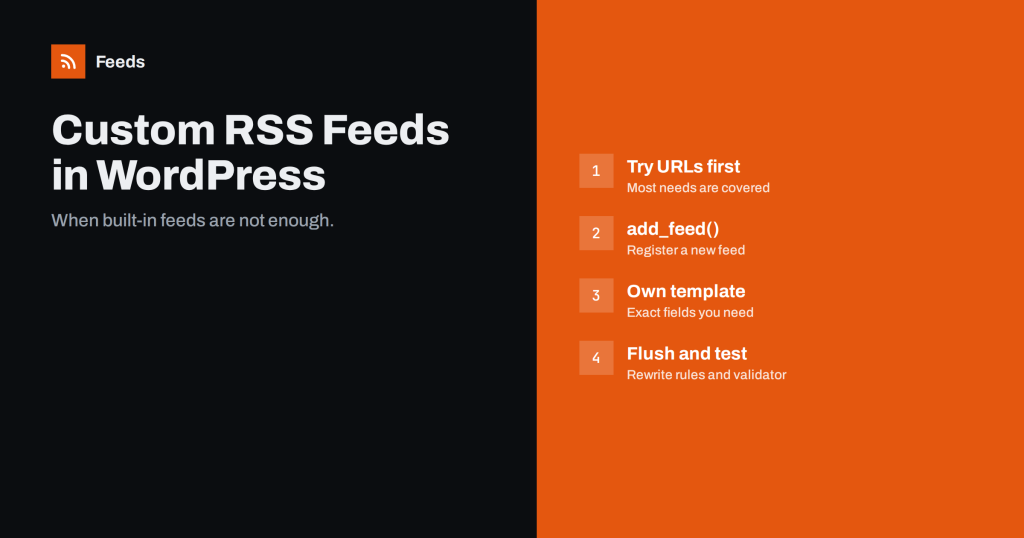
How to Create a Custom RSS Feed in WordPress, Step by Step
Need a WordPress feed for one post type, a custom field or a partner's format? Learn when built-in feeds suffice and how to register…
 2026. aug. 12. · 8 perc olvasás
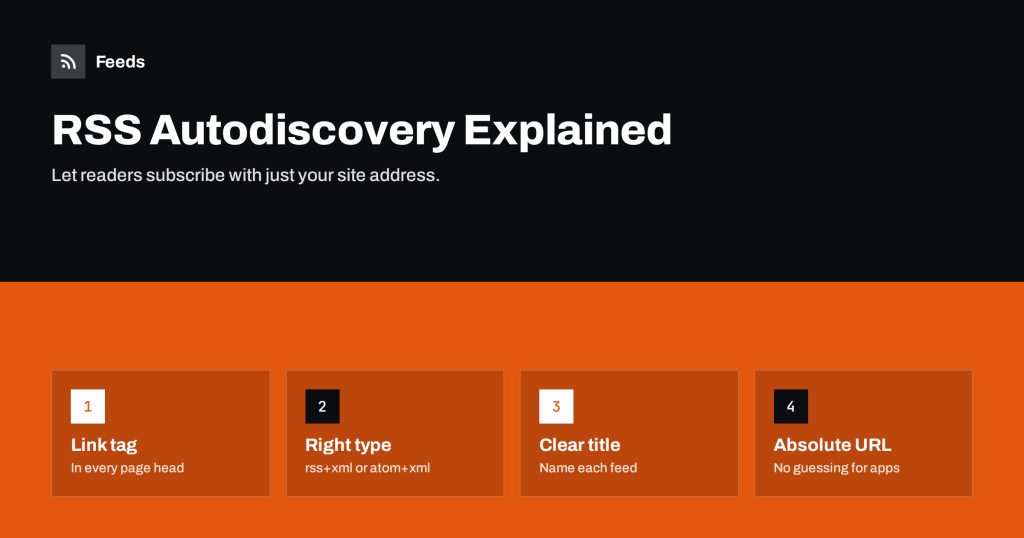
RSS Autodiscovery: Help Readers and Apps Find Your Feed
Autodiscovery lets readers find your feed from any page address. Learn the link tag syntax, where to place it, common mistakes, and how to…
 2026. aug. 3. · 8 perc olvasás
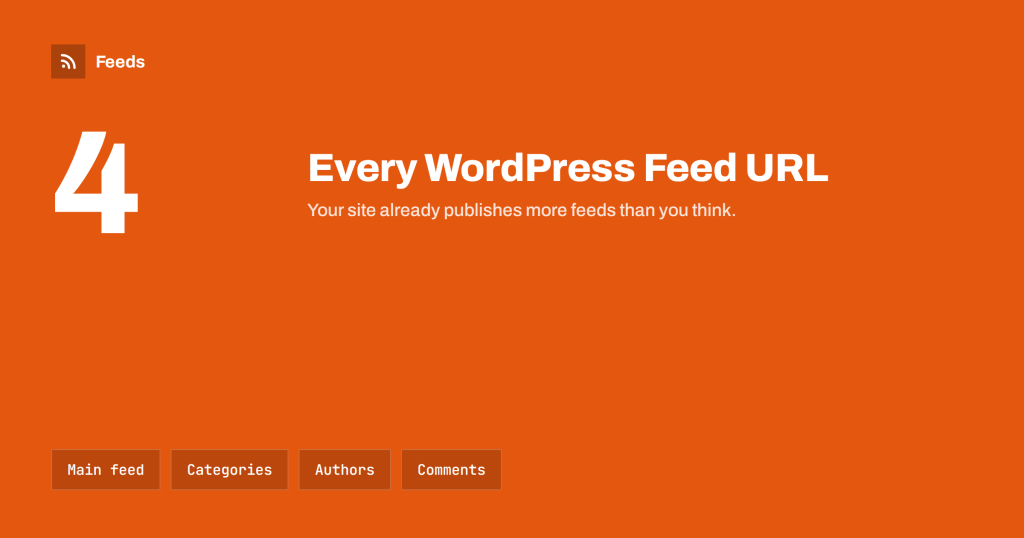
WordPress RSS Feed URLs: Every Feed Your Site Already Has
WordPress publishes far more feeds than /feed/. Here is every built-in feed URL, from categories and authors to search and comments, and when to…