 ENEnglish
 LTLietuviškai
 DEDeutsch
 FRFrançais
 RUРусский
 ESEspañol
 PLPolski
 ITItaliano
 UKУкраїнська
 CSČeština
 PTPortuguês
 JA日本語
JA日本語 LVLatviešu valoda
 ETEesti
 HUMagyar
 IDBahasa Indonesia
 TRTürkçe
 HIहिन्दी
 ELΕλληνικά
 ARالعربية
 THไทย
THไทย VITiếng Việt
 RORomână
 MSBahasa Melayu
 BNবাংলা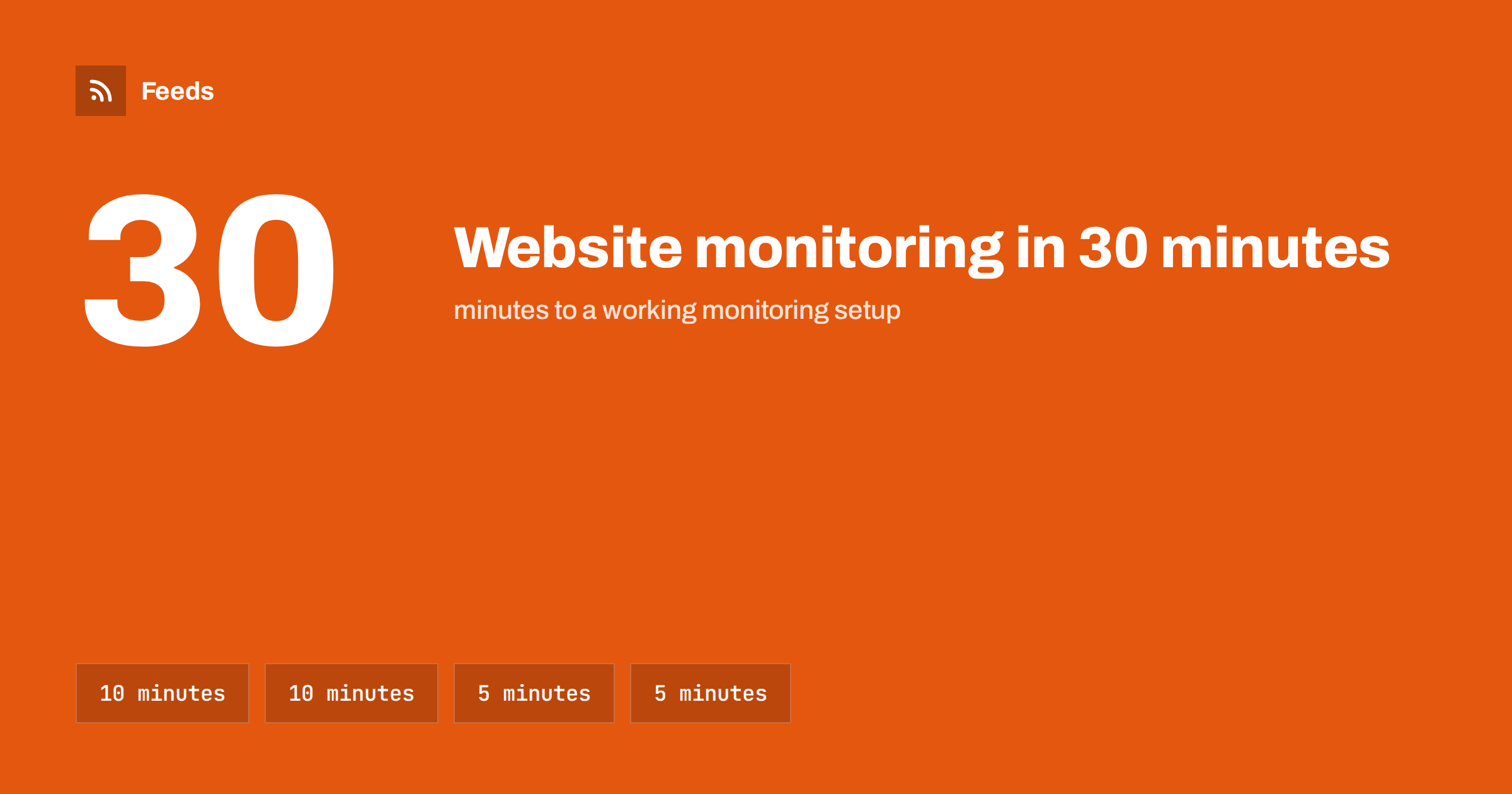
Short answer: In 30 minutes you can have useful website monitoring running. Spend ten minutes listing about ten sources that matter most (competitors, industry news, official bodies, customers), ten minutes getting a feed for each, using existing feeds or creating them from list pages, five minutes merging them into two or three streams with light filters, and five minutes choosing a reader and a daily or weekly routine. Then improve it gradually over the first month.
Many small business owners know they should keep an eye on competitors, their industry and relevant regulations, but the task feels open-ended, so it never starts. The truth is that a basic monitoring setup takes about half an hour, and even a basic setup is far better than none. This plan is deliberately simple, and it does not require technical skills. It gets you from nothing to a working system today, and shows how to improve it without turning monitoring into a project.
Before you start: what you need
- A list of your three to five main competitors and the two or three publications or websites your industry reads.
- A feed reader, either a web app or a phone app. Any mainstream reader will do for a start.
- A page-to-feed tool for sites that do not publish RSS.
- Thirty minutes without interruptions.
That is all. No budget approval, no technical setup and no integration with other systems are needed to begin. You can connect feeds to other tools later if that turns out to be useful.
Minutes 0 to 10: List your ten sources
Resist the urge to list everything. Pick the ten pages that would most likely tell you something you need to know. A balanced starting list for most small businesses looks like this:
| Category | How many | Which page |
|---|---|---|
| Competitors | 3 to 4 | Their news or blog page; for your closest competitor, also the changelog or careers page |
| Industry news | 2 to 3 | The specific section of the trade publication that covers your niche |
| Official sources | 1 to 2 | The news or consultations page of your sector’s regulator, or your local council’s business news |
| Customers or partners | 1 to 2 | The news pages of your largest customer or key supplier |
Write down the exact address of each page, not just the site. Specific pages, such as a section or a newsroom, give much cleaner results than home pages.
If you struggle to choose, ask yourself which websites you have visited in the last month to check whether something had changed, and which piece of news you wish you had heard about earlier this year. Those two questions usually produce most of the list. Your team, if you have one, can add a source or two each; people who talk to customers often know which sites those customers read.
Minutes 10 to 20: Get a feed for each source
For each of the ten pages, spend about a minute:
- Paste the page address into your feed reader. Many readers discover existing feeds automatically. If it finds one that matches the page, you are done.
- If not, try adding
/feed/to the address, which works on many sites built with common content management systems. - If there is still no feed, paste the address into a page-to-feed tool, check the preview for correct titles and links, and create the feed.
Do not get stuck on one difficult page. If a page does not work within two minutes, skip it and come back later with a different page from the same site, such as a category or archive page.
Minutes 20 to 25: Merge and filter lightly
Ten separate feeds are manageable, but merging makes daily reading faster. Create two or three merged feeds:
- Competitors: all competitor pages together, unfiltered.
- Industry and official: trade press and official sources together, with a light filter on busy news sources for your main topics.
- Customers and partners: optional, unfiltered.
Keep filters minimal at this stage. It is better to see a few irrelevant items in the first week than to hide something important with a filter you have not tested. Filters are much easier to write once you have seen what each source actually publishes, and the first week gives you exactly that information.
Minutes 25 to 30: Choose where and when to read
A monitoring setup is only as good as the habit of reading it. Decide now:
- Where: the reader on your phone or computer, in a folder called “Monitoring”.
- When: a fixed time, such as ten minutes with morning coffee each day, or twenty minutes every Monday.
- What to do with items: most you simply mark as read. For the few that matter, write a one-line note or add a task.
Put the reading time into your calendar as a recurring appointment. That single step makes the difference between monitoring that lasts and monitoring that fades after a week.
If you work with others, decide who reads which stream. A shared folder in a reader or a team channel that receives new items works well, but only if someone is clearly responsible for looking. In a small business, that is often the owner for competitors and a colleague for official sources.
The first month: improve gradually
Once the basic setup runs, improve it in small steps.
- Week 1: just read. Notice which sources produce useful items and which produce noise.
- Week 2: fix the noisiest source by switching to a narrower page or adding a filter, and add one source you found yourself wishing for. Often a colleague or customer mentions a site you did not know; that is exactly the kind of source to add.
- Week 3: add filters for any broad sources that still produce too much, and consider a separate fast channel for urgent items such as mentions of your business.
- Week 4: check that every feed still shows recent items, and write down what the setup has told you this month. If the answer is “nothing useful”, change sources, not the habit, and give the new sources another month before judging them.
A worked example
The owner of a small bookkeeping firm spends thirty minutes on a Friday afternoon. Her ten sources are the news pages of three competing firms, the small-business section of a business newspaper, an accounting trade publication’s practice section, the tax authority’s news page, the business registry’s announcements, the local chamber of commerce’s events page, and the news pages of her two largest clients. Five have feeds her reader discovers automatically; the rest she creates with a page-to-feed tool in a few minutes each.
She merges them into “Competitors” and “Rules and news”, filters only the business newspaper section for “tax”, “payroll”, “small business” and “accounting”, and sets a recurring calendar slot for Monday and Thursday mornings. In the first month, the setup tells her about a change to a filing deadline two weeks before most clients ask about it, a competitor’s new fixed-price package, and a chamber workshop where she later meets two prospective clients. By week four she has replaced one noisy newspaper section with a narrower one and added a professional association’s news page.
Common beginner mistakes
- Starting with fifty sources. The stream becomes unreadable on day one. Start with ten.
- Following home pages. Use specific sections and newsrooms.
- Filtering too early. Learn what your sources produce before writing filters.
- No fixed reading time. Without a routine, feeds pile up and get abandoned.
- Never checking feed health. A silent feed may be broken, not quiet.
How Feeds helps
Feeds fits into minutes 10 to 25 of this plan. Paste any public page address and Feeds uses the site’s own feed if there is one, or finds the list of articles on the page and shows a preview before anything is created. You can merge sources and keep items with or without your words, with duplicates removed automatically, and the result works in any feed reader. You can start on the free plan with one website and move to a paid plan when you need more feeds, merging or faster refresh. See the pricing page.
Related reading
- How to Monitor Websites for New Content Automatically
- How to Choose an RSS Reader: Features That Actually Matter
- 12 Website Monitoring Mistakes That Make RSS Alerts Useless
The bottom line
Website monitoring does not need a big project. List ten sources, get a feed for each, merge them into two or three streams, and read them at a fixed time. Improve the setup a little each week during the first month. Thirty minutes today gives you a system that keeps you informed about competitors, your industry and the rules that affect you.
GYIK
How many sources should a small business monitor?
Start with about ten: a few competitors, two or three industry sources, one or two official sources and a key customer or partner. Add more only when you notice a gap.
Do I need special software to monitor websites?
A feed reader and, for sites without RSS, a page-to-feed tool are enough. Many readers are free or inexpensive.
How much time does monitoring take each week?
With a focused setup, ten minutes a day or twenty to thirty minutes once a week is typical.
Should I use filters from the start?
Keep them minimal at first. Learn what your sources produce during the first week, then add filters to the noisiest ones.
What if a website has no RSS feed?
Create a feed from its news or list page with a page-to-feed tool, or try another page on the same site, such as a category or archive page.


