ENEnglish
 LTLietuviškai
 DEDeutsch
 FRFrançais
 RUРусский
 ESEspañol
 PLPolski
 ITItaliano
 UKУкраїнська
 CSČeština
 PTPortuguês
 JA日本語
JA日本語 LVLatviešu valoda
 ETEesti
 HUMagyar
 IDBahasa Indonesia
 TRTürkçe
 HIहिन्दी
 ELΕλληνικά
 ARالعربية
 THไทย
THไทย VITiếng Việt
 RORomână
 MSBahasa Melayu
 BNবাংলা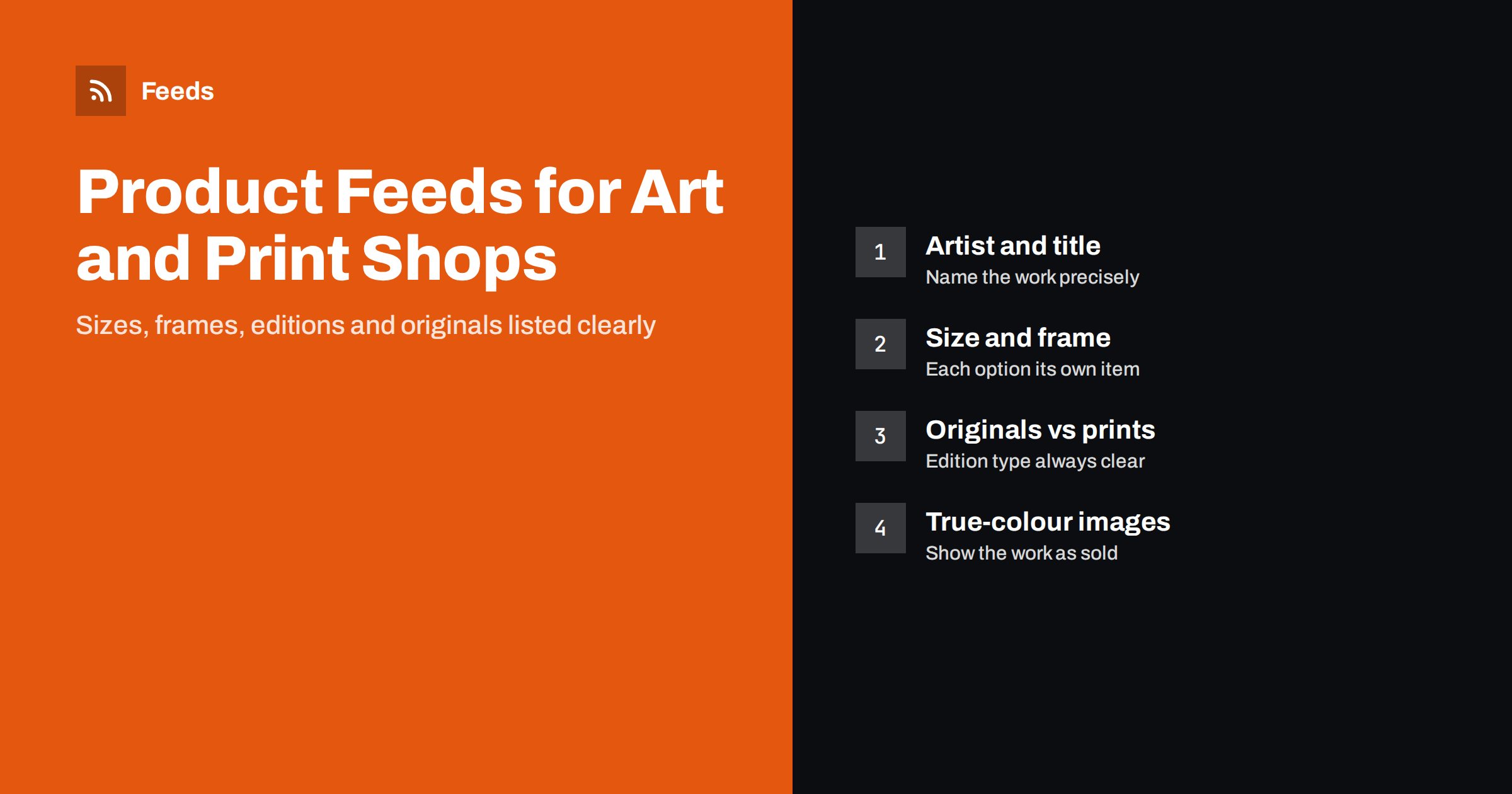
Short answer: Art and poster feeds work when shoppers can see exactly which work, size and format they are buying. Put the artist, the title of the work and the format in the product title, list each size and frame option as its own item grouped under one item_group_id, and state clearly whether the product is an original, a limited edition or an open-edition print. Most original and print-on-demand art has no GTIN, so mark that honestly, use colour-accurate images and keep sold originals out of stock.
Why art feeds are different
An art or print shop sells products that look simple but behave unlike most retail. A single design may be sold in six sizes, on three paper types, framed or unframed, and as a canvas. An original painting exists only once and disappears from the catalog when it sells. Limited editions have a fixed number of copies, and buyers care about that number.
Shoppers also search differently. Some look for a specific artist or work. Many more search by subject, style, colour or room: “botanical print A3”, “abstract canvas large”, “vintage travel poster framed”. A feed that only says “Art print” with a price cannot match those searches, and a feed that mixes up sizes or formats leads to returns and disappointed customers.
The good news is that the standard feed attributes cover almost everything an art store needs. The work is in using them consistently.
Titles that name the work, size and format
A practical title pattern is: artist, title of the work, format, size, and frame or finish where it applies. For decorative prints where the artist name is not what people search for, lead with the subject and style instead.
- “Anna Berg Northern Lights Giclée Print 50 x 70 cm, Unframed”
- “Botanical Fern Poster A3, Black Oak Frame”
- “Abstract Blue Waves Canvas Print 100 x 70 cm”
- “Vintage Paris Travel Poster 61 x 91 cm, Original 1950s”
Keep the most important words at the start, because shopping placements often cut titles short. Avoid empty phrases such as “stunning wall art” or “perfect gift”; they use space without helping the shopper decide. More patterns and the reasons behind them are in product feed title optimization: formulas that work.
Use the same size format everywhere. If your store uses centimetres, use centimetres in titles, the size attribute and the product page. Mixing “A3”, “30 x 42” and “11.7 x 16.5 in” for the same product confuses both shoppers and the platform.
Sizes, frames and materials as variants
Each combination that changes the price or what the customer receives should be its own item in the feed, with its own id, price, availability and image. For a typical print shop that means:
- every size of a design is a separate item, with the size attribute filled in;
- framed and unframed versions are separate items, and the frame colour is stated;
- paper, canvas, metal or acrylic versions are separate items, with the material attribute filled in;
- all versions of the same design share one item_group_id, so platforms know they belong together.
Grouping matters. Without it, a platform may show five nearly identical items side by side, or treat them as duplicates. With it, the shopper sees one design with options. The mechanics are explained in product variants in feeds and how item_group_id works.
Not every option needs to be a feed item. If a mount or a hanging kit is a small add-on chosen at checkout and does not change the main product, keep the base item in the feed and explain the option on the product page.
Originals, limited editions and open editions
Buyers of art care a great deal about what kind of object they are getting, so the feed should never leave it unclear.
| Product type | What to say in the feed | Availability |
|---|---|---|
| Original artwork | “Original” in the title, medium and size in the description | In stock until sold, then out of stock or removed |
| Limited edition print | Edition size, signed or not, print method | Follow the remaining copies |
| Open edition print | Print method and paper, no edition claims | Usually in stock |
| Print on demand | Format and size, production time on the page | In stock if you can produce it |
| Vintage or antique poster | “Original” or “reproduction”, age, condition | One-off, like an original |
Vintage and second-hand pieces need the condition attribute set correctly. A genuine 1960s poster with small tears is “used”, and the description should say what the wear looks like. Calling a reproduction “vintage” without saying it is a reproduction is the kind of claim that leads to complaints and policy problems. The general rules are in used and refurbished products in feeds.
Originals that have sold should leave the feed or be marked out of stock quickly. Advertising a painting that no longer exists wastes money and frustrates the people who click. See out-of-stock products in your feed: keep, mark or remove.
Identifiers for art without barcodes
Most art does not have a GTIN. Original works, prints made by the artist or the shop, and print-on-demand products are usually not registered with a barcode. In that case, do not invent numbers. Leave the GTIN empty and set identifier_exists to “no” (or “false”), which tells the platform the product has no manufacturer identifiers.
The picture changes for branded products made by another company, such as posters from a publisher, licensed prints or framed art from a large manufacturer. Those often do have GTINs and brand names, and using them helps the platform match your offer to searches. Set brand to the artist or studio name for your own work, or to the publisher for products made by someone else.
The rules for when identifiers are required and when they are not are covered in GTIN, MPN and brand: product identifiers in feeds explained.
Images that show the work honestly
For art, the image is the product. A few practical rules make a large difference:
- Use the actual work as the main image. A clean, straight-on photo or scan, cropped to the edges of the print or frame, is the most useful main image for shopping placements.
- Keep colours accurate. Calibrated scans or careful photography reduce returns caused by “it looked different online”.
- Use room mock-ups as extra images. A photo of the print on a wall helps people judge the size, but it works best as an additional image, not the main one.
- Show the frame option you are listing. If an item is the black-framed version, the image should show the black frame.
- Avoid text overlays and watermarks. Sale badges, logos and large watermarks across the image can cause disapprovals in shopping feeds.
Technical requirements such as minimum sizes and formats are summarised in product feed image requirements for Google and Meta.
Categories, descriptions and shipping
Art and posters usually sit under the decor and artwork branches of Google’s product taxonomy. Choose the most specific category that fits, and use product_type for your own structure, such as “Prints > Botanical > A3” or “Originals > Oil paintings”. The difference between the two fields is explained in google_product_category vs product_type.
Descriptions should answer the questions buyers ask before ordering: dimensions with and without frame, paper weight or canvas type, print method, whether a frame includes glass or acrylic, how the piece is hung, and for limited editions the edition size and whether it is signed. Keep it factual; the product page can carry the story behind the work.
Shipping is often a big part of the cost for large framed pieces. Rolled prints, flat prints and framed works may have very different shipping costs and delivery times, and the feed should reflect what the customer will actually pay. If your shipping depends on size, set it up in the platform’s shipping settings or with shipping labels, as described in shipping in product feeds.
Building and maintaining the feed
Most art and print shops run on a store platform that already holds the products, sizes and prices. The feed should come from that data, not from a separate spreadsheet that someone updates by hand. When a new design is added or an original sells, the feed should change without extra work.
RSS Feed Creator creates Google Merchant Center and Meta catalog XML feeds straight from a WooCommerce or Shopify store, or from a CSV file link for other platforms. It can skip out-of-stock products, which is useful for one-off originals, apply title and price rules, and detects the currency automatically. The feed refreshes on its own, and you see a preview before anything is created. Plan limits are on the pricing page.
Whatever tool you use, check the platform’s diagnostics after the first upload and then regularly. Missing sizes, wrong availability for sold originals and image problems are the issues that most often appear in art catalogs.
Related reading
- Product feeds for handmade and custom products
- How to write product descriptions for shopping feeds
- Custom labels in product feeds: a practical guide
The bottom line
An art feed succeeds when every item answers three questions at a glance: which work, which size and format, and what kind of object it is. Name the artist or subject, the format and the size in the title, list each size and frame as its own grouped item, state clearly whether it is an original or a print, and use honest, colour-accurate images. Leave GTINs empty when the work has none, and keep sold originals out of the feed.
FAQ
Do art prints need a GTIN in a product feed?
Only if the product has one. Original art, your own prints and print-on-demand products usually have no GTIN, so leave the field empty and set identifier_exists to no. Prints made by publishers or manufacturers often do have GTINs, and those should be included.
Should each print size be a separate product in the feed?
Yes. Each size, frame option and material that changes the price or the product should be its own item with its own id, price and image. Group all versions of a design with one item_group_id so they appear as options of one product.
How should I list one-of-a-kind original paintings?
Put “original” in the title, give the medium and size, and mark the item out of stock or remove it as soon as it sells. Feeds that refresh automatically from the store make this easier, because a sold original disappears without manual edits.
Can I use room mock-up photos as the main image?
It is better to use a straight, clean image of the work itself as the main image and add room mock-ups as additional images. Mock-ups help buyers judge size, but they make the product itself smaller and harder to see in shopping results.
How do I describe limited edition prints in a feed?
State the edition size, whether the print is signed or numbered, and the print method in the description, and track the remaining copies in availability. Never describe an open edition as limited, as buyers rely on that claim.