ENEnglish
 LTLietuviškai
 DEDeutsch
 FRFrançais
 RUРусский
 ESEspañol
 PLPolski
 ITItaliano
 UKУкраїнська
 CSČeština
 PTPortuguês
 JA日本語
JA日本語 LVLatviešu valoda
 ETEesti
 HUMagyar
 IDBahasa Indonesia
 TRTürkçe
 HIहिन्दी
 ELΕλληνικά
 ARالعربية
 THไทย
THไทย VITiếng Việt
 RORomână
 MSBahasa Melayu
 BNবাংলা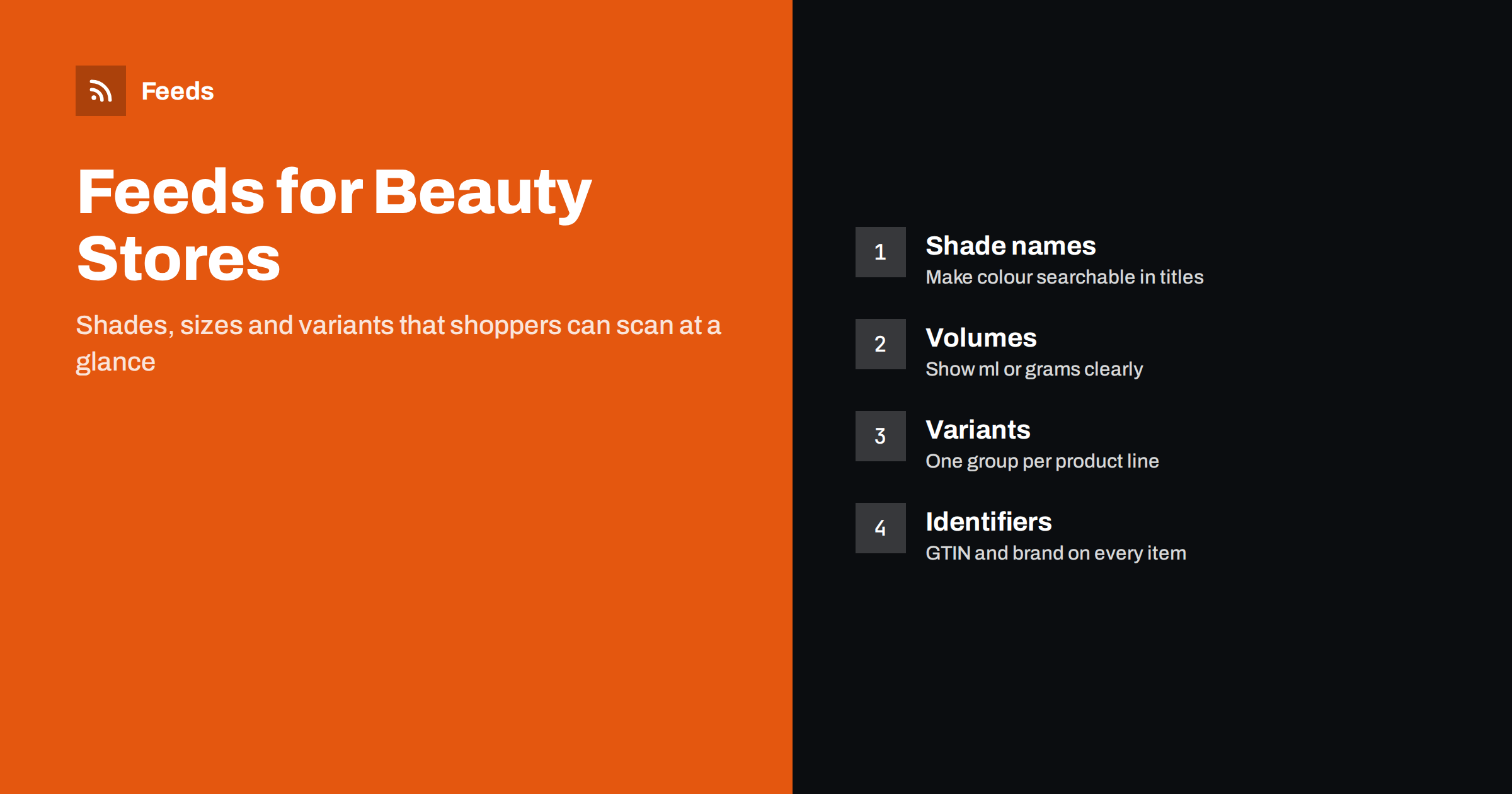
Short answer: A beauty product feed works when each shade and size is its own item, grouped under one product, with the brand, shade name, product type and volume visible in the title. Use real barcodes (GTINs) for branded products, describe claims carefully, keep gift sets and refills separate from single items, and keep stock and prices in sync with your store so shoppers never click on a shade that is gone.
Beauty is one of the most visual and most variant-heavy categories in online retail. One lipstick can come in thirty shades, a foundation in forty, a serum in three sizes and a fragrance in four concentrations. Shoppers search with specific words: a brand, a product type, a shade name, sometimes a skin type. A feed that lists only “Matte Lipstick” with one image gives them none of that, and the platform has nothing to match against.
Beauty is also a category where trust matters. Shoppers want to know that a product is genuine, what it contains and what it will look like. The feed is your first chance to answer those questions, and the data you send decides where your products can appear. The basics for all stores are in the guide to required and recommended Google feed attributes. This article covers what is different for beauty.
Build titles around what shoppers search for
A good beauty title is built in a fixed order, so every product in the catalogue reads the same way. A pattern that works for most items is brand, product line, product type, shade or variant, and size. For example: “Brand Velvet Matte Lipstick, Rosewood, 3.5 g”. Put the most important words first, because the end of a long title may be cut off on small screens.
- Brand and product type: always include both. “Hydrating Serum” alone is almost unsearchable, while the brand name makes it match brand searches.
- Shade or variant: include the shade name, and a colour word when the name is poetic. “Rosewood” means little to a search engine, but “Rosewood Pink” does.
- Size: add the volume or weight, such as 30 ml or 50 g, since shoppers often compare sizes.
- Skin or hair type: add it when it defines the product, for example “for dry skin”, but only if the manufacturer states it.
Avoid promotional text such as “best price” or “free shipping” in the title. The full set of title techniques is in product feed title optimization.
Handle shades and colours properly
The colour attribute is where beauty feeds most often go wrong. Shade names are brand-specific, and a platform cannot always map “Midnight Orchid” to a colour group. Two approaches work well together. In the colour field, use a short, plain description of the colour such as “Pink” or “Dark Brown”, and add the brand’s shade name in the title and, where useful, in the description. If a product has more than one tone, list the main ones separated by a slash, as the platform allows.
Check that the image really shows the shade. A swatch or a close-up of the product in the shade works better than a generic packshot, and the feed should use the image of the exact variant, not the first variant for all of them. Image rules are in product feed image requirements for Google and Meta.
Show sizes and volumes clearly
Beauty products are sold in volumes and weights, and shoppers compare them. A 30 ml bottle and a 100 ml bottle are different products with different prices, so each needs its own item. Put the volume in the title and in the size attribute. Where your market requires or expects a price per unit, such as per 100 ml, you can send unit pricing attributes. The details are in unit pricing in product feeds.
Travel sizes, minis and testers deserve extra caution. Label a travel size as such in the title so it is not mistaken for the full size, and do not list testers as new products unless you actually sell them in that way. If you offer samples for free, keep them out of the feed; they are not products for sale.
Group variants the right way
Every shade and every size is a separate item with its own id, price and availability. They are connected by a shared group id, so the platform can show them as variants of one product. If you skip the group id, you may end up with thirty near-identical items competing with each other. The way item_group_id works is explained in product variants in feeds.
Make sure the group follows what the shopper sees on your product page. A product page that offers shades and sizes should map to one group, in which each combination is an item. Do not mix different product lines in one group just because they share a brand.
Identifiers and authenticity
Branded beauty products nearly always have a GTIN, the number under the barcode. Include it along with the brand, because it lets platforms match your item to the right product and builds trust. For own-brand products that have no barcode, leave the GTIN empty and tell the platform that identifiers do not exist, rather than inventing a number. The rules are in GTIN, MPN and brand: product identifiers in feeds.
Take the same care with authenticity. If you sell products from other brands, make sure they come from authorised sources. Platforms and shoppers expect genuine goods, and a feed full of products you cannot confirm is a risk to your account.
Claims, ingredients and restricted products
Descriptions in beauty can easily drift into claims. Stick to what the manufacturer states, avoid promising medical results and do not describe a cosmetic as if it were a treatment. Platforms apply advertising policies to health and beauty content, and some products, such as certain supplements or regulated items, may be limited or not allowed at all. Read the current policies of each platform before you list anything in a grey area. If an account is flagged, the guide to Merchant Center misrepresentation explains what to check.
Ingredients lists are useful to shoppers and belong on your product page. In the feed, keep the description readable and factual, and leave long lists for the page the feed links to. The link should lead to the exact product, with the shade and size selected where possible, as described in product landing page requirements.
Gift sets, refills and bundles
Gift sets and multi-item kits are popular in beauty, especially before holidays. List each set as its own product with its own id, a title that names what is inside and a price for the set. Refills should be named as refills, so shoppers do not buy one by mistake. If you sell the same product as a single item and in a pack of two, those are two products. The rules for packs are in bundles and multipacks in product feeds.
Plan the peak season well in advance. Gift sets and limited editions appear and disappear quickly, so check that the feed removes or marks them correctly when stock ends, as described in preparing your product feed for peak season.
Shipping and special handling
Some beauty products are flammable or pressurised, such as nail polish, perfume and aerosols, and carriers may restrict how they are shipped. Check what your carriers accept before you submit these items for countries where you cannot ship them. Match the shipping settings in your platform account to the real conditions, including cost and delivery time. The two ways of setting shipping are compared in shipping in product feeds.
How RSS Feed Creator helps
RSS Feed Creator builds Google Merchant Center and Meta catalog feeds from a WooCommerce or Shopify store, or from a CSV file link for other platforms. You see a preview before anything is created. Rules let you adjust titles, stock and prices without editing every product, and the same file can be used for Google and Meta. Feeds refresh automatically, and plan limits are on the pricing page.
After the first upload, read the diagnostics in each platform and fix the warnings. Missing GTINs, colour problems and image issues are the typical ones for beauty catalogues.
Related reading
- Product feed checklist: 25 checks before you submit
- google_product_category vs product_type: what to use
- Apparel product feeds: colour, size, gender and age group
The bottom line
A beauty feed works when shoppers can tell exactly what they are looking at: brand, product, shade and size. Give each shade and size its own item, group the variants, show swatches in the images, use real GTINs and keep claims factual. Treat gift sets and restricted products with extra care, and keep stock and prices fresh so the feed always matches your shop.
FAQ
Should each shade be a separate item in the feed?
Yes. Each shade and size you sell should have its own item with its own id, price and availability, linked to the other variants by one group id.
How should I write shade names in the colour field?
Use a short, plain colour description such as Pink or Dark Brown, and put the brand’s shade name in the title so both searches can match.
Do cosmetics need a GTIN?
Branded products almost always have one and you should include it. For own-brand items without a barcode, leave it empty and state that identifiers do not exist.
Can I list testers and samples?
Only list them if you really sell them, and label them clearly. Free samples are not products for sale and should stay out of the feed.
Which claims should I avoid in product descriptions?
Avoid promising medical results or describing cosmetics as treatments. Stick to what the manufacturer states and check the advertising policies of each platform.