ENEnglish
 LTLietuviškai
 DEDeutsch
 FRFrançais
 RUРусский
 ESEspañol
 PLPolski
 ITItaliano
 UKУкраїнська
 CSČeština
 PTPortuguês
 JA日本語
JA日本語 LVLatviešu valoda
 ETEesti
 HUMagyar
 IDBahasa Indonesia
 TRTürkçe
 HIहिन्दी
 ELΕλληνικά
 ARالعربية
 THไทย
THไทย VITiếng Việt
 RORomână
 MSBahasa Melayu
 BNবাংলা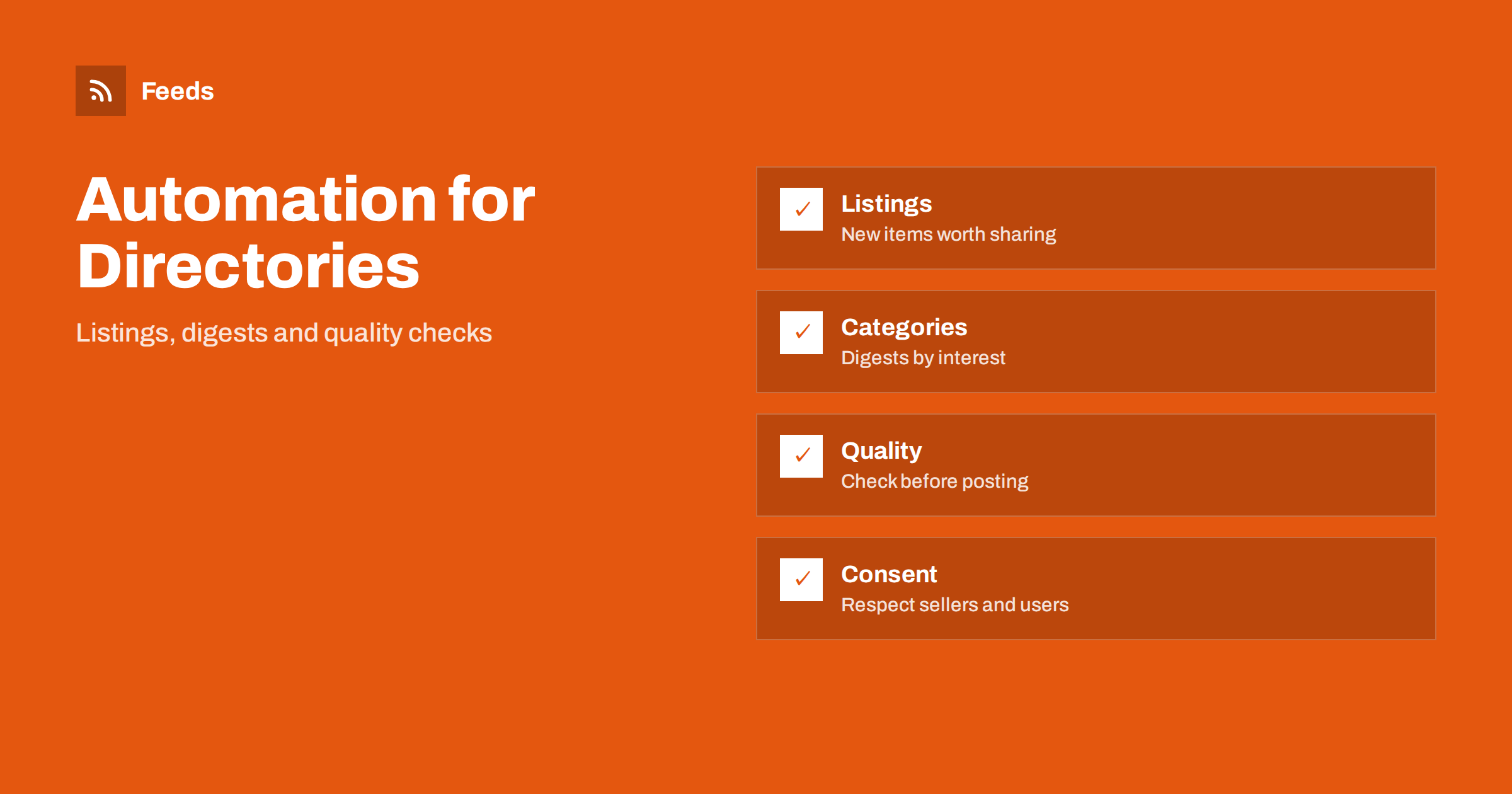
Short answer: A marketplace or directory site owns a steady supply of new content: listings, businesses, events, jobs or products. Automation can turn that supply into category digests, highlight posts, alerts for subscribers and social updates, while a rule set decides what is good enough to share. The risk is publishing weak, duplicate, outdated or sensitive listings at scale, so quality checks, consent and an approval step matter more here than on an ordinary blog.
Why directories are good candidates for automation
A directory or marketplace already has the raw material for content. Every new listing, review, event or offer is a reason to publish something, and the data is structured: a title, a category, a location, a date and a link. That makes it easy to build repeating formats such as “new this week in your area”, “top listings in a category” or “ending soon”.
The challenge is volume and variety. Dozens or hundreds of items arrive each day, and not all are suitable for promotion. Some are incomplete, some are duplicates and some may be sensitive. Automation helps only when it filters well. The wider planning approach for a small team is described in building a content automation stack for a small business.
Decide what is worth promoting
Write a clear rule for which listings may appear in automated content. Typical criteria include a complete title and description, at least one good image, a valid category, a working link, an up-to-date date and, for businesses, verified contact details. Exclude listings that are flagged, expired, duplicated or awaiting moderation.
It also helps to decide on balance. If your automation always highlights the newest items, large sellers who post often will dominate. You may prefer a mix: new items, items with the best content quality and items from smaller sellers. Fairness is part of trust. A short, public statement of how you choose featured listings prevents suspicion and misunderstandings.
Review the rules every quarter. Categories grow, seasons change and new types of abuse appear, so a rule that worked in spring may let poor listings through in autumn. Keep a short list of exceptions that moderators can add, so that a single bad listing never reaches your newsletter or your social pages.
Turn new listings into feeds
A feed of new listings is the simplest building block. If your platform can publish one, each category or location can have its own feed. If it cannot, a page-to-feed tool can read the list of new items from a public page and build one. Each feed item should include the title, a short description, the image, the date and a link to the listing.
From these feeds you can build daily or weekly digests, alerts for subscribers who follow a category and automated posts to social channels. Examples of specialised cases are in automating new property listings and RSS feeds for job listings and careers pages. Keep the feed limited to public data and never include private contact details unless the owner agreed.
Create category and location digests
Most visitors care about one category or one place. A digest by category, such as “new vintage furniture” or “new cafes in the city centre”, is more useful than a general list. Build a small number of digests first, for the categories with the most activity, and check that each one has enough good items to be worth sending.
Keep the format consistent: a short intro, five to ten items with one line each, a link to the full category and a clear way to unsubscribe. A digest with only one or two items looks empty, so send it less often or skip a week. The mechanism is explained in turning an RSS feed into an automatic email newsletter and building an automated daily news digest.
Test each digest with a small group before you send it widely. Ask a few regular users whether the items match their expectations, whether the order makes sense and whether anything looks wrong. Fixing a rule early costs little, while a poorly chosen digest sent to thousands of people damages trust and increases unsubscribes.
Alerts for subscribers
Many users want to know when a new item matching their interest appears. Saved searches and alerts are one of the strongest features of any marketplace, and they can run on the same feed logic: a keyword, a category or a location, and a delivery channel such as email, a messenger or a push notification.
Keep alerts relevant and rare enough to remain useful. Limit the number per day, group several matches in one message and give a simple way to change or stop them. Ideas for filters are in RSS keyword alerts and in alerts for new classified ads and auction lots. Always respect the privacy rules that apply to your users and tell them what you store.
Social posts that do not look like spam
Posting every new listing to social media quickly becomes noise. Choose a few selected items per day, use a clear template and make sure that each post includes a good image, a useful title and a link. Add a short line of your own when you can, such as a reason the listing is interesting. Templates are discussed in writing post templates for automated social media feeds.
Check images and descriptions before they go out. Automated posts often fail because an image is missing or cropped; see why automated social posts lose images and how to fix it. Use tracking tags so that you can see which formats bring visitors, as described in tracking traffic from automated posts with UTM tags.
Consent, accuracy and sensitive content
Listings belong to sellers, businesses and users, and your terms should say how you may promote them. Check that the terms allow you to feature listings on social channels and in newsletters, and give people a way to opt out. Never promote a listing that includes personal data, a private address or an image of a person without the right to do so.
Accuracy matters as much as consent. Prices, availability and dates in listings change, so an automated post may promote something that is no longer available. Build a check that skips expired, sold or edited items, and handle deletions carefully; see edited and deleted source items in automated posting. Keep brand safety filters in place for categories that are restricted or sensitive, as explained in brand safety for automated posting.
Measure and adjust
Track a few simple numbers: clicks from digests, signups for alerts, visits from social posts and the number of listings that received a response after being featured. Compare formats and drop the ones that do not work. If a category digest is rarely opened, merge it with another or change the schedule. The aim is more useful visits, not more messages.
Review quality every few weeks. Read a sample of automated posts as a visitor would, check links and images and ask sellers whether they notice any effect. Methods for judging the result are in how to measure whether content automation is worth it. When something goes wrong, such as a wrong listing promoted, correct it and adjust the rule instead of just deleting the post.
How RSS Feed Creator helps
RSS Feed Creator turns a public list of new listings, news or events from a marketplace, partner or industry site into a clean RSS feed, even when the site has no feed of its own. It reads titles, images, summaries and dates, uses an existing feed when there is one, and shows a preview of the items before the feed is created. You can merge several sources into one feed (up to 10 with the PostRSS add-on), keep only the items that contain your keywords and have duplicates removed automatically, which suits a themed digest. Feeds refresh every 3 hours on the free plan and every 30 minutes on paid plans, and the PostRSS add-on sends an alert when a page changes and a feed stops finding items. The free plan allows up to 20 items per feed, and the details are on the pricing page.
Related reading
- How to Automate Content Curation Without Losing Quality
- How to Stop Duplicate Posts in Automated Content Workflows
- How to Publish a New Arrivals RSS Feed for Your Online Store
The bottom line
For marketplaces and directories, content automation works when it starts from clear rules: which listings qualify, how they are balanced, what consent covers and when an item must be skipped. Use feeds to build digests, alerts and a few selected social posts, check quality regularly and measure what visitors actually use. Done carefully, it turns a flow of listings into steady, useful content without spamming anyone.
FAQ
Which listings should be promoted automatically?
Complete, current and unflagged listings with a good image and a working link. Skip expired, duplicate, sold or unmoderated items, and consider a mix so that large sellers do not dominate.
Do I need permission to feature listings?
Your terms should allow it, and users should have a way to opt out. Never feature listings with private personal data or images of people without the right to do so.
How many automated posts are too many?
Fewer than you think. A few selected items per day, with a clear format and a good image, usually work better than posting every new listing.
Can I build a feed if my platform has none?
Yes. A page-to-feed tool can read the public list of new items and create a feed. Check the preview to confirm that it shows real items with titles, dates and links.
How do I avoid promoting outdated items?
Add a check that skips expired, sold or edited listings before each post, and review a sample of automated posts regularly, correcting the rule when you find a mistake.