ENEnglish
 LTLietuviškai
 DEDeutsch
 FRFrançais
 RUРусский
 ESEspañol
 PLPolski
 ITItaliano
 UKУкраїнська
 CSČeština
 PTPortuguês
 JA日本語
JA日本語 LVLatviešu valoda
 ETEesti
 HUMagyar
 IDBahasa Indonesia
 TRTürkçe
 HIहिन्दी
 ELΕλληνικά
 ARالعربية
 THไทย
THไทย VITiếng Việt
 RORomână
 MSBahasa Melayu
 BNবাংলা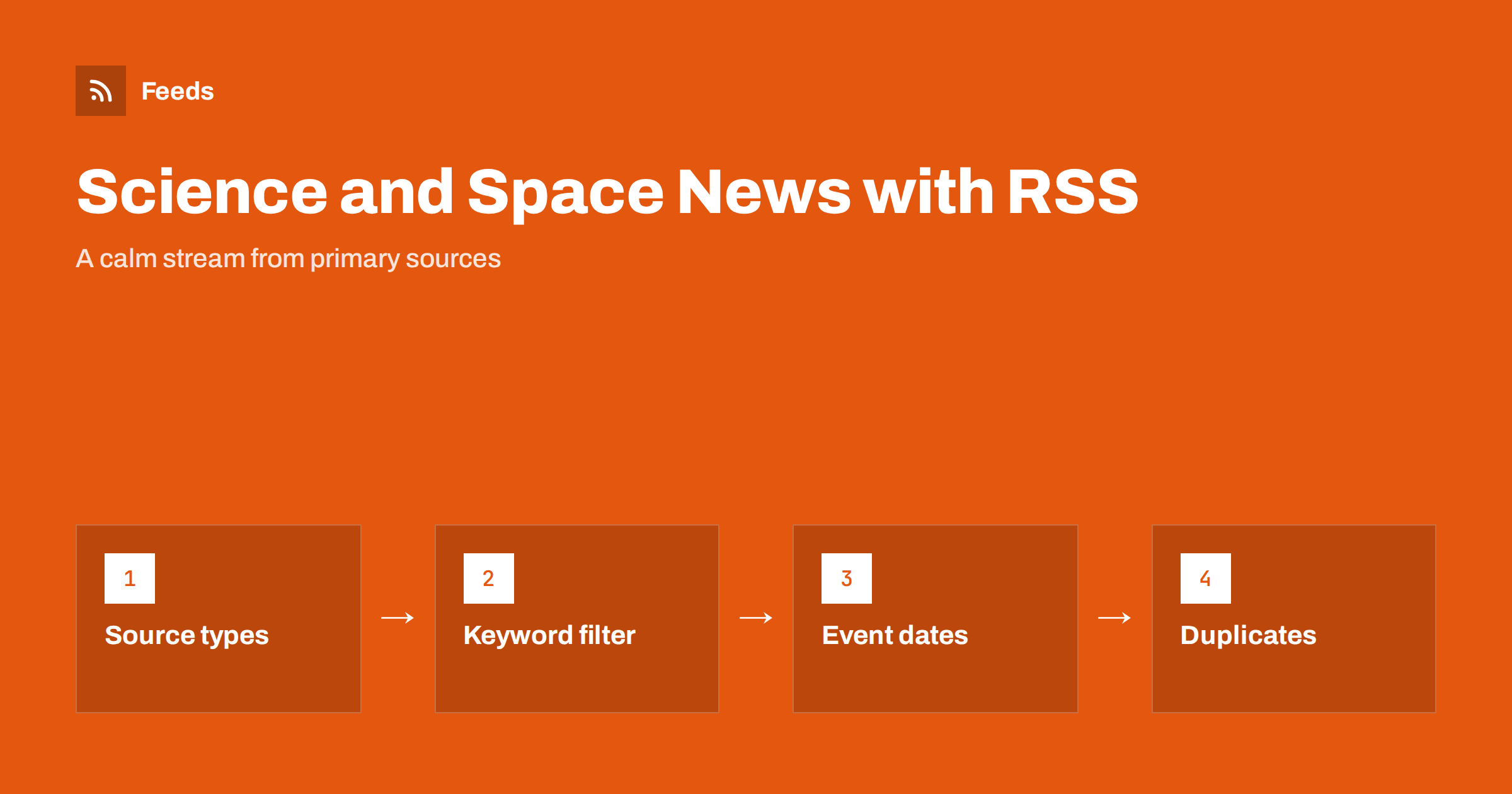
Short answer: To follow science, space and astronomy news with RSS, subscribe to primary sources such as space agencies, observatories, university press offices and journals, add them to one reader, and filter by the topics you care about. Prefer the original announcement over articles that repeat it, check time zones on event dates, and keep the list small enough to read in a few minutes a day.
Why RSS suits science news
Science news moves in a particular way. A discovery appears first in a journal paper, a press release or an agency page, and within hours it is repeated by dozens of websites, often with a more dramatic headline. If you follow the news through social feeds or search, you mostly see the repeated version. With RSS you subscribe to the origin, so you see what was actually announced, without the exaggeration, in the order it was published, with nothing hidden by an algorithm.
It also helps with timing. Launches, eclipses, meteor showers and mission milestones all happen on a fixed date, and a feed delivers the announcement as soon as it is posted. If you are new to the technology, what an RSS feed is explains the basics in a few minutes.
Sources that make a good base
A solid science stream usually combines five kinds of source. You do not need all of them, but a mix keeps the picture balanced.
- Space agencies and mission teams. Their news pages announce launches, results and images, and many also publish schedules.
- Observatories and research institutes. They post press releases about new observations, often with large pictures and plain-language explanations.
- University press offices. Many universities publish a news page with new research from their own labs, which is a good way to reach the original researchers’ wording.
- Journals and preprint servers. They provide the papers themselves. They can be heavy reading, so filter them hard. More in research journal alerts with RSS.
- Astronomy societies and sky guides. They publish observing notes, event calendars and beginner guides.
Not every one of these pages offers a feed. When a page lists articles but has no feed link, you can turn the list into a feed from the outside, as described in following one section of a website.
Start narrow, then widen
A feed reader is only useful if you open it. Science news has no deadline, so there is no need to read everything the day it appears. Think of the stream as a magazine that arrives continuously, and read it when you have time.
The most common mistake is to add everything on the first evening and then abandon the reader after a week. Start with five or six sources that match your main interest. A hobby astronomer might begin with one agency, one observatory and one sky guide. A student of physics might pick two journals and one university. After a couple of weeks, look at what you actually read and add or remove sources accordingly. The habits in how to organise an RSS reader and avoid overload apply directly here.
Filter by topic with keywords
Science sources publish on many subjects, and you probably want only some of them. A keyword filter keeps the items that mention your words and drops the rest. For example:
- Planets and missions: Mars, Jupiter, lander, rover, orbiter.
- Deep space: galaxy, exoplanet, telescope, supernova, black hole.
- Sky events: eclipse, meteor shower, comet, conjunction, launch window.
- Earth and climate: sea ice, satellite, glacier, ocean temperature.
Keep the lists short and review them every month, because a topic that is popular today can fade, and a new mission name can appear. The technique is explained in RSS keyword alerts, and you can combine several sources into one filtered stream with merged feeds.
Deal with duplicates and hype
When an observatory releases a result, the same story can arrive from the observatory, the university, the agency and several news sites on the same day. In a merged stream this looks like repetition. Two habits help:
- Read the origin first. Keep the primary source at the top of your reading order and treat later versions as optional.
- Let the tool remove exact repeats. Duplicate removal catches the same item that appears in two feeds, but it cannot recognise two different articles about the same discovery, so you still decide by eye.
Be alert to headline inflation. Words such as “breakthrough” or “shocking” belong to the repeating articles more than to the primary announcement. If a claim seems extraordinary, find the paper or the official release and read what was measured, what the uncertainty is and what the authors themselves say.
Event dates and time zones
For events, the feed date is the date the item was published, not the date of the event. A post that says a meteor shower peaks on a certain night is usually published days before. Read the text for the event time and check which time zone it uses, because space events are commonly given in universal time, which can fall on a different calendar day where you live. The reasons that dates go wrong in feeds are covered in RSS dates and time zones.
For observing events, add a simple practice: copy the time into your calendar in your own time zone as soon as you read the post, and add a reminder. The weather on the night matters too, and weather alerts with RSS shows how to follow forecasts from official services.
Check claims before you share them
Science news is easy to share and easy to get wrong. Before you pass a story on, check four things: who made the claim, whether it has been peer reviewed or is a preprint, what exactly was measured and whether other teams have confirmed it. A preprint is an early version of a paper that has not yet been reviewed, and results can change. If you cannot find the original paper or release in a minute or two, wait for more information. Labelling an early result as early is part of honest sharing, and it protects your own credibility if you write a blog or run a club page.
Images and large files. Astronomy is a visual subject, and many posts carry large images or video. A reader may show only the text or a small thumbnail, so open the original page when the picture matters. If you read on a phone, set the reader to load images over wi-fi only to save data. Many readers can also keep recent items available offline, which is handy for a long journey. Video posts are usually best opened on the original page, where the player and the captions are complete.
Using the stream with children, classes or a club
A shared feed works well for a school class, a science club or an amateur astronomy group. One person builds the filtered stream, and others read it in their own reader or receive a weekly summary. A teacher can pick a few items per week as discussion starters, and a club can collect event dates for the monthly meeting. For group use, keep the sources to ones the group has agreed on, and check each link yourself before sharing it with children. The idea of a weekly summary is explained in how to automate a weekly link roundup.
How RSS Feed Creator helps
RSS Feed Creator turns the news page of a site into a standard RSS feed with titles, images, summaries and dates, and it uses an existing feed when the page has one. You see a preview of the items before the feed is created. It can merge several sources into one feed (up to 10 on paid plans), keep only the items with your keywords and remove duplicates automatically, and the feed works in any RSS reader. The free plan allows up to 20 items per feed, and the details are on the pricing page.
Related reading
- How to track statistics and open data releases with RSS
- How to choose an RSS reader: features that matter
- How to read RSS feeds on iPhone and Android
The bottom line
A good science stream is small, comes from primary sources and is filtered by topic. Read the original announcement, check event times in your own time zone, treat dramatic headlines with care and review the list every month. A few minutes a day is enough to stay informed.
FAQ
Which sources should I follow for space news?
Start with a space agency news page, one observatory and one astronomy society or sky guide. Add university press offices and journals if you want the research itself.
How do I avoid seeing the same story many times?
Follow the primary sources and keep the list short. Duplicate removal catches identical items, but different articles about the same discovery still appear, so read the original first and skip the rest.
Can I follow a science website that has no RSS feed?
Yes, if it has a page that lists articles. A page-to-feed tool can find the list and turn it into a feed that you add to your reader like any other.
Why does a post show a different date from the event?
The feed date is when the item was published. The event date is in the text, often in universal time, so convert it to your own time zone before you plan.
Is RSS good for classroom use?
It can be. A teacher can build one filtered stream from trusted sources and pick a few items per week, after checking each link before sharing it with students.