ENEnglish
 LTLietuviškai
 DEDeutsch
 FRFrançais
 RUРусский
 ESEspañol
 PLPolski
 ITItaliano
 UKУкраїнська
 CSČeština
 PTPortuguês
 JA日本語
 LVLatviešu valoda
 ETEesti
 HUMagyar
 IDBahasa Indonesia
 TRTürkçe
 HIहिन्दी
 ELΕλληνικά
 ARالعربية
 THไทย
 VITiếng Việt
 RORomână
 MSBahasa Melayu
 BNবাংলা
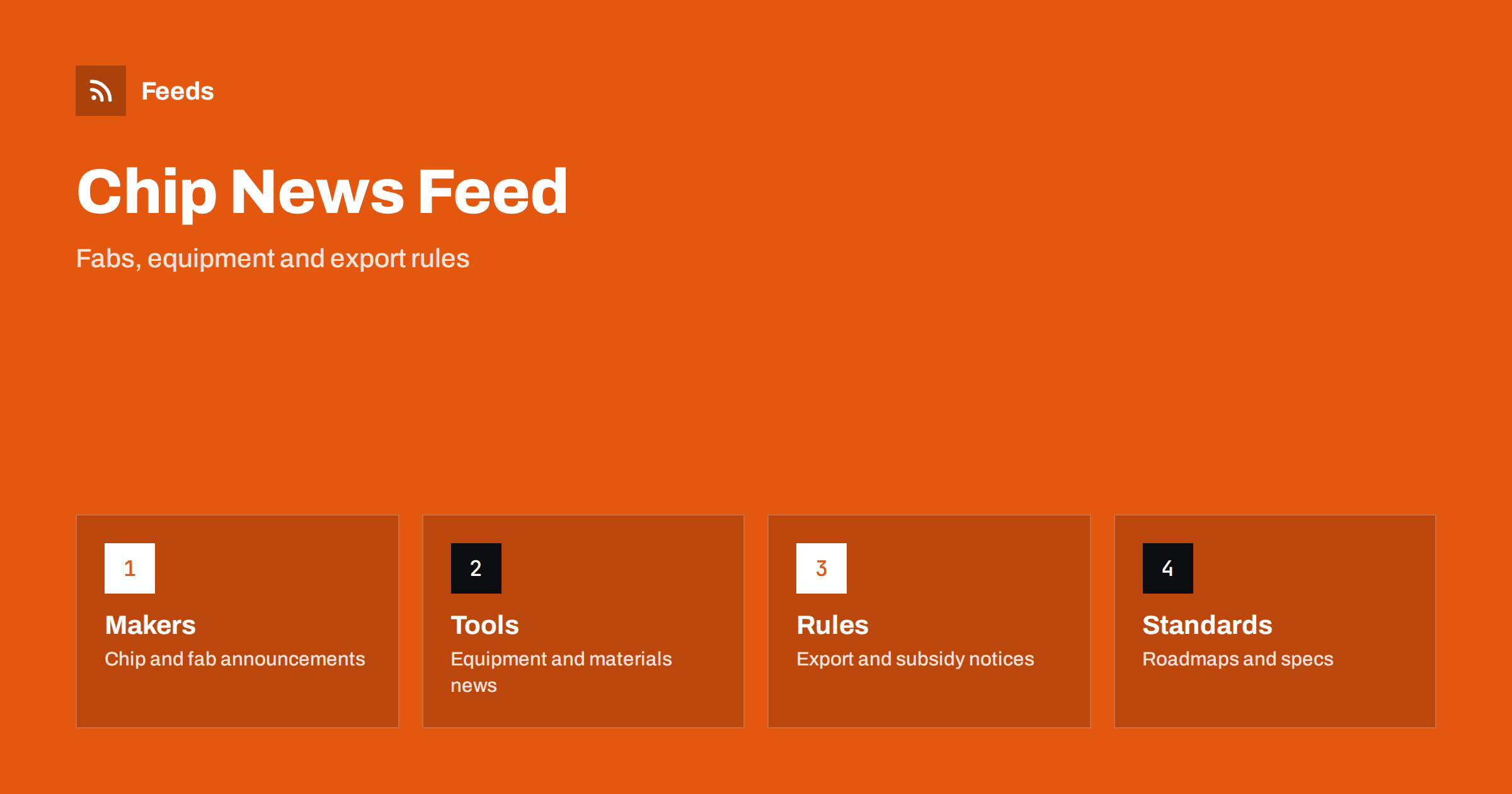
Short answer: Semiconductor news comes from chip designers, foundries, equipment makers, materials suppliers, standards bodies, governments and a large technical press. RSS lets you collect the sources that matter to your work in one reader, filter them by company, technology or region and read them in order of publication. Start with company and government pages for facts, add trade publications for analysis, and always open the original document before you rely on a date, a capacity figure or a rule.
Terminology adds to the difficulty. The same technology can be described by a process node, a product family, a packaging type or a market name, and companies use their own names for similar things. A good first step is to write a small glossary of the terms and part families you follow, so that your filters and your searches use the words that sources actually print.
Why chip news is hard to follow
The industry is complex and global. A single product depends on design software, materials, manufacturing equipment, foundries, packaging and testing, and each step has its own companies and its own news. A fabrication plant announcement, a change in an export rule, a shortage of one material or a new standard can all matter, yet they appear on very different sites and in very different language.
Readers have different needs. An engineer follows technology roadmaps, a buyer watches lead times and prices, an investor follows earnings and capacity plans, and a policy analyst follows subsidies and trade rules. If you are new to feeds, what is an RSS feed explains the idea in plain words.
Start with primary sources
The most reliable information comes from the organizations that make the decisions. Chip companies publish press releases, product announcements, earnings reports and technical papers. Equipment and materials suppliers publish order news and technology updates. Governments publish rules, subsidy programs and consultations, and standards bodies publish new specifications and roadmaps.
Make a short list: the companies you buy from or follow, the trade authority in your region and one or two standards bodies. Earnings and filings can be followed as described in following investor relations announcements with RSS. For technical specifications, tracking documentation updates with RSS shows how to follow datasheets, product notices and changelogs from vendors.
Product change notices and end-of-life
For buyers and engineers, some of the most important items are quiet ones: product change notices, end-of-life announcements and last-time-buy dates. Many suppliers publish them on a notice page that is easy to miss. A feed of these pages gives you early warning, and early warning is the difference between a redesign you plan and a redesign you panic about.
Keep these in a separate folder and read it regularly. Note the part number, the date and the action you need to take, and pass the item to the right person. A page-to-feed tool can create a feed from a notice list that has no RSS, as described in how to create an RSS feed for a website without RSS. For related supplier risks, see monitoring suppliers and partners with RSS.
Rules, subsidies and trade
Government action shapes the industry. Export controls, subsidy programs, investment reviews and trade measures can change where a company builds and sells. The documents are long and exact, and a summary in the press may leave out the detail that matters to you. Follow the official pages, read the text, note the effective date and check whether any transition period applies.
The method is the same as for other regulation, and tracking government and regulator updates with RSS explains how to set it up. For supply and price pressure, commodity prices and supply chain news with RSS adds a wider view.
Earnings calls and investor presentations deserve a mention. They often contain forward-looking statements about demand, inventory and capacity, and the wording changes slightly from quarter to quarter. Read them for tone and for the numbers the company chooses to highlight, but remember that they are written to inform investors and to present the company well. Compare two or three companies in the same segment before you draw a conclusion.
Add trade press for context
Primary sources tell you what happened. Technical and trade publications explain why it matters: what a new process node means for a product line, how a capacity expansion affects prices or why a standard was chosen. Add a few well-known titles and a couple of specialist blogs for your area, such as memory, power electronics, sensors, packaging or equipment.
Keep the balance in mind. If commentary makes up most of your reader, you will read forecasts about facts you have not seen. A rule of thumb is to keep at least as many primary sources as commentary sources, and to open the primary source whenever an article quotes one, as described in fact-checking with RSS: follow primary sources, not screenshots.
Filter by technology, company and region
A good chip feed is narrow. If you design power electronics, you do not need every news item about processors, and if you buy sensors, you do not need smartphone launch news. Keyword filters help: keep items that mention your technology, company names, part families and regions, and drop the rest. Review the lists every month, because product names and codes change.
| Topic | Include words | Exclude words |
|---|---|---|
| Supply | Lead time, allocation, shortage, capacity | Sponsored, webinar |
| Technology | Your part families and nodes | Consumer product reviews |
| Policy | Export, subsidy, license, tariff | Opinion, podcast |
Test your filters with ten recent items before you rely on them. Set up keyword alerts using RSS feed filters explains the method, and reduce noise in RSS alerts without missing anything helps when the list grows.
Find feeds, even when a site has none
Many companies and agencies offer RSS links, but some hide them behind a news page or do not publish one. Look for a feed icon, try the usual feed paths or check the page source for an autodiscovery link. Find the RSS feed of any website: 7 reliable methods lists the options in order. Preview every new feed: it should show real items with titles, dates and links, and not menu entries or banners.
Language can be an obstacle. Companies in some regions publish first in their own language and later in English, and the earlier version may carry details that the later one leaves out. Add the original-language source when it matters to your work, and verify key numbers in the original text.
Keep a short list of triggers that justify an immediate reaction: a last-time-buy notice for a part you use, a change in an export rule that affects your customers, a supply allocation message from a distributor or a security advisory for a product you ship. Everything else can wait for the weekly reading. Writing the triggers down prevents both panic and complacency.
A weekly routine that stays short
Do not read chip news all day. Check the notices folder once a day if your work depends on it, and read the general folder two or three times a week. During each reading, open the primary source behind every item you plan to use, mark the rest as read and move on. A short routine such as RSS triage: a fast daily routine for reading less keeps the list under control.
Once a month, review the sources. Remove feeds that stopped publishing, add the site you keep opening by hand and adjust the filters. If you share the list with colleagues in engineering, purchasing and management, keep one shared set of sources, as suggested in shared RSS reading lists for teams, so that everybody works from the same facts.
How RSS Feed Creator helps
RSS Feed Creator turns the news, notice or announcement pages of chip makers, equipment suppliers, standards bodies and trade authorities into clean RSS feeds, even when the site has no feed of its own. It reads titles, images, summaries and dates, uses an existing feed when there is one, and shows a preview of the items before the feed is created. You can merge several sources into one feed (up to 10 with the PostRSS add-on), keep only the items that contain your keywords and have duplicates removed automatically, which suits a reading list for one technology or region. Feeds refresh every 3 hours on the free plan and every 30 minutes on paid plans, and the PostRSS add-on sends an alert when a page changes and a feed stops finding items. The free plan allows up to 20 items per feed, and the details are on the pricing page.
Related reading
- Commodity Prices and Supply Chain News: Follow Them with RSS
- How to Track Updates to Documentation and Help Centers
- How to Monitor Suppliers and Partners for Early Risk Signals
The bottom line
RSS gives you a calm, ordered view of semiconductor and chip news. Start with company, government and standards pages, add a few trade sources for context, filter by technology, company and region and keep product change notices in a folder of their own. Open the original source before you act on an item, and review the list every month.
FAQ
Which sources should I follow first?
Begin with the companies you buy from or follow, the trade authority in your region and one standards body. Add trade publications later for context.
Can RSS warn me about end-of-life notices?
Yes, if the supplier has a notice page. A feed from that page, or a page-to-feed tool, shows new notices as they appear.
What if a company site has no RSS feed?
A page-to-feed tool can read the list of announcements on its news page and build a feed. Check the preview to make sure it shows real items with titles and dates.
How do I avoid a flood of items?
Use keyword filters for your technology, companies and regions, and keep notices in a separate folder from general news.
How often should I read the list?
Notices once a day if your work depends on them, and general news two or three times a week.