 ENEnglish
 LTLietuviškai
 DEDeutsch
 FRFrançais
 RUРусский
 ESEspañol
 PLPolski
 ITItaliano
 UKУкраїнська
 CSČeština
 PTPortuguês
 JA日本語
JA日本語 LVLatviešu valoda
 ETEesti
 HUMagyar
 IDBahasa Indonesia
 TRTürkçe
 HIहिन्दी
 ELΕλληνικά
 ARالعربية
 THไทย
THไทย VITiếng Việt
 RORomână
 MSBahasa Melayu
 BNবাংলা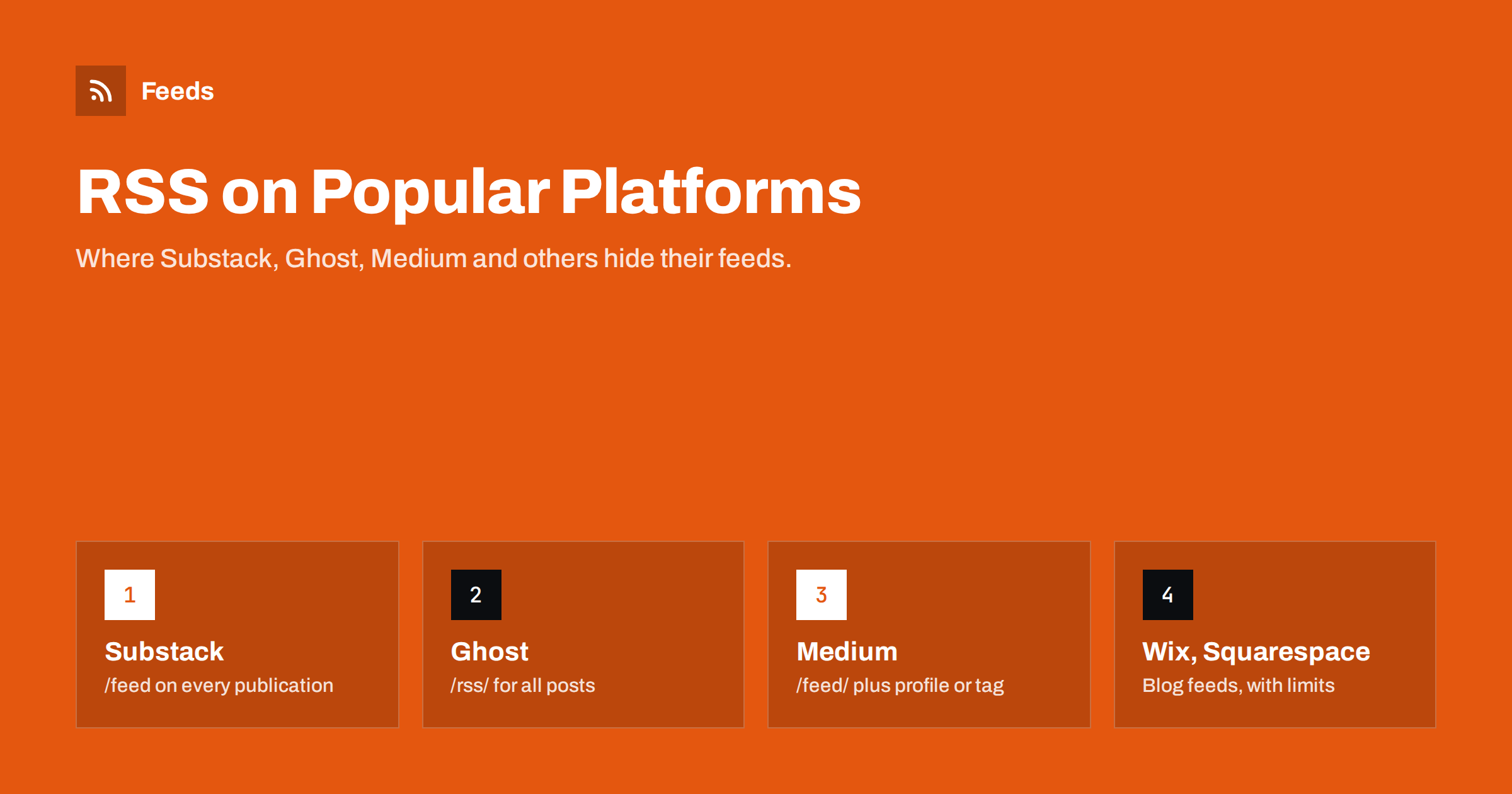
Short answer: Most hosted publishing platforms publish RSS feeds automatically. Substack uses /feed on each publication, Ghost uses /rss/, Medium uses medium.com/feed/@username and similar paths for publications and tags, Blogger offers /feeds/posts/default, and Wix and Squarespace publish feeds for their blog pages. The differences are in what the feeds contain, such as full text or excerpts, how many items they include, and whether paid or members-only posts appear.
Writers and businesses increasingly publish on hosted platforms rather than their own WordPress installation. Readers who use feed readers, marketers who want to reuse content, and developers building integrations all run into the same question: where is the feed, and what is in it? This guide collects the feed addresses and the most important quirks of the popular platforms, so you can subscribe to a writer, connect your own publication to other tools or check that your feed is working.
Substack
Every Substack publication has an RSS feed at its address plus /feed, for example example.substack.com/feed, or the custom domain plus /feed if the publication uses one. Points to know:
- Free posts usually appear in the feed with their full text.
- Paid posts typically appear with only a preview up to the paywall, so feed readers see the beginning and a link.
- Podcasts hosted on Substack have their own podcast feed, which paid subscribers can get as a private feed in their podcast app.
- The feed includes recent posts; older archive posts are on the website.
Substack’s feed is also the easiest way to check how a publication presents itself to machines: the channel title and description in the feed are what many readers and tools display, so it pays to keep the publication’s name and description tidy in the settings.
For readers, this means you can follow Substack writers in an RSS reader instead of email. For publishers, the feed is a convenient way to send your posts to other tools, such as social posting or a website widget, without extra work.
Ghost
Ghost publishes its main feed at /rss/. Tag and author archives have feeds too, at the archive address plus /rss/, for example /tag/news/rss/ or /author/jane/rss/. Notes:
- Public posts appear with full content by default in many themes and versions.
- Members-only and paid posts are shown without the restricted content, so the feed does not leak gated articles.
- Ghost’s feed is RSS 2.0 and includes featured images when posts have them.
- Because Ghost themes are customisable, some sites override the feed or change its location; the autodiscovery tag in the page head always shows the current address.
Medium
Medium supports feeds in several places, all under medium.com/feed/:
- A user’s posts:
medium.com/feed/@username. - A publication:
medium.com/feed/publication-name, or the publication’s custom domain plus/feed. - A tag:
medium.com/feed/tag/tagname.
Custom domains matter here too. A publication that moved from a Medium subdomain to its own domain may have its feed at the new domain plus /feed, and older links may redirect. If a Medium feed returns an error, check the publication’s current address first.
Medium feeds have well-known limits: they usually include only the most recent posts, around ten, and member-only stories may show a shortened version. Medium feeds are popular for embedding a writer’s latest articles on a personal website or portfolio, because they save the writer from maintaining a separate list.
Blogger
Blogger, one of the oldest hosted platforms, has broad feed support:
- All posts, Atom:
/feeds/posts/default. - All posts, RSS:
/feeds/posts/default?alt=rss. - One label:
/feeds/posts/default/-/LabelName. - Comments:
/feeds/comments/default.
In the Blogger settings, owners can choose whether the feed shows full posts, a snippet up to a “jump break”, or nothing at all. If a Blogger feed seems empty, that setting is the first place to check.
Wix and Squarespace
Wix blogs publish an RSS feed, commonly at the site address plus /blog-feed.xml. It covers blog posts only, not other pages, and site owners have limited control over its contents compared with self-hosted platforms.
Squarespace publishes a feed for each blog page by adding ?format=rss to the blog page’s address, for example /blog?format=rss. Squarespace also uses the same mechanism for podcast feeds created from a blog page. Feeds typically include a limited number of recent posts.
On both platforms, other page types such as news sections built from plain pages, galleries or product listings usually have no feed. That is a common reason why a business “has news” on its website but no RSS.
Shopify and other store platforms
Shopify blogs publish an Atom feed at the blog address plus .atom, for example /blogs/news.atom. Store products do not have an RSS feed of the same kind for readers; product catalogues for shopping platforms are a separate topic. Other store platforms vary, and many have no blog feed unless a theme or app adds one.
A quick reference table
| Platform | Main feed address | Main quirks |
|---|---|---|
| Substack | /feed | Paid posts cut at the paywall |
| Ghost | /rss/ | Tag and author feeds; gated content removed |
| Medium | medium.com/feed/@username | Only recent posts; member-only stories shortened |
| Blogger | /feeds/posts/default | Atom by default; owner controls full or short |
| Wix | /blog-feed.xml | Blog posts only |
| Squarespace | /blog-page?format=rss | One feed per blog page |
| Shopify | /blogs/blog-name.atom | Atom format, blogs only |
Platforms change their implementations from time to time, so treat these addresses as a starting point. The reliable method on any site is to view the page source and look for a link tag with type="application/rss+xml" or application/atom+xml.
Using your platform’s feed as a publisher
If you publish on one of these platforms, the feed is one of the few ways to take your content elsewhere automatically. It is worth treating it as an asset rather than an afterthought:
- Know your address. Write down your feed URL, especially if you use a custom domain. Tools you connect should use the custom-domain version, so they keep working if the platform changes its own domain structure.
- Check what the feed shows. Open it after publishing a post and confirm the title, excerpt, image and link look right. Platform updates occasionally change feed contents.
- Connect it to your other channels. The same feed can drive a news section on your company website, a social posting tool, a digest in an internal chat channel and partner syndication.
- Plan for a move. If you ever leave a platform, the feed and an export of your posts are what let readers and tools follow you. Most platforms offer an export; do one occasionally.
- Tell readers it exists. Many readers of newsletters on these platforms do not know they can follow by RSS. A short note in your “About” page costs nothing.
A platform feed also makes cross-posting easier. Rather than copying each article by hand to a second site, many writers let the second site import from the feed, with a canonical link pointing back to the original. That keeps one version authoritative and saves time every week.
What to do when a platform’s feed falls short
Hosted platforms limit what you can change. Common frustrations and workarounds:
- Too few items. A reader that checks often will not miss anything, but a tool that checks rarely might. Ask the tool to check more frequently if it can.
- Only excerpts. Some readers can fetch the full article from the web page; otherwise open the link.
- No feed for a particular section. Pages that are not blog posts, such as a “News” page built from ordinary pages or a list of events, often have no feed at all.
- Several platforms, one audience. A writer who publishes on Substack, Medium and a company blog may want one combined feed.
Our tool, Feeds, helps with the last two. It creates an RSS feed from a page that lists articles, uses the existing feed when a platform already has one, and merges several sources into a single feed with duplicates removed and optional keyword filters. You see a preview first, and the feed refreshes on its own. Plans are on the pricing page.
Related reading
- WordPress RSS Feed URLs: Every Feed Your Site Already Has
- RSS Autodiscovery: Help Readers and Apps Find Your Feed
- How to Create an RSS Feed for a Website Without RSS
The bottom line
Almost every hosted publishing platform publishes an RSS or Atom feed, but each puts it at a different address and applies its own limits on item count, full text and paid content. Use the addresses in this guide as a starting point, confirm them with the autodiscovery tag in the page source, and fill the gaps, such as sections without feeds or several platforms at once, with a merged feed.
FAQ
Does Substack have an RSS feed?
Yes. Add /feed to any Substack publication’s address, including custom domains. Free posts usually appear in full; paid posts show a preview up to the paywall.
How do I get the RSS feed of a Medium writer?
Use medium.com/feed/@username. Publications use medium.com/feed/publication-name, and tags use medium.com/feed/tag/tagname. Expect only the most recent posts in each feed.
Where is the RSS feed on a Ghost site?
The main feed is at /rss/. Tag and author archives have their own feeds at their archive address plus /rss/. Members-only content is not included in full.
Does Wix have an RSS feed?
Wix blogs usually have a feed at /blog-feed.xml. It covers blog posts only, so other pages such as news sections built from regular pages have no feed.
How can I find a feed if these addresses do not work?
View the page source and search for application/rss+xml or application/atom+xml. The link tag with that type shows the site’s current feed address, even if the platform has changed its defaults.


