 ENEnglish
 LTLietuviškai
 DEDeutsch
 FRFrançais
 RUРусский
 ESEspañol
 PLPolski
 ITItaliano
 UKУкраїнська
 CSČeština
 PTPortuguês
 JA日本語
 LVLatviešu valoda
 ETEesti
 HUMagyar
 IDBahasa Indonesia
 TRTürkçe
 HIहिन्दी
 ELΕλληνικά
 ARالعربية
 THไทย
 VITiếng Việt
 RORomână
 MSBahasa Melayu
 BNবাংলা
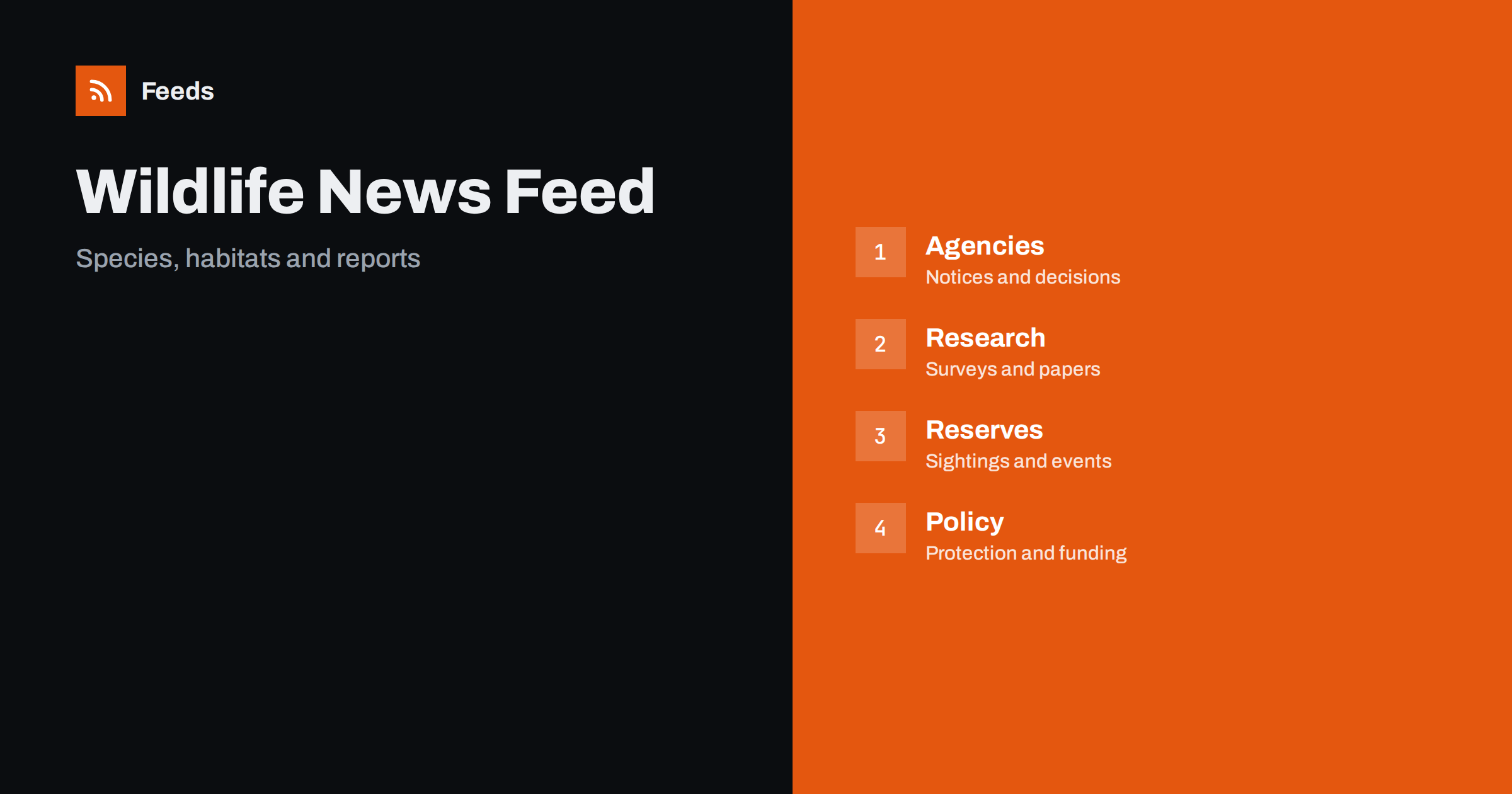
Short answer: Wildlife and conservation news comes from government agencies, research groups, universities, nature reserves, charities and the press. RSS lets you collect them in one reader, filter by species, region or topic and read items in the order they were published. Start with agencies and researchers for facts, add reserves and charities for local news, and always open the original report before you quote a figure or a status.
Why conservation news needs a reader
The field moves slowly but produces a lot of material: survey results, species assessments, protected area decisions, funding calls, research papers and news from field stations. The information is scattered between agencies, journals and local groups, and the press tends to cover only the dramatic stories. A person who cares about one bird, one river or one region can miss the quiet updates that matter most.
The readers are varied: students, volunteers, teachers, local councillors, photographers and professionals. A feed reader gives each of them a calm place to follow chosen sources. If the idea is new, what is an RSS feed explains it in plain words.
Agencies, regulators and protected areas
Government agencies publish decisions on protected areas, licences, hunting and fishing rules, species recovery plans and consultations. These are the facts that shape what happens on the ground, and they often come with dates for public comment. Follow the agencies of your country and region, and any international body that matters for the species you care about.
Many agency sites have news pages without an RSS link, and how to create an RSS feed for a website without RSS shows how to turn them into feeds. Tracking government and regulator updates with RSS and climate and environment news and reports with RSS describe related routines. Note the date of each consultation in your calendar.
Research groups, universities and journals
Research is the base of conservation, and new findings appear in journals, reports and preprints. Follow a few research groups, institutes and journals in your area of interest, and use their news pages for plain-language summaries. Research and journal alerts with RSS shows how to follow publications without reading everything.
Read results with care. A single study is a data point, and headlines often overstate it. Look for the sample size, the place and the period, and check whether the finding has been repeated. If a news story and the original paper disagree, trust the paper, and if you share a result, link to the source.
Citizen science projects also publish results, such as bird counts and insect surveys. Their pages often show trends over years and are a good way to learn how data is collected.
Education and families are a large audience. Schools, scout groups and parents look for activities, identification guides and simple ways to take part, such as counting garden birds or recording butterflies. Follow the education pages of reserves and charities, and save the resources that fit your age group. A short note of the best ones helps you to find them again when a lesson or an outing is planned.
Seasonal closures protect nesting birds and fragile habitats, so check access notices before you plan a visit, and follow the rules even when the path looks open.
Reserves, field stations and local groups
Local news is often the most useful. Nature reserves, wildlife trusts, field stations and volunteer groups publish sightings, access changes, seasonal closures, guided walks and work parties. Follow the places that you visit, and add the group that works on the species or habitat that you care about.
Be careful with sensitive information. Locations of rare species can be hidden for good reason, and sharing them may put animals at risk, so follow the rules of the group and do not post exact places of vulnerable nests or dens. Volunteer and charity opportunities with RSS shows how to find ways to help, and an event calendar RSS feed helps you to build a calendar of walks and talks.
Language and translation matter for international topics. Agreements and assessments are often published in several languages, and the English version may appear later than the original. If you follow a species that crosses borders, add sources from each country, and check names, dates and figures in the original text. A translation tool helps you to read the page, but the official wording decides.
Policy, funding and international agreements
Conservation depends on laws and money. Trade rules for wildlife, agreements between countries, subsidies for farmers, funding calls and corporate reporting rules all shape outcomes, and they are published by ministries, international bodies and funders. Follow the pages that affect your work, and read the official text when a rule changes.
Grant and funding announcements with RSS describes how to catch calls with deadlines, and customs, tariff and trade rule changes helps when trade in plants, animals or products is involved. Sustainability and ESG reporting rules with RSS covers the corporate side.
Photographs and media are part of the content. Wildlife photographers and film makers share work with captions and notes on place and season, and many conservation groups publish image galleries. Follow a few for inspiration, respect the licence of every picture and credit the photographer when you share. A good picture with an honest caption teaches more than a long text, and it shows respect for the animal and the person.
Filter by species, region and topic
A useful wildlife feed is narrow. If you follow wetland birds, you do not need every story about marine mammals, and if you live in one region, you can drop news from distant places. Use keyword filters to keep items that mention your species, places and topics, and to drop the rest. Think of two lists of words, one to include and one to exclude, and review them each season.
Names are tricky. A species has a common name, a scientific name and often several local names, and a place may be called differently in different languages. Add the variants and test the filters on ten recent items. Set up keyword alerts using RSS feed filters explains the method, and reduce noise in RSS alerts without missing anything helps when the list grows. For sources in other languages, see monitor foreign-language websites with RSS.
Keep an eye on emergencies too. Oil spills, wildfires, disease outbreaks in wild animals and extreme weather appear first on agency and local pages, and a feed of those pages gives early warning. These items belong in a folder that you open daily during the risk season, and the official guidance should be read before you act or share a message.
A routine that follows the seasons
Nature follows the calendar, and so can your reading. Migration, breeding, flowering and counting seasons create peaks in news, and you can read more often during them and less in quiet periods. Open the local folder weekly, the research folder every two weeks and the policy folder when a consultation is open. A short routine such as RSS triage: a fast daily routine for reading less keeps the list light.
Once a season, review the sources. Remove feeds that stopped publishing, add the sites you keep opening by hand and adjust the filters. If you work with a group, share one list, as suggested in shared RSS reading lists for teams. Keep your own notes of what you see in the field, with the date and place, and compare them with what you read.
How RSS Feed Creator helps
RSS Feed Creator turns the news, survey and notice pages of agencies, research groups, reserves and conservation charities into clean RSS feeds, even when the site has no feed of its own. It reads titles, images, summaries and dates, uses an existing feed when there is one, and shows a preview of the items before the feed is created. You can merge several sources into one feed (up to 10 sources), keep only the items that contain your keywords and have duplicates removed automatically, which suits a reading list for one species group, habitat or region. Feeds refresh every 3 hours on the free plan and every 30 minutes on paid plans. The free plan allows up to 20 items per feed, and the details are on the pricing page.
Related reading
- How to Follow Climate and Environment News and Reports with RSS
- How to Follow Academic Journals and Research with RSS Alerts
- Volunteer and Charity Opportunities: Follow Them with RSS
The bottom line
RSS gives you an ordered view of wildlife and conservation news. Start with agencies and researchers, add reserves and local groups, follow policy and funding pages, filter by species, region and topic, and keep sensitive locations private. Open the original report before you quote a figure, and review the list each season.
FAQ
Which sources should I follow first?
Begin with the environment agency of your country, one research group or journal for your topic and the reserve or group nearest to you.
What if an agency site has no RSS feed?
A page-to-feed tool can read its news list and build a feed. Check the preview to make sure it shows real items with titles and dates.
How do I handle species with several names?
Add the common, scientific and local names to the keyword filter, and test it on recent items. Review the list when you find a new name.
Can I share sightings I read about?
Share general information and credit the source, but do not post exact locations of rare or vulnerable species.
How often should I read the list?
Local news weekly, research every two weeks and policy pages when a consultation is open.


