ENEnglish
 LTLietuviškai
 DEDeutsch
 FRFrançais
 RUРусский
 ESEspañol
 PLPolski
 ITItaliano
 UKУкраїнська
 CSČeština
 PTPortuguês
 JA日本語
JA日本語 LVLatviešu valoda
 ETEesti
 HUMagyar
 IDBahasa Indonesia
 TRTürkçe
 HIहिन्दी
 ELΕλληνικά
 ARالعربية
 THไทย
THไทย VITiếng Việt
 RORomână
 MSBahasa Melayu
 BNবাংলা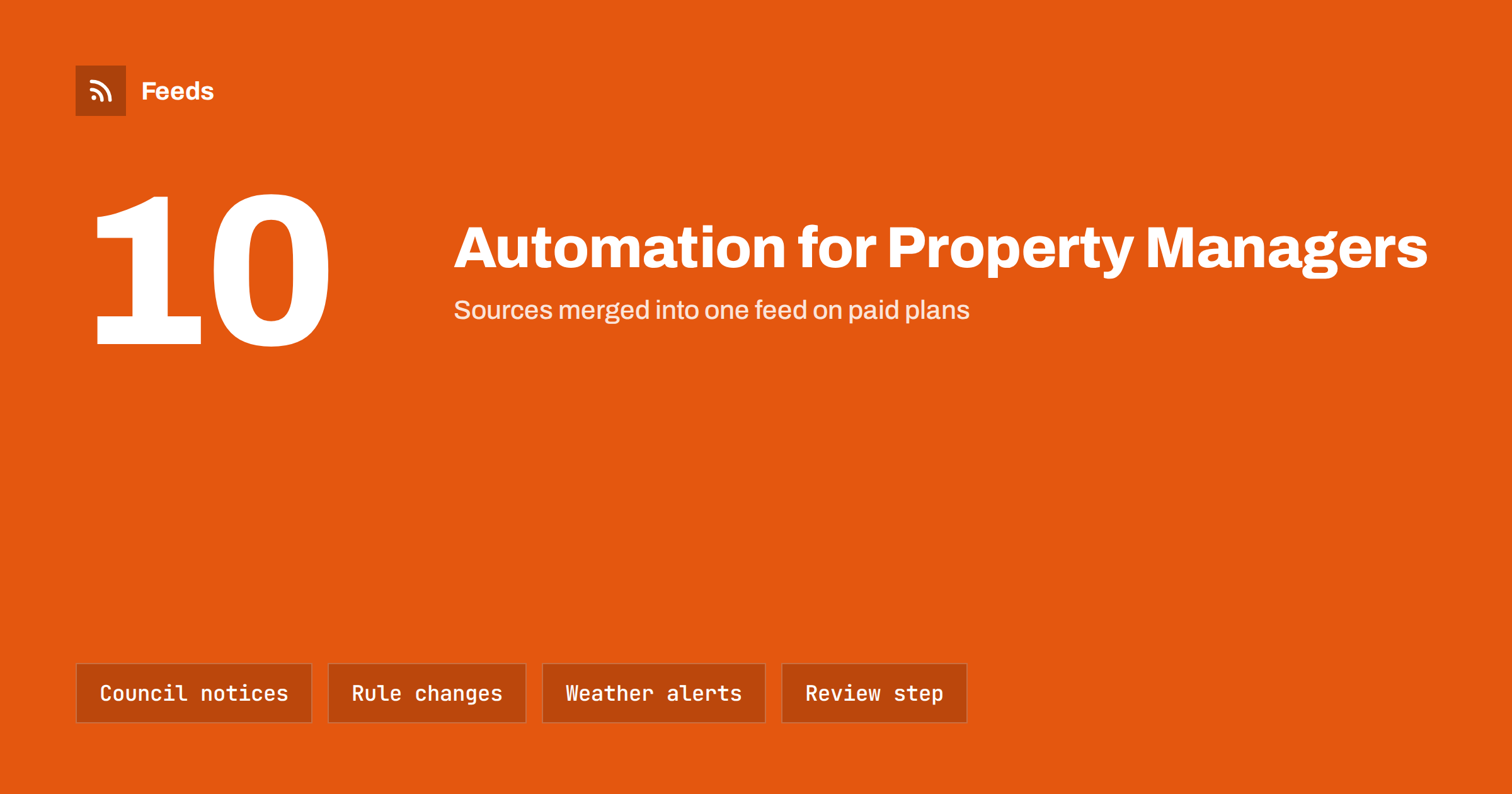
Short answer: Property managers and landlords can use automation to collect the official notices that affect their buildings, such as council announcements, utility works, rule changes and weather warnings, and turn them into short updates for residents and owners. A person should review anything about safety, rent, legal duties or access before it is sent, and urgent notices should never depend on automation alone.
The communication load of property management
A manager of several buildings sends the same kinds of messages again and again: when the water will be switched off, when the bins are collected on a holiday, what the council says about parking permits, and what a new rule means for tenants. Each message is small, but together they take hours, and they are often written in a hurry.
Residents appreciate clear and timely information. Tenants who hear about a closure from the manager feel looked after, while those who find out when the lift stops feel ignored. The challenge is to be reliable without turning the working day into a writing job. The general approach for small firms is in content automation for local businesses, and it adapts well to property.
Sources worth following
For a building or a portfolio, a handful of public sources cover most of what residents need to know:
- The local authority. Waste collection changes, road closures, parking rules, public consultations and neighbourhood notices. Many councils publish news pages and feeds, as explained in municipal and public body RSS feeds.
- Planning and permits. New applications near your buildings can matter to owners. See planning applications and permits with RSS.
- Utility and service providers. Planned works, outages and meter programmes affect residents at once.
- Weather services. Storm, frost and flood warnings let you remind residents to secure balconies, protect pipes or avoid basements. See weather and hazard alerts with RSS.
- Regulators and housing bodies. Changes to safety rules, energy requirements or tenancy law. See how to track regulator updates with RSS.
Choose the official source, not a news summary, whenever one exists. A notice that is quoted second-hand can be wrong or out of date.
From scattered pages to one stream
Many of these sources are pages with no feed. A tool that builds a feed from a page lets you follow them in one place, with the same layout of title, date, summary and link. Merge the sources that concern a single area into one feed, remove duplicates, and filter by keyword and place name, so that a notice about a street you do not manage never appears.
It helps to build one stream per town or per portfolio rather than one per building. The manager reviews the stream, picks the items that apply to specific buildings and sends them on. The filtering method is explained in how to set up keyword alerts using RSS feed filters.
Turning an item into a resident update
The raw item is rarely suitable to send as it is. Residents want three things: what is happening, when, and what they need to do. A short template makes this quick:
- What. One sentence, in plain language, without the jargon of the source.
- When and where. The dates, the times and the exact addresses or streets affected.
- What to do. The action required, or a clear statement that nothing is required.
- Source. A link to the official notice, so anyone can check the details.
An automated draft can fill in the first and last fields, and the manager adds the building-specific details. The same logic of building templates is described in writing post templates for automated social media feeds, and it works equally well for messages by e-mail or in a resident app.
Timing matters as much as wording. A notice about works next week should arrive early enough for people to plan, and a reminder the day before is often more useful than the first message. If your tool can schedule items, queue the reminder when you approve the first notice. Keep a short record of what was sent and when, because a clear history helps when a resident says they were not told, and it makes handovers between colleagues far easier.
Where residents will see the update
Choose channels residents already use. A building notice board, an e-mail list, a resident portal, a messaging group or a screen in the entrance hall each reach different people. Many managers use several. A feed can drive a digital screen in a lobby, as described in RSS feeds on digital signage, while the same item can be added to the next e-mail.
Whichever channel you use, keep the number of messages low. A resident who receives five notices a week stops reading them. A weekly digest with a clearly marked urgent section is often better than many separate messages.
Rules that need a human
Property notices can have legal and financial consequences, so keep a person in charge of certain categories:
- Safety. Fire safety, gas, electrical and structural notices must be accurate and sent through the right channel, not only posted automatically.
- Money and contracts. Rent changes, charges and deposit matters must be checked against the contract and local law.
- Access and entry. Notices about entering a home need the correct notice period for your area.
- Personal information. Never include names, apartment numbers of individuals or details about a tenant’s situation in a general update.
Automation can gather and draft, but the manager is responsible for what is sent. The balance between speed and control is discussed in full auto vs approval queue. For urgent situations such as a gas leak or a fire, use your emergency procedure and the channels designed for it.
Translation is another point to consider. In many buildings residents speak several languages, and a short notice with the key dates in two languages is often enough to avoid misunderstandings. Keep the structure identical in each language so that dates and addresses can be checked side by side, and ask a native speaker to review the wording of the first few notices before you use them as templates.
Vacancies and owner communication
Property managers also publish vacancies and keep owners informed. A new vacancy can be posted to your website and social pages from a feed, which saves repeated typing. If you work with an agency that lists properties, the approach in automating new property listings for real estate agencies is a useful reference, although a manager of rentals will focus on the rental terms and the viewing process.
Owners usually want a monthly summary: works carried out, notices received, vacancies and upcoming changes. A feed of the notices you approved during the month makes this summary easy to compile, and it shows owners that the portfolio is actively managed.
Keep accounts and data safe
A property business holds personal data and often connects several tools to social and mail accounts. Use separate accounts for automation where possible, limit who can approve and send, and keep access keys safe. The practical side is covered in secure content automation accounts. Make sure the mailing list and the resident portal respect the data protection rules for your country, and give residents an easy way to change their preferences.
How RSS Feed Creator helps
RSS Feed Creator turns the news page, notices page or list of a website into a clean RSS feed, even when the site has no feed of its own. It reads titles, images, summaries and dates, uses an existing feed when there is one, and shows a preview of the items before the feed is created. You can merge several sources into one feed (up to 10 on paid plans), keep only the items that contain your keywords and have duplicates removed automatically. Feeds refresh every 3 hours on the free plan and every 30 minutes on paid plans, and paid plans send an alert when a page changes and a feed stops finding items. The free plan allows up to 20 items per feed, and the details are on the pricing page.
Related reading
- How to Automate an Internal Company News Feed
- How to Get RSS Alerts for New Property and Rental Listings
- Content Automation Checklist: 30 Checks Before You Go Live
The bottom line
A property manager can follow the council, utilities, weather services and regulators in one filtered stream, turn the relevant items into short resident updates and send them through the channels residents use. Keep a person responsible for safety, money, access and personal data, and never rely on automation alone for urgent messages.
FAQ
What can property managers automate?
Collecting official notices, filtering them by area, drafting short resident updates and publishing vacancies and weekly digests. A person should approve anything about safety, money, access or legal duties.
Which sources are best for resident notices?
Official sources such as the local authority, utility providers, weather services and regulators. Use the original notice and link to it, rather than a second-hand summary.
Can urgent messages be automated?
Not on their own. Emergencies such as gas leaks or fires need your emergency procedure and direct channels. Automation is better for routine and planned notices that a person can review in advance.
How many notices should residents receive?
As few as possible. A weekly digest with a clearly marked urgent section is usually better than many separate messages, because residents stop reading when messages are too frequent.
How do I avoid sharing personal data?
Keep general updates free of names, individual apartment numbers and details of any tenant’s situation. Use separate, restricted accounts for automation and follow the data protection rules of your country.