ENEnglish
 LTLietuviškai
 DEDeutsch
 FRFrançais
 RUРусский
 ESEspañol
 PLPolski
 ITItaliano
 UKУкраїнська
 CSČeština
 PTPortuguês
 JA日本語
 LVLatviešu valoda
 ETEesti
 HUMagyar
 IDBahasa Indonesia
 TRTürkçe
 HIहिन्दी
 ELΕλληνικά
 ARالعربية
 THไทย
 VITiếng Việt
 RORomână
 MSBahasa Melayu
 BNবাংলা
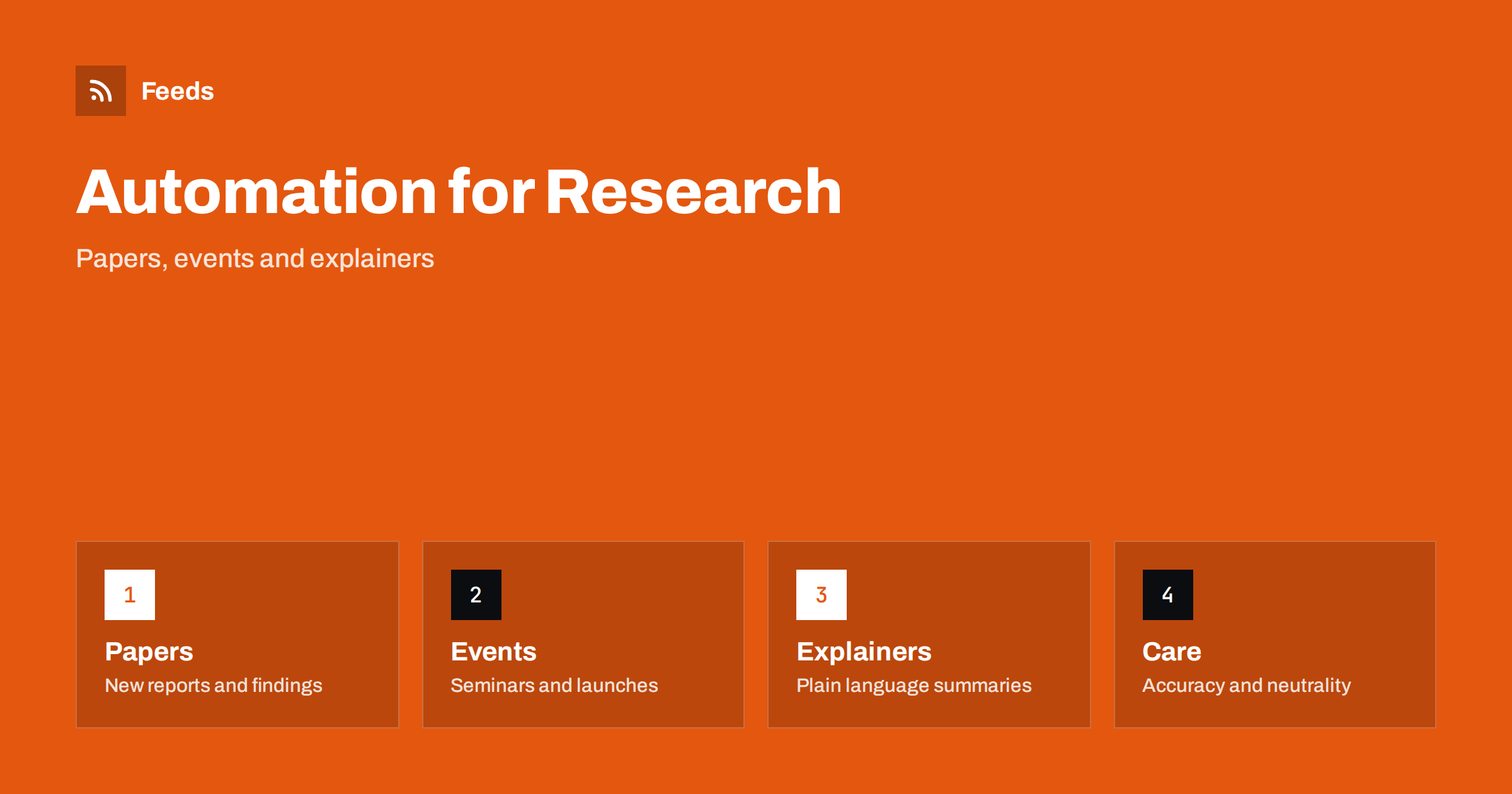
Short answer: Research labs, institutes and think tanks produce a steady stream of papers, reports, events and commentary, but few have a dedicated communications team. Much of the routine publishing can be prepared in advance and scheduled, and relevant news in the field can be collected with RSS. Automate publication notices, event reminders, explainers and hiring posts, keep every claim accurate and approved by the authors, and write sensitive or fast-moving statements by hand.
What research organisations need to publish
Researchers want their work read, cited and used. A think tank wants its analysis to reach decision makers, journalists and the public. A lab wants funders, partners and future students to understand what it does. All of them have the same routine tasks: announcing a new paper or report, promoting events, introducing staff, explaining findings in plain words, sharing calls and recruiting.
The challenge is time. Researchers write papers, not posts, and communication tasks slip when deadlines approach. A modest, regular flow of posts keeps the organisation visible, and if you are new to the idea, what is content automation explains the basics in plain words.
Publication notices that people can use
Every new paper, report or dataset deserves a short notice with a plain title, one sentence on what was found or why it matters, a link to the full text and the names of the authors. Link to a stable page on your own site, with the citation, the licence and the data, and let social posts and emails point to that page.
Prepare the notices when the work is accepted, not on the day. A template with fields for title, finding, link and authors makes it quick, and a person on the team checks every notice against the paper. If your publications already have a feed, you can turn it into scheduled posts, as described in RSS to social media automation. Avoid claiming more than the paper shows, and use the same wording about limits that the authors use.
Explainers and plain-language summaries
Most readers will not read the paper, so a short explainer is often the real product. Write what the question was, what was done, what was found and what it does not show, in words that a non-specialist can follow. Add a simple chart or a single clear figure where it helps, and link to the source for those who want details.
Explainers do not go out of date quickly, and they can be shared again at calm intervals, as in how to reshare evergreen content automatically without spamming. Have the authors read the summary before it is published, and avoid headlines that overstate a result. For think tanks, say clearly what is evidence and what is opinion or recommendation.
Events, seminars and launches
Seminars, conferences, workshops and report launches are a major part of the calendar. Prepare a sequence for each: announcement, speakers, registration details, reminders, live notes and a follow-up with slides or recordings. Keep the event details on one page, and let posts point to it, with the time zone stated clearly for international audiences.
A calendar can drive the posts. Promote upcoming events automatically from a calendar shows how to turn a list of events into scheduled posts. Never miss a call for speakers or papers again helps researchers who want to present at other events. Always check dates and speakers before each reminder goes out.
Data and code are content as well. Many funders and journals expect datasets, software and protocols to be shared, and a short post that announces a new dataset with a clear description, a licence and a way to cite it reaches a different audience from a paper announcement. Describe what the data contains and what it does not, link to a stable repository and keep version numbers visible. When a dataset is updated, say so on the page, and avoid reposting the old announcement as if it were new.
Neutrality, funding and conflicts
Trust is the main asset. Be open about funding, affiliations and conflicts of interest, and keep the same wording across the website and the posts. Think tanks and institutes that take positions should separate research from advocacy, and say where a post is an opinion. Posts about politically sensitive topics need an extra review, and some organisations also have rules about what staff may say on their own accounts.
Do not use automation to make a position look more widespread than it is. Avoid automated replies to critics, and do not schedule posts that react to a news event. Reactions to the news are best written by a person who knows the topic. Keep a record of who approved each post, since questions may come later.
Media relations deserve a plan too. Journalists look for experts, clear press notes and quick answers, and a page with expert profiles, topics and contact details makes it easy for them to find the right person. Prepare short press notes for major reports, agree who speaks to the media and keep a list of topics where the organisation does not comment. Automated posts can point to the press page, but a conversation with a reporter should always be handled by a person who knows the work.
Content you should not automate
Corrections, retractions, misconduct questions, safety issues, staff changes and statements on breaking events must be written by a person. A cheerful scheduled post that appears next to a correction or a crisis damages trust. Make it easy to pause the queue, as described in when to pause automated posting: a crisis and holiday plan, and name who can do it.
Respect data and privacy too. Do not publish unpublished results, personal data of participants or confidential partner information. If a paper is under embargo, keep the notice out of the queue until the embargo ends and make sure the scheduled time matches it.
Follow your field with RSS
Researchers and analysts need to follow papers, preprints, funding calls, policy changes and news in their field. Journals and preprint servers offer feeds, and a reader brings them together. Follow academic journals and research with RSS alerts explains the setup, and track grant and funding announcements with RSS shows how to follow calls.
For policy-oriented work, tracking government and regulator updates with RSS and alerts for new statistics and open data releases help you see new official figures when they appear. Share items from other organisations with credit, and read the original before you pass them on.
Hiring, partners and measuring results
Labs and institutes recruit researchers, students and staff, and need partners and funders. Post openings with a clear description of the role, the project, the funding period and how to apply, and show the team with permission. Share job openings automatically on social media explains how to keep openings visible.
Measure what matters: downloads of papers, citations of reports, event registrations, media mentions and applications. Likes alone tell little. A short quarterly review shows which topics and formats reach the right people, and measure whether content automation is worth it offers a simple method.
Think about students, early-career researchers and visitors. They are an important audience, and they look for clear information on how to join, what projects exist, what skills are needed and how funding works. A guide for prospective students and a short series of posts about daily life in the lab help them decide, and alumni stories show where the training leads. Keep these guides current by assigning an owner for each page and reviewing them each term, because outdated information about deadlines or contacts frustrates exactly the people you want to attract.
How RSS Feed Creator helps
RSS Feed Creator turns the news, publication or events pages of journals, funders, agencies and partner organizations into clean RSS feeds, even when those sites have no feed of their own. It reads titles, images, summaries and dates, uses an existing feed when there is one, and shows a preview of the items before the feed is created. You can merge several sources into one feed (up to 10 with the PostRSS add-on), keep only the items that contain your keywords and have duplicates removed automatically, which suits a reading list for one field or policy area. Feeds refresh every 3 hours on the free plan and every 30 minutes on paid plans, and the PostRSS add-on sends an alert when a page changes and a feed stops finding items. The free plan allows up to 20 items per feed, and the details are on the pricing page.
Related reading
- How to Follow Academic Journals and Research with RSS Alerts
- Content Automation for Nonprofits and Community Groups
- How to Get Alerts for New Statistics and Open Data Releases
The bottom line
Research labs, institutes and think tanks can automate the steady parts of communication: publication notices, explainers, event reminders and hiring posts. Keep claims faithful to the work, be open about funding, write corrections and breaking-event statements by hand and keep an approval step in front of the queue. Good automation gives researchers more time for research.
FAQ
Which posts are safe to schedule in advance?
Publication notices, explainers, event reminders and hiring posts, once the authors or a reviewer have checked the wording against the work.
What should never be automated?
Corrections, retractions, misconduct matters and reactions to breaking events. Write them by hand and pause the queue if needed.
How do I handle embargoed results?
Keep the notice out of the queue until the embargo ends and make sure the scheduled time matches the release time.
Can I follow journals and funding calls with RSS?
Yes. Many journals offer feeds, and a page-to-feed tool can build one from a funder’s news page. Check the preview and read the original call.
How do I measure whether it works?
Watch downloads, citations, event registrations, media mentions and applications rather than likes alone.