ENEnglish
 LTLietuviškai
 DEDeutsch
 FRFrançais
 RUРусский
 ESEspañol
 PLPolski
 ITItaliano
 UKУкраїнська
 CSČeština
 PTPortuguês
 JA日本語
JA日本語 LVLatviešu valoda
 ETEesti
 HUMagyar
 IDBahasa Indonesia
 TRTürkçe
 HIहिन्दी
 ELΕλληνικά
 ARالعربية
 THไทย
THไทย VITiếng Việt
 RORomână
 MSBahasa Melayu
 BNবাংলা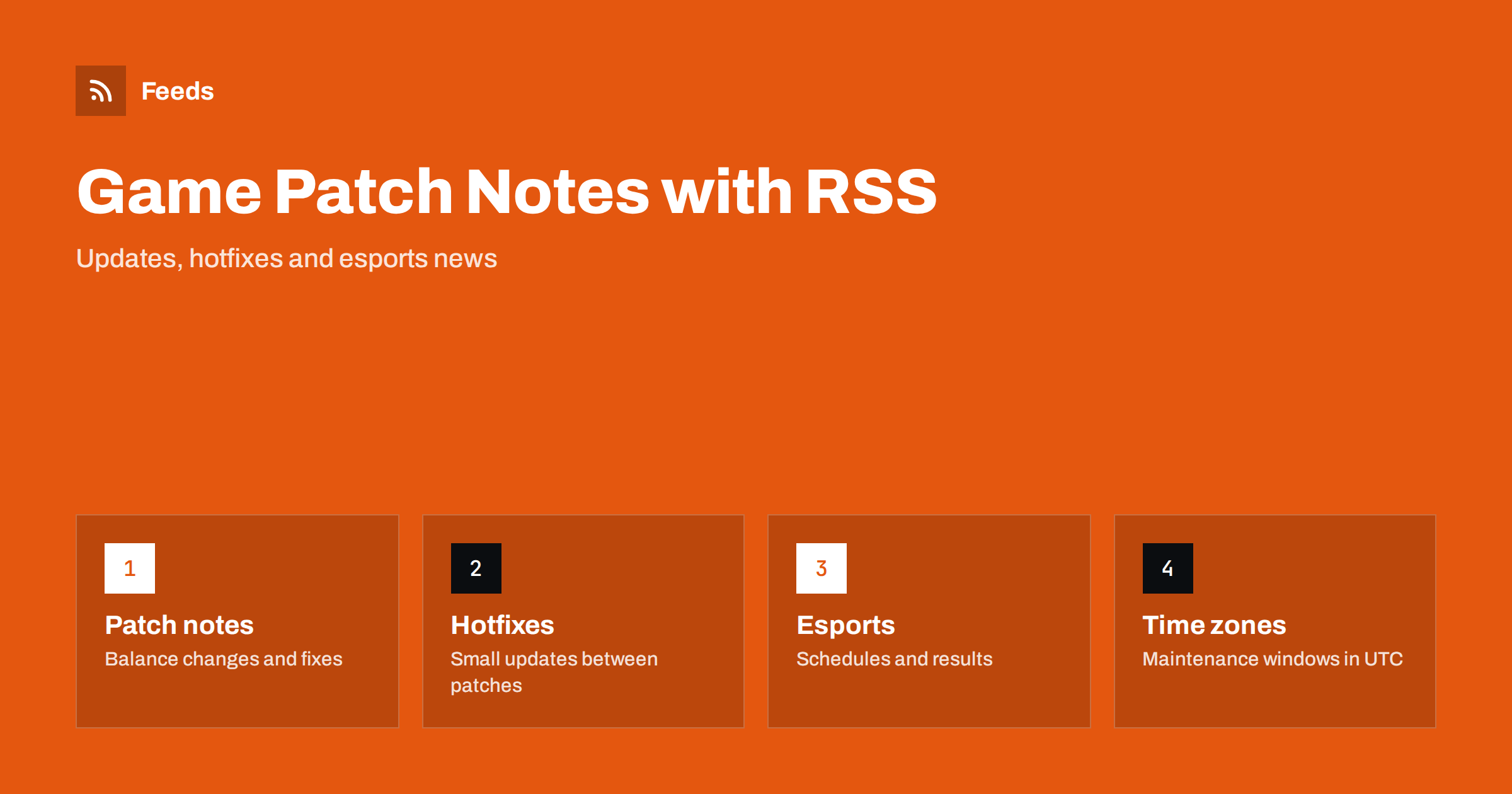
Short answer: To follow game patch notes and esports news with RSS, subscribe to the official news page or blog of each game, add server status and tournament pages, and put everything into one reader with keyword filters for the games and terms you care about. The official source gives you the full patch notes first, without waiting for news sites to summarise them.
Why patch notes are worth following directly
For anyone who plays seriously, a patch is an event. A balance change can alter which characters, weapons or strategies work, a fix can remove a bug that decided matches, and a new season can reset progress. Players who read the notes on the day of release adapt faster than players who hear about it later from a video or a forum thread.
The same applies to other groups. Streamers and video makers need to know what changed before they record. Community managers answer questions about the update. People who run servers or use mods must know when an update is likely to break something. Team coaches prepare practice around the new version. All of them benefit from receiving the original notes as soon as they appear. If you are new to the idea, what an RSS feed is explains the basics.
Where patch notes are published
Studios use a mix of places, and the choice varies from game to game. Typical locations are the news section of the official website, a developer blog, the game’s page on a store or launcher, a community forum announcement area and the game’s channels on social media and video platforms. Official sites are the most reliable source for the full text. Social posts are often short and may link to the notes without repeating them.
Some of these places provide a feed, and some do not. Look for an RSS icon or a feed link on the news page, and check the page source if you do not see one. When a news page lists articles but has no feed, you can turn the list into one, as explained in following one section of a website. For a game that publishes on a video channel, see how to use a YouTube channel RSS feed.
Patches, hotfixes and server status
Updates come in different sizes, and it is worth separating them in your reading:
- Major patches bring new content and balance changes. They are usually announced in advance and come with long notes.
- Hotfixes are small and quick, often released the same day to repair something broken. They have short notes and need fast attention.
- Maintenance and downtime notices tell you when servers go offline. They matter most to people who play at set times.
- Status pages report outages while they happen. If the game or platform has a status page with a feed, it is the quickest way to learn that a problem is on their side. The method is the same as for following a status page with RSS.
Putting these into separate folders in your reader, or into separate filtered streams, lets you check hotfixes and status daily while reading long patch notes when you have time.
Esports news, schedules and results
Esports adds another layer: tournament announcements, schedules, rosters and results. Official tournament organisers, leagues and team websites usually have news pages, and some of them offer feeds. A feed of schedule announcements tells you when registrations open, when a qualifier starts and which matches are coming, while a feed of results helps you catch up after a busy week.
The same approach works for other fixtures. Our guide to following sports club news and fixtures with RSS shows how to track schedules, and ticket release alerts is useful if you want to attend live events.
Filter by game and by term
If you follow several games, one combined stream can become noisy. Keyword filters keep it readable. Use the game name and a few terms to keep what you need:
- For updates: patch, update, hotfix, season, balance, nerf, buff, maintenance.
- For esports: qualifier, finals, schedule, roster, bracket, registration.
- For your own character, class or map: its name, so that you see the notes that concern it.
The technique is described in RSS keyword alerts, and you can combine several sources into one stream with merged feeds. Keep the lists short and review them after each season, because names change and old terms stop being useful.
Dates, time zones and release windows
Maintenance windows and tournament times are almost always given in a single time zone, often universal time or the time of the studio. A notice that says maintenance starts at a certain hour can mean the middle of the night for you or the middle of your match. Read the zone, convert it and put the event in your calendar. If a feed date looks wrong compared with the notice, the guide to RSS dates and time zones explains why. Remember too that the feed date is the publication time, not the time of the event.
Sharing updates with a team or a community
Teams and communities often want the news in a shared place. A coach can post the new patch notes into the team’s chat as soon as they appear, and a server owner can notify players that an update is coming. Many chat tools can receive items from a feed, and sending RSS feed items to Discord explains one common setup. Decide who is allowed to post in the public channel and use a short template with the title, a one-line summary and the link.
If you share patch notes in a public community, link to the official source and avoid copying long passages, which respects the publisher and keeps your post short. For general guidance on keeping a stream readable, see reducing RSS alert noise.
A simple routine that keeps up with every season
Games change on a rhythm, and a routine that follows it saves effort. Before a season starts, review your list: add the new game pages, remove feeds for games you stopped playing and check that each source still delivers items. On patch day, open the filtered stream first, read the headline changes that affect you and note the points that need practice or a change of setup. A day later, return for hotfixes, because the first version of a patch often needs repair.
Keep a short personal list of questions to ask of every patch: what changed for my character or role, what was fixed that affected me, and what was removed. Writing the answers down, even in two lines, builds a useful history and helps when you compare versions later. For a team, assign one person to read the official notes and summarise them, so that nobody has to read the same long text twice.
Finally, watch for sources that stop publishing. A quiet news page can mean a game is at the end of its life, or that the studio has moved its announcements to another page. If a feed has produced nothing for months, check the site before you assume nothing happened. The reasons feeds go silent are explained in RSS feed stopped updating? How to find out why.
How RSS Feed Creator helps
RSS Feed Creator turns the news page of a game or tournament website into a standard RSS feed with titles, images, summaries and dates, and it uses an existing feed when the page has one. You see a preview of the items before the feed is created. You can merge several sources into one feed (up to 10 on paid plans), keep only the items with your keywords and have duplicates removed automatically. Feeds refresh every 3 hours on the free plan and every 30 minutes on paid plans. The free plan allows up to 20 items per feed, and the details are on the pricing page.
Related reading
- How to follow changelogs and release notes with RSS
- How to Track New Book, Game and Music Releases with RSS
- Reddit RSS feeds: how to follow and automate subreddits
The bottom line
Official sources give you patch notes first and in full. Subscribe to the news pages that matter, separate hotfixes and status from long notes, filter by game and term, read time zones carefully and share updates through a short template. A small, tidy stream beats a long list that nobody opens.
FAQ
Where can I find the official patch notes of a game?
Usually on the news section of the game’s official website, a developer blog or the game’s page on a store or launcher. Look for a feed link on the news page, and if there is none, turn the list of articles into a feed.
Can I follow hotfixes separately from big patches?
Yes. Use keywords such as hotfix and maintenance in a separate filtered stream or folder, and check it more often than the stream with long patch notes.
How do I follow esports schedules with RSS?
Subscribe to the news pages of the tournament organiser and the teams you follow, and filter for words such as schedule, qualifier and finals. Convert the times to your own time zone.
Why do maintenance times look wrong?
They are usually given in universal time or the studio’s time zone. Convert them to your own zone and note that the feed date shows when the notice was published, not when the maintenance starts.
Can I post new patch notes into a team chat automatically?
Yes, many chat tools can receive items from a feed. Use a short template with the title, a summary and the link, and decide who controls the channel.