 ENEnglish
 LTLietuviškai
 DEDeutsch
 FRFrançais
 RUРусский
 ESEspañol
 PLPolski
 ITItaliano
 UKУкраїнська
 CSČeština
 PTPortuguês
 JA日本語
 LVLatviešu valoda
 ETEesti
 HUMagyar
 IDBahasa Indonesia
 TRTürkçe
 HIहिन्दी
 ELΕλληνικά
 ARالعربية
 THไทย
 VITiếng Việt
 RORomână
 MSBahasa Melayu
 BNবাংলা
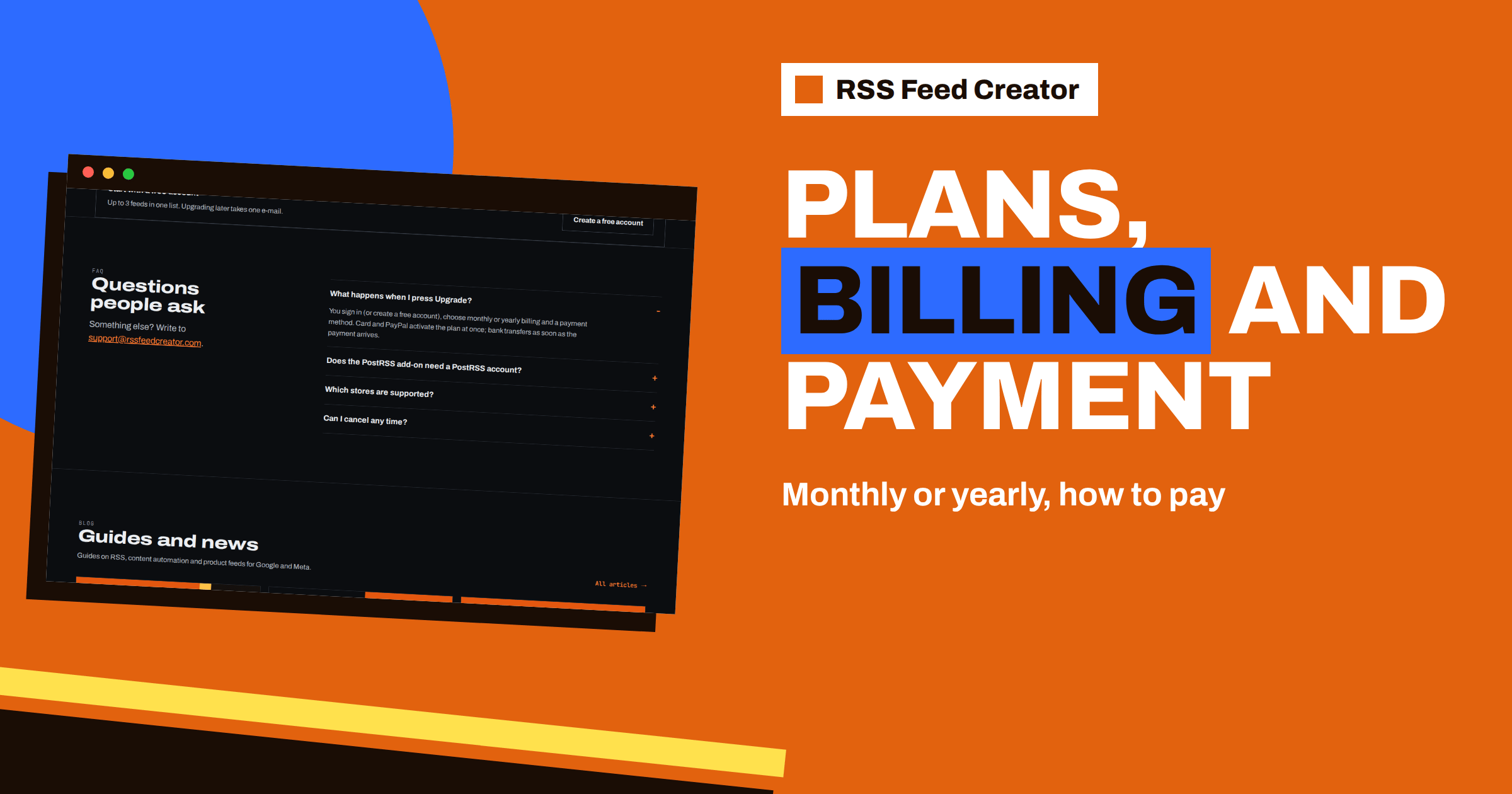
Short answer: You pay for RSS Feed Creator from the billing page of your account. Choose a plan, choose the billing period, with 2 months free on the yearly option, and choose how to pay: card, PayPal or bank transfer, with Western Union and MoneyGram also listed on the pricing page. Card and PayPal activate the plan at once, a bank transfer as soon as the payment arrives. You can cancel at any time, and your feeds keep working within the free plan limits. Prices are in euros without VAT.
The plans you can pay for
Before the details of payment, it helps to be clear about what you are buying. RSS Feed Creator has no hidden extras: each plan is a set of limits and a refresh speed, and the features themselves, such as keyword filters and product rules, are available on the free plan too.
There is one free plan and three paid plans, each made for a different job:
| Plan | Price | Pensato per |
|---|---|---|
| Gratuito | €0 | Trying the tool on one website |
| Add-on PostRSS | €5 per month | Publishing from sites without RSS: 10 feeds, merging, 30-minute refresh |
| Negozio | €19 per month | Product feeds for one store |
| Business | €39 per month | Several stores and marketplaces |
What each plan includes is explained in which RSS Feed Creator plan fits your feeds. This article is about the mechanics of paying: how to start, how long you pay for, which methods exist and how to stop.
Starting from the pricing page
There is no sales call and no form to fill in before you can pay.
The pricing page lists the plans with an upgrade button on each paid one. Pressing it does one of two things. If you are signed in, it takes you to the billing page of your account with that plan chosen. If you are not, it takes you to sign in or to create a free account first, and then on to billing. That is why the page’s own FAQ summarises it as: you sign in, choose monthly or yearly billing and a payment method.
A free account takes about 20 seconds and needs no card, and it is where your feeds live, so it is a sensible first step in any case; see why a free account helps keep your feeds safe.
Billing periods: monthly, yearly and longer
The period is the one real decision on the billing page, because the plans themselves are fixed.
On the billing page you choose how long to pay for. The monthly option is the most flexible. The yearly option gives 2 months free, which is the same as paying for ten months and using twelve. The billing page also offers longer periods, with the saving shown next to each choice, and a switch lets you see monthly and yearly prices side by side before you pay.
A simple rule helps you choose. If you are testing a plan for a season, pay monthly. If the feeds are part of your regular work, such as a shop’s product feed or an agency’s monitoring, the yearly option is the cheaper choice for the same service. The prices of the plans themselves are the ones on the pricing page, in euros without VAT.
Payment methods
The pricing page lists the ways to pay: card, PayPal, bank transfer, Western Union and MoneyGram. In practice they fall into two groups:
- Card and PayPal activate the plan at once. They suit anyone who wants the larger limits immediately, for example a shop that has just hit the 50-product limit.
- Bank transfer activates the plan as soon as the payment arrives. It suits companies that pay against an order and prefer not to use a card.
The payment methods that are available at the moment of paying are shown on the billing page next to each plan. Choose the one that suits you and follow the steps on screen. Keep the confirmation that you receive, because it is your record of the order.
Whichever method you choose, pay from the account that owns the feeds. A plan belongs to an account and applies to every feed in it, so paying from a different account would upgrade the wrong feeds. If you manage feeds for a client, agree beforehand which account holds the plan and who pays for it, as discussed in run client feeds from one RSS Feed Creator account.
What happens to your feeds when you upgrade
Nothing needs to be rebuilt. Your feeds keep their addresses and settings, and the higher limits apply from the next refresh: more items, more products, more sources per feed and a 30-minute refresh instead of 3 hours. Channels and readers that fetch the feeds notice only that the feeds have become fuller and fresher. The details for stores are in the Store plan at €19: product feeds for one online store.
Your account page shows the plan you are on and, for paid plans, the date until which it is active, so you always know where you stand.
Renewal and cancelling
Control over renewal matters as much as the price, and it is worth checking once after you pay so that nothing surprises you later.
Plans paid by PayPal or by card can renew automatically, and the billing page tells you how a given payment will renew. For PayPal, there is a button to cancel automatic renewal, and after you press it the plan stays active until the period you have paid for ends. For cards, a link opens a billing portal where you can manage the subscription. Bank transfers do not renew by themselves, because each period is a new payment.
The principle is the same in every case: you can cancel at any time, you keep what you paid for until the end of the period and your feeds keep working within the free plan limits afterwards. Nothing is deleted. What changes is the size of the limits, so a feed that held 100 items may hold 20, and a product feed beyond 50 products may hold only the first 50 at the next refresh.
Planning around a downgrade
If you expect to cancel, prepare a little. Look at which feeds exceed the free limits: more than 3 feeds, merged sources, more than 20 items or more than 50 products. Decide which ones you want to keep working fully and which you can let shrink. For product feeds fetched by Google or Meta, check that the smaller feed will not cause mass disapprovals, since products that fall out of the feed may disappear from the channels. The cleanest way is to downgrade at a time of your choosing, not in the middle of a sale.
If you only need a bigger plan for part of the year, for example a shop with a busy season, pay monthly and cancel renewal when the season is over. Yearly billing suits steady use.
Choosing the period: three short examples
A shop that is starting out. The owner has 400 items and wants a faster refresh before a sale. She chooses the Store plan and pays monthly by card. The plan starts at once, the feed fills with up to 2,000 products at the next refresh, and after the sale she can decide whether to stay.
A small agency. The agency runs content feeds for five clients and does not expect to stop. It chooses the PostRSS add-on and pays yearly, which costs €50 instead of €60 over twelve months, and it keeps the same feed addresses throughout. The saving is small in money and large in peace of mind, because nobody has to remember to renew every month.
A company that pays against orders. The finance team prefers a bank transfer. It places the order for the Business plan, pays by transfer and the plan is activated when the payment arrives. For the next period it places a new order, since transfers are paid one period at a time.
None of these needs anything beyond the billing page. If you are in doubt, start with the shortest period, see what the plan does for your feeds and switch to a longer one later.
Prices, VAT and questions
Prices on the pricing page are in euros without VAT. Where VAT applies to your order, it is added on top of the listed price at checkout. If you are unsure about invoices, tax details or a payment that has not been matched, write to the contact address shown on the pricing page, and mention the e-mail of your account and the plan you chose, so that the question can be answered quickly.
Related reading
- How Often Should a Product Feed Update? A Practical Guide
- Google Shopping Free Listings: How Small Stores Get Started
- Product Feed Management for Agencies: Many Clients, One Process
The bottom line
Paying for RSS Feed Creator is deliberately simple: choose a plan, a period and a method, and the plan starts at once with card or PayPal and on arrival with a bank transfer. Yearly billing saves 2 months, you can cancel at any time and your feeds always keep working on the free plan limits.
FAQ
How can I pay?
By card, PayPal or bank transfer. The pricing page also lists Western Union and MoneyGram.
When does my plan start?
At once with card or PayPal, and as soon as the payment arrives with a bank transfer.
Is there a discount for paying yearly?
Yes. Yearly billing gives 2 months free.
Can I cancel at any time?
Sì. I tuoi feed continuano a funzionare entro i limiti del piano gratuito.
Are the prices with or without VAT?
The prices on the pricing page are in euros without VAT.


