 ENEnglish
 LTLietuviškai
 DEDeutsch
 FRFrançais
 RUРусский
 ESEspañol
 PLPolski
 ITItaliano
 UKУкраїнська
 CSČeština
 PTPortuguês
 JA日本語
JA日本語 LVLatviešu valoda
 ETEesti
 HUMagyar
 IDBahasa Indonesia
 TRTürkçe
 HIहिन्दी
 ELΕλληνικά
 ARالعربية
 THไทย
THไทย VITiếng Việt
 RORomână
 MSBahasa Melayu
 BNবাংলা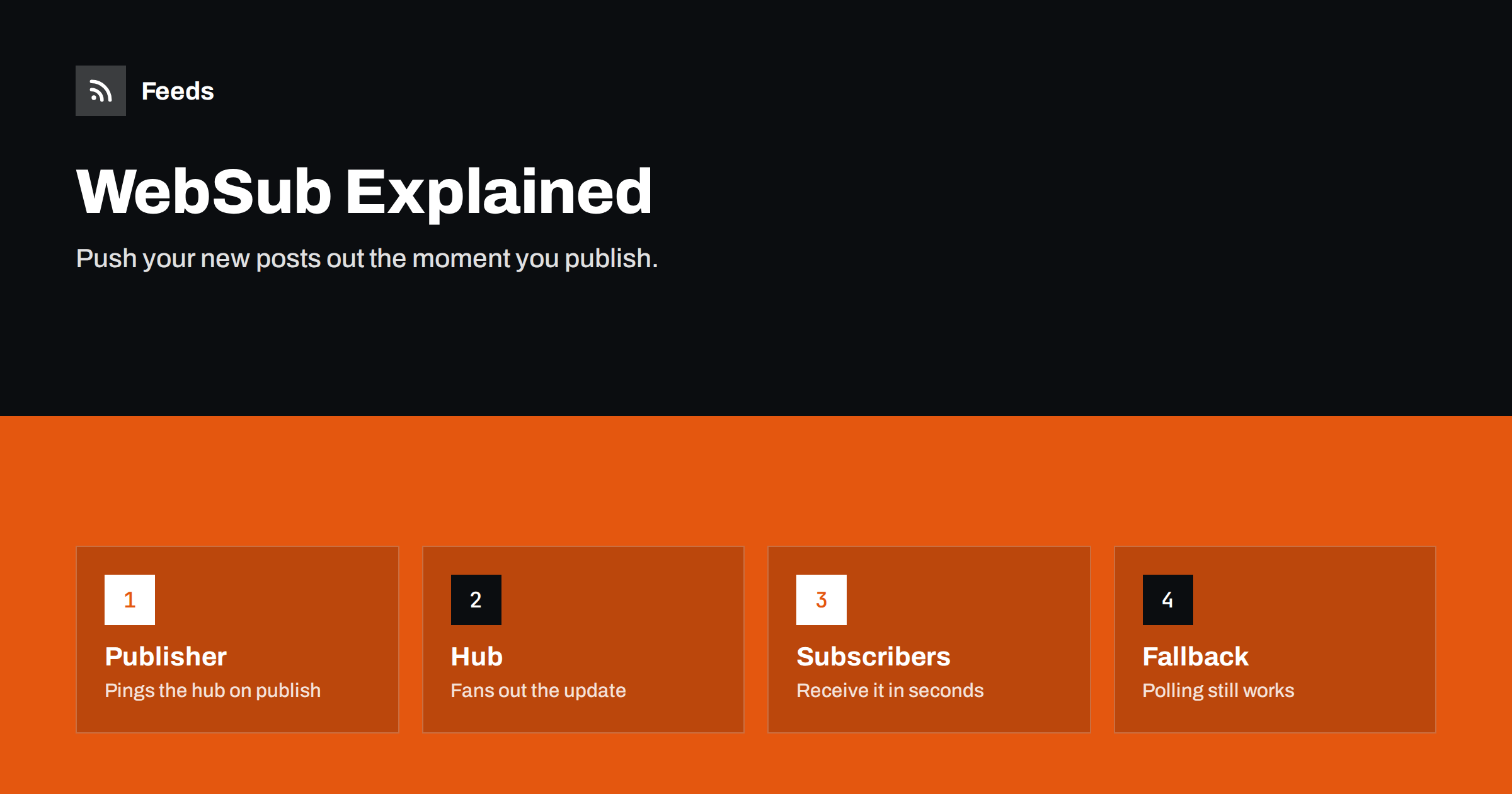
Short answer: WebSub, formerly called PubSubHubbub, is a W3C standard that adds push notifications to RSS and Atom feeds. Your feed names a “hub”; when you publish, your site pings the hub, and the hub immediately sends the update to every subscriber that registered with it. Readers and services that support WebSub see new posts within seconds instead of waiting for their next poll. It is an optional extra: feeds keep working normally for everyone else.
RSS is a pull technology. Readers and tools check your feed on their own schedule, which might be every few minutes for a popular site in a large hosted reader, or every few hours for a small site. For most blogs that delay does not matter. For news, alerts, price changes, podcasts and anything time-sensitive, it can. WebSub was created to close that gap without changing the feed format itself. This guide explains how it works, what it takes to enable it and when it is worth the effort.
Where WebSub came from
The protocol started in 2009 as PubSubHubbub, developed by engineers at Google, and was used by Google Reader, FeedBurner and Blogger among others. After years of use it was standardised by the W3C as WebSub, which became a W3C Recommendation in 2018. The name changed, but the mechanism stayed essentially the same, and older implementations remain compatible in most cases.
The design is deliberately simple. It adds a couple of links to your feed and a couple of HTTP requests to your publishing process. It does not change what your feed contains or how readers without WebSub support behave.
The three roles: publisher, hub and subscriber
- The publisher is your site. It adds a link to a hub in its feed and notifies the hub whenever the feed changes.
- The hub is a server that keeps a list of subscribers for each feed. When notified, it fetches the updated feed and delivers it to each subscriber. You can use a public hub or run your own.
- The subscriber is a reader, aggregator or service that wants instant updates. It tells the hub which feed it wants and provides a callback URL where the hub should deliver updates.
The hub takes the load off your server: instead of hundreds of subscribers polling your feed or receiving pings from you, your site sends one notification and the hub handles the rest.
How the flow works step by step
- Discovery. Your feed contains a
linkwithrel="hub"pointing to the hub, and alinkwithrel="self"with the feed’s canonical URL. The same links can also be sent as HTTP headers. - Subscription. A subscriber that supports WebSub sends a subscription request to the hub for your feed’s self URL, including its callback URL and a lease time.
- Verification. The hub confirms the request by calling the subscriber’s callback with a challenge, which the subscriber must echo back. This prevents others from subscribing someone else’s server.
- Publishing. When you publish a post, your site sends a short “publish” ping to the hub saying that the feed URL has changed.
- Distribution. The hub fetches your feed, works out what is new, and posts the content to every verified subscriber’s callback.
- Renewal. Subscriptions expire after the lease time and subscribers renew them automatically.
What you need to add to your feed
For an RSS 2.0 feed, the hub and self links use the Atom namespace, which is common practice:
<rss version="2.0" xmlns:atom="http://www.w3.org/2005/Atom">
  <channel>
    <atom:link rel="hub" href="https://hub.example.com/" />
    <atom:link rel="self" type="application/rss+xml" href="https://example.com/feed/" />
    ...
In an Atom feed the same link elements are native. The self URL must be the exact, canonical address of the feed, because it is the topic that subscribers register for. If your feed is reachable at several addresses, choose one and use it consistently.
Enabling WebSub on popular platforms
- WordPress: a WebSub plugin adds the hub links to your feeds and pings the hub automatically when you publish or update a post. Several well-maintained plugins exist; pick one that is actively updated.
- Blogger and some hosted platforms have supported hub pings for years without any setup.
- Static site generators can include the links in the feed template; the ping to the hub is then sent by your deployment script after the new feed is live.
- Podcast hosts: several support WebSub or similar instant notifications for directories and apps that accept them.
Public hubs exist, including one long operated by Google at pubsubhubbub.appspot.com and others from independent providers. Check that the hub you choose is still maintained, because a dead hub means no pings get through, even though polling continues to work.
Who actually uses WebSub
Support is uneven, which is the most honest thing to say about WebSub. Some hosted feed readers and aggregators subscribe to hubs, as do various real-time services, the IndieWeb community and some podcast apps and indexes. Many readers still rely on polling only. That means:
- Enabling WebSub will make updates faster for some subscribers, not all.
- You should not remove or slow down polling-friendly features such as caching headers.
- The benefit is largest for sites where speed matters: news, podcasts, announcements.
How to test that WebSub works
Because WebSub fails silently, a short test after setup is worthwhile. You do not need special software:
- Check the feed. Open the raw feed and confirm the hub and self links are present, with the hub address you expect and the self URL exactly matching the address you are viewing.
- Check the headers. Some plugins also send the links as HTTP
Linkheaders. Either location is fine, but they must agree. - Use a hub’s diagnostics. Several public hubs offer a page where you can look up a topic URL and see when it was last published and fetched.
- Subscribe with a WebSub-capable reader or a test subscriber service, publish a test post and note how long it takes to arrive.
- Look at the plugin log, if it has one, for failed pings.
Repeat the test after changing hosts, caching plugins or feed URLs. These are the moments when the self URL, cache behaviour or firewall rules tend to change, and each can quietly stop the pings from getting through. A five-minute test is far cheaper than discovering weeks later that your “instant” updates stopped being instant.
Common problems and how to avoid them
- The self URL does not match the real feed URL. Subscribers register for one address and your pings mention another. Make them identical, including HTTPS and trailing slashes.
- Pings are sent before caches are cleared. The hub fetches the feed immediately and gets the old version. Ping after the cache is purged, or bypass the cache for the hub’s fetch.
- The hub is unreachable or retired. Pings fail silently. Check your plugin’s logs occasionally.
- Several feeds, one ping. If you publish category feeds as well, each feed URL is a separate topic. Ping every feed that changed, or only advertise hubs on the feeds that matter.
- Firewall rules that block the hub’s user agent from fetching your feed.
Is WebSub worth it for your site?
For a small business blog that publishes once a week, WebSub adds little that anyone would notice, although enabling it through a plugin costs almost nothing. For a news site, a podcast, a site that publishes alerts or a feed that feeds automation where timing matters, it is worth enabling and testing. In every case, WebSub complements a well-built feed; it does not replace good caching headers, valid XML and stable identifiers.
If you consume feeds from sites without WebSub, or without RSS at all, polling is the only option. Our tool, Feeds, creates and refreshes feeds from pages automatically on a schedule set by your plan, and refreshes an out-of-date feed when it is read. It works with any reader or tool that accepts an RSS link. The refresh intervals for each plan are on the pricing page.
Related reading
- How Often Do RSS Feeds Update? Refresh Intervals Explained
- Webhooks vs RSS Polling: Which to Use for Automation
- RSS Autodiscovery: Help Readers and Apps Find Your Feed
The bottom line
WebSub turns RSS from pull-only into push-capable: your site pings a hub when you publish, and the hub delivers the update to subscribers in seconds. It is easy to enable on most platforms, harmless for readers that do not support it, and most valuable for time-sensitive content. Make sure the self URL matches your real feed, ping after caches are cleared, and keep your feed polling-friendly as well.
FAQ
What is the difference between WebSub and PubSubHubbub?
They are the same protocol at different stages. PubSubHubbub was the original name from 2009; WebSub is the name it received when the W3C standardised it in 2018. Most implementations work with both.
Do I need to run my own hub?
No. You can use a public hub, and most WordPress plugins are preconfigured with one. Running your own hub only makes sense for large publishers or special requirements.
Will WebSub make my posts appear instantly in every reader?
Only in readers and services that subscribe via WebSub. Others will continue to poll your feed on their own schedule, so the delay for those subscribers stays the same.
Does WebSub work with RSS as well as Atom?
Yes. RSS feeds advertise the hub and self links using the Atom namespace. The mechanism is identical for both formats.
Can WebSub hurt my site’s performance?
No, it usually reduces load, because one hub fetches your feed and fans it out instead of many subscribers polling. The ping itself is a tiny request sent when you publish.


