 ENEnglish
 LTLietuviškai
 DEDeutsch
 FRFrançais
 RUРусский
 ESEspañol
 PLPolski
 ITItaliano
 UKУкраїнська
 CSČeština
 PTPortuguês
 JA日本語
JA日本語 LVLatviešu valoda
 ETEesti
 HUMagyar
 IDBahasa Indonesia
 TRTürkçe
 HIहिन्दी
 ELΕλληνικά
 ARالعربية
 THไทย
THไทย VITiếng Việt
 RORomână
 MSBahasa Melayu
 BNবাংলা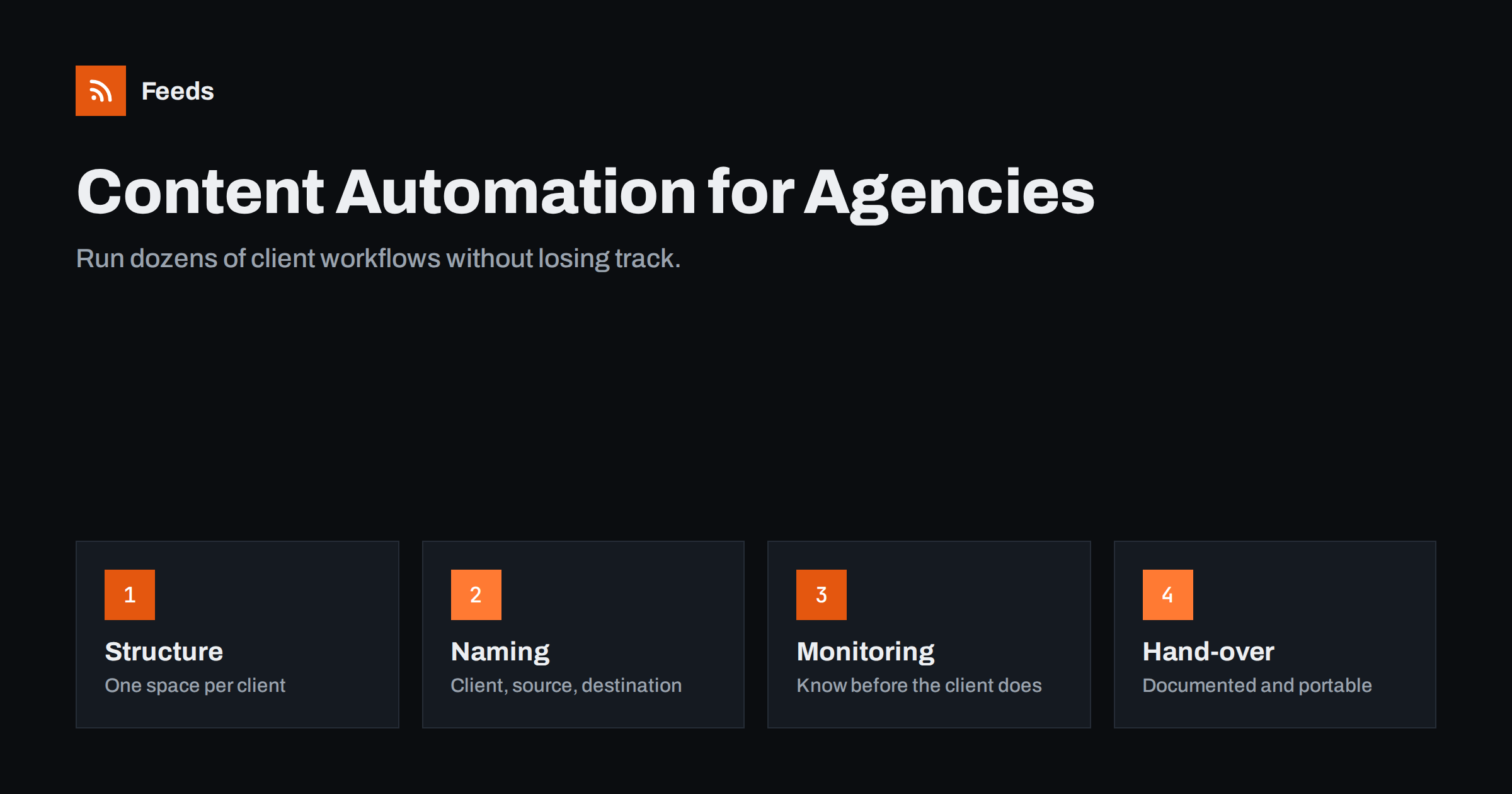
Short answer: Agencies can run content automation for many clients by treating it as an operational system rather than a set of one-off workflows: a separate space or folder per client, a strict naming convention, client-owned accounts where possible, filtered and merged feeds per client, monitoring that alerts the agency before the client notices a failure, UTM-based reporting and documentation that makes every workflow easy to hand over. The biggest risks are silent failures and knowledge locked in one person’s head.
Why agencies feel automation problems first
A single business with three workflows can survive a little chaos. An agency with thirty clients, each with five or ten workflows, cannot. Every small inefficiency is multiplied: a forgotten login, a feed that changed, a template with a typo. And the consequences are commercial, because the client sees the result and pays for it.
At the same time, agencies benefit most from automation. Distributing client content to social networks, preparing curated newsletters, monitoring client and competitor news, keeping product catalogs synchronised: these are repetitive services with clear value. Done well, automation lets an account manager serve more clients at higher quality. Done badly, it becomes a source of late-night emergencies.
Typical agency automation services
- Social distribution of clients’ blog posts, news and products to their pages and channels.
- Curated content streams for clients who want to share industry news with commentary.
- Newsletters assembled from client blogs or curated sources.
- Monitoring of client mentions, competitor news and regulatory updates, delivered to the client or the account team.
- 商品フィード for Google Merchant Center and Meta catalogs for e-commerce clients.
- Reporting on the traffic and engagement those workflows bring.
Each of these can be offered as a clearly defined service with a monthly fee, which makes automation a revenue line rather than a hidden cost.
Defining the services clearly also sets expectations. A client who buys “social distribution of your blog posts” knows what to expect and what is not included, such as writing custom posts or responding to comments. Vague promises like “we will handle your social media automatically” lead to disappointment on both sides.
Structure: one space per client
Most automation and posting tools offer workspaces, folders, teams or brand profiles. Use them strictly: one per client, with nothing shared between clients except the agency’s admin access.
- Separation prevents accidents, such as posting one client’s article to another client’s page, which is the kind of mistake that ends relationships.
- It simplifies offboarding. When a client leaves, you export or transfer their space without untangling shared workflows.
- It clarifies costs. Usage per client is visible, which matters when tools charge per task or per account.
Where possible, connect social accounts and ad accounts that the client owns, with the agency added as a manager. Avoid creating client assets under agency-owned accounts; ownership disputes are painful for everyone.
Naming and documentation
A naming convention sounds trivial until you have two hundred workflows. A pattern such as client – source – destination – purpose, for example “Acme – blog feed – LinkedIn – autopost”, makes every list readable and searchable.
Keep a register, a simple spreadsheet is enough, with one row per workflow:
- Client, workflow name and tool.
- Source feed URL and filters.
- Destination account and who owns it.
- Template and UTM parameters.
- Responsible account manager.
- Date created and date last checked.
This register is what lets a colleague cover during holidays, and what makes a clean hand-over possible if the client moves to another agency or takes the work in-house.
Feeds as the foundation
Most agency content workflows start with a feed. Getting the feeds right for each client avoids a large share of later problems.
- Use category feeds to separate content types, so job ads do not end up on the client’s product page.
- Merge sources when a client has several sites or wants curated content from many publishers, and deduplicate them.
- Filter by keywords to keep curated streams on topic for each client’s niche.
- Create feeds for pages without RSS, such as a client’s news page on an old CMS, rather than building fragile scraping scripts.
Feeds is built for this. It creates RSS feeds from any page that lists articles, merges several sources, keeps or drops items by keyword and removes duplicates automatically. Feeds refresh on their own, and paid plans send an alert when a page changes and a feed stops finding items, which is exactly the silent failure agencies fear. For e-commerce clients it generates Google Merchant Center and Meta catalog feeds from WooCommerce, Shopify or a CSV link, with stock, title and price rules. Agencies use it as one place for client feeds; the pricing page shows plans for more feeds and several stores.
Approval rules and client sign-off
The question every client asks sooner or later is: “Who decides what gets posted under our name?” Agree the answer before the first workflow goes live, and write it down.
There are three common models:
- Full automation for the client’s own content. If the client publishes an article on their own site, it has already been approved, so distributing it automatically to their channels is usually uncontroversial.
- Approval queue for third-party or curated content. Items collected from other sources wait in a queue, a shared sheet or a draft state until someone at the agency or the client approves them. This is slower but protects the client from sharing something inaccurate or off-brand.
- Hybrid: trusted sources flow automatically, everything else waits for approval. This is often the best balance for curated streams.
Also agree on the rules around sensitive moments. If the client faces a crisis, a product recall or a public complaint, automated cheerful posts can look tone-deaf. Define who can pause all automations for a client, how quickly, and make sure that person knows how to do it. A documented “pause switch” is one of the most valuable things an agency can offer, and one of the most often forgotten.
Finally, put templates and frequency limits in the service agreement or onboarding document. When a client later asks why an item was or was not posted, you can point to the agreed rules instead of debating from memory.
Monitoring: know before the client does
The worst way to learn that a workflow broke is from the client. Build monitoring into the service:
- Turn on failure notifications in every tool, routed to a shared agency inbox or channel, not to one person.
- Use feed alerts for sources that may change layout.
- Weekly spot checks: open each client’s main destinations and confirm recent automated posts look right.
- Watch for silence. A workflow that normally posts several times a week and has posted nothing for ten days deserves a look, even without an error.
- Reauthorise proactively. Social connections expire. Keep a calendar of when each connection was last authorised.
Reporting value to clients
Clients renew what they can see. Add consistent UTM parameters to every automated link, using the client’s own analytics, and report monthly or quarterly on:
- Number of items distributed per channel.
- Traffic, engagement and conversions from automated posts and newsletters.
- Issues detected and fixed, which demonstrates the monitoring you provide.
- Recommendations, such as channels to add, filters to adjust or content gaps.
Be honest in reports. If a channel brings little, say so and suggest changes. Clients trust agencies that report weak results as clearly as strong ones.
Onboarding and offboarding checklists
Onboarding a client
- Create the client space and naming prefix.
- Get manager access to client-owned accounts.
- Collect and test all source feeds; create feeds for pages without one.
- Agree on destinations, templates, frequency and approval rules in writing.
- Set UTM conventions in the client’s analytics.
- Start every workflow with “only new items”.
Offboarding a client
- Export the register rows for that client.
- Pause workflows on an agreed date, not before.
- Transfer or document feeds, templates and filters.
- Remove agency access from client accounts.
Related reading
- What Is Content Automation? A Practical Guide for Small Teams
- 12 Content Automation Mistakes and How to Avoid Them
- Zapier vs Make vs IFTTT vs n8n for RSS Automation
- How to Track Traffic from Automated Posts with UTM Tags
The bottom line
For agencies, content automation is a service, and services need operations. Separate client spaces, name workflows consistently, keep a register, build workflows on clean filtered feeds, monitor so you spot failures first, report results honestly and plan for hand-over from day one. That discipline lets a small team deliver reliable automation to many clients without chaos.
FAQ
Should agencies use client-owned or agency-owned accounts for automation?
Client-owned social, analytics and ad accounts with agency manager access are best. They avoid ownership disputes and make hand-over simple if the relationship ends.
How can an agency detect broken client workflows quickly?
Route failure notifications to a shared agency channel, use feed tools that alert when a feed stops finding items, and do weekly spot checks of each client’s main destinations.
Can agencies charge for content automation?
Yes. Distribution, curation, monitoring and product feed management are clear services with ongoing work behind them, and many agencies offer them as monthly retainers.
How should workflows be named across many clients?
Use a consistent pattern such as client, source, destination and purpose. It makes lists searchable and prevents confusion between similar workflows.
What should an agency hand over when a client leaves?
The list of workflows with sources, filters, templates, destinations and UTM conventions, plus any feeds created for the client, so the new team can continue without guesswork.
Should curated content be posted automatically for clients?
Usually not without review. A client’s own content can be distributed automatically, but third-party content should pass through an approval step or come only from a short list of trusted sources, because it appears under the client’s name.


