 ENEnglish
 LTLietuviškai
 DEDeutsch
 FRFrançais
 RUРусский
 ESEspañol
 PLPolski
 ITItaliano
 UKУкраїнська
 CSČeština
 PTPortuguês
 JA日本語
JA日本語 LVLatviešu valoda
 ETEesti
 HUMagyar
 IDBahasa Indonesia
 TRTürkçe
 HIहिन्दी
 ELΕλληνικά
 ARالعربية
 THไทย
THไทย VITiếng Việt
 RORomână
 MSBahasa Melayu
 BNবাংলা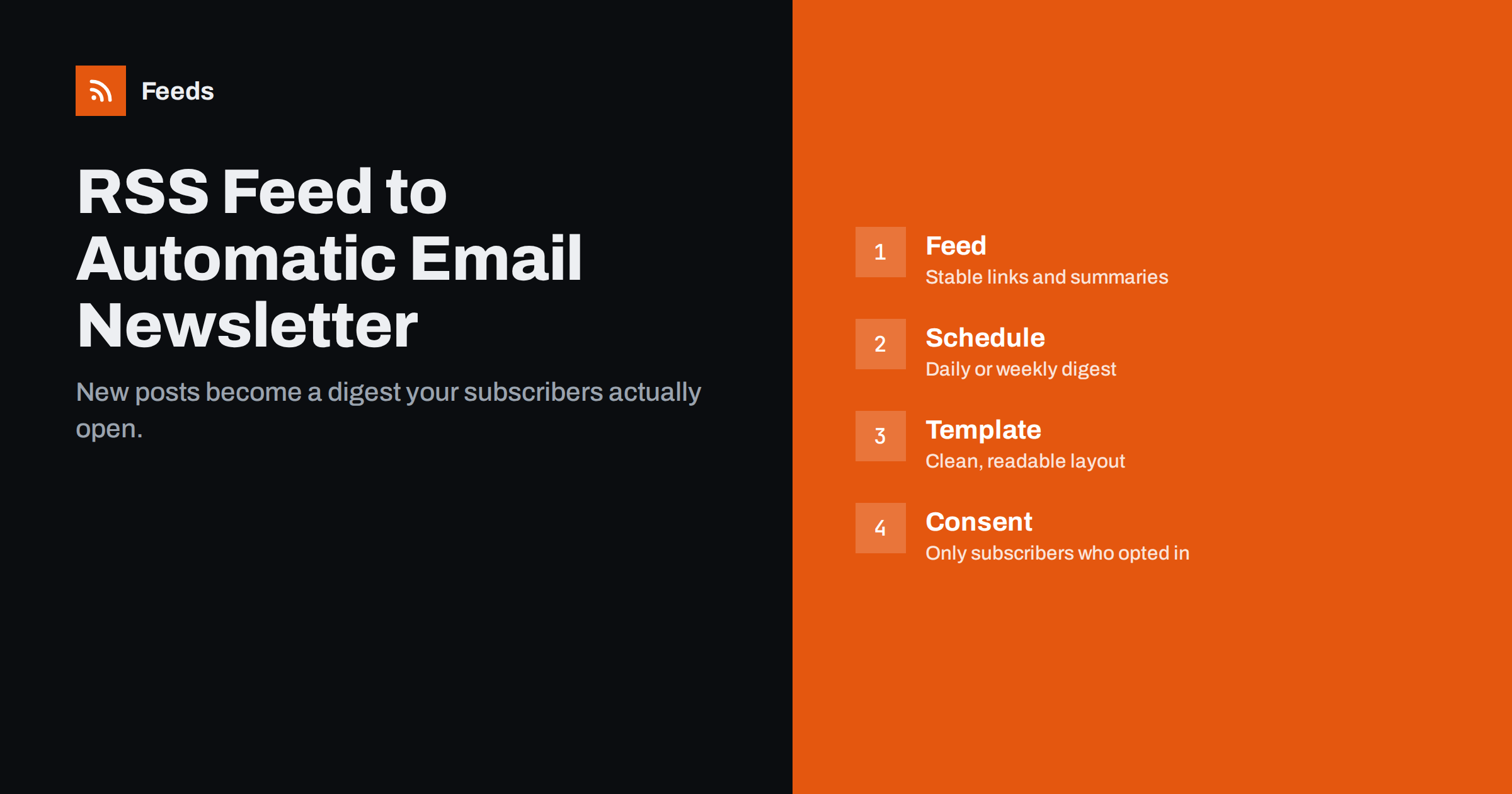
Short answer: An RSS-to-email newsletter is created by connecting your site’s feed to an email marketing platform that supports RSS campaigns. The platform checks the feed on a schedule, collects items published since the last send and inserts them into a template, then emails the result to your list. Most businesses do best with a weekly or daily digest rather than one email per post, and the quality depends on clean feed titles, summaries and images.
What an RSS-to-email newsletter is
Most email platforms offer a campaign type often called “RSS campaign”, “RSS-to-email” or “blog digest”. Instead of writing each issue by hand, you design a template once and point it at a feed. On every scheduled run the platform looks at the feed, finds items it has not sent yet and builds an email from them. If nothing new was published, it usually skips the send.
This suits any site that publishes regularly: company blogs, news sites, job boards, event calendars, podcast sites and online shops that post new arrivals. The newsletter becomes a by-product of work you already do.
Why automate your newsletter from a feed
- Consistency. A digest that arrives every Tuesday builds a habit with readers. Manual newsletters are the first thing to slip when a team is busy.
- Less work. You design the template once. Writing a fresh introduction is optional rather than required.
- No missed content. Every published item is included, so good articles do not disappear after one day on social media.
- A channel you control. Email lists are not subject to social network algorithm changes in the same way as social followers are.
The trade-off is less personality. A purely automated digest can feel impersonal, which is why many teams combine an automated content block with a short hand-written note.
Instant, daily or weekly: choosing the format
The sending schedule matters more than almost any design choice.
| Format | 仕組み | Best for | Main risk |
|---|---|---|---|
| Instant (per item) | One email for each new item | Alerts, job listings, rare but important posts | Too many emails when you publish often |
| Daily digest | All items from the last day in one email | News sites, active blogs, deal alerts | Fatigue if the list is not strongly interested |
| Weekly digest | The week’s items in one email | Company blogs, B2B content, most small businesses | Long emails if volume is high |
| Monthly roundup | A month of items, often curated | Low-frequency publishers, internal updates | Items feel stale by send time |
If you publish two to five items a week, a weekly digest is usually the safest starting point. If you publish several items a day, a daily digest with a limit on the number of items keeps emails readable.
Step by step: setting it up
- Check your feed. Open the feed URL and confirm each item has a meaningful title, a link, a publication date and ideally a summary and image. If summaries contain the full article, consider switching your CMS to excerpts for the feed, or use a template that shows only the first part.
- Choose an email platform with RSS campaigns. Many mainstream email services offer this. Check that it supports your schedule, item limits and images.
- Create the campaign. Paste the feed URL, choose the schedule (for example Tuesday at 9:00 in your audience’s time zone) and select the list or segment.
- Design the template. Use the platform’s feed merge tags to insert item titles, links, images and summaries. Keep a clear header, a short intro area and an obvious footer with unsubscribe and address details.
- Set the subject line. Many platforms can insert the title of the newest item. A fixed pattern such as “This week: [latest title]” works well.
- Send a test. Look at it on a phone and in at least two email clients. Check image sizes and link tracking.
- Activate and watch the first real send. Open the email your subscribers actually receive, not only the preview.
Designing a digest people read
Keep items scannable
Each item needs a clear headline, one or two sentences of summary and a single link. Readers skim digests; long excerpts push later items below the fold where few people scroll.
Limit the number of items
Five to ten items is a comfortable range for most digests. If you regularly have more, filter out lower-priority categories or split the newsletter by topic.
Handle images carefully
Feed images are sometimes very large or missing. Set a fixed display width in the template, and make sure the design still looks fine when an item has no image.
Add a human line
A short editable intro, even two sentences, makes an automated email feel much more personal. Some platforms let you edit the draft before each send; others send fully automatically.
Deliverability and consent basics
Automation does not change the rules of email marketing. Only send to people who asked to receive your emails, include a working unsubscribe link and your business address, and authenticate your sending domain with SPF, DKIM and DMARC as your provider recommends. Laws such as the GDPR in the EU and CAN-SPAM in the US apply to automated emails just as they do to manual ones.
Watch engagement too. If a daily digest gets steadily fewer opens, subscribers may be telling you it is too frequent. Offering a weekly alternative is often better than losing them entirely.
Building a newsletter from sources without a feed
An RSS-to-email campaign needs a feed. That is easy for your own blog, but harder if you want a curated newsletter from industry sites, a local news page or a partner’s announcements that have no RSS.
Feeds can create an RSS feed from any page that lists articles, merge several sources into one feed and keep only the items that contain your keywords. Duplicates are removed automatically, and the feed refreshes itself. The resulting feed link can be pasted into the RSS campaign of your email platform, which gives you a curated, automatically assembled newsletter without manual collection. You can try it on the free plan; see plans and limits for more.
If you do curate other people’s content, link to the original articles, keep summaries short and respect each publisher’s terms.
Measuring whether the newsletter works
Automated newsletters are easy to forget once they run, so decide in advance which numbers you will look at and how often. A quarterly review is enough for most small businesses.
- Click rate per issue. Opens have become less reliable because some email clients load images automatically for privacy reasons. Clicks show real interest more accurately.
- Clicks per item position. If almost nobody clicks items below the third one, your digest is probably too long.
- Unsubscribes after each send. A sudden rise after you change the frequency is a clear signal.
- Traffic from email in your analytics. Add UTM parameters to the links in the template, for example
utm_source=newsletter&utm_medium=email&utm_campaign=digest, so that visits from the digest are counted separately. - Replies. If you send from an address people can reply to, the replies are often the most useful feedback of all.
Use these numbers to adjust one thing at a time: frequency, number of items, subject line pattern or template. Changing several things at once makes it impossible to tell what helped.
When a manual newsletter is still the better choice
Automation is not always the answer. If you publish rarely, if every issue needs an editorial story, or if the newsletter is your main sales channel with carefully timed offers, a hand-written email usually performs better. A practical middle ground is a hybrid: the platform assembles the list of new items automatically, and someone spends ten minutes writing an introduction and choosing the order before it goes out. You keep most of the time savings while the email still sounds like a person wrote it.
Common mistakes
- Full articles in the email. Long digests are hard to read and reduce clicks to your site.
- Sending at the wrong time. Schedule in your audience’s time zone, not your server’s.
- Empty or broken images. Test with items that have no image and with very large images.
- Never looking at the result. A template change in your CMS or feed can break the layout silently. Open the real email regularly.
- Using the same list for everything. Let subscribers choose topics or frequency where possible.
Related reading
- How to Automate Social Media Posts from an RSS Feed
- What Is an RSS Feed? A Plain-English Guide for Site Owners
- How to Create an RSS Feed for a Website Without RSS
The bottom line
An RSS-to-email newsletter turns content you already publish into a steady, low-effort email habit for your readers. Start with a clean feed, pick a weekly or daily digest, design a short scannable template and add a line of human context when you can. Then read the emails your subscribers actually receive, and adjust the frequency based on how they respond.
FAQ
Do I need coding skills to create an RSS-to-email newsletter?
No. Most email platforms with RSS campaigns let you paste a feed URL and use drag-and-drop templates with merge tags. Coding only helps if you want a fully custom HTML design.
What happens if I publish nothing in a week?
Most RSS campaigns skip the send when the feed has no new items since the last email. Check your platform’s setting, because some can be configured to send anyway.
Can I combine several feeds in one newsletter?
Some email platforms support multiple feed blocks in one template. Alternatively, merge the sources into one feed first and use that single feed in the campaign.
Should the digest include full articles or excerpts?
Excerpts are almost always better. They keep the email short, make it easy to scan and bring readers to your site, where they can read the full article.
How many items should a digest include?
Five to ten items is a comfortable range for most audiences. If you regularly have more, filter by category or split the newsletter into topic-specific lists.


